See the Difference: Before & After Adding Border
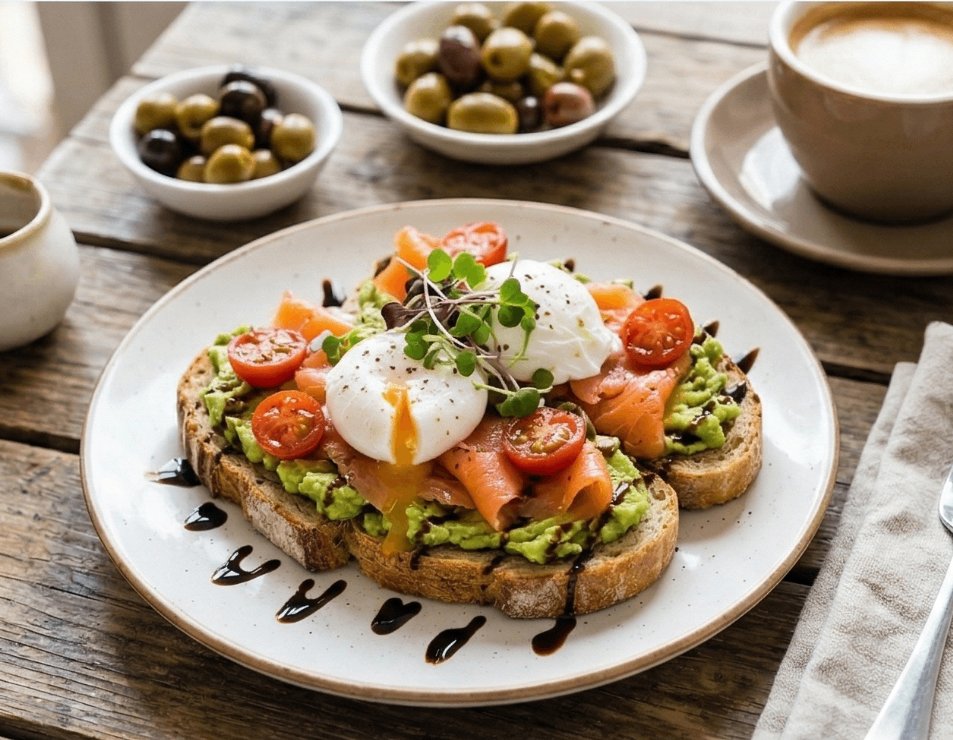
Original Image (No Border)
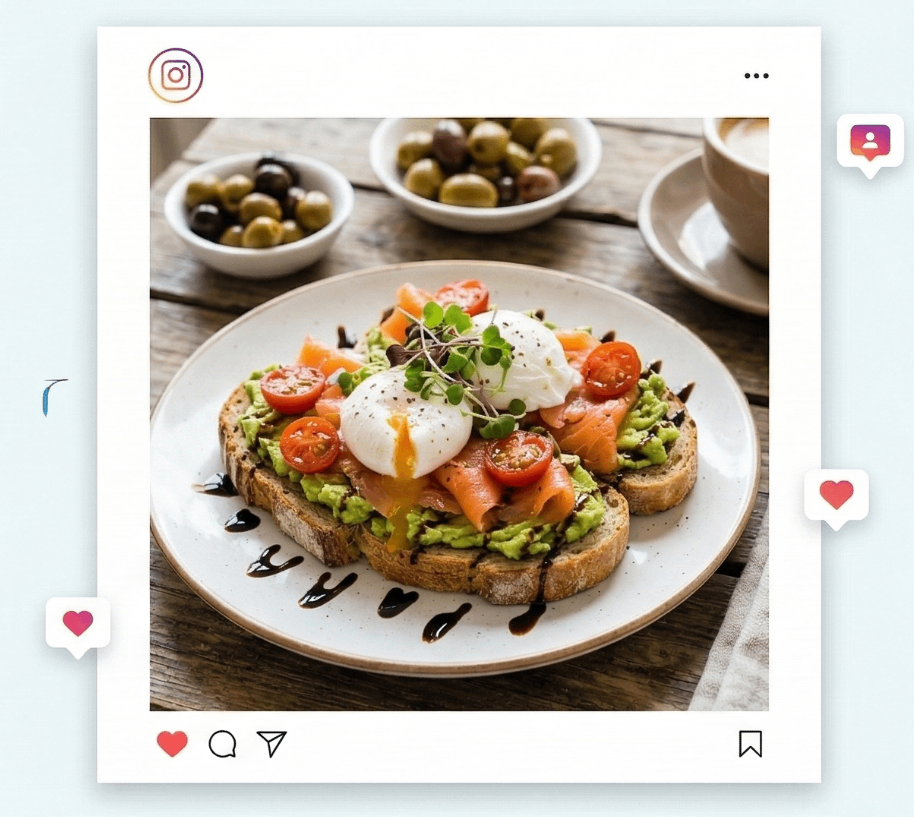
After Adding White Border
⚡ Add white, black, or gradient borders to your images instantly.
How to Add Border to Image Online Free
Whether you need a white border for Instagram, a black border for framing, or a gradient outline for design, our tool makes it instant. No signup, no upload – everything runs in your browser.
1. Upload Your Image
Drag & drop any JPG, PNG, or WEBP. We support photos, logos, and graphics. To add border to person image, just upload your portrait.
2. Choose Border Style
Select white border, black border, or create gradient. Adjust thickness with sliders – see real-time preview.
3. Download Free
Export as PNG with transparent background support. Your image never leaves your device – 100% private.
✨ Why Use Our Border Tool?
- Add white border to photo online free – Perfect for Instagram "no crop" posts. Maintains aspect ratio.
- Add black border to image online free – Gives a classic framed look for portraits and art.
- Outline border image online – Create thin outlines or thick borders for thumbnails and graphics.
- Add border to person image – Works great for profile pictures, ID photos, and cutouts.
- Gradient borders – Linear and radial gradients for modern designs.
🎯 Perfect For
Instagram Posts
Add white borders to fit square formatProfile Pictures
Add borders to person imagesGraphic Design
Outline images for thumbnailsPhoto Framing
Black borders for classic lookFrequently Asked Questions
How do I add a white border to a photo online free?
Simply upload your image, select "Solid" color, choose white (#FFFFFF), and adjust the horizontal/vertical padding. The preview updates in real-time. Download instantly – no cost.
Can I add a black border to an image?
Yes! In the border style section, pick "Solid" and use the color picker to select black (#000000) or any dark shade. Adjust thickness as needed.
What is "outline border image" option?
Outline border means adding a thin border around the subject. Use our tool with small padding values (1-5px) and choose contrasting colors like white on dark images.
Can I add border to person image?
Absolutely! Upload any portrait or person photo. Use the "Smart Fit Presets" like 4:5 for Instagram portraits, then add white or black borders. The person remains centered.
Is it really free and private?
100% free. No watermark. All processing happens in your browser – images never uploaded to any server. Your privacy is guaranteed.
Can I make gradient borders?
Yes! Select "Gradient Linear" or "Gradient Radial" from the dropdown. Choose two colors and see the gradient border applied instantly.
✨ add white border to photo online free ✨ add black border to image online free ✨ outline border image online ✨ add border to person image ✨ gradient border generator