Free Online WebP to PNG Batch Converter
The ultimate webp to png batch converter: process unlimited bulk files, keep 100% transparency, and compress to target file size locally.
or drop WebP files here to extract high-quality transparent PNGs in bulk
How to Convert WebP to PNG Batch Online
A lightning-fast 3-step visual workflow engineered for seamless bulk WebP to PNG transformation with transparent alpha preservation and target compression.
Upload WebP files in batch
Auto-compress & preserve alpha
Download single PNG or ZIP
How Our WebP to PNG Batch Engine Works
Learn the underlying client-side pipeline that guarantees rapid bulk WebP to PNG conversion, target size compression, and zero cloud uploads.
Multi-File WebP Ingestion & Live Queue
Select or drop up to 100+ WebP graphics. The files are queued in local memory and rendered into live result cards instantly, allowing sequential processing with individual progress visibility.
32-Bit RGBA & Alpha Transparency
Unlike inferior converters that replace transparent layers with black backgrounds, our canvas rasterizer accurately maps the 8-bit alpha channel pixel matrix without color clipping or border halos.
Target Size PNG Compression Loop
Select preset size limits (e.g. Under 100 KB) or specify exact custom KB. Our adaptive compressor quantizes color palettes and scales geometry to guarantee files stay below your threshold.
Instant Download & ZIP Archive
Download finished PNG images immediately as each displays a verified green tick, copy straight to clipboard, or download all converted files in an organized ZIP bundle.
Powerful Performance Features
Engineered to outperform conventional online converters with target size limits, zero server uploads, and airtight local privacy.
Live Sequential Bulk Processing
Converts files one-by-one with live tick feedback, letting you download completed PNGs immediately without waiting for the full queue.
Target Size Compression
Set limits like Under 50KB, 100KB, 200KB, or custom KB. Intelligent palette quantization keeps files strictly within limits.
100% Alpha Transparency
Preserves clean transparent backgrounds without dark borders or halo artifacts, or allows custom solid background replacement.
Airtight Private Sandbox
Your graphics remain strictly in device RAM. Zero uploads, zero logging, and zero risks to personal or company data.
Direct Clipboard Copy
Copy transparent PNGs to your clipboard with one click and paste straight into WhatsApp, Figma, Canva, or Word.
100% Free & Offline Ready
No subscriptions, no registration, and no limits. Once loaded, our converter operates completely without an internet connection.
Lossless WebP to PNG Batch Architecture
Save time with our advanced webp to png batch converter. Whether you need to process a few files or handle a massive bulk webp to png conversion, our tool works instantly in your browser with 100% alpha transparency preservation and target size compression.
WebP Compression Standards vs. Lossless PNG Bitstream
Developed by Google, the WebP image container utilizes predictive coding derived from the VP8 video codec to achieve compact file sizes for internet browsing. However, despite web adoption, many legacy desktop image editors, CAD platforms, Microsoft Office documents, and print publishing suites still lack native WebP support.
Utilizing our dedicated webp to png converter free utility transforms encapsulated WebP files into the universal, lossless Portable Network Graphics (PNG) standard recognized across every desktop and mobile application. Learn more about the PNG specification on Wikipedia.
- Universal compatibility with Photoshop, Illustrator, Premiere Pro, InDesign, and MS Paint.
- Extract clean, uncompressed PNG stills from animated WebP banners and stickers.
- Process single files or massive webp to png bulk queues in a single workflow.
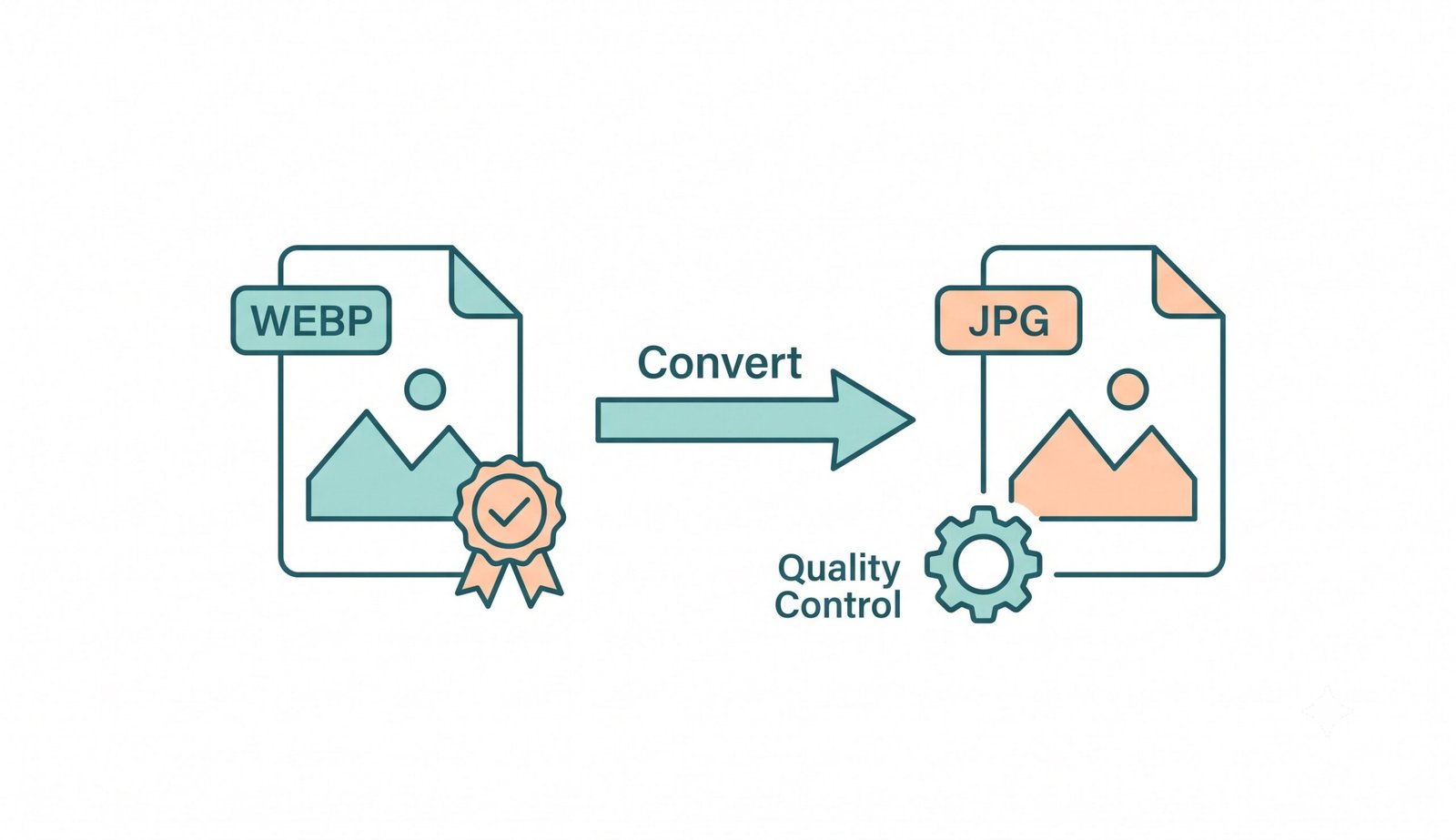
Flawless Alpha Transparency with Target File Size Compression
When converting WebP graphics featuring complex anti-aliased shadows, semi-transparent gradients, or cutout product photography, standard tools often corrupt transparent layers, replacing them with jarring black borders or jagged white fringe halos.
Our webp to png transparent pipeline guarantees zero border artifacting while offering an integrated target-size compression engine. Choose preset limits such as Under 100 KB or enter a custom maximum KB threshold. Our adaptive quantization reduces unnecessary bitstream bloat without compromising sharp vector edges.
- Perfect transparency retention for brand logos, stickers, app icons, and cutouts.
- Option to replace alpha with solid White, Black, Cream, or custom background colors.
- Direct system clipboard export for lightning-fast pasting into Slack, Figma, and Docs.
In-Memory Execution: Instant Multi-File ZIP Compression
Conventional web conversion platforms force users to transmit private business assets, confidential documents, and personal images across public cloud networks, creating severe privacy risks and lengthy server queue delays.
Our webp to png batch converter processes files 100% locally inside an isolated in-memory JavaScript sandbox. If you frequently handle other media formats, check out our companion utilities such as our converter MP4 to MP3 free download tool for zero-latency multimedia processing.
- Zero server storage, zero data logging, and complete confidentiality protection.
- Instant bulk ZIP archive compilation with high-speed multi-threaded JSZip.
- Full offline capability after initial browser page load.
Frequently Asked Questions
Everything you need to know about our high-speed, private WebP to PNG batch converter and compression engine.
Yes! Our tool ensures that every webp to png transparent conversion keeps the original alpha channel perfectly intact without adding any white or black backgrounds or halo artifacts around anti-aliased graphic edges.
Yes! Our built-in PNG compressor includes smart presets (Under 50KB, 100KB, 200KB, 500KB, 1MB) and a Custom Target KB input that automatically optimizes palette bit-depth and quantization to meet your size limit.
Absolutely. This is a 100% webp to png converter free tool. We do not charge for premium features, and there are no hidden subscriptions, watermarks, or file size limits.
Our bulk webp to png (or webp to png bulk) feature processes files locally one-by-one in browser memory so you can immediately download completed images with a verified tick while the remaining files process in the background.
Yes! Each converted result card includes a dedicated "Copy PNG" button that writes the RGBA image straight to your system clipboard, allowing you to paste it into WhatsApp Web, Google Docs, Figma, Canva, or Photoshop using standard Ctrl+V or Cmd+V.
No. All conversions execute 100% locally inside your client web browser via HTML5 Canvas. Your files never leave your device, ensuring total privacy and GDPR compliance.