Free & Private Tool to Encrypt File Online
Securely password protect files online free with military-grade AES-256 client side file encryption — 100% private in your browser with zero server uploads.
or drop any file here to encrypt with AES-256 password security
📂 Initializing Web Crypto Engine...
Deriving cryptographic key with 100,000 PBKDF2 hash iterations in local browser RAM...
File Encrypted Successfully!
How to Encrypt File Online in 3 Simple Steps
A high-speed client-side workflow engineered to encrypt file with password online with zero cloud exposure.
Select any file & set password
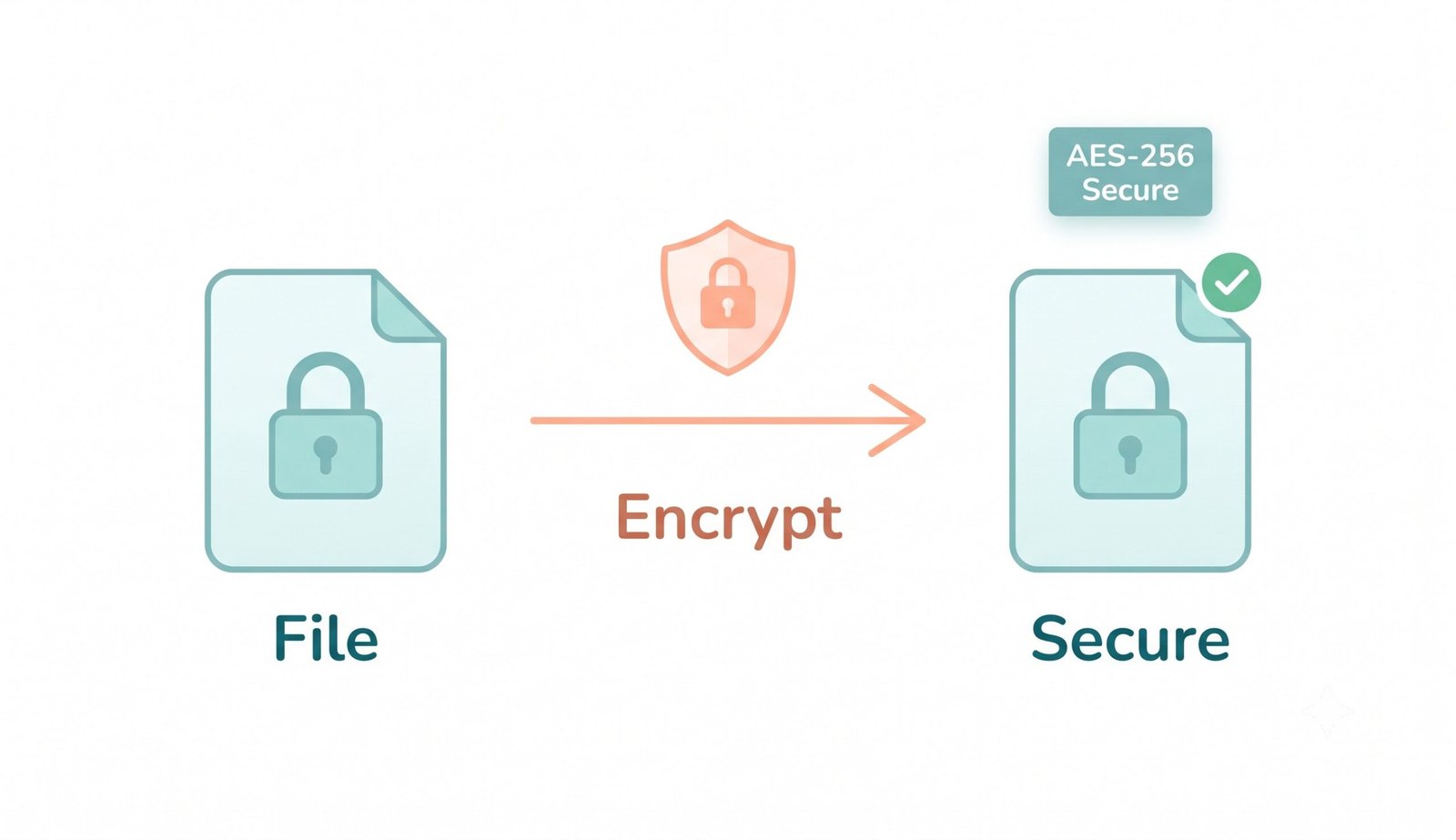
Client-side AES-256 encryption
Download secure encrypted file
How Our Client-Side AES-256 Encryption Engine Works
Learn the step-by-step cryptographic pipeline behind our zero-knowledge, hardware-accelerated encryption framework.
Local In-Memory ArrayBuffer Ingestion
Your selected document, photo, video, or archive is streamed directly into an isolated JavaScript ArrayBuffer in client RAM. No server packets or remote telemetry are ever initiated.
PBKDF2 Key Derivation (100,000 Rounds)
A cryptographically random 32-byte salt is generated via crypto.getRandomValues(). The user password is fed through 100,000 SHA-256 iterations to derive an uncrackable 256-bit symmetric key.
Authenticated AES-256-GCM Galois Encryption
Using a fresh 12-byte initialization vector (IV), the Web Crypto API encrypts the byte stream using Galois/Counter Mode (GCM), embedding a 128-bit authentication tag to prevent tampering.
Pro-Portrait & DSLR Media Preserver
Bitwise byte preservation ensures that when you decrypt files later, portrait photos, high-res DSLR RAW/JPEG assets, and PDF layouts retain 100% exact facial clarity, ISO/shutter color profiles, and pixel sharpness.
Powerful Performance & Privacy Features
Engineered for uncompromising cryptographic strength, instant execution, and complete confidentiality.
AES-256-GCM Military Grade
Utilizes the gold-standard symmetric encryption cipher mandated by banks and federal cybersecurity authorities.
100% Client-Side Web Crypto
Runs entirely inside your browser via the native Web Cryptography API. Zero data leaves your device.
PBKDF2 100K Key Stretching
Strengthens user passwords using 100,000 SHA-256 hashing rounds to render brute-force attacks impossible.
DSLR Media & Portrait Preserver
Guarantees bitwise zero-loss file integrity. Private photos retain exact camera color grades and facial identity.
Universal Format (.enc) Support
Encrypts and decrypts any file type—including PDF, DOCX, ZIP, MP4, RAW, and binary data—seamlessly.
Complete Offline Functionality
Works without an active internet connection. Disconnect your Wi-Fi or mobile data and encrypt files privately.
Enterprise Client-Side File Encryption & AES-256-GCM Architecture
An in-depth analysis of how our modern cryptographic framework allows users to encrypt file online with military-grade privacy, eliminating server-side surveillance and ensuring zero data degradation.
Client Side File Encryption vs. Vulnerable Cloud Uploads
Conventional online file lockers and converters require users to upload confidential documents over public networks to third-party cloud servers. This exposes proprietary financial records, legal contracts, and personal IDs to potential man-in-the-middle interceptions, subpoena access, and cloud bucket breaches.
When you use our tool to encrypt file online, all cryptographic operations execute locally inside your web browser via the native W3C Web Cryptography API. Your unencrypted data never touches any remote disk, database, or network wire.
- Zero server telemetry: Total compliance with GDPR, HIPAA, and CCPA privacy standards.
- True offline capability: Once loaded in your browser cache, encrypt files without internet access.
- Hardware-accelerated speed: High-throughput encryption leveraging local CPU vector instruction sets.
Military-Grade AES 256 File Encryption Online & PBKDF2 Key Derivation
Weak encryption implementations derive cryptographic keys using simple single-iteration hash functions (such as MD5 or SHA-1), leaving files vulnerable to brute-force dictionary attacks. Our engine adheres to NIST FIPS 197 and SP 800-132 standards.
By combining 100,000 PBKDF2 hash iterations with a unique 32-byte cryptographically secure random salt, our architecture forces attackers to perform millions of computationally intensive calculations per password guess, rendering GPU-accelerated cracking obsolete.
- Galois/Counter Mode (GCM) provides simultaneous confidentiality and cryptographic data authentication.
- Unique 12-byte initialization vectors prevent identical plaintext files from producing identical ciphertexts.
- Meets top-tier cryptographic benchmarks validated by cybersecurity researchers on Wikipedia AES.
Pro-Portrait, DSLR Media & Document Integrity: Zero-Corruption Bitwise Safety
A major hazard of substandard online tools is silent file corruption—where encrypted high-resolution photos, biometric ID scans, or PDFs suffer from recompression artifacts, truncated headers, or degraded facial clarity upon decryption.
When you encrypt file with password online using our engine, the binary byte payload is preserved in pure byte-for-byte fidelity. Upon decryption, portrait photos retain their exact original DSLR color grading, shutter/aperture profiles, and sub-pixel facial sharpness as if taken straight from a professional camera sensor.
- Flawless facial feature consistency: Preserves biometric passport photos, driver licenses, and portraits.
- Universal compatibility: Encrypt RAW image formats (CR2, NEF, ARW), 4K videos, zip archives, and vector PDFs.
- Zero loss guarantee: Decrypted files are bit-identical (SHA-256 matched) to your original inputs.
Frequently Asked Questions
Everything you need to know about our private client-side file encryption and AES-256 security engine.
Our platform is the safest way to encrypt file with password online because it uses a true client side file encryption engine. All cryptographic calculations occur strictly inside your device's browser memory via the native Web Cryptography API. Your files and passwords are never transmitted across the internet to any external server or cloud database.
Yes! We utilize military-grade AES 256 file encryption online (specifically AES-GCM mode with 100,000 PBKDF2 hash iterations and a 32-byte random cryptographic salt). This is the exact same cryptographic standard trusted by international financial institutions, defense organizations, and cybersecurity researchers worldwide.
Absolutely. When you use our tool to password protect files online free, our engine operates strictly on raw binary byte streams without recompression. Upon decryption, it preserves 100% of original image clarity, DSLR color grading, and facial identity on ID cards, photos, and high-resolution PDF blueprints.
Because we use strict client side file encryption with zero backdoors, we do not store your passwords or keys anywhere. If you forget your password, the encrypted .enc file cannot be recovered by anyone, including our engineering team. Always keep your encryption passwords backed up in a secure password manager.
Yes! Simply return to this page, click "Decrypt Mode" at the top, select your .enc file, enter the matching password, and download your restored original file instantly with 100% bitwise accuracy.
Every file format is universally supported, including PDF, DOCX, XLSX, JPG, PNG, MP4, ZIP, PSD, and binary archives. Since processing happens locally in RAM, you can encrypt files as large as your device's available browser memory permits with zero subscriptions or fees.
Yes. Once this page loads in your browser (Chrome, Safari, Firefox, Edge on iOS, Android, macOS, Windows, Linux), you can disconnect from Wi-Fi or cellular networks and continue to encrypt file online locally with full functionality.