Free Online JPG to ICO Converter
Convert JPG, PNG, and WebP images to multi-resolution Windows ICO and web favicons.
or drop JPG, PNG, WebP files here to convert into ICO
How to Convert JPG to High-Quality ICO Images
A lightning-fast 3-step visual workflow engineered for multi-resolution Windows icon generation.
Upload your JPG or PNG
Select sizes & aspect fit
Download single ICO or ZIP
How Our JPG to ICO Binary Compiler Works
Learn the step-by-step mechanism behind our private, multi-layer Windows icon encoding engine.
Select & Ingest Image Stream
Upload single or batch JPG, PNG, WebP, or SVG graphics by dragging them into the dropzone. Your source files stream directly into local browser RAM memory without cloud transmission.
Smart 1:1 Auto-Crop & Fit Modes
Non-square rectangular graphics are intelligently fitted using Cover mode (smart center crop) or Contain mode (transparent letterbox margins) to prevent geometric distortion.
Multi-Resolution Micro-Sampling
Our canvas engine resamples target resolutions (16x16 up to 256x256) using high-precision bicubic anti-aliasing to preserve facial details and sharp line contours at tiny sizes.
Binary ICONDIR Packaging & Export
A genuine Windows ICO binary container is assembled with standard ICONDIR headers and ICONDIRENTRY offsets, ready for instant download or ZIP bundling.
Powerful Performance Features
Engineered for developer-grade icon bundling, razor-sharp downsampling, and airtight local privacy.
Multi-Resolution ICO Bundling
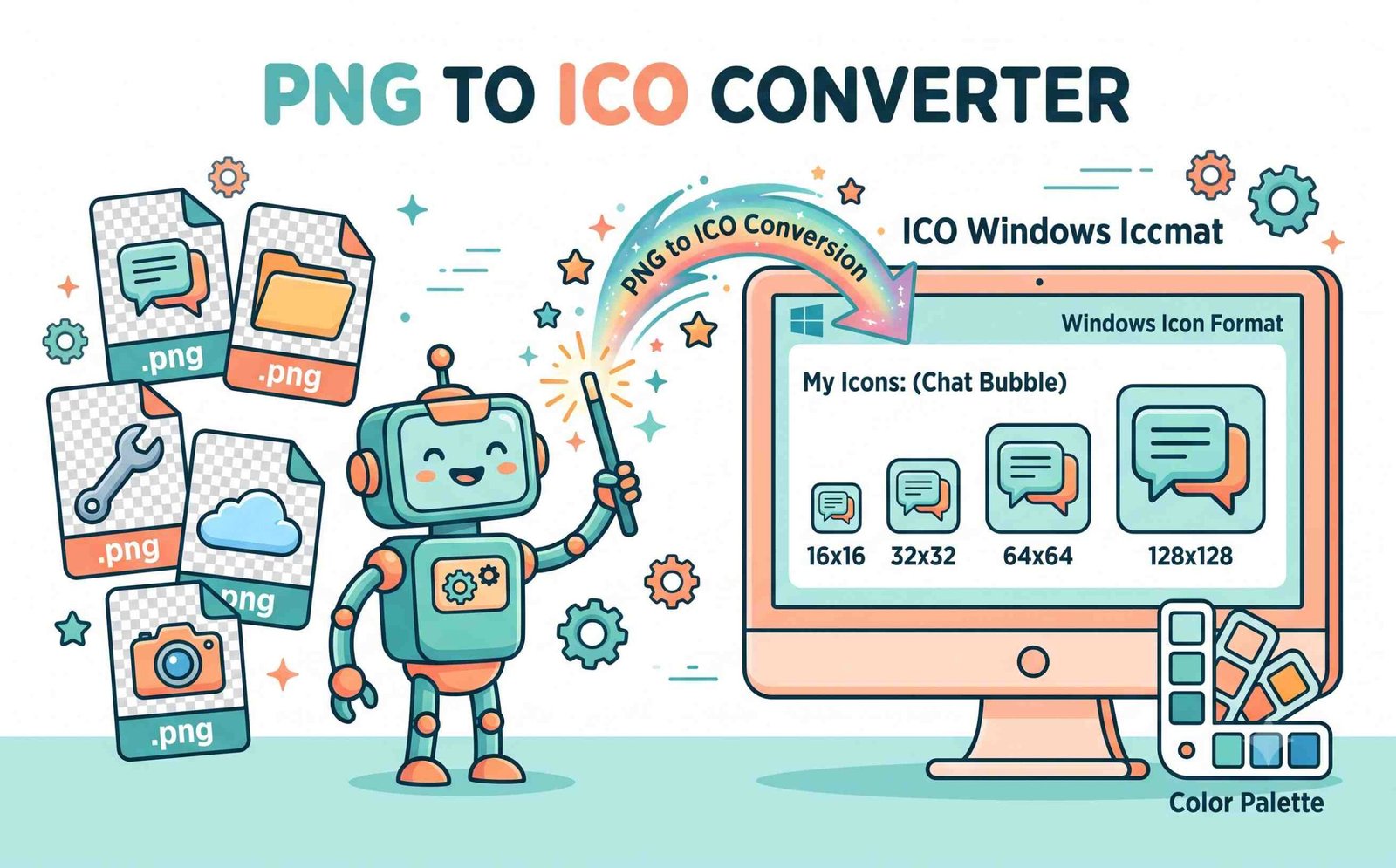
Pack 16x16, 24x24, 32x32, 48x48, 64x64, 128x128, and 256x256 frames into a single, compliant ICO container.
Pro-Portrait Anti-Aliasing
Ensures facial features, logos, and text remain recognizable and crisp even when scaled down to 16x16 micro-sizes.
100% In-Browser Privacy
All decoding, scaling, byte compilation, and ZIP packaging happen locally in RAM. Zero files touch external servers.
Smart 1:1 Auto-Crop
Prevents geometric distortion by center-cropping rectangular images into a true 1:1 square canvas automatically.
Bulk Batch Processing
Queue dozens of files simultaneously, preview scales in real time, and download all compiled ICO files in an organized ZIP folder.
Alpha Transparency Retention
Retains 32-bit sRGB alpha transparency channels from PNG, WebP, and SVG graphics for smooth edges across all dark themes.
How to Install & Use ICO Files on Any Device
Select your target platform to view implementation and installation steps.
Setting Custom Folder & Shortcut Icons in Windows 11 / 10
You can personalize desktop folders, program shortcuts, and removable drives using generated ICO files:
- Right-click on any folder or desktop shortcut and select Properties.
- Navigate to the Customize tab (for folders) or Shortcut tab (for shortcuts).
- Click Change Icon..., browse to your downloaded
.icofile, and click Apply.
Adding Multi-Resolution favicon.ico to Your Website
Ensure your website displays sharp icons across browser tabs, bookmark bars, and mobile shortcuts:
- Place your converted
favicon.ico(containing 16x16, 32x32, and 48x48 frames) in the root directory of your website. - Add this tag inside your HTML
<head>block:<link rel="icon" type="image/x-icon" href="/favicon.ico"> - Alternatively, use the "Copy Base64 ICO" button to embed the icon directly in single-page apps.
Bundling ICO Files into Software Executables
For developers packaging C#, C++, Python, Electron, or Rust desktop applications:
- Generate an ICO file with 16x16, 32x32, 48x48, 64x64, 128x128, and 256x256 resolutions checked.
- Reference the
.icopath in your application manifest, Visual Studio project settings, or PyInstaller configuration (--icon=app.ico). - Compile your application to embed high-DPI crisp icons into the final
.exefile.
High-Resolution Image to Universal ICO Conversion
Welcome to the best JPG to ICO converter designed for developers and creators. Whether you need a favicon for your website or a desktop app icon, our tool ensures a perfect, pixel-crisp export every time.
Understanding Windows ICO Binary Architecture vs Standard JPGs
A standard JPEG or PNG image is a single-frame bitmap format. In contrast, an ICO file is an encapsulated container format defined in the Microsoft Windows Icon Design Guidelines [1]. An ICO binary begins with a 6-byte ICONDIR header followed by an array of 16-byte ICONDIRENTRY structures that map to embedded PNG or BMP data chunks.
When you use our dedicated jpg to ico converter, each chosen resolution is rendered onto an isolated canvas buffer and encoded into the file's binary directory table. This enables operating systems and browsers to select the exact pixel-perfect icon size dynamically.
- Encapsulates multiple icon scales (16px up to 256px) into a single standalone file.
- Enables developers to easily free convert png to ico with full alpha transparency.
- Guarantees 100% compatibility with Windows 11 taskbars, shortcuts, and web favicons.
Pro-Portrait Clarity & Smart 1:1 Auto-Crop Engine
When scaling down portraits, avatars, and complex brand logos to 16x16 or 32x32 pixels, ordinary converters produce blurry, unrecognizable smudges. Our png to ico high-quality rendering engine applies high-precision bicubic downsampling to maintain facial contours and crisp edge contrast.
Additionally, our Smart 1:1 Auto-Crop prevents distortion by automatically centering rectangular images within a square canvas, so your icons never appear stretched or squashed.
- Retains facial recognition in micro-sized 16x16 and 32x32 favicon formats.
- Seamless jpg to ico convert online workflow with live zoom preview.
- Preserves 32-bit transparent alpha channels on all modern desktop dark themes.
Client-Side Security: 100% In-Browser Execution
When converting unreleased corporate logos, trademarked app branding, or personal photos, uploading assets to cloud servers introduces confidentiality vulnerabilities.
Our professional png to ico converter executes 100% in client-side HTML5 Canvas and JavaScript memory on your local machine. No external servers receive your graphics, guaranteeing full data privacy and zero data leakage.
- Zero cloud storage, zero telemetry logging, and zero tracking cookies.
- Works offline once loaded in browser cache with zero bandwidth consumption.
- Instant bulk processing with direct single-file or ZIP folder downloads.
Frequently Asked Questions
Everything you need to know about our multi-resolution JPG to ICO converter.
Yes! Our platform is completely free to use. You can instantly free convert PNG to ICO formats without any hidden subscription charges, watermarks, or user account registration requirements.
Absolutely. Our advanced rendering engine prevents blurry pixels. We guarantee a PNG to ICO high-quality result, maintaining crisp details and preserving transparent backgrounds perfectly, even at very small sizes.
Yes. Because our JPG to ICO convert online process happens entirely in your web browser locally, your images are never uploaded to any external server, ensuring 100% data privacy.
As a professional PNG to ICO converter, we allow you to bundle multiple sizes (like 16x16, 32x32, 48x48, 64x64, 128x128, and 256x256) into a single ICO file, making it perfectly ready for Windows applications and website favicons.
Yes. By default, our tool provides a Cover (Smart Auto-Crop) mode that centers and crops rectangular images to a 1:1 square canvas, preventing squashed graphics. You can also choose Contain mode to preserve full dimensions with transparent padding.
Yes! Full 32-bit sRGB alpha transparency channels from PNG, WebP, and SVG files are completely preserved, ensuring clean borders without white halo fringes across light and dark desktop themes.