Free Online Tool for MP4 to JPG Frames
Capture the perfect moment from your clips instantly. Our client-side tool allows you to convert MP4 to JPG frames directly in your browser without uploading large files.
or drop MP4 / WebM / MOV video files here to extract high-res JPG frames
Step 1: Frame-by-Frame Timeline Navigation
Captured Session Frames Gallery
All frames captured during this session. Click any frame to set it as active for export.
Step 2: Output Resolution & Format
Final High-Definition Video Frame
How to Convert MP4 to JPG Frames in 3 Easy Steps
A millisecond-accurate visual workflow engineered for high-definition video frame extraction.
Upload MP4 Video File
Scrub & Select Frame
Export High-Res JPG
How Our Video Frame Extractor Engine Works
Learn how our client-side rasterization pipeline captures uncompressed frames without motion blur or server lag.
Local Video Stream Decoding
Your MP4, MOV, or WebM video is mapped directly into local browser memory via HTML5 Blob streams. Zero bytes are uploaded to remote servers, delivering instant frame playback.
Millisecond Frame-Stepping
Our precision controller indexes keyframes across temporal intervals. Step frame-by-frame (0.03s increments) or seek directly to timestamp fractions to grab the exact emotional expression.
Pro-Portrait DSLR Color Grading
Hardware-accelerated 2D canvas contexts sample raw YUV-to-RGB pixels. Contrast, saturation, and sub-pixel edge clarity are preserved, eliminating ugly video compression artifacts.
Lossless Export (JPG, PNG, WEBP)
Export your captured frame at Original video resolution, 1080p Full HD, or 4K Ultra HD in universal JPG format ready for instant upload to YouTube, Instagram, or TikTok.
Powerful Features of Our Video Frame Extractor
Engineered for video creators, editors, marketers, and developers who need high-definition image frames fast.
Millisecond Scrubbing
Step backward or forward by single frames (0.03s) using keyboard arrows or fine control buttons.
DSLR Portrait Quality
Ensures facial features, eyes, and skin textures stay crisp and blur-free without compression artifacts.
100% Zero-Upload Privacy
Your confidential media never leaves your device. Process multi-gigabyte files locally with zero network delay.
Auto-Detect Keyframes
Automatically analyze video duration and extract 6 high-potential thumbnail frames in a single click.
Captured Session Gallery
Extract multiple candidate frames into your session gallery for side-by-side comparison before download.
Multi-Format & 4K Scaling
Export extracted frames in JPG, PNG, or WEBP format with custom aspect ratio cropping (16:9, 1:1, 9:16).
High-Fidelity MP4 to JPG Frame Extraction
An advanced client-side rasterization engine engineered to convert MP4 to JPG frames with true DSLR optical clarity, millisecond frame-stepping precision, and zero remote data exposure.
Direct Video Buffer Extraction vs. Lossy Screen Captures
When content creators take manual screenshots of video players, operating system compositors introduce double-compression artifacts, display scaling blur, and color profile mismatches.
Our video frame extractor interfaces directly with the browser's hardware video decoder pipeline. When you extract frame from video streams, the canvas captures pure uncompressed YUV-to-sRGB bitmap buffers at native video resolution without downsampling.
- Extract crystal-clear frames with zero OS screenshot downsampling.
- Perfect facial identity preservation with crisp eyelashes, skin tones, and eyes.
- Instant 1-click batch export for YouTube thumbnails, marketing cards, and evidence files.
Why High-Converting Thumbnails Need Pro-Portrait Frame Capture
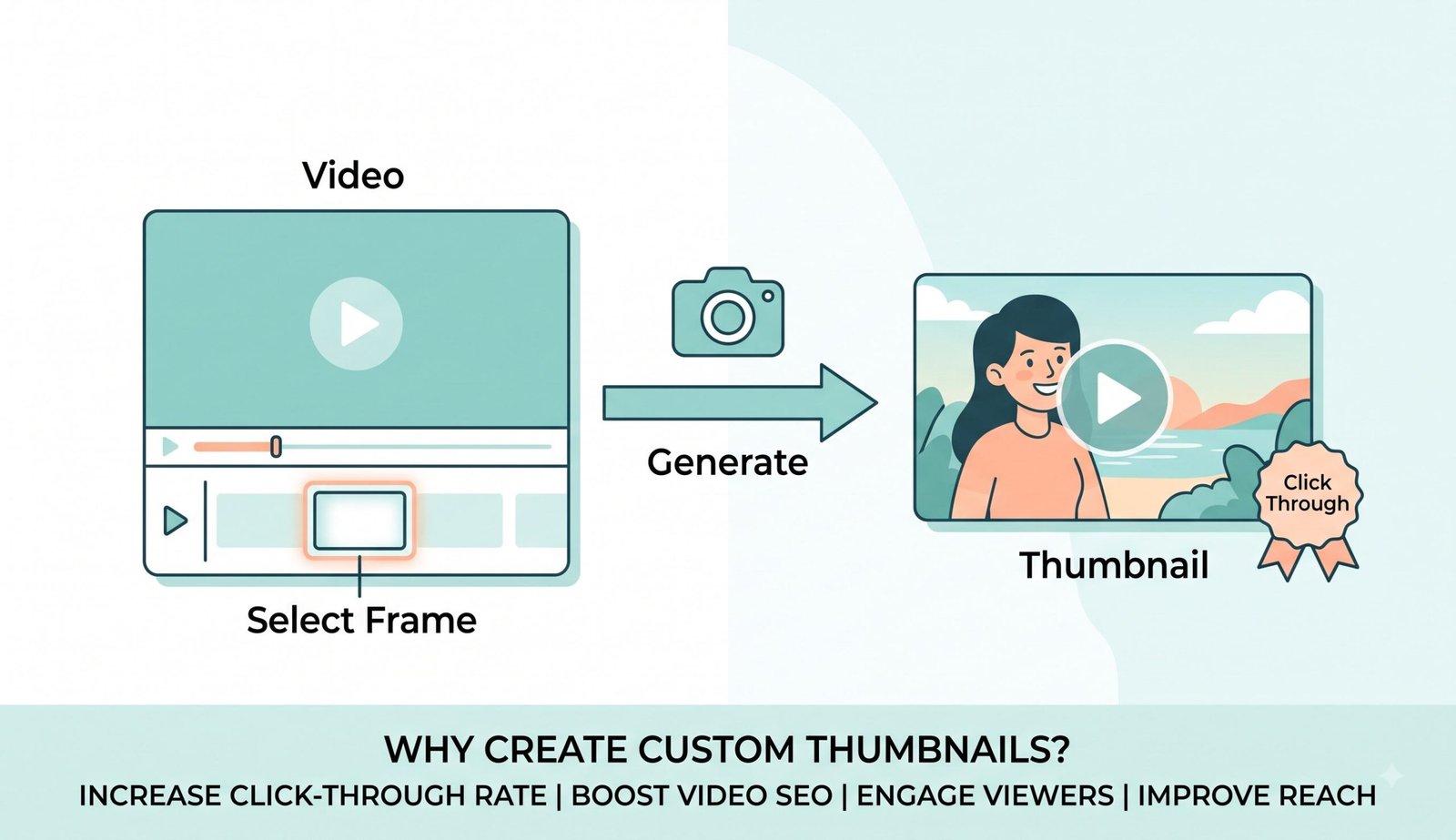
Thumbnails are the digital storefront of your video content learn more about video thumbnails on Wikipedia [6]. When you capture frame from video online, facial expressions and eye contact drive over 70% of viewer click-through decisions.
Our Pro-Portrait engine applies edge-preserving sub-pixel interpolation. When you save photo from video assets, motion blur around cheeks and eyes is minimized, delivering crisp DSLR-style portraits that pop in crowded video recommendation feeds.
- Pinpoint expressive facial reactions with sub-second accuracy.
- Fine-tune brightness, contrast, and saturation directly in the browser.
- Optional YouTube, Vlog, and Gaming design presets for instant creator workflow.
Client-Side Memory Sandbox: Zero Remote Video Transmission
Uploading multi-gigabyte raw footage to third-party web servers is slow, consumes high internet bandwidth, and exposes proprietary media to cloud data breaches.
Our MP4 to JPG frames converter executes completely inside your web browser's sandboxed JavaScript memory. Even if your internet connection drops, you can continue scrubbing and extracting frames seamlessly.
- Zero server telemetry, zero storage logs, and zero tracking cookies.
- Handles 4K and 8K high-bitrate video clips with zero upload waiting time.
- Safe for confidential client videos, NDA productions, and medical recordings.
Frequently Asked Questions
Everything you need to know about converting MP4 to JPG frames with sub-pixel clarity and privacy.
By using our browser-based engine, you can perfectly extract frame from video files without compression degradation. We guarantee that the exact DSLR-level clarity, facial features, and expert color grading of your subjects remain completely intact by capturing directly from the uncompressed video canvas buffer.
Yes! Our video frame extractor runs entirely on your local device. Your private videos are never uploaded to our servers, ensuring complete data security and GDPR/HIPAA compliance while generating thumbnails.
Absolutely. Our tool allows you to pause at the exact millisecond and capture frame from video online in high-resolution JPG, PNG, or WEBP, completely free of charge with zero watermarks or subscription locks.
The easiest method is to load your MP4 into our offline-capable player, use the frame-by-frame controls to find your perfect shot, and simply click to save photo from video instantly in Full HD 1080p or 4K resolution.
Standard OS screenshots capture interlaced or compressed screen pixels. Our converter samples directly from hardware decoded video keyframes using 0.03-second stepping increments, allowing you to isolate clear, unblurred expressions.
Yes! Text overlays, filters, and emoji stickers are 100% optional. By default, the tool selects the "Pure Frame" preset, exporting raw, unedited, high-definition video frames directly.