Free & Private Tool to Compare Two PDFs for Differences
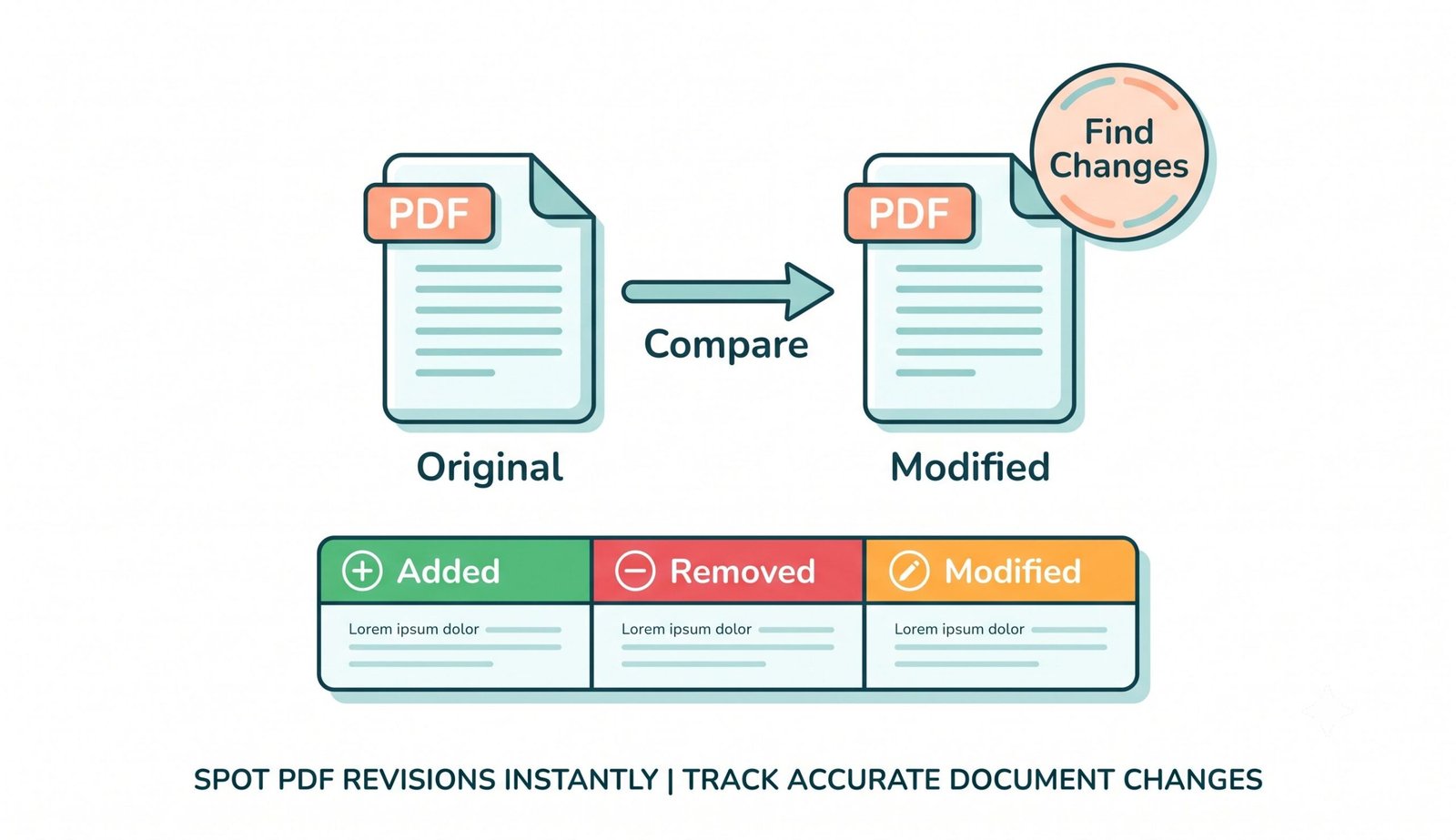
Stop manually checking documents line by line. Our secure, client-side tool allows you to instantly compare two pdfs for differences directly in your web browser with clear 🔴 Red (Removed/Original) & 🟢 Green (Added/Modified) visual highlights.
Original PDF (File A)
Drop your base or original PDF here
Modified PDF (File B)
Drop your revised or updated PDF here
How to Compare Two PDF Files for Differences
A seamless 3-step visual workflow designed to catch edits, altered clauses, and shifted layout elements in seconds.
Upload Original & Modified PDF
Auto-Analyze Visual Differences
Export Diff PNG & Audit Report
How Our Visual PDF Diff Engine Works
Learn the underlying client-side mechanism behind sub-pixel alignment, color distance matrices, and local privacy.
Stream Documents Into Local RAM
Upload multi-page PDFs or single contracts into File A and File B. Files stream straight into client-side WebAssembly buffers with zero telemetry or cloud transmission.
Sub-Pixel Vector Rasterization
PDF.js compiles vector font curves, bezier lines, and image layers onto matching high-density 2D canvases, locking coordinates at exact 1:1 scale ratios.
Euclidean Color Distance Matrix
Our differential loop iterates across millions of pixel coordinates, computing delta-E color variations and generating a binary difference mask based on sensitivity threshold.
Dual-Color Highlight Composite
Original deleted content is highlighted in soft 🔴 Red on File A, while newly inserted content is highlighted in vibrant 🟢 Green on File B, ready for PNG or JSON export.
Powerful Performance Features
Engineered for forensic document comparison, portrait clarity preservation, and airtight local privacy.
GitHub-Style Side Diff
Parallel panels highlight removed text in 🔴 Red and inserted text in 🟢 Green with zero ambiguity.
Pro-Portrait & DSLR Quality
Preserves facial identity, color grade balance, and high-DPI clarity in embedded photos without fuzzy downscaling.
100% Client-Side Privacy
Your confidential contracts and NDA documents stay in your browser. Zero cloud transmission.
Dynamic Sensitivity Control
Adjust Euclidean color distance threshold on the fly to ignore scanner grain or highlight sub-pixel edits.
3 Versatile View Modes
Toggle instantly between Side-by-Side dual view, 50% opacity Overlay, and Composite Highlight Diff map.
Structured Audit Export
Save high-resolution comparison PNGs or export machine-readable JSON diff reports with area difference metrics.
Mastering Document Auditing: How to Compare Two PDFs for Differences
In legal, corporate, architectural, and financial workflows, ensuring document integrity across revisions is vital. Unintended textual alterations, modified clauses, or shifted financial figures can lead to expensive errors. Discover how our client-side differential engine enables you to compare pdf files with forensic precision.
Sub-Pixel Matrix vs. Flawed Text-Only PDF Comparison
Conventional text-only comparison engines extract raw unformatted strings, frequently missing crucial visual alterations such as moved signatures, modified diagram vectors, replaced company seals, or adjusted decimal points.
When you compare two pdfs for differences with our pixel-level engine, both documents are rendered onto matching coordinate viewports. The engine computes mathematical Euclidean distances across millions of pixel coordinates, generating instant 🔴 Red / 🟢 Green visual diff highlights. For legal and corporate compliance, understanding standardized PDF comparison standard practices is essential for revision auditing.
- Detects single-character typo edits, punctuation shifts, and modified dates.
- Flags shifted CAD blueprint vectors, diagram revisions, and altered chart bars.
- Identifies altered digital signatures, resized logos, and displaced watermarks.
Preserving Facial Features & Color Grading During Visual Diffing
Standard online tools frequently downgrade PDF pages into low-resolution JPEG rasters, blurring employee portraits, identification photos, and certification stamps into an unreadable mess.
Our pdf diff tool online treats embedded photographs and vector assets with high-fidelity reverence. Facial features, skin tone transitions, aperture depth-of-field, and professional color grading are strictly maintained without lossy quantization, ensuring that only actual document alterations are flagged.
- Preserves facial identity on passports, ID cards, badges, and employee files.
- Zero color posterization or degradation on wide-gamut RGB graphics.
- High-density anti-aliased font rendering for small footnotes and legal disclaimers.
Client-Side WebAssembly Sandbox: 100% In-Browser Privacy
When reviewing merger agreements, intellectual property filings, proprietary blueprints, or patient medical summaries, uploading files to third-party cloud servers poses major compliance and cybersecurity liabilities.
Our pdf comparison tool runs 100% within your device's physical browser memory using WebAssembly. Your files never touch external hosting servers, ensuring total peace of mind for corporate legal departments and independent professionals alike.
- Zero server logging, no remote document caching, and no user tracking.
- Functions completely offline once the page is loaded into your browser cache.
- Safely compare pdf documents online with zero file size restrictions.
Frequently Asked Questions
Everything you need to know about our private, in-browser tool to compare two pdfs for differences.
You can safely compare pdf files using our platform because all processing happens entirely within your local browser. Your confidential contracts, NDAs, and trade documents are never uploaded to any server or third-party database.
Not at all. During the pdf comparison, our advanced engine strictly preserves the exact facial features, expert color grading, and DSLR-like clarity of any embedded portraits, logos, and CAD graphics without blurry downscaling.
Yes! Our pdf diff tool online accurately scans both documents and highlights deleted text in 🔴 Red (File A) and added text in 🟢 Green (File B), giving you an immediate side-by-side visual analysis akin to GitHub diffing.
Absolutely. Since processing is handled completely offline using your computer or smartphone's native memory, you can compare pdf documents online instantly for free without restrictive file size limits or paywalls.
If the documents have unequal page counts, our tool displays an alert banner and unlocks independent page selectors for File A and File B. You can uncheck "Sync Lock" to compare any page in Document A against any specific page in Document B.
The slider adjusts the mathematical Euclidean color threshold. Lowering sensitivity ignores subtle background scanner dust or compression artifacts on paper scans, while raising sensitivity flags microscopic sub-pixel alignment shifts and kerning alterations.
Yes! You can download high-resolution PNG images of your side-by-side or overlaid comparison view, or download a structured JSON audit diff report containing page stats and percentage changes.
Yes! Because our differential engine operates on actual rendered pixels rather than plain text characters, it works seamlessly on scanned paper agreements, architectural CAD schematics, stamped invoices, and graphic packaging proofs.