Free Mind Map Maker Online
Brainstorm, structure, and connect your ideas visually directly in your browser. 100% free, private, and instant.
Free Mind Map Maker Online – Create Visual Diagrams Instantly
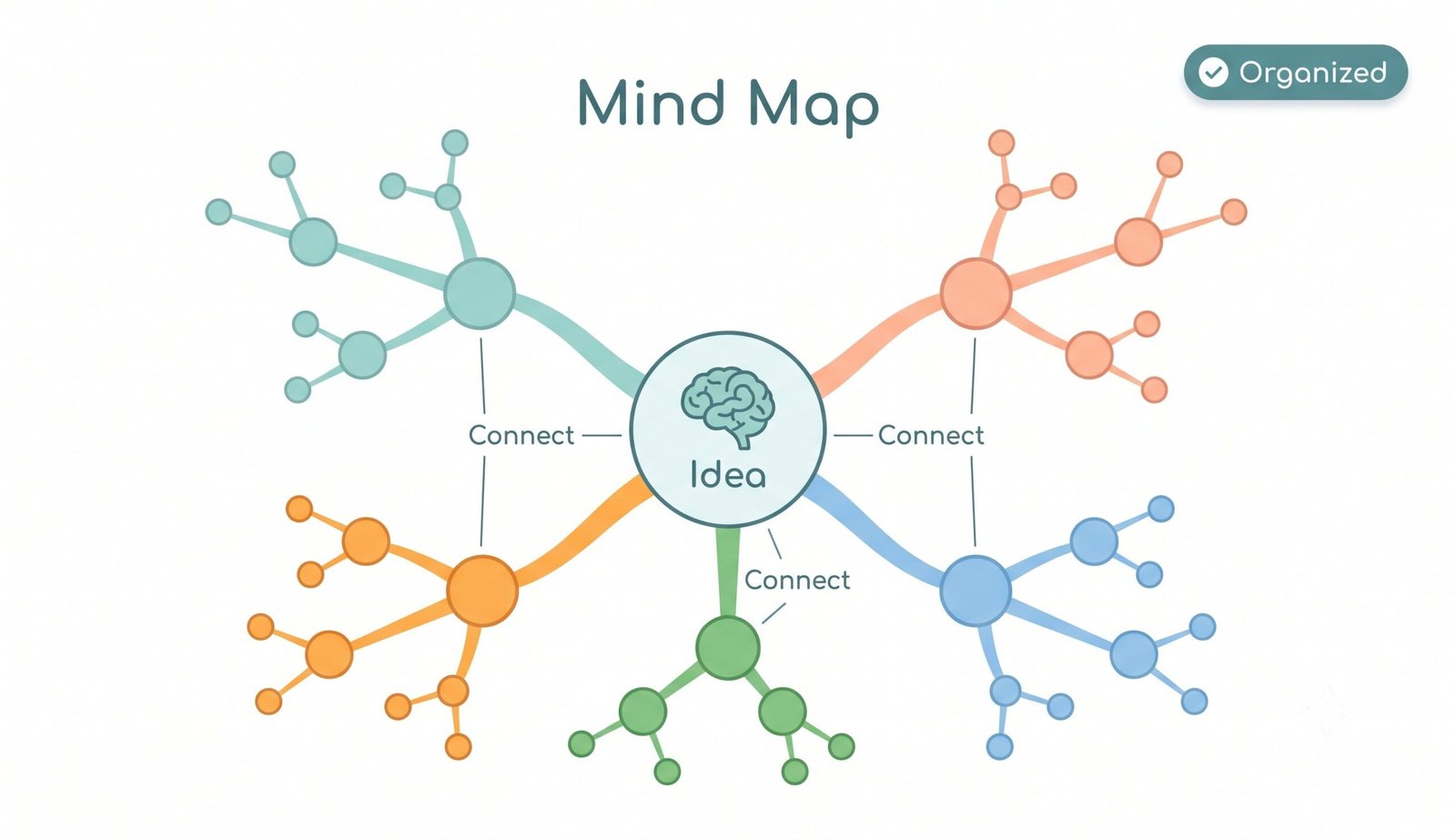
Organize your thoughts, plan projects, and visualize complex ideas with our free online mind map maker. Mind mapping is one of the most effective methods for brainstorming, structured note-taking, and visual learning. Whether you are a student outlining a study guide, a manager planning a roadmap, or a content creator structuring ideas, our browser-based tool allows you to build clean, connected diagrams in seconds.
How to Create a Mind Map Online (Step-by-Step)
- Start with a Central Idea: Double-click the main central node to enter your core topic or project subject.
- Add Branch Subtopics: Select a node and click Add Child (or press
Tab) to create sub-branches, or click Add Sibling (or pressEnter) for topics on the same hierarchy level. - Customize Node Styles: Change node background colors, alter shapes, and adjust layouts to visually group connected thoughts.
- Export Your Diagram: Once your map is complete, download it as a high-resolution PNG image, scalable SVG vector, or printable PDF document.
Key Features of Our Mind Map Maker Tool
- 100% Client-Side & Private: All mind map data stays directly in your browser session. No data is ever stored on external servers.
- Auto-Save Protection: Your mind map structure is automatically saved locally in your browser so your work is safe even if you refresh or close the tab.
- Intuitive Keyboard Shortcuts: Rapidly build mind maps using keyboard controls (
Tabfor child,Enterfor sibling,Deleteto remove,Ctrl+Zto undo). - Multiple Export Formats: Download your mind maps as crisp PNG images, SVG vectors, PDF documents, JSON backup files, or Markdown text outlines.
- Interactive Drag & Zoom: Effortlessly reposition nodes, pan across large canvases, and scale viewports smoothly.
Why Use a Mind Map Maker? (Benefits & Use Cases)
Mind maps utilize non-linear spatial arrangements that mirror natural human cognition. Learn more about mind mapping principles and cognitive benefits. Key applications include:
- Brainstorming Sessions: Capture rapidly flowing ideas during team meetings or individual creative sessions without rigid linear constraints.
- Project Management & Planning: Break down large project objectives into manageable sub-tasks, milestones, and actionable components.
- Study & Exam Preparation: Summarize lengthy textbook chapters and complex academic subjects into memorable visual cheat-sheets.
- Content Creation & Writing: Outline blog articles, video scripts, books, and sales presentations logically before drafting text.
Mind Mapping Best Practices
To maximize clarity when creating mind maps, follow these straightforward guidelines:
- Keep node labels concise—use short key phrases or single words per node.
- Use distinct color themes for different main branches to enhance visual distinction.
- Limit main branches extending directly from the central root node to 5–7 key subtopics to prevent visual clutter.