Free Color Palette Generator from Color
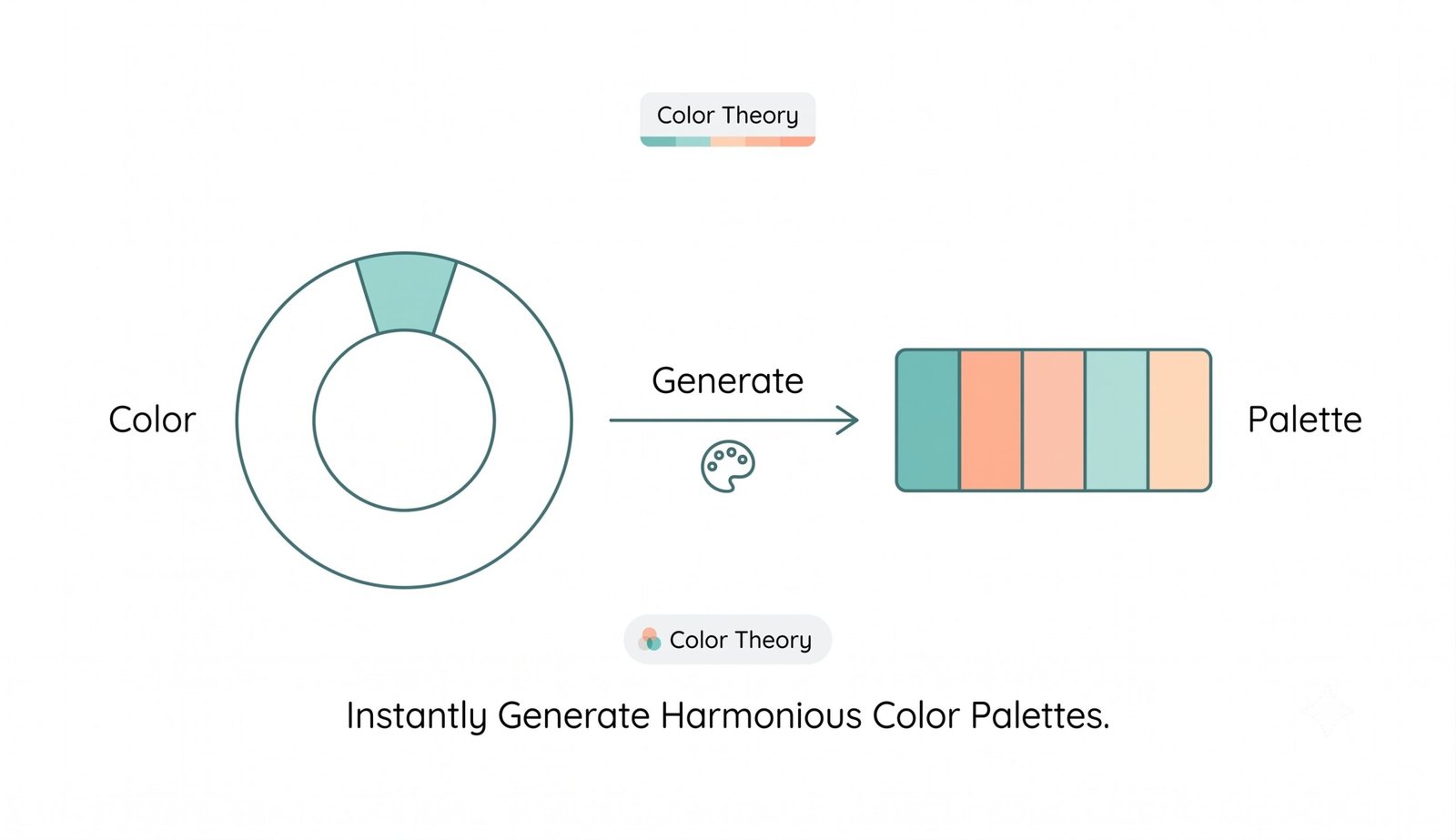
Generate beautiful, harmonious color schemes instantly using proven color theory principles. 100% free & privacy-focused.
Free Color Palette Generator from Color – Create Harmonious Palettes Instantly
Generate cohesive, high-quality color palettes based on color theory directly from any base color or image. Designed for graphic artists, UI/UX designers, developers, and creators.
How to Generate Color Palette from Color (Step-by-Step)
- Select Your Base Color: Pick a color using the interactive color picker, enter a HEX/RGB value, click "Try with Sample Color", or drag and drop an image to extract its primary hue.
- Choose a Harmony Model: Select from Complementary, Analogous, Triadic, Square, Monochrome, Split-Complementary, or Tetradic harmony modes.
- Adjust Palette Size: Use the palette slider to set between 3 to 8 color swatches.
- Click Generate: Initiate the process and let our algorithm compute precise color wheel angles and luminance variations.
- Inspect & Export: Inspect contrast ratios for WCAG AA/AAA accessibility compliance, use "Auto-Fix" to ensure 100% AAA pass rates, copy codes, or download as PNG, SVG, CSS, or JSON files.
Key Features of Our Color Palette Generator
- Multiple Input Options: Accepts HEX, RGB, HSL values, image drops, or sample color presets.
- 7 Built-in Harmony Algorithms: Advanced color mathematics covering all standard color wheel relationships.
- Magic Contrast Auto-Fixer: Automatically adjusts text lightness to achieve ≥ 7:1 contrast for 100% WCAG AAA compliance.
- 100% Client-Side Privacy: All color calculations occur locally in your web browser. No data is stored on remote servers.
- Multi-Format Exports: Download your finished scheme as a PNG graphic, SVG vector, CSS variables snippet, or structured JSON file.
Why Use a Color Palette Generator? (Benefits & Use Cases)
A structured color scheme builds strong visual hierarchy, brand recognition, and emotional connection. Whether you are building a website, designing a mobile app, creating digital art, or branding a product, having mathematically harmonious colors eliminates guesswork and saves hours of manual trial and error.
Learn more about color theory to understand how different color wheel relationships shape human perception and visual harmony.
Color Theory and Harmony Models Explained
Our tool utilizes standard color space transformation equations to derive exact color variations:
- Complementary: Opposite sides of the color wheel (180° separation). High contrast and energy.
- Analogous: Colors sitting side-by-side (30° increments). Calm, unified, and natural.
- Triadic: Three evenly spaced points (120° angles). Balanced and vibrant.
- Monochrome: Tints, tones, and shades of a single color angle. Minimalist and elegant.
Frequently Asked Questions (FAQ)
Simply select or type a base color in the picker box, choose a color harmony mode (e.g. Complementary or Analogous), and click 'Generate Palette'. The tool will compute harmonious colors instantly.
Our generator supports Complementary, Analogous, Triadic, Square, Monochrome, Split-Complementary, and Tetradic algorithms.
Yes! The built-in contrast ratio checker lets you test any combination and features an 'Auto-Fix' button to automatically boost contrast to AAA compliance (≥ 7:1).
Yes, 100%. All color calculations and image extractions are performed strictly client-side inside your browser. No files or colors are ever sent to a server.
You can export your palette as a PNG image, SVG vector graphic, CSS root variables code block, or JSON data file.
Yes, this tool is 100% free for both personal and commercial design projects with no registration required.