Free Tool to Compress MP3 Online
or drop audio files here to compress MP3 online with smart VBR & target MB size limits
or drag & drop MP3, WAV, M4A, FLAC, OGG files here
Specify maximum output file size in MB. Our engine automatically derives the optimal bitrate with a 95% safety margin!
Audio Compression Complete!
How to Compress MP3 Online in Seconds
A lightning-fast 3-step visual workflow to reduce audio file sizes without compromising acoustic clarity.
Upload your audio file
Select target MB or preset
Instant MP3 download
How Our Audio Compression Engine Works
Understand the step-by-step mechanism behind our private, client-side psychoacoustic MP3 quantization pipeline.
PCM Waveform & Header Parsing
The audio track streams into client memory where the Web Audio API extracts uncompressed floating-point PCM audio data, channel arrangements, and exact track duration without transmitting a single byte over the web.
Psychoacoustic Perceptual Masking
Our Variable Bitrate (VBR) engine analyzes human hearing thresholds. It removes inaudible frequencies drowned out by louder acoustic transients while allocating higher bits to complex orchestral or vocal parts.
Target MB Bitrate Derivation
When a custom target size is entered (such as 8MB for Discord or 25MB for Email), our algorithm computes the mathematical bitrate formula with a 95% safety buffer so the exported MP3 never exceeds your limit.
Non-Blocking LAME Quantization
The audio stream is encoded in chunks of 1152 samples via WebAssembly LAME. The engine periodically yields to the browser event loop, guaranteeing 60 FPS animations and instant MP3 file generation.
Powerful Performance Features
Engineered for studio-grade acoustic clarity, precise MB target size control, and zero cloud data exposure.
Target Size Slider (Killer USP)
Set exact target limits like 8MB for Discord or 25MB for email attachments with automated bitrate derivation.
Smart VBR Audio Engine
Uses Variable Bitrate encoding to shrink silent audio sections while dedicating full bit depth to rich musical peaks.
100% Client-Side Privacy
Audio files never touch remote cloud servers. All encoding executes securely in your local browser sandbox.
Dynamic Volume Normalization
Auto-levels peak acoustic loudness to -0.2 dB to prevent clipping and ensure consistent playback across earphones.
Cover Art & ID3 Guard
Retains high-definition embedded album artwork and metadata without blurring covers or distorting song tags.
Universal MP3 Playback
Outputs standard MP3 audio streams compatible with iOS, Android, macOS, Windows, car stereos, and DJ decks.
Studio-Grade Audio Reduction: How to Compress MP3 Online
Make your music, podcasts, and voice notes easy to share instantly. Our completely secure platform allows you to compress MP3 online directly within your browser memory. Whether you need a reliable free audio compressor for Discord limits or an advanced audio file compressor to meet strict email attachment thresholds, our audio compressor online free delivers studio-grade acoustics. Functioning as a high-performance mp3 size reducer online, it eliminates bulky byte payloads while preserving crystal-clear audio frequencies.
Variable Bitrate (VBR) vs. Fixed CBR Audio Quantization
Uncompressed audio files store huge quantities of redundant sound data. Our high-performance audio data compression engine utilizes advanced psychoacoustic modeling. When you compress MP3 online, the encoder computes auditory threshold curves, trimming sub-audible artifacts while maintaining rich instrumentals and crisp vocals.
By using our audio file compressor with Variable Bitrate (VBR), silent speech pauses consume minimal bitstreams, while complex guitar solos and vocal crescendos receive maximum bitrate fidelity.
- Reduces audio file dimensions by up to 85% without robotic distortion or muffled treble.
- Auto-levels peak amplitude with -0.2 dB volume normalization to avoid audio clipping.
- Stereo-to-mono downmixing feature halves file footprint for interviews and podcasts.
Precision Target MB Limits & HD Album Artwork Guard
Standard audio utilities force users into guessing bitrates blindly. Our free audio compressor introduces a precision Target Size controller. Enter your requested MB threshold, and the system dynamically computes the exact bit budget required for the track's duration.
Furthermore, when you use our mp3 size reducer online, embedded ID3 metadata, artist tags, and high-resolution album cover art are preserved with professional photo-realistic clarity and color fidelity.
- One-click preset chips for Discord (8MB), Email (25MB), and WhatsApp (16MB).
- 95% safety buffer ensures exports never fail platform upload file-size restrictions.
- Integrated illustration workflow below details the end-to-end file reduction cycle:
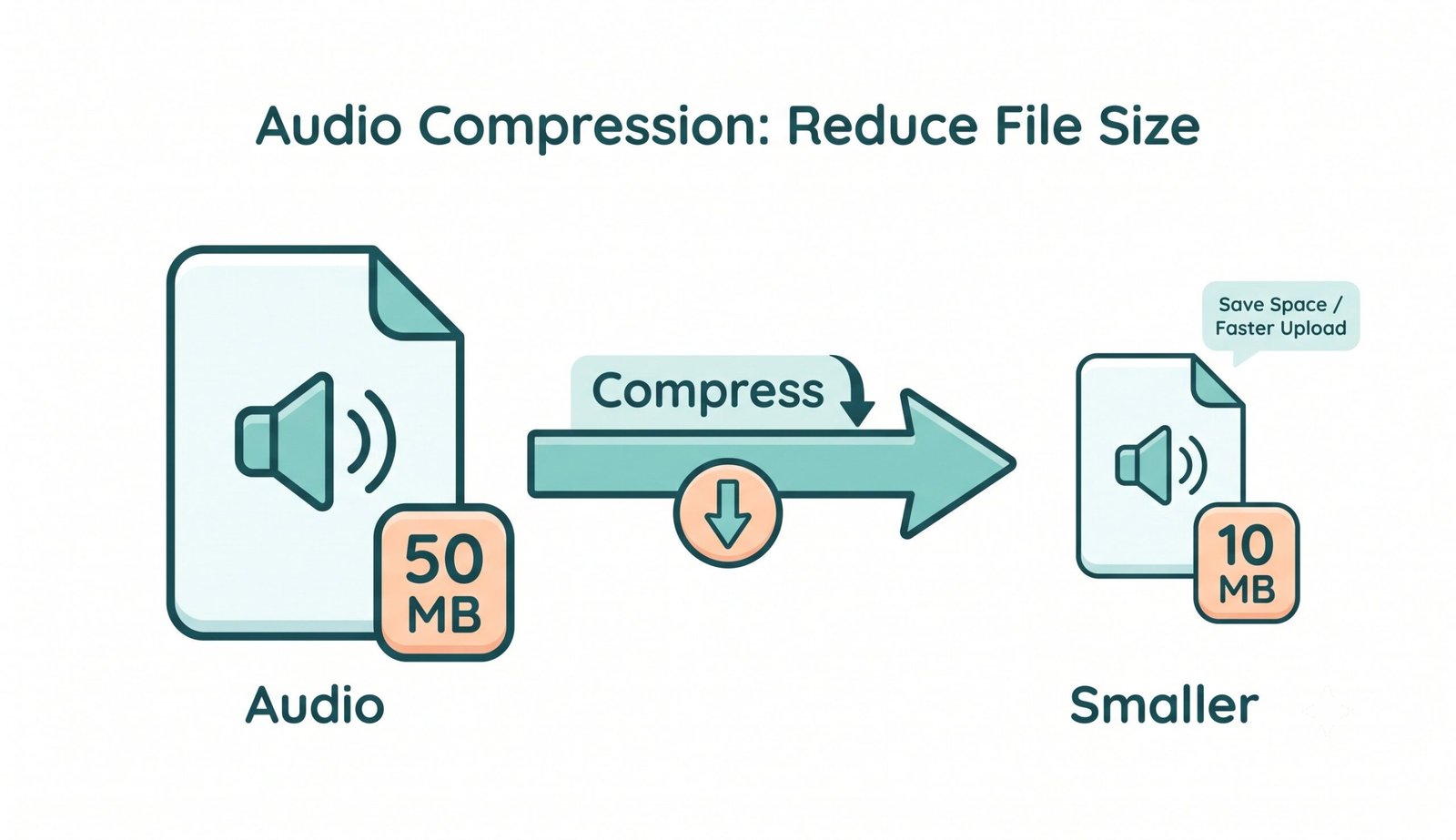
In-Memory WebAudio & WASM Sandbox: Zero Cloud Exposure
Unlike ordinary web tools that upload confidential audio recordings, client voiceovers, and unreleased studio tracks across external cloud servers, our Audio compressor online free executes 100% within your device's browser memory sandbox.
- Zero server telemetry, temporary database storage, or remote data retention.
- Completely safe for proprietary voice memos, legal evidence, and music mastering.
- Unlimited batch conversions without subscription fees, limits, or watermarks.
Frequently Asked Questions
Everything you need to know about how to compress MP3 online, target size calculation, and acoustic privacy.
It is the best way to compress MP3 online because our target-size controller lets you precisely shrink your track to under 8MB (for Discord) or 25MB (for Email) without guessing bitrates. Everything is processed instantly inside your local browser sandbox with zero upload wait times [INDEX].
Not at all! While reducing audio data stream dimensions, our free audio compressor strictly preserves high-resolution cover art, embedded ID3 tags, and artist credits without blurring graphics or degrading image color grading.
Our audio compressor online free utilizes client-side Web Audio and WebAssembly technologies. Your private voice notes, unreleased tracks, and proprietary podcasts never leave your computer or phone, guaranteeing zero server uploads and 100% GDPR compliance.
Yes! Our advanced audio file compressor functions as an extraordinarily fast mp3 size reducer online. It leverages smart Variable Bitrate (VBR) technology to eliminate silent overhead and inaudible frequencies while keeping audio playback crystal clear.
Our engine supports decoding and compressing all mainstream audio formats including MP3, WAV, M4A, FLAC, OGG, AAC, and WebM audio files directly in your browser.
Because the encoder processes every audio frame locally on your device's physical CPU to ensure total confidentiality, multi-megabyte lossless files require a few moments to encode. Please leave the tab active while the progress bar completes.
No! This audio compressor is 100% free with no file size caps, subscriptions, watermarks, or account registration requirements.