Superfast MP4 To MP3 Converter
Extract high-fidelity audio from MP4 videos instantly inside your browser. Complete privacy with zero server uploads.
Batch Conversion Queue (0 videos)
Free Convert MP4 to MP3 Online – Extract Audio from Video Instantly
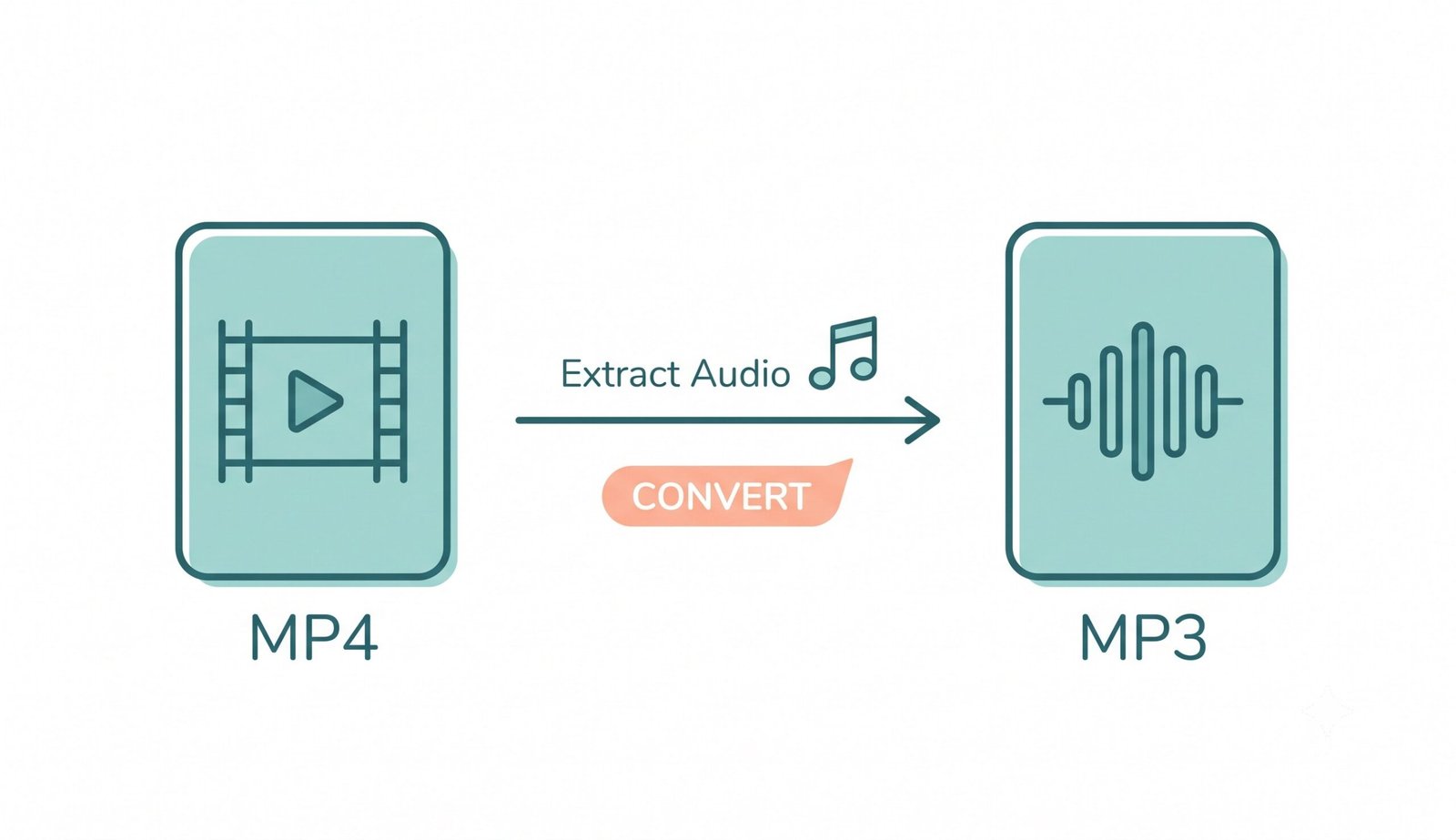
Converting video files to high-quality audio tracks has never been easier or more private. Our free online MP4 to MP3 converter runs 100% locally inside your web browser. Whether you want to extract audio clips from podcasts, turn music videos into MP3 files, or save voice notes, our client-side extraction engine processes your files fast without requiring software installation or server uploads.
How to Convert MP4 to MP3 Using This Tool (Step-by-step)
- Upload Your Video: Drag and drop your MP4, WebM, or MOV file into the dropzone above or click to select a file from your device.
- Customize Audio Settings: Select your preferred MP3 bitrate (64kbps to 320kbps), adjust volume gain, set trim boundaries, or customize ID3 metadata tags.
- Click Convert: Hit the "Convert MP4 to MP3" button to trigger the instant 10-second client-side extraction process.
- Download Audio: Save your newly extracted MP3 file directly to your local computer or phone.
Key Features of Our MP4 to MP3 Converter
- 100% Private Client-Side Processing: Your files never leave your computer. Web Audio API demuxes and encodes audio locally in memory.
- Timeline Trimmer & Cut: Select exact start and end times to extract specific clips from longer video files.
- Volume Gain Booster: Boost quiet audio recordings up to 300% during conversion.
- Custom ID3 Tagging: Add artist names, track titles, and album metadata to your exported audio files.
- Multi-Track Batch Processing: Select and convert multiple MP4 videos to audio files simultaneously.
Common Use Cases for MP4 to MP3 Conversion
Extracting audio from video formats is essential for content creators, students, and audio enthusiasts alike. Popular scenarios include turning video interviews into audio podcast episodes, converting music videos for offline listening on mobile MP3 players, extracting sound effects for video editing, and reducing large video file sizes into compact audio formats.
Why Choose Our Client‑Side MP4 to MP3 Converter?
Traditional online converters upload your video files to remote cloud servers, posing privacy risks and consuming heavy internet bandwidth. Our tool utilizes native Web Audio codecs to process everything locally on your browser CPU. Learn more about MP4 and MP3 audio formats and discover how lossy audio compression delivers high perceptual clarity at compact file sizes.