Free Offline Password Generator for Email
Create cryptographically uncrackable keys, passphrases, and custom mutated passwords locally
How to Generate Unhackable Email Passwords
A seamless 3-step cryptographic workflow engineered for maximum mailbox and account defense.
Configure mode & provider parameters
Client-side cryptographic entropy generation
Instant single/bulk copy & TXT export
The Architecture of Our Password Generator for Email
Understand how client-side Web Crypto APIs generate high-entropy strings impervious to GPU brute-force attacks.
Hardware Entropy Collection (CSPRNG)
Rather than predictable pseudo-random seeds like Math.random(), our generator samples entropy from physical device noise via the native window.crypto.getRandomValues API for cryptographically robust randomness.
Algorithmic Name Mutation Engine
Using our specialized password generator with name mode, personalized base words undergo algorithmic transformation—substituting characters with leet glyphs, salting with secure symbols, and appending random entropy pads.
Shannon Bit-Entropy & GPU Crack Time
Every generated password is automatically calculated against the Shannon Entropy formula: \(E = L \times \log_2(R)\). We evaluate crack times against state-of-the-art 100-billion hash/sec GPU clusters to guarantee decades of security.
Email Provider Syntax Formatting
Different providers (Gmail, Outlook, iCloud, Proton) enforce strict character sets and length boundaries. Our presets ensure your generated credential matches the exact regex syntax of major mail providers with zero rejection.
Enterprise Security Features
Designed for individuals, developers, and system administrators requiring airtight credential generation.
100% Client-Side Privacy
Executes strictly inside your local browser memory sandbox. Zero server telemetry, zero cloud keylogging.
Memorable Passphrases
Diceware multi-word passphrase engine crafting human-readable passwords with massive entropy.
Name Mutator Algorithm
Transforms familiar names or pet words into fortified alphanumeric strings with leet-glyphs and salts.
Batch Key Generation
Instantly produce up to 10 unique passwords simultaneously and export them as clean .TXT files.
Smart Character Filters
Exclude confusing characters like 0 vs O and 1 vs l for effortless typing on mobile screens.
Offline Ready PWA
Works 100% offline without an active internet connection as a secure password generator offline.
Cryptographic Defense: The Ultimate Password Generator for Email
Protect your digital identity instantly. Our client-side platform is the ultimate password generator for email accounts. Whether you need a highly secure password generator offline, a custom password generator with name, a random word password generator, or a memorable password generator, our cryptographic engine delivers total defense against credential stuffing and brute-force attacks.
Why Email Inboxes Demand 128-Bit Cryptographic Entropy
Your primary email inbox is the master key to your entire digital footprint—including banking gateways, password recovery tokens, and cloud backups. Using a predictable password exposes all linked accounts to automated credential stuffing.
By deploying our password generator for email, you sample characters uniformly across a pool of 95 printable ASCII symbols. A 16-character string yields over \(95^{16}\) possible combinations, requiring modern high-speed GPU clusters billions of years to crack.
- Mathematically defeats dictionary attacks, rainbow tables, and automated botnets.
- Complies with strict NIST Special Publication 800-63B digital identity guidelines.
- Learn more about mathematical password strength and entropy calculations.
The Science of Name Mutation & Diceware Passphrases
Human memory struggles to retain pure random noise like x&9B!qP#8v, leading users to write passwords down on unsecured sticky notes. Our dual creative engines solve this dilemma permanently.
Using the password generator with name engine, you can enter a familiar base word (such as a name or favorite city). The algorithm applies smart leet mutations and high-entropy cryptographic salts, producing keys like R@hu1#88xZ!. Alternatively, our random word password generator and memorable password generator join 4 to 6 dictionary words into memorable Diceware strings like glacier-falcon-sunset-wisdom.
- Combines effortless memorability with massive cryptographic string length.
- Algorithmic letter substitution replaces vowels with glyphs (
a→@,e→3,i→!). - Guaranteed uppercase, lowercase, numeric, and symbol presence for email validation.
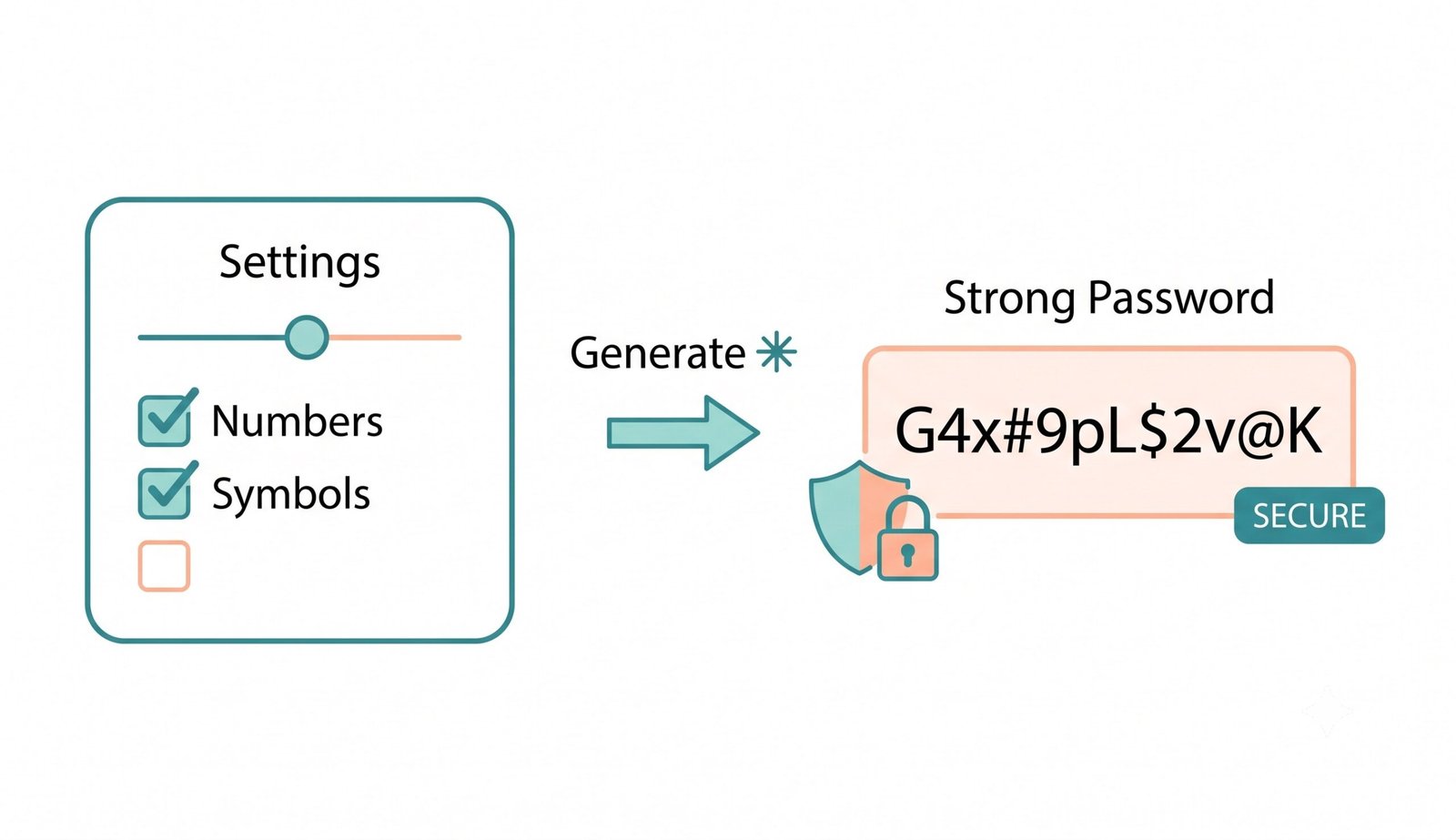
Web Crypto API Sandbox: Zero Cloud Keylogging Risk
Conventional web generators send HTTP requests to cloud servers to generate passwords—exposing your credentials to server logs, proxy sniffing, and database breaches.
Our secure password generator offline operates with strict zero-knowledge confidentiality. The entire generation algorithm executes within your device's physical CPU and GPU memory buffers. Once the webpage loads, you can disconnect your Wi-Fi entirely and generate limitless secure keys.
- Zero server logs, zero analytics tracking, and zero third-party cookie interception.
- Fully air-gapped offline support for high-security banking, enterprise, and legal work.
- Universal compatibility with iOS Safari, Android Chrome, Windows, macOS, and Linux.
Frequently Asked Questions
Everything you need to know about our private, client-side email password generation engine.
Our custom password generator with name takes your chosen base word or name and applies advanced algorithmic mutations. It substitutes specific letters with complex leet-speak glyphs (e.g. a → @, s → $), salts the string with unpredictable cryptographic symbols, and pads it with randomized CSPRNG digits. The result is a personalized password that remains familiar to you while being completely mathematically unguessable to hacking bots.
A random word password generator (commonly known as the Diceware or XKCD passphrase method) joins multiple unrelated dictionary words into an extended sequence (e.g., falcon-glacier-sunset-wisdom). Because cryptographic length is the single most critical factor in brute-force resistance, passphrases provide massive mathematical entropy while remaining effortless for human memory to retain.
Yes! By switching to either the Memorable Passphrase or Name Mutator mode, our platform acts as a high-performance memorable password generator. You receive robust, high-entropy credentials that you can easily recall without having to write them on sticky notes or risk unauthorized access.
Yes, it is the safest method possible. Operating as a secure password generator offline, our utility executes 100% inside your device's browser memory sandbox using JavaScript's native window.crypto.getRandomValues API. Your generated credentials, base words, and IP metadata are never uploaded to or logged by any cloud server.
Cybersecurity benchmarks recommend a minimum of 16 characters for primary email addresses (like Gmail, Outlook, and iCloud). Because email accounts act as the master recovery gateway for your financial, work, and personal services, choosing a 16-to-24 character length with mixed case, numbers, and symbols provides optimal protection.
Password entropy measures the mathematical unpredictability of a key in bits using the Shannon equation \(E = L \times \log_2(R)\), where \(L\) is the password length and \(R\) is the size of the character pool. A score above 80 bits is considered very strong, while 128+ bits provides military-grade resilience against modern GPU brute-force clusters.