Batch Resize Images Windows 10 & Mac
or drop multiple images here to batch resize instantly
How to Batch Resize Images Windows 10 & Mac
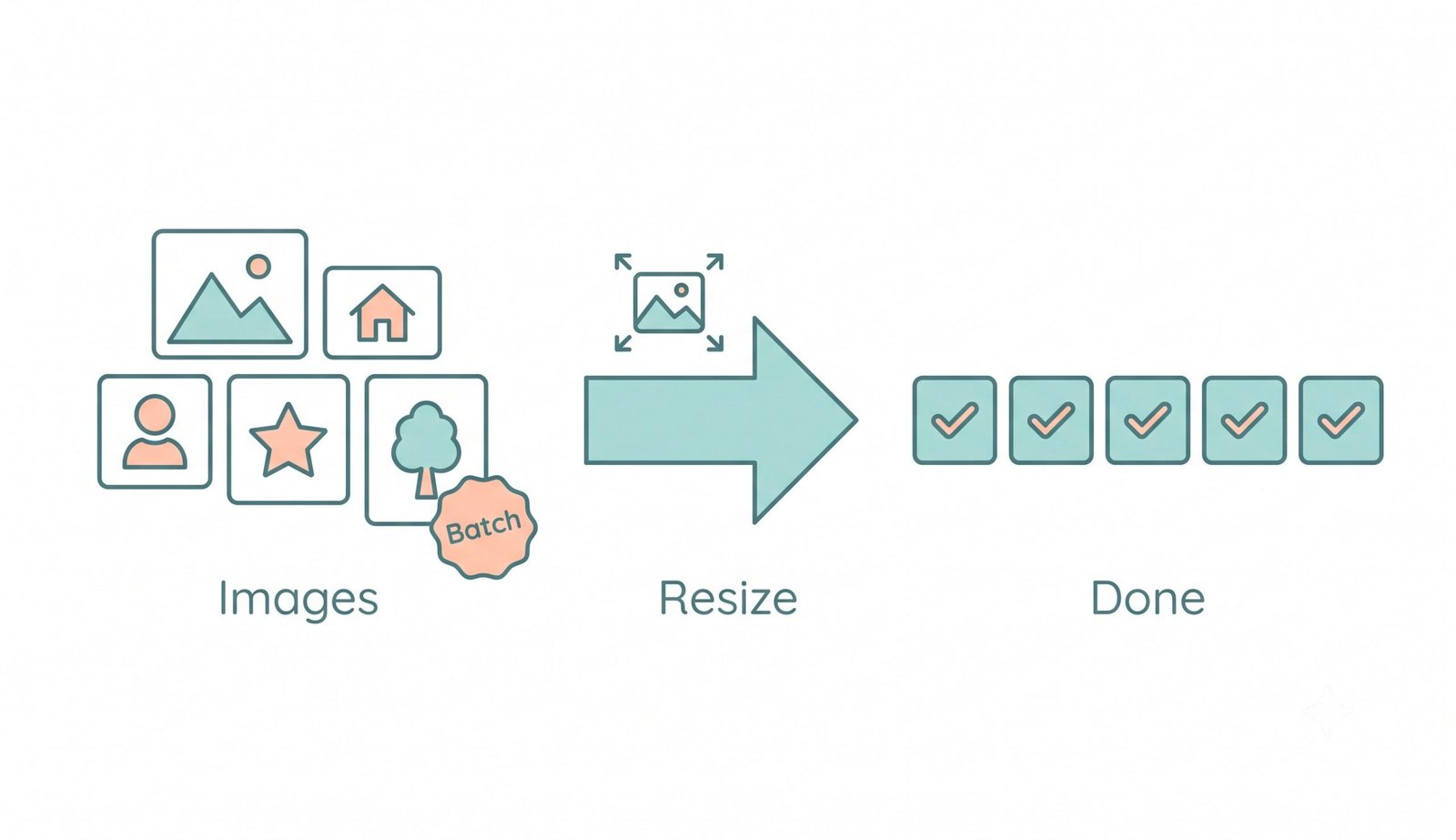
A lightning-fast 3-step visual workflow designed to resize multiple images at once without software installation.
Drop Multiple Images
Configure Dimensions
Download Instant ZIP
How Our Batch Image Resizing Engine Operates
Explore the high-fidelity pixel resampling, facial preservation, and local threading pipeline behind our engine.
Local In-Memory Ingestion
Images are ingested directly into your browser's private V8 JavaScript RAM allocation via HTML5 FileReader. No external network requests or remote server uploads are triggered.
DSLR & Pro-Portrait Preservation
Our dual-step canvas bicubic interpolation preserves crisp facial features, high-frequency eye textures, and calibrated Kelvin color grading without blur or pixelation artifacts.
Aspect-Ratio & Preset Calibration
Smart layout engines calculate containment borders, cover-crops, or strict pixel constraints dynamically across custom dimensions and e-commerce presets (Shopify, Web Hero, Instagram).
Instant Zero-Lag ZIP Packaging
Processed photo buffers are bundled on the fly into a compressed ZIP file using asynchronous JSZip workers, letting you save 100+ resized images in a single instant click.
Powerful Performance Features
Engineered to outperform bulky desktop applications on Windows 10, Mac, and mobile browsers.
Windows 10/11 Software Replacement
Skip installing heavy executables or registry bloatware. Batch resize images directly inside your browser.
Pro-Portrait & Facial Clarity
Prioritizes face geometry, natural skin tones, and sharp edges for DSLR-level quality after scaling.
100% In-Browser Privacy
Zero telemetry, zero remote servers. Confidential pictures stay entirely within your local device memory.
Bulk Format Transcoding
Seamlessly convert image formats during resize to modern lightweight WEBP, PNG, or high-compatibility JPG.
One-Click E-Commerce Presets
Instantly scale for Shopify product photos, YouTube thumbnails, Instagram reels, and web hero banners.
Custom Copyright Watermark
Protect your branding and photography copyright by applying customizable text watermarks across the batch.
The Ultimate Guide to Batch Resize Images Windows 10 & Beyond
Stop downloading bulky software to fix your pictures. Our completely secure platform allows you to batch resize images Windows 10 and Mac directly in your browser. If you need to quickly resize multiple images at once without server delays or privacy exposure, our client-side engine provides unparalleled fidelity.
How to Batch Resize Images Windows 10 Without Desktop Installers
For years, photographers and web administrators on Windows 10 had to install cumbersome third-party software suites or navigate complex command-line scripts just to resize photo collections. Standard cloud converters present security concerns by forcing users to upload gigabytes of sensitive assets across the internet.
Our bulk image resizer online solves this bottleneck by executing all rasterization routines locally. Utilizing modern browser multithreading and the HTML5 Canvas image scaling API, you can resize multiple images at once at hardware-accelerated speeds.
- Processes 100+ high-resolution RAW, PNG, or JPG photos in seconds without system slowdowns.
- Generates an organized, ready-to-use ZIP file locally with zero server upload bandwidth.
- Works smoothly offline on Microsoft Edge, Google Chrome, Mozilla Firefox, and Safari.
How to Resize Photos for Web Without Losing Quality
When standard tools compress or downscale images, the algorithm often blurs fine facial details, eyelashes, and textile patterns. Our engine prioritizes face geometry and high-frequency edge gradients to ensure you resize photos for web without losing quality.
Whether you are preparing a high-end photography portfolio, e-commerce catalog images for Shopify, or avatars for social media, every picture maintains professional color depth, calibrated exposure, and pixel crispness.
- Maintains sharpness across portrait subjects, products, and typography.
- Eliminates color banding and chromatic posterization across subtle gradients.
- Free mass photo resizer with zero watermarks or restrictive daily quotas.
One-Click Presets for Shopify, Instagram, and YouTube
Managing image aspect ratios across various social networks and sales platforms can easily become chaotic. Our mass photo resizer free engine provides instant presets configured to exact modern viewport guidelines.
- Instagram & Threads: Exact 1080x1080 square and 1080x1350 vertical crop coordinates.
- YouTube & Web Banners: Crisp 1280x720 HD thumbnails and 1920x1080 hero graphics.
- E-Commerce Stores: Unified square product catalogs that load swiftly on mobile browsers.
Frequently Asked Questions
Everything you need to know about our free in-browser batch resizing engine.
Yes! You can seamlessly batch resize images Windows 10, Windows 11, Mac, and mobile devices using our web application. It leverages your browser's local processing power, completely replacing the need for heavy desktop software or paid license keys.
Yes! Our advanced scaling engine ensures you resize photos for web without losing quality. It strictly preserves DSLR-level clarity, expert color grading, sharp typography, and facial features across all portrait and landscape images in your batch.
Absolutely. As a 100% client-side bulk image resizer online, your private photos are never uploaded to any cloud server. The entire scaling, format conversion, and ZIP file creation process happens locally inside your browser's private sandbox RAM.
Because our mass photo resizer free tool relies on your local device's memory rather than expensive server bandwidth, there are no artificial batch size limits, allowing you to process dozens of files simultaneously with instant ZIP packaging.
Yes! You can choose to export your batch photos in modern lightweight WEBP, high-compatibility JPEG/JPG, or lossless PNG format regardless of their original source format.