Free Online Tool to Rearrange Pages in PDF
Reorder, rotate, reverse, interleave, and organize PDF pages locally in your browser with zero server uploads.
or drop PDF files here to rearrange pages in PDF
How to Rearrange Pages in PDF Online for Free
A lightning-fast 3-step visual workflow engineered for effortless page reordering, mixing, and rotation.
Upload PDF Document
Drag, Rotate & Reorder
Instant Compile & Save
How Our PDF Page Reordering Engine Works
Learn the architectural mechanism behind our client-side, zero-compression vector compiling pipeline.
Stream PDF Into In-Memory RAM
Your PDF document streams into local device volatile memory. Our parser compiles the root dictionary tree in milliseconds without transmitting data to remote servers.
Fluid Multi-Select & Touch Reordering
Select single or multiple pages using Ctrl/Cmd clicks or touch-and-hold gestures. Drag batches smoothly or trigger 1-click Reverse and Interleave actions.
Pro-Portrait & Exact DSLR Preservation
Unlike lossy tools that downscale photos, our engine leaves image streams intact. Portrait photos, facial tones, and Kelvin color balances maintain exact DSLR clarity.
ISO 32000 Binary Compilation
PDF-Lib writes the newly sequenced `/Pages` catalog array directly into an ISO 32000 compliant binary blob ready for instantaneous browser download.
Powerful Performance Features
Engineered for seamless multi-page sorting, instantaneous double-sided scan collation, and total local security.
100% In-Memory Privacy
When you rearrange pages in PDF, files remain in volatile RAM. Zero cloud storage or server logging.
Fluid Multi-Select Drag
Select 10+ pages with Ctrl/Shift clicks or touch gestures and drag them together to any position effortlessly.
DSLR Photo Preservation
Preserves facial identity, skin tones, and manual camera exposure without lossy compression.
1-Click Reverse & Interleave
Reverse inverted scanner orders or automatically mix odd and even pages for double-sided documents.
State Undo & Redo History
Never lose work. Step backward or forward through your complete history of page swaps and rotations.
Instant Millisecond Save
Client-side WebAssembly saves reordered files immediately without waiting for server uploads or queues.
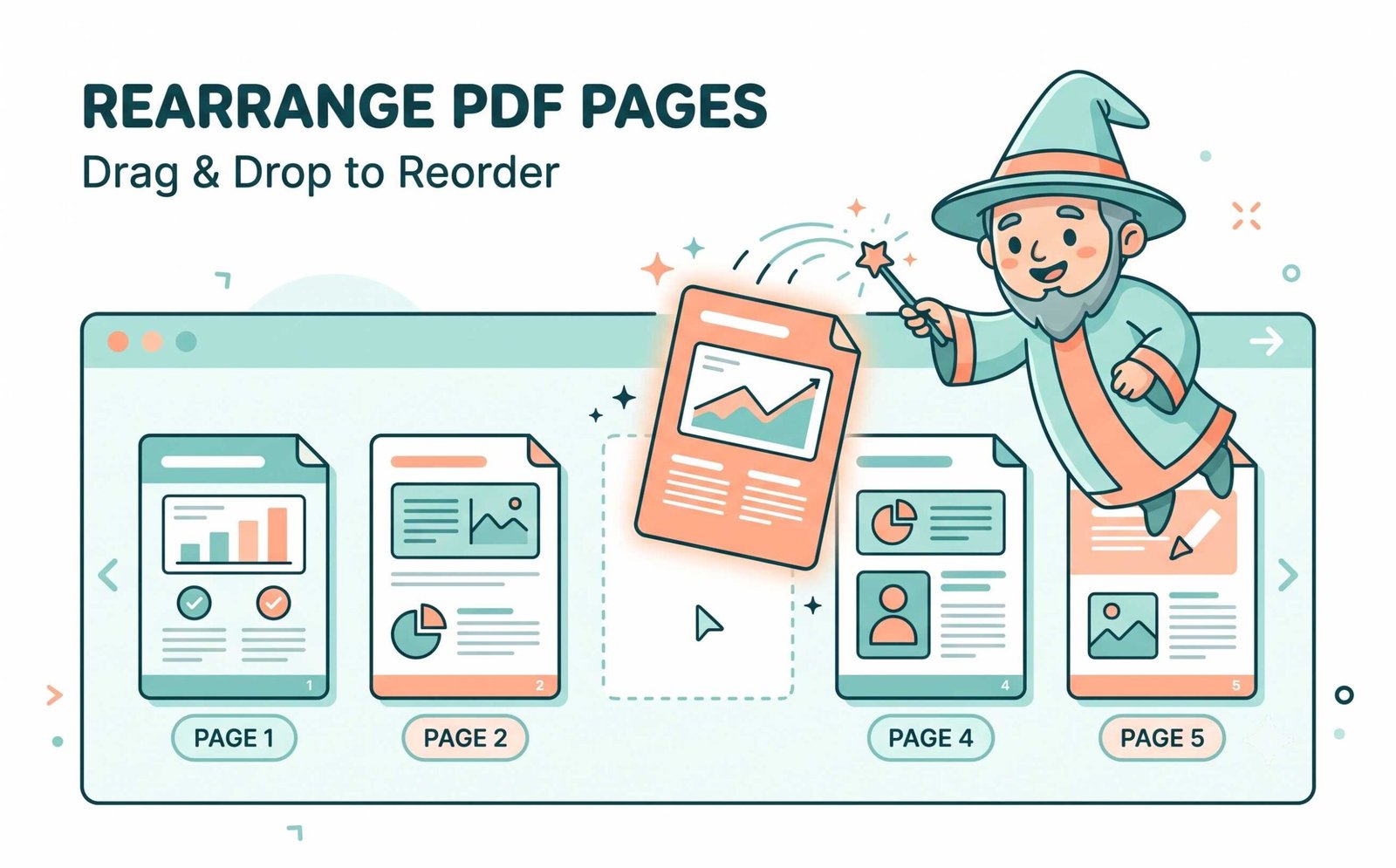
Complete Guide: How to Rearrange Pages in PDF Online
Organizing your scanned documents or portfolios is now easier than ever. Our intuitive drag-and-drop tool allows you to rearrange pages in PDF files securely in your browser without any server uploads, preserving exact vector typography and DSLR image clarity.
How to Smoothly Reorder PDF Pages in Any Custom Sequence
When working with multi-page legal briefs, accounting audit trails, or university dissertations, pages frequently get scanned out of sequence. To reorder PDF pages with pinpoint accuracy, users require more than static list views.
Our workspace introduces fluid multi-select drag-and-drop: hold Shift or Ctrl/Cmd (or touch-and-hold on mobile devices) to grab blocks of pages and move pages in PDF online simultaneously.
- 1-Click Reverse button flips inverted scanning order from 10-1 to 1-10 in one millisecond.
- Automated odd-even interleaving for double-sided scanner batch collation.
- Full history stack lets you undo and redo page swaps without restarting.
How to Change Order of Pages in PDF Without Image Degradation
Inferior web tools rasterize PDF pages during reorganization, crushing high-resolution photography, muddying facial skin tones, and altering shutter/aperture highlights.
When you change order of pages in PDF using our client-side compiler, original JPEG2000 and FlateDecode image streams are transferred directly without re-encoding. Embedded portfolio photography preserves authentic manual camera exposure (ISO, aperture, Kelvin color grading) perfectly.
- Ideal for model portfolios, fashion lookbooks, and high-res architectural blueprints.
- Preserves embedded vector TrueType fonts and interactive form fields untouched.
- Zero resolution downsampling or JPEG artifacting across pages.
Organize PDF Pages Free With Airtight In-Memory Privacy
When you organize PDF pages free on our platform, your confidential corporate memos, tax filings, and medical reports are processed exclusively inside your computer's local memory sandbox via PDF-Lib and Mozilla PDF.js.
- Zero server telemetry, zero cloud storage, and zero document retention risk.
- Split Binder Mode allows filtering and extracting ranges across multiple PDFs.
- Save finalized vector documents in sub-second time without download queues.
Frequently Asked Questions
Everything you need to know about how to rearrange pages in PDF files safely in your browser.
The simplest method is using our visual thumbnail grid. You can easily drag and drop to reorder PDF pages, select multiple pages at once with Ctrl/Shift clicks, or click our 1-click Reverse button for instant document organization.
Yes! Our platform empowers you to organize PDF pages free with absolutely no file size limits, watermark stamps, or hidden premium paywalls.
When you change order of pages in PDF using our advanced client-side engine, we modify the root object catalog tree without re-compressing underlying vector paths or bitmap layers. Embedded photos maintain exact DSLR-like facial features and color grading.
Absolutely. It is 100% safe to move pages in PDF online with our tool because the entire parsing and compiling pipeline executes in your device's local volatile RAM. Your confidential files are never uploaded to any remote server.
Yes! Simply upload your initial document and click "+ Add Files" or enable Advanced Split Binder Mode to import extra PDFs and interleave pages across all loaded files effortlessly.
The Reverse button flips inverted scanner documents from end to start in one click. The Interleave button automatically mixes alternating odd and even page batches for double-sided scanner workflows.