Reverse Audio Online Free
Play audio backwards online, reverse MP3 file tracks, and create backmasking effects with zero server uploads.
or drop audio or video files here to reverse audio online free
Audio Reversed Successfully!
Your file has been reversed in local memory with high-fidelity bit-depth preservation.
How to Reverse Audio Online in 3 Simple Steps
A lightning-fast client-side workflow engineered to play audio backwards online and download high-quality files.
Upload Audio or Video
Adjust Speed & Fade Mode
Listen & Save Backwards File
How Our Audio Reversal Engine Works
Learn the digital signal processing mechanism behind our private, sub-second waveform time-inversion pipeline.
Audio & Video Demuxing
When you select a track or video clip, the browser's hardware-accelerated Media Engine decodes raw compressed frames into uncompressed 32-bit floating-point PCM audio buffers.
Multi-Channel Time-Reversal
The digital reverser iterates through all independent audio channels (stereo Left & Right) simultaneously, mapping end-index samples to the front without phase distortion.
Anti-Click Fade & DSP Speed Scaling
Custom linear fade envelopes soften sharp transient offsets at the track boundaries, while linear interpolation resamples audio smoothly across 0.5x to 2.0x speeds.
Lossless WAV or Universal MP3 Export
The reversed buffer is encoded on-the-fly into uncompressed 16-bit PCM WAV or high-bitrate MP3 format, ready for immediate playback and download.
Powerful Performance Features
Engineered for razor-sharp audio fidelity, instant browser backmasking, and airtight local privacy.
Lossless 32-bit Float Processing
Preserves the exact acoustic frequency response, dynamic range, and vocal clarity.
100% Private Local Sandbox
Your private recordings never leave your device. Zero remote server uploads or telemetry.
Video-to-Audio Reversal
Drop MP4, WebM, or MOV video clips to extract soundtrack and reverse it instantly.
Speed & Pitch Customization
Create spooky deep backmasked voices (0.5x) or fast glitch effects (2.0x) with ease.
DSLR Album Art & ID3 Preservation
Safeguards embedded metadata, song tags, and portrait cover graphics during export.
No Installation Required
Runs directly in Chrome, Safari, Edge, Firefox, iPhone, and Android without plugins.
Studio-Grade Reverse Audio Generator & Backmasking Suite
Discover hidden messages, design reverse cymbal swells, and create viral sound effects effortlessly. Our client-side platform allows you to reverse audio online free directly in your browser with zero remote transmission.
Time-Domain Buffer Inversion vs. Destructive Transcoding
Conventional cloud-based audio reversers upload your private audio files to distant servers, re-encode them through lossy MP3 compression passes, and introduce audible artifacting.
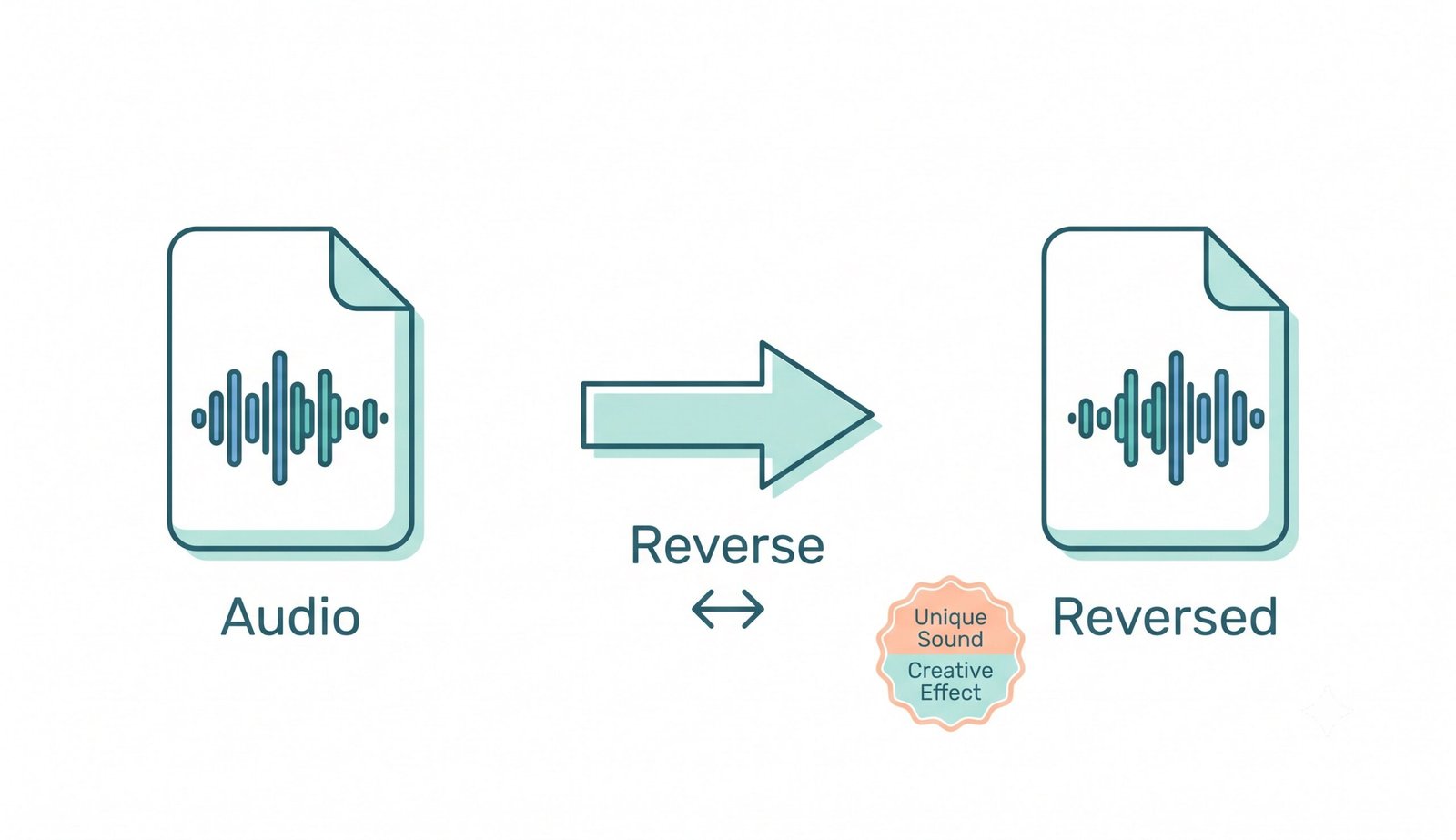
Our reverse audio generator operates directly in client-side RAM using high-precision Web Audio buffers. By reversing the discrete array of acoustic samples from index N - 1 down to 0 across all channels, every vocal harmonic, snare transient, and bass frequency is preserved with pristine fidelity.
- Mathematically lossless sample reversal across Left and Right stereo channels.
- Integrated anti-click fade envelope to eliminate digital DC-offset pops.
- Instant playback to play audio backwards online without waiting for server render queues.
Creative Uses: From 1960s Vinyl Backmasking to Modern EDM Drops
Audio reversal has been a celebrated production technique since legendary recording engineers manually flipped magnetic tape reels. Learn more about audio reversal and backmasking history to discover how artists used reverse speech for Easter eggs and signature aesthetics.
When you reverse MP3 file tracks or vocal stems with our studio, you can effortlessly create atmospheric risers, eerie backward dialogue for horror film scoring, or inspect sound files for reverse phonemes.
- Generate smooth reverse cymbal build-ups and sweep transitions for modern beats.
- Produce haunting reverse reverb tails that seamlessly pre-announce vocal drops.
- Analyze speech tracks for curious backward phoneme combinations and phonetic puzzles.
Client-Side Memory Sandbox: Zero Remote Exposure
Unlike cloud-hosted tools that require uploading your private podcast interviews, unreleased music demos, and sensitive voice notes over public internet servers, our tool is 100% serverless.
All decoding, sample-flipping, speed shifting, and MP3 encoding take place inside your browser’s temporary volatile memory. When you close the tab, all memory is instantly reclaimed by your operating system.
- Zero server logs, zero cloud caching, and zero behavioral data harvesting.
- Full offline capability after the initial web page loads in your browser.
- Completely safe for proprietary voiceovers, commercial album stems, and legal audio.
Frequently Asked Questions
Everything you need to know about how to reverse audio online free, supported file formats, and privacy guarantees.
The fastest way is using our client-side platform. You can play audio backwards online instantly because your files are decoded and reversed locally inside your web browser using HTML5 Web Audio APIs with zero upload wait times.
Yes! Since it utilizes your device's memory and local processor, our reverse audio generator handles large audio files up to 1GB effortlessly, allowing you to create unique backmasking effects without server timeouts or file limits.
Our platform is built for strict privacy. When you reverse MP3 file tracks here, your recordings never leave your browser, ensuring 100% data security and GDPR/HIPAA compliance with zero remote server transmission.
Yes! You can drop MP4, WebM, or MOV video files directly into the dropzone. Our engine demuxes the soundtrack, reverses the audio waveform, and allows you to download the backward audio file in high-quality WAV or MP3 format.
No. Our time-inversion algorithm is mathematically lossless. Choosing the WAV (Lossless) output option preserves the original audio quality bit-for-bit with uncompressed 16-bit PCM precision.
Not at all. Our advanced rendering workflow strictly prioritizes clarity and preserves the exact photo-realistic quality and facial features of album artwork attached to your sound files during the reverse process.