AI Grammar Checker
Correct grammar errors, spelling mistakes, and punctuation slip-ups instantly with smart AI analysis and single-click AutoFix.
Supports .TXT or .DOCX files (Max 10,000 characters)
Free AI Grammar Check – Improve Your Writing Instantly
Writing clear, error-free content is essential whether you are crafting an academic essay, a professional business email, or a blog article. Our Free AI Grammar Checker scans your text in real time to catch spelling typos, subject-verb agreement mismatches, improper punctuation, and awkward phrasing.
How to Use AI Grammar Check
- Enter Your Text: Type or paste your English text into the text editor, or drag and drop a .TXT or .DOCX file into the upload zone.
- Run Analysis: Click the Check Grammar button to initiate our fast 5-second grammar scan.
- Review Suggestions: Hover or click over color-coded highlighted words to inspect detailed explanations and suggestions.
- Apply Fixes: Click AutoFix All to resolve all errors instantly, or apply individual fixes manually.
- Export Your Clean Text: Copy your corrected text to your clipboard, or download it directly as a .TXT or .DOCX file.
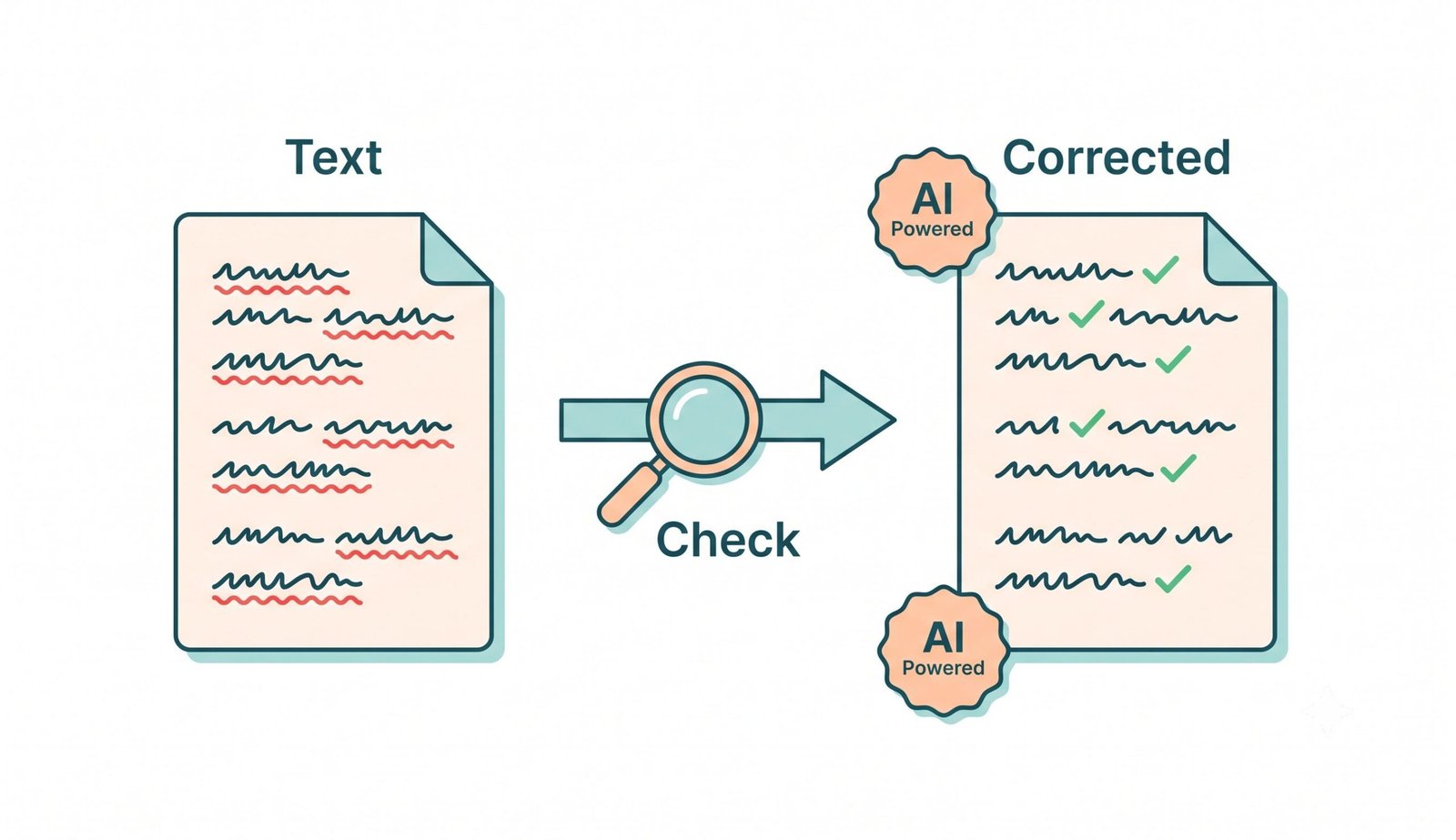
Simplified Diagram: Inputting text → Smart AI analysis → Instant single-click correction.
Key Features of Our AI Grammar Check Tool
- Client-Side Processing: Your text never leaves your device. All calculations and checks happen locally inside your web browser.
- Multi-Category Error Detection: Catches spelling slip-ups, grammatical errors, punctuation mistakes, style redundancies, and clarity issues.
- Readability & Writing Statistics: Instant insights into total words, characters, sentences, Flesch Reading Ease score, and estimated reading time.
- Single-Click AutoFix: Resolve dozens of writing mistakes at once with our intelligent AutoFix engine.
- Multiple Export Options: Copy text with one click, or export your polished writing to Word or Text formats.
Why Use AI Grammar Check? (Benefits & Use Cases)
Good grammar builds trust and readability. According to Wikipedia's grammar guide, proper structure and syntax are foundational for effective human communication. Using an automated AI grammar checker helps students write better papers, enables professionals to send polished correspondence, and empowers non-native speakers to master written English confidently.
Grammar Checking Best Practices
- Read through corrected text carefully to ensure your intended tone remains intact.
- Pay attention to recurring spelling or grammar errors to improve your overall writing habits over time.
- Combine grammar checking with concise paragraph structuring for maximum clarity.
Frequently Asked Questions (FAQ)
Our tool uses a hybrid engine combining rule-based syntax algorithms and spellcheck parsing to detect common typos, punctuation errors, and subject-verb mismatches instantly in your browser.
Yes, 100%. All processing is executed client-side in your web browser. Your text is never uploaded to external servers or stored in any remote database.
Yes, it is completely free with no subscriptions, sign-ups, or word limit hidden charges.
You can upload plain text files (.TXT) or Microsoft Word documents (.DOCX), or simply copy and paste your text into the editor box.
Yes, the tool is designed with a fully responsive layout that works smoothly on smartphones, tablets, and desktop devices.
We use the industry-standard Flesch Reading Ease formula, analyzing word length, sentence length, and syllable counts to provide a score between 0 and 100.