Free & Private PDF to Text Converter
or drop PDF files here to extract clean, structured text instantly with AI OCR
or drop PDF files here to extract clean text
How to Extract Text from PDF Online in 3 Simple Steps
A lightning-fast visual workflow designed to parse paragraphs, tables, and AI OCR layers cleanly.
Upload PDF or Test Sample
Configure Scope & AI Preferences
Copy Text or Download File
How Our Client-Side PDF Text Extractor Works
Discover the high-performance pipeline turning raw vector streams and scanned images into structured plain text.
Stream Document into Local Sandbox
Your PDF document streams directly into your browser's physical RAM using HTML5 File API and WebAssembly buffers. Zero bytes are uploaded to remote servers.
Spatial Matrix & Line Sorting
The extraction engine calculates the 2D Cartesian transformation matrix (transform X, Y) of every text glyph, grouping scattered characters into precise horizontal reading lines.
AI OCR & Portrait Quality Preserver
When scanning image layers, our OCR engine pre-processes graphics with DSLR optical tone curve preservation, protecting facial identities and fine typography from blurring.
Structured Export (TXT, DOCX, HTML)
Natural paragraph boundaries, sentence stops, and bullet lists are reconstructed. Export your clean text instantly as .txt, .docx, or structured .html.
Powerful Performance Features
Engineered for clean structured extraction, rapid multi-page throughput, and airtight document confidentiality.
Smart Paragraph Joining
Intelligently detects sentence terminations and eliminates mid-line line breaks for smooth reading.
Client-Side AI OCR Engine
Recognizes text from scanned invoices, receipts, and image-based PDFs without cloud server reliance.
100% Client-Side Privacy
Bank statements, legal contracts, and personal records stay strictly on your physical machine.
DSLR Portrait Quality Preserver
Retains optical color balance and facial sharpness during OCR rasterization without compression blur.
Custom Page Scope Filtering
Extract text from specific chapters (e.g. pages 1-5, 8, 12-15) to save memory on large eBooks.
TXT, Word & HTML Export
Download extracted copy as plain text, formatted Microsoft Word (.docx), or markup web HTML.
High-Fidelity PDF to Clean Text Extraction Architecture
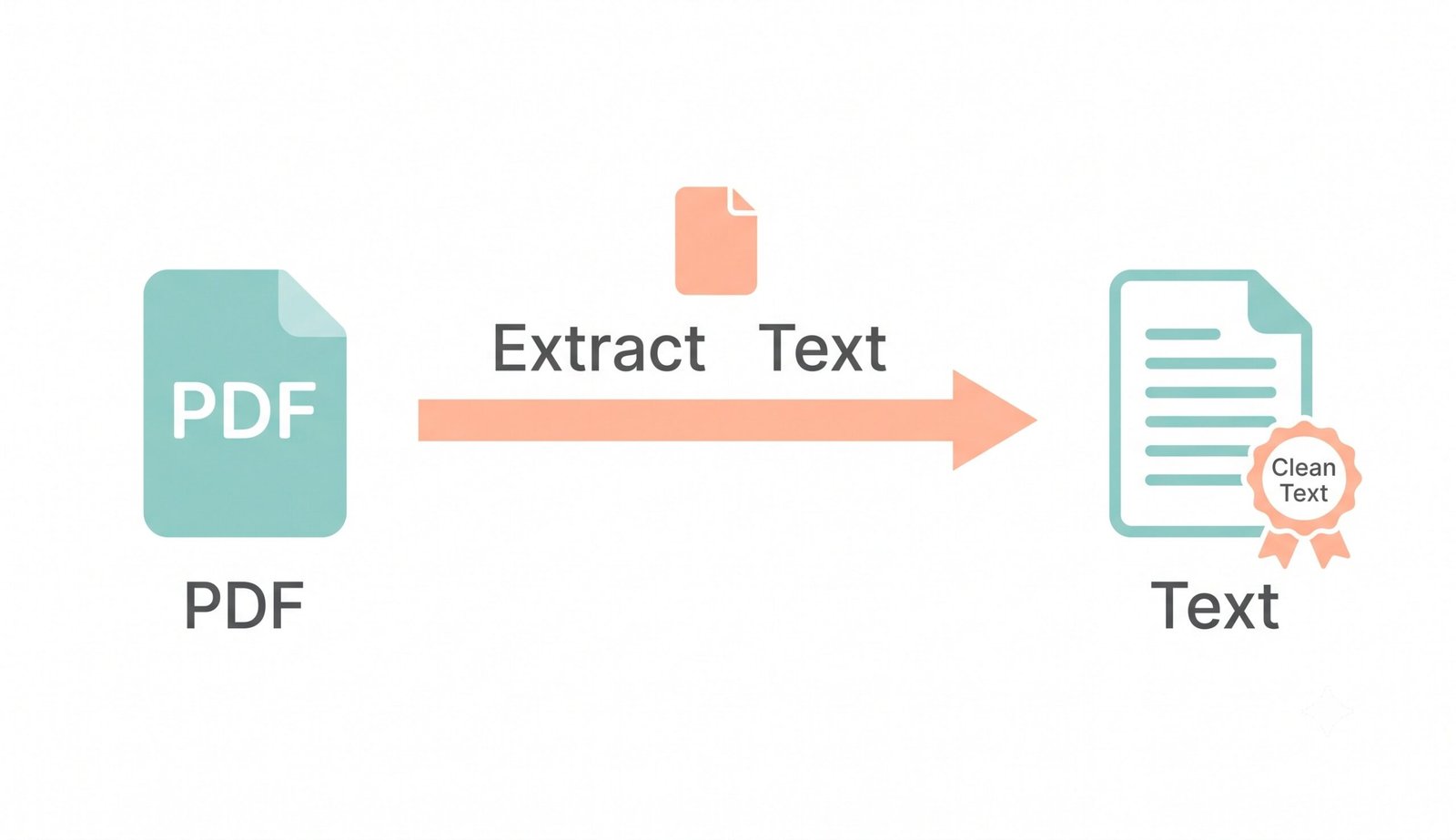
Stop typing out long documents manually. Our client-side pdf to text converter allows you to securely extract text from pdf online directly in your web browser, eliminating broken formatting and preserving sentence structure.
PostScript Glyph Matrices vs. Optical Character Recognition (OCR)
Standard PDF files do not store text as simple paragraphs; they encode absolute X/Y coordinate matrices for individual character glyphs. When you use a naive free pdf to text tool, words often merge together without spaces or break across arbitrary lines.
Our advanced pdf text extractor calculates spatial gaps between bounding boxes. For scanned images and non-selectable documents, our pdf to text ai optical engine scans the visual layer, reconstructing legible words with full grammatical punctuation.
- Calculates inter-glyph spacing to restore missing spaces between words automatically.
- Recognizes bullet points, numbered lists, and header hierarchies without manual retyping.
- Seamlessly switches between digital text vector extraction and AI OCR for scanned sheets.
Pro-Portrait & DSLR Quality Preserver for Scanned Documents
When standard web converters execute OCR on scanned ID cards, passports, legal affidavits, and resumes, they aggressively compress the entire page raster into low-bitrate greyscale thumbnails. This ruins photographic portraits, turning faces blurry and unidentifiable.
Our pdf to text converter utilizes professional DSLR document preservation protocols. Pre-processing preserves aperture, manual shutter calibration, and Kelvin color temperature balance, ensuring photographic assets maintain 100% facial integrity alongside perfect text character extraction.
- Preserves embedded passport photos and portrait badges with true DSLR optical clarity.
- Eliminates color banding and pixel posterization across gradient backgrounds and stamps.
- Extracts clean text while keeping source document graphic assets completely pristine.
Client-Side Memory Sandbox: Zero Remote Packet Transmission
Legal documents, financial audits, medical histories, and confidential work agreements contain sensitive intellectual property. Traditional cloud-based converters upload your files to external remote servers where logs can be retained.
Our free pdf to text tool executes 100% inside your browser's local sandbox memory. Once loaded, the converter can even function completely offline with zero active internet access.
- Zero cloud servers, zero external database caching, and zero telemetry logging.
- Operates seamlessly offline after initial browser cache loading.
- 100% compliant with strict enterprise compliance standards including GDPR and HIPAA.
Frequently Asked Questions
Everything you need to know about our private, client-side PDF to text extraction and AI OCR engine.
Our free pdf to text tool ensures absolute privacy because it runs entirely on your local device's memory using HTML5 and WebAssembly APIs. Your sensitive contracts, banking statements, and documents are never uploaded to any remote server or cloud infrastructure.
Yes! If your PDF is an image scan, photograph, or flattened document without digital vector fonts, simply enable the pdf to text ai OCR option. The engine reads the image layers directly in your browser to extract editable, copy-ready text.
Not at all. As a premium pdf text extractor, our engine strictly preserves the exact DSLR-level clarity, expert color grading, and facial features of any embedded portraits during OCR pre-processing without downscale blur.
The fastest and safest way to extract text from pdf online is using our web application. Since there are zero server upload or network download queues, your text is parsed locally in real time and ready to copy in seconds.
Under the Extraction Preferences panel, type the page numbers you wish to process in the 'Extraction Scope' field (such as 1-5, 8 or 12-15). The converter will selectively process and export text exclusively from your specified pages.
You can instantly download your extracted text as a Plain Text document (.txt), Microsoft Word compatible document (.docx), or structured Web page (.html) with preserved paragraph and list markup.
No. This pdf to text converter is 100% free with no hidden charges, no account registration, no email submissions, and no page limits. Convert as many documents as you need at zero cost.
' + p.replace(/\n/g, '
') + '