Cut Audio Online
Trim, cut, and extract single or multiple audio segments with microsecond accuracy.
Drop your audio file here or click to browse
Supports MP3, WAV, OGG, AAC, FLAC, M4A, WebM, WMA (Up to 1GB)
Free Cut Audio Online – Trim & Extract Multiple Audio Clips
Welcome to the ultimate browser-based audio cutter and trimmer. Whether you need to edit a podcast episode, trim music tracks, cut out unwanted pauses and background noise, or extract multiple clips from a single song, our Cut Audio Online tool delivers professional precision—100% free, private, and fast.
How to Cut Audio Online (Single & Multiple Parts)
Trimming audio files with our interactive timeline is fast and easy. Follow these simple steps:
- Upload Audio File: Drag and drop your audio track into the upload box or click "Try with Sample Audio" to test out the features immediately.
- Set Cut Points: Drag the blue selection handles on the visual waveform or enter precise timestamps in the Start Time and End Time input fields.
- Cut Multiple Parts (Optional): Need to extract 3-4 different parts from the same audio track? Click "➕ Add Cut Segment" to save each segment to your cut list.
- Choose Format & Effects: Select your preferred output format (MP3 High Quality, WAV Lossless, or OGG Vorbis) and enable optional Fade In, Fade Out, or Normalization.
- Cut & Download: Click "Cut & Export Audio". Our 5-second engine processes your clips. You can download all clips packaged inside a .ZIP file or download each clip individually!
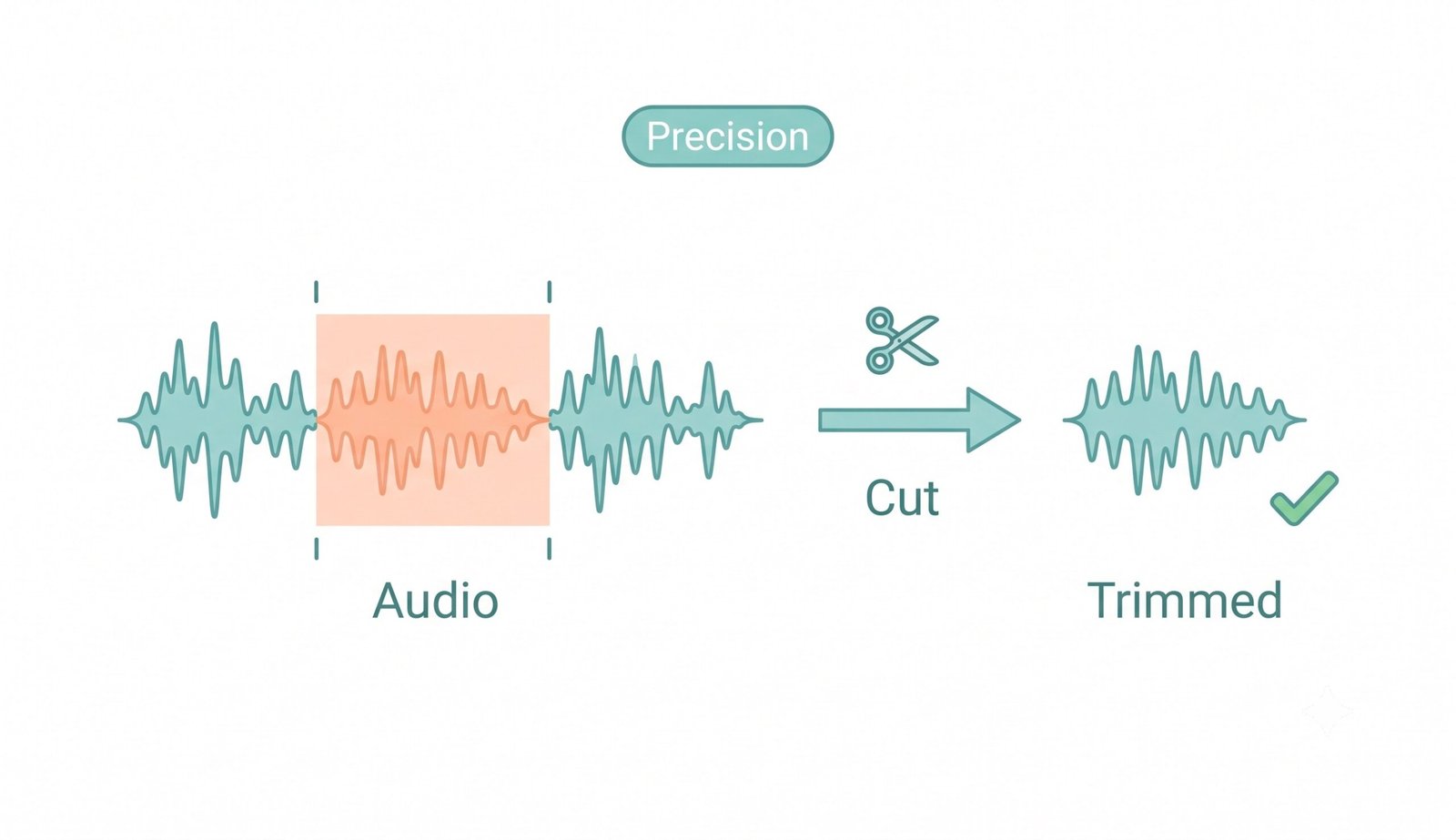
Key Features of Our Online Audio Cutter
🔒 100% Private Client-Side Cutting
All decoding, cutting, and encoding happen purely inside your browser via the Web Audio API. Your files are never uploaded to any remote server.
📦 ZIP + Separate File Export
Cut multiple regions from a single track in one session. Download individual clips separately or package all parts into a single .ZIP archive.
🎵 Real-Time Visual Waveform
View audio amplitude spikes on a dynamic timeline with up to 5x zoom magnification and microsecond-accurate handle controls.
📈 Integrated Audio Effects
Apply volume normalization and smooth fade-in / fade-out envelope curves to eliminate harsh audio clicks and popping noises.
Why Cut Audio Online? (Use Cases & Benefits)
Editing sound files is an essential step across many content creation workflows:
- Podcasting & Voiceovers: Easily trim out long pauses, coughs, false starts, and background noise.
- Music Production & Sampling: Extract individual drum breaks, vocal samples, and synth loops from longer recordings.
- Ringtones & Sound Effects: Cut out your favorite 15-30 second melody to create custom ringtones for iPhone or Android.
- Social Media Clips: Trim audio tracks for YouTube Shorts, Instagram Reels, and TikTok videos. Learn more about audio editing and cutting to expand your production skills.