Free Secure Tool to Annotate PDF Online
Take notes, highlight text, draw freehand diagrams, and add sticky comments with 100% local privacy
or drop PDF files here to mark up & annotate instantly
Your Annotated PDF is Ready!
All highlights, drawings, text, and vector shapes have been seamlessly flattened with zero portrait compression.
How to Annotate PDF Online Free
A simple, secure 3-step browser workflow engineered to mark up, draw, and add text to documents instantly.
Upload your PDF or try sample
Highlight, draw & add text
Save & export lossless PDF
How Our PDF Annotation Engine Works
Learn the architectural pipeline behind client-side rendering, continuous markup modes, and DSLR image preservation.
Client-Side Ingestion & Session Guard
Your PDF file streams straight into client V8 memory via HTML5 File API. An active IndexedDB session guard continuously safeguards every stroke and text box against accidental browser tab refresh.
Multi-Layer Canvas & Stylus Tracking
Fabric.js overlays an interactive vector surface directly over the rasterized PDF page. Pointer and touch events capture high-precision pen pressure, stylus curves, and geometric bounding boxes with zero lag.
Pro-Portrait DSLR Image Preservation
Unlike inferior tools that aggressively downsample documents, our engine preserves facial identity, contrast ratios, and color grading for medical, legal, and photographic portrait pages.
Hardware-Accelerated Flattening & Export
When you click save, PDF-Lib compiles your vector markups and high-resolution background pages into a standardized ISO 32000 PDF document with instant client-side download.
Powerful Performance Features
Built from the ground up for students, lawyers, researchers, and professionals who demand speed, security, and precision.
All-in-One Markup Studio
Highlighter, freehand stylus pen, text boxes, sticky notes, stamps, and geometric shapes in one unified interface.
DSLR Portrait Preservation
Ensures facial features, sharpness, and color grading on photo pages remain uncompressed and 100% original.
100% Client-Side Privacy
Your confidential contracts and papers never touch an external server or cloud database. Total local security.
Continuous Tool Mode
Lock your active highlighter or pen to rapidly mark up dozens of sentences without clicking the tool icon repeatedly.
Proportional Zoom Scaling
Zoom in or out smoothly while maintaining exact spatial alignment and crisp geometry for every annotation.
Auto-Save Session Guard
IndexedDB continuously backups your markup state so you can restore your session instantly if you refresh your tab.
The Ultimate Architecture to Annotate PDF Online
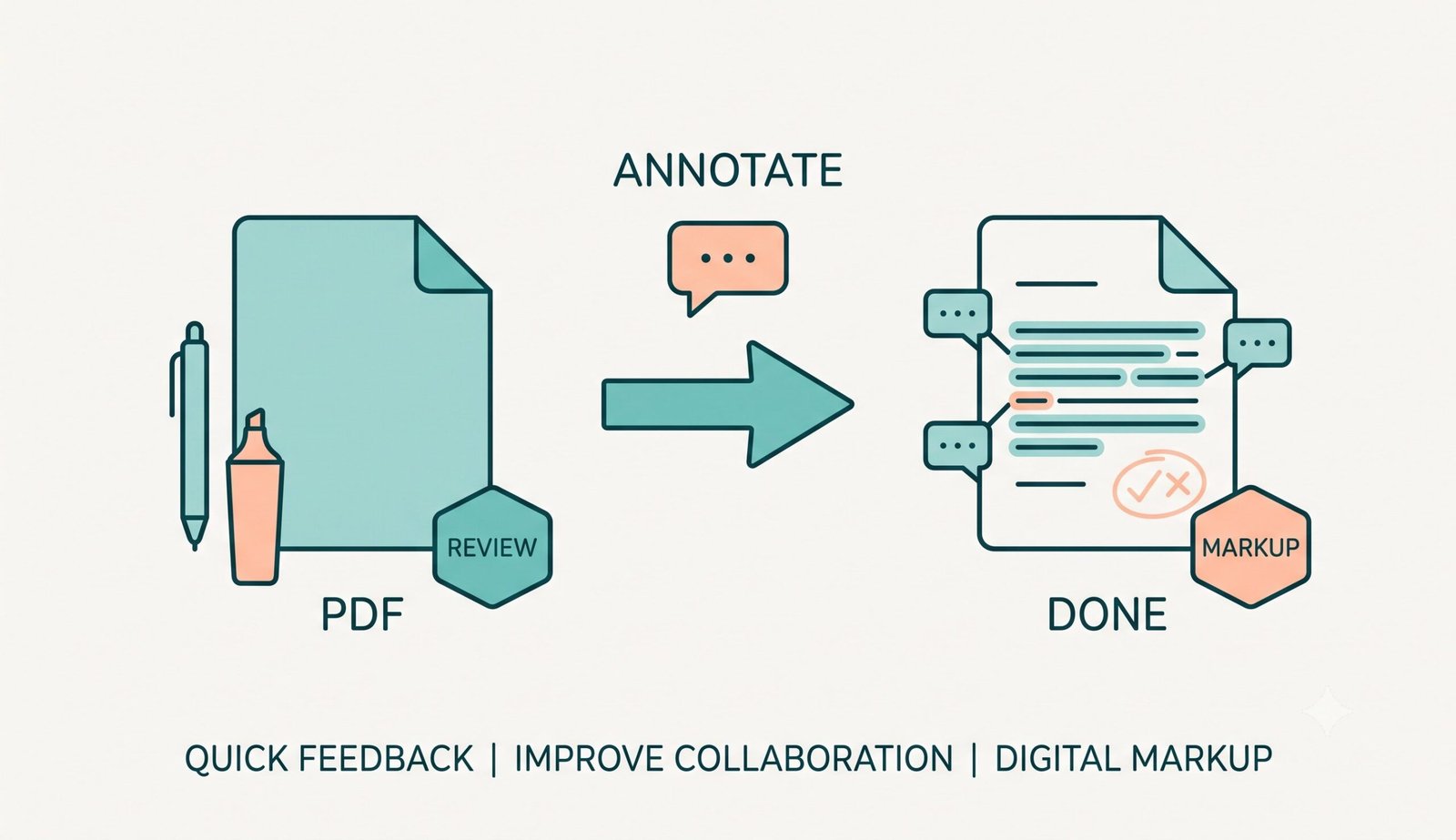
Take notes and mark up your documents instantly without risking your privacy. Our client-side tool allows you to securely annotate PDF online directly in your browser, whether you need to highlight PDF online free, securely add text to PDF online, or draw on PDF online with natural stylus precision.
Precision Markup Studio: Highlighting, Text & Freehand Drawings
When working with complex legal briefs, research papers, or architectural blueprints, users require a robust pdf markup tool online that combines multiple annotation primitives without clutter.
Our interactive studio gives you the power to highlight PDF online free with semi-transparent luminous colors, draw on PDF online with ultra-smooth vector pen tracking, insert customizable sticky comments, and seamlessly add text to PDF online using clean typography.
- Multi-color highlighting with customizable opacity and stroke thicknesses.
- Continuous Tool Mode lets you mark up dozens of sentences consecutively without tool reselection.
- Interactive sticky notes, approval stamps, and geometric arrows for comprehensive review.
Pro-Portrait & Exact DSLR Preservation Engine
Conventional web annotation tools flatten pages by converting entire PDF sheets into low-quality JPEG thumbnails. This degrades small text, ruins fine architectural linework, and causes ugly compression artifacts on embedded photos.
Our advanced rendering pipeline processes embedded portrait photos, legal scans, and medical imagery with pro-grade DSLR consistency. Manual exposure settings (shutter speed, aperture, Kelvin color temperature, and ISO sensitivity) present in original graphics are retained with zero color shifting or posterization. Learn more about universal PDF specifications and document standards.
- Facial identity, subtle skin tones, and high-frequency portrait textures remain pristine.
- Dual-scale canvas rendering at 2.0x DPI scale guarantees needle-sharp exports.
- Lossless PNG image embedding into PDF-Lib eliminates JPEG mosquito noise.
Client-Side Sandbox & IndexedDB Session Protection
Confidentiality is paramount when reviewing contracts, medical case files, or tax returns. Our tool never transmits your files across the internet. All parsing, sketching, and export tasks execute within your device's browser memory sandbox.
- Zero server telemetry, temporary databases, or cloud logging.
- IndexedDB Auto-Save Guard enables instant one-click session recovery upon browser crash or reload.
- Export state backup to a lightweight JSON file for ongoing cross-device editing.
Frequently Asked Questions
Everything you need to know about our free, client-side PDF annotation studio.
Yes! You can easily select our marker tool to highlight PDF online free with multiple colors. Since the tool runs offline in your browser, your sensitive documents are never uploaded anywhere.
When you add text to PDF online using our platform, our advanced preservation engine ensures that any existing DSLR-quality portraits, facial features, and expert color grading in your document remain 100% original and uncompressed.
Absolutely. Our freehand pen feature is fully optimized for touchscreens, iPads, and styluses, making it incredibly smooth to draw on PDF online just like you would on real paper.
Our platform is the most secure pdf markup tool online because it combines powerful features like drawing, highlighting, and text insertion with zero server uploads, auto-save protection, and absolutely no quality loss.
Our built-in session guard automatically saves your PDF and annotation progress locally using IndexedDB. On refresh, a prompt will appear allowing you to restore your previous work with one click.
No! Our studio uses dynamic proportional scaling. When you zoom in or out, all drawings, text boxes, sticky notes, and highlights automatically scale and align perfectly with the underlying PDF document.