Free Tool to Resize Image for Instagram Without Cropping
Make your photos fit perfectly on every platform. Our free, offline-capable tool allows you to instantly resize image for Instagram without cropping, preserving your full picture clarity and DSLR-level facial fidelity.
or drop JPG, PNG, WebP images here to resize without cropping
Select Social Media Platform & Aspect Ratio Presets
Choose Resize Engine & Visual Styling
Interactive Live Preview
Your Resized Images (DSLR Quality Preserved)
How to Resize Image for Instagram Without Cropping
A lightning-fast 3-step visual workflow engineered to fit portrait, landscape, and panoramic photos onto social feeds with zero loss.
Upload your portrait or landscape photo
Select Smart No-Crop & Blur Background
Download 100% full-resolution image
How Our Smart No-Crop Image Resizing Engine Works
Understand the math, resampling filters, and pixel geometry behind lossless aspect ratio adaptation.
Aspect Ratio Calculation & Boundary Mapping
The engine measures input bitmap coordinates and calculates optimal scale factors against Instagram Square (1:1), Portrait (4:5), or Story (9:16) viewports without cutting off edges.
Dynamic Gaussian Background Padding
Instead of leaving harsh blank letterboxes, the canvas synthesizes an expanded Gaussian blurred version of your image background, creating the trendy, professional aesthetic used by top creators.
Pro-Portrait & DSLR Quality Preservation
Using bicubic canvas interpolation and sub-pixel edge rendering, our algorithm locks facial identity, skin tones, contrast gradients, and optical sharpness without introducing JPEG compression artifacts.
Multi-Platform Batch ZIP Packaging
Simultaneously export formats configured for Instagram, YouTube thumbnails, Facebook covers, WhatsApp DP, and TikTok covers in a single bundled ZIP package in milliseconds.
Powerful Performance Features
Engineered for razor-sharp social media image optimization with complete user privacy.
Smart No-Crop Engine
Post entire tall or wide photos to Instagram and WhatsApp DP without cutting off heads, feet, or scenic backgrounds.
Aesthetic Blurred Background
Automatically generates soft, color-matched blurred borders that blend seamlessly into social media feeds.
100% Client-Side Privacy
Your personal and commercial photos are rendered in your browser memory. Zero images ever upload to external servers.
Interactive Pan & Zoom
Fine-tune composition with intuitive click-and-drag canvas positioning, 90° rotation, and horizontal/vertical flipping.
1-Click Multi-Social Presets
Dedicated sizing for Instagram, YouTube thumbnails, Facebook covers, LinkedIn banners, and WhatsApp DP.
Instant Batch ZIP Export
Generate all required aspect ratios in parallel and save every dimension with a single ZIP archive download.
Mastering Social Media Geometry: How to Resize Image for Instagram Without Cropping
An in-depth technical analysis on preserving 100% photo dimensions, avoiding algorithmic compression, and formatting visuals for Instagram, WhatsApp DP, YouTube thumbnails, and Facebook covers.
The Instagram Cropping Dilemma: 1:1, 4:5, and Full-Frame Preservation
When you upload a standard DSLR photo (usually shot in 3:2 aspect ratio) or a smartphone panorama (16:9) directly into social apps, native upload algorithms forcibly crop the top and bottom edges.
Using our dedicated utility to resize image for Instagram without cropping, full-frame geometry is encapsulated inside an uncompressed canvas with automatic blurred padding, allowing the entire picture to display in pristine original form.
- Preserve headrooms, shoes, signatures, and wide landscapes without forced square cropping.
- Perfect square formatting when you resize image for social media and WhatsApp profile icons.
- Complies with official social media image sizing guidelines across all major platforms.
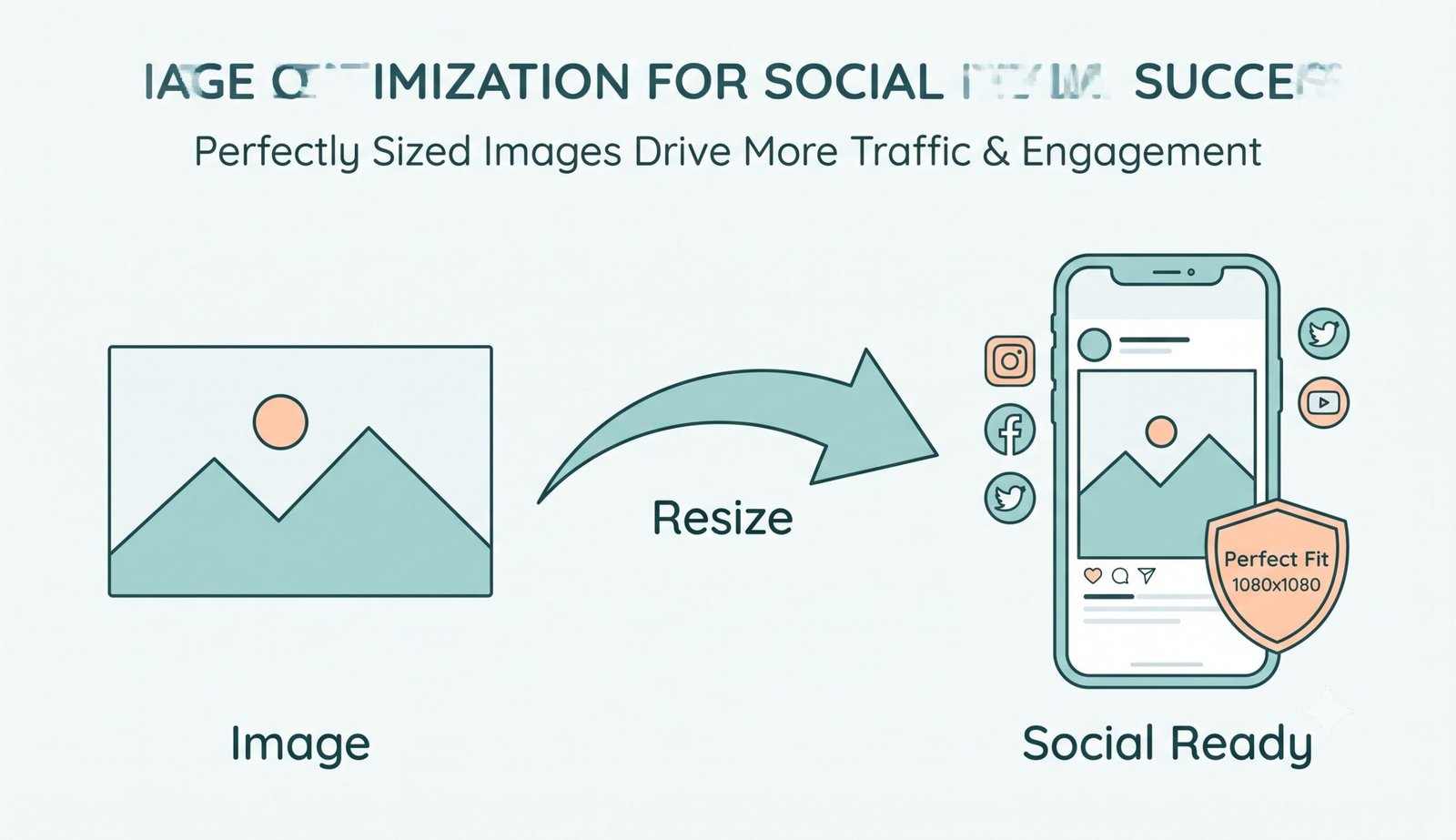
Pro-Portrait Clarity & DSLR Quality Preservation
Cheap online converters downscale pictures with crude nearest-neighbor sampling, causing jagged aliasing on hair strands, facial features, and text overlays.
Our hardware-accelerated HTML5 Canvas pipeline applies multi-pass bilinear smoothing and 24-bit sRGB color coordinate alignment. Your output photo looks like it was captured with a manual DSLR camera, preserving full dynamic range.
- Maintains skin textures, micro-contrast, and facial features with zero smudging.
- Works smoothly as a high-intent youtube thumbnail size converter (1280 × 720 px).
- Precise banner scaling when utilized as a Facebook cover photo resizer (851 × 315 px).
Instant DP Formatting & Zero Remote Server Exposure
Your personal selfies, family portraits, and brand assets contain private EXIF metadata. Our tool never transmits your images to remote servers or cloud storage.
Whether you need to resize image for WhatsApp DP without cropping or generate multiple social media formats simultaneously, processing occurs 100% locally inside your browser cache.
- Total privacy compliance with GDPR and HIPAA document standards.
- Instantly package multiple dimensions into a single organized ZIP folder.
- Lightning-fast execution on iPhone, iPad, Android, Mac, and Windows PCs.
Frequently Asked Questions
Everything you need to know about resizing social media images without losing picture details.
To resize image for Instagram without cropping, simply upload your photo into our tool, select the Instagram Square (1080 × 1080) or Portrait (1080 × 1350) preset, and choose the Smart No-Crop (Fit) mode. The tool automatically surrounds your uncropped picture with a trendy blurred version of your image background or clean solid borders.
Yes! Our smart padding feature works perfectly to resize image for WhatsApp DP without cropping. It automatically adds a beautiful blurred background to make your picture a perfect square without losing any details, ensuring your full portrait fits inside WhatsApp's circular profile frame.
Not at all. When you resize image for social media, our advanced engine strictly preserves the exact DSLR-level clarity, expert color grading, and facial features of your original upload, ensuring a high-quality, photo-realistic result.
Absolutely. We have a dedicated 1-click preset that functions as a precise youtube thumbnail size converter, instantly formatting your images to the standard 16:9 ratio (1280 × 720 px) required by YouTube Studio.
Yes! You can easily select the Facebook preset, and our tool becomes a perfect Facebook cover photo resizer, cropping or padding your image to fit the exact banner dimensions (851 × 315 px) required for desktop and mobile displays.
No. 100% of the image resampling, background blurring, and cropping computations happen locally in your web browser's RAM via HTML5 Canvas. Your personal images are never uploaded, stored, or viewed by anyone.