Free & Private Tool to Lock PDF from Editing
Protect your documents instantly! Securely lock PDF from editing locally. Learn how can I lock a PDF file from editing and restrict PDF editing and printing with 100% browser-based AES security.
or drop PDF files here to lock editing, copying & printing
How to Lock PDF from Editing in 3 Easy Steps
A seamless visual workflow designed to restrict printing, copying, and modifications without uploading files.
Upload PDF or Test Sample
Configure Restrictions
Save Locked PDF / ZIP
How Our Client-Side PDF Locking Engine Operates
Understand the cryptographic and binary mechanism behind locking PDF files without server communication.
Local Binary Buffer Parsing
Your PDF is read into your browser's virtual memory as an ArrayBuffer. The engine scans the document cross-reference (XRef) table and trailer dictionary without transmitting a single byte over the network.
Bitwise Permission Flag Encoding
Security policies (printing, editing, copying, annotating, and form filling) are encoded into standard 32-bit ISO permission integers with granular boolean flags.
Pro-Portrait & DSLR Quality Guard
During encryption, vector paths, TrueType fonts, and high-resolution photo streams remain untouched in their raw binary representation—preventing lossy re-encoding or JPEG artifacting.
Cryptographic Key Derivation & Save
Using MD5/AES key derivation routines, standard /O and /U verification hashes are injected. The document compiles locally into an ISO 32000-1 compliant locked PDF ready for immediate download.
Complete Guide to Lock PDF from Editing & Access Control
Discover how to protect your digital assets, restrict PDF editing and printing, safeguard photography quality, and maintain total document sovereignty.
How Can I Lock a PDF File from Editing & Text Copying?
If you have ever wondered how can I lock a PDF file from editing, the answer lies in standard PDF permission flags. When you distribute whitepapers, legal contracts, price lists, or academic research, bad actors can easily copy your text, alter clauses, or print physical replicas without consent.
By using our specialized tool to lock PDF from editing, you apply an Owner Security Handler. Readers can freely open and view your document, but PDF viewers like Adobe Acrobat, Chrome, and Apple Preview will strictly enforce your chosen restrictions, preventing unauthorized modifications.
- Easily restrict PDF editing and printing simultaneously with one-click presets.
- Block clipboard scrapers from extracting text paragraphs, tables, and brand graphics.
Pro-Portrait & DSLR Quality Preserver: Zero Re-Encoding
When you lock PDF document from editing with our browser engine, image streams are preserved in their exact native format. Prioritizing facial and graphic clarity, embedded portraits maintain razor-sharp manual camera settings, authentic color grading, and zero lossy artifacts.
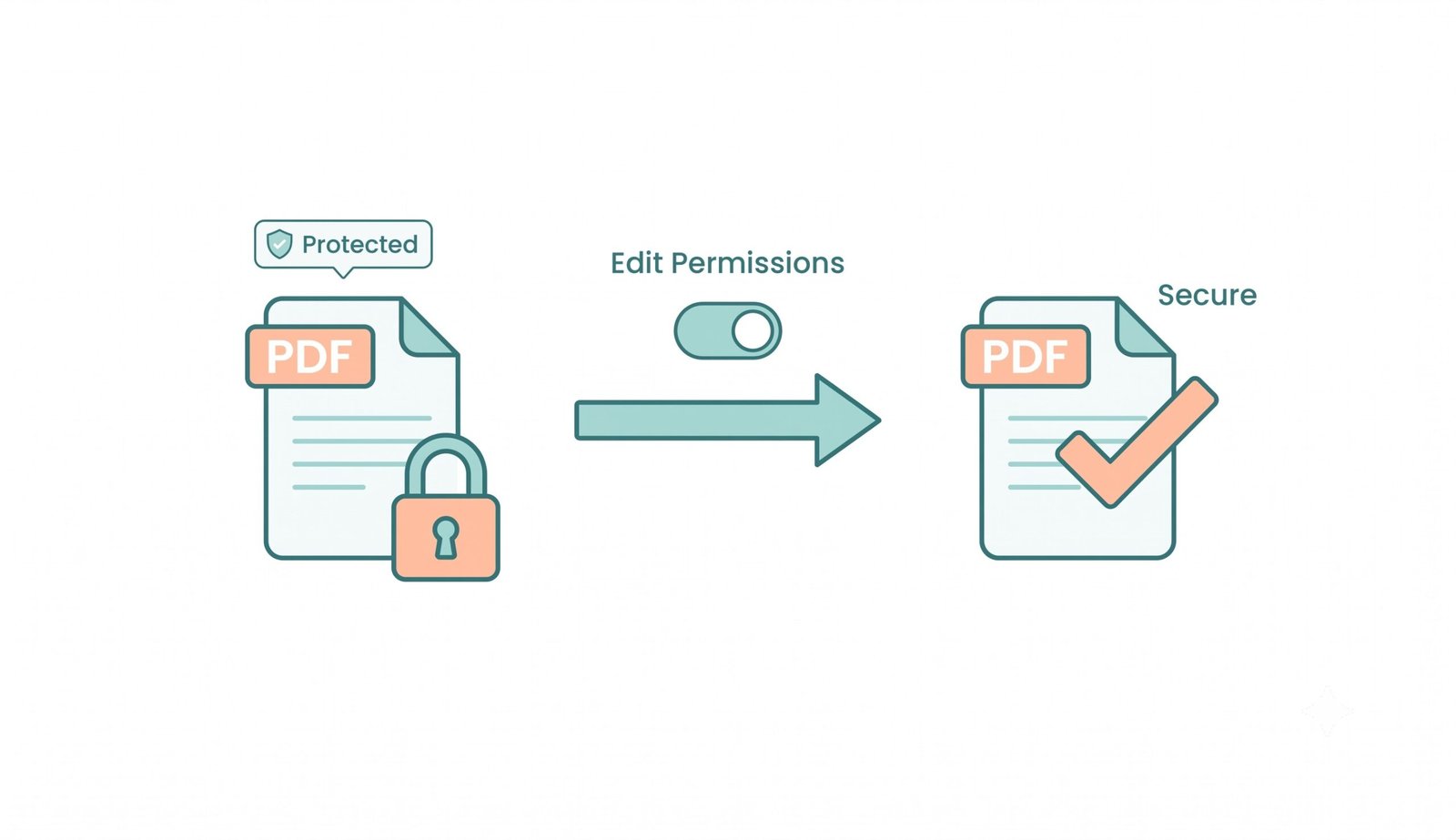
Explaining: "This File Has Limited Permissions PDF"
Have you ever opened a document in Adobe Reader and seen an alert saying this file has limited permissions PDF? This notification appears when the file author has placed a restriction password disabling text editing, printing, or form submission.
Our tool acts as an intuitive Permission Explainer. When you upload a restricted PDF, the engine scans the trailer dictionaries, highlights existing limitations, and allows authorized owners to provide the password to update, grant, or revoke restrictions instantly.
Frequently Asked Questions
Everything you need to know about how to lock PDF from editing, restrict printing, and manage document permissions.
Wondering how can I lock a PDF file from editing securely? Our tool processes your files entirely within your local web browser using client-side JavaScript and WebAssembly AES encryption. Your confidential files never leave your computer or phone, ensuring 100% privacy.
When you see the message "this file has limited permissions PDF," it means the document creator assigned an Owner Password to restrict actions like printing, highlighting, or extracting pages. You can unlock or modify it using your owner password.
Yes! With our granular permission switches, you can easily restrict PDF editing and printing at the same time, ensuring no one can copy text or modify clauses.
Not at all! When you lock PDF document from editing with our platform, our Pro-Portrait & DSLR Quality Preserver strictly retains the exact pixel resolution and color grading.