Free Tool to Blur Faces Online & Edit Pictures
or drop photos here to blur part of a picture with Gaussian, Kawase & Radial blur
Protect privacy instantly: blur faces online or blur part of a picture locally
Blur Processing Complete!
Original unblurred portrait areas retain 100% DSLR optical sharpness.
How to Blur Faces Online & Edit Pictures
A simple 3-step visual workflow to anonymize faces or blur part of a picture with DSLR bokeh clarity.
Upload your photo or sample
Select masks & blur style
Export in full DSLR clarity
How Our Multi-Algorithm Blur Engine Works
Learn the technology powering our private, client-side face anonymization and bokeh synthesis pipeline.
Lossless Image Streaming
Upload high-resolution RAW, PNG, or JPG photos. Your image is streamed directly into local browser V8 memory arrays with zero cloud server exposure or byte loss.
Multi-Region Mask Management
Unlike older tools that overwrite masks, our engine allows you to simultaneously run AI face detection and place custom boxes or radial rings to blur part of a picture effortlessly.
Kawase & Gaussian Kernel Filtering
Apply smooth Gaussian blur online, fast dual-pass Kawase bloom blur, or dynamic radial blur online across selected coordinates using hardware-accelerated 2D Canvas buffers.
DSLR Sharpness Preserver
Only the masked regions are modified. Unblurred areas retain 100% of their original camera sensor fidelity, Kelvin white balance, aperture depth, and color profile.
Powerful Performance Features
Engineered for razor-sharp portrait preservation, instant multi-mask control, and airtight privacy.
AI Face Detection
Automatically identify and censor multiple human faces in crowds with one-click toggles.
Kawase Blur Engine
Ultra-fast, lightweight bloom blur popular with graphic designers for aesthetic softness.
100% Client-Side Privacy
Your private photos never leave your device. All rendering executes locally in your browser.
Radial Motion Blur
Simulate dynamic motion zoom, spin, or circular lens vignette focus with custom rings.
DSLR Quality Preserver
Unblurred areas remain completely untouched with zero compression or detail loss.
Batch ZIP Archive
Process and download multiple photos simultaneously in a unified high-speed ZIP file.
Securely Blur Faces Online & Selective Picture Anonymization
Protect privacy or create stunning artistic effects directly in your browser. Our tool allows you to securely blur faces online without uploading your files, effortlessly blur part of a picture, and apply advanced radial blur online or Kawase blur in real time.
Gaussian Blur Online vs. Aesthetic Kawase & Radial Filtering
Different visual tasks demand specific blur characteristics. Applying a standard Gaussian blur online creates mathematically balanced pixel dispersion that smoothly hides confidential text, license plates, and sensitive documents.
For creative digital artists and portrait photographers, our engine implements Kawase blur—a lightweight multi-pass downsample-upsample technique that provides aesthetic bloom softness without heavy CPU overhead. Additionally, our radial blur online mode lets you simulate high-speed motion focus or DSLR lens vignetting around focal subjects.
- Smooth Gaussian blur online for confidential data and document redaction.
- Modern Kawase blur kernel passes for silky-smooth portrait background bokeh.
- Dynamic radial blur online masks for action photography and speed emphasis.
How to Blur Part of a Picture Without Compromising Clarity
Many online tools degrade the overall picture quality when rendering partial blurs. Our client-side Canvas rendering pipeline is specifically engineered to ensure that when you blur part of a picture, the unblurred regions preserve their original DSLR sharpness, natural skin textures, and precise color grading.
Whether you need to obscure a single person in a crowded street photo, hide sensitive credentials on an ID card, or invert the mask to simulate expensive optical bokeh depth-of-field, our multi-mask engine handles complex layers effortlessly.
- Targeted masking lets you accurately blur part of a picture with sub-pixel precision.
- Retains 100% native resolution, aperture clarity, and white balance across unblurred zones.
- Mask inversion allows instant one-click switching between subject censorship and portrait bokeh.
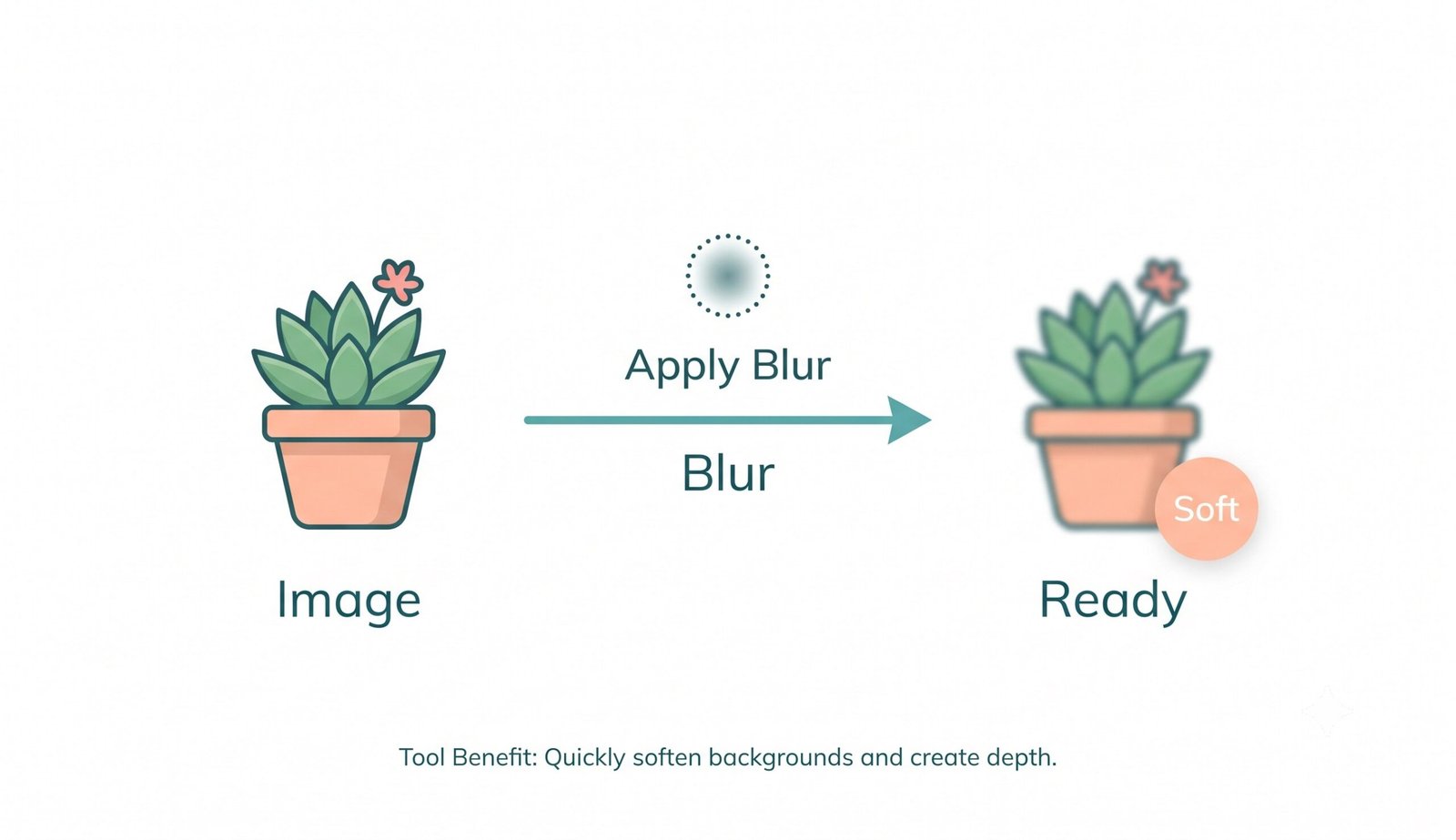
Client-Side Memory Execution: Zero Cloud Uploads
Facial privacy is sensitive. Cloud-based converters expose private personal images to potential server logs and remote data intercepts. Our application runs 100% in your local browser sandbox, allowing you to blur faces online with absolute confidence.
- No remote servers, no temporary cloud storage, and zero behavioral image telemetry.
- Fully functional offline after initial page load for secure on-site mobile operations.
- Batch-process multiple photos and package them cleanly into a single ZIP download.
Frequently Asked Questions
Everything you need to know about our private engine to blur faces online and edit photos.
Our selective masking tool lets you accurately blur part of a picture while preserving the exact DSLR-level clarity, expert color grading, and facial features of the unblurred areas completely intact. Only the pixels inside your chosen mask are blurred.
Yes! Along with standard options, our engine supports ultra-fast Kawase blur, giving graphic designers a highly aesthetic, smooth bloom effect in milliseconds without CPU lag.
Absolutely. You can easily switch to the radial setting to apply a stunning radial blur online, perfect for creating dynamic motion focus, speed trails, or circular bokeh rings on your subjects.
Because our Gaussian blur online runs entirely on your device using client-side Canvas processing, ensuring instant results and absolute privacy since your photos never touch a cloud server.
Yes! Our upgraded multi-region engine allows you to run AI facial detection and simultaneously add multiple custom box masks or radial circles without wiping out your previous selections.
No. 100% of the image processing happens locally within your web browser. No photos, metadata, or personal information are ever transmitted or saved remotely.