Image Color Palette Extractor
Extract dominant colors, sample custom pixel coordinates, analyze contrast, and export palettes as CSS, JSON, SVG, PNG, or PDF.
🔍 Hover mouse over image for magnifying loupe. Click any pixel to save custom shade!
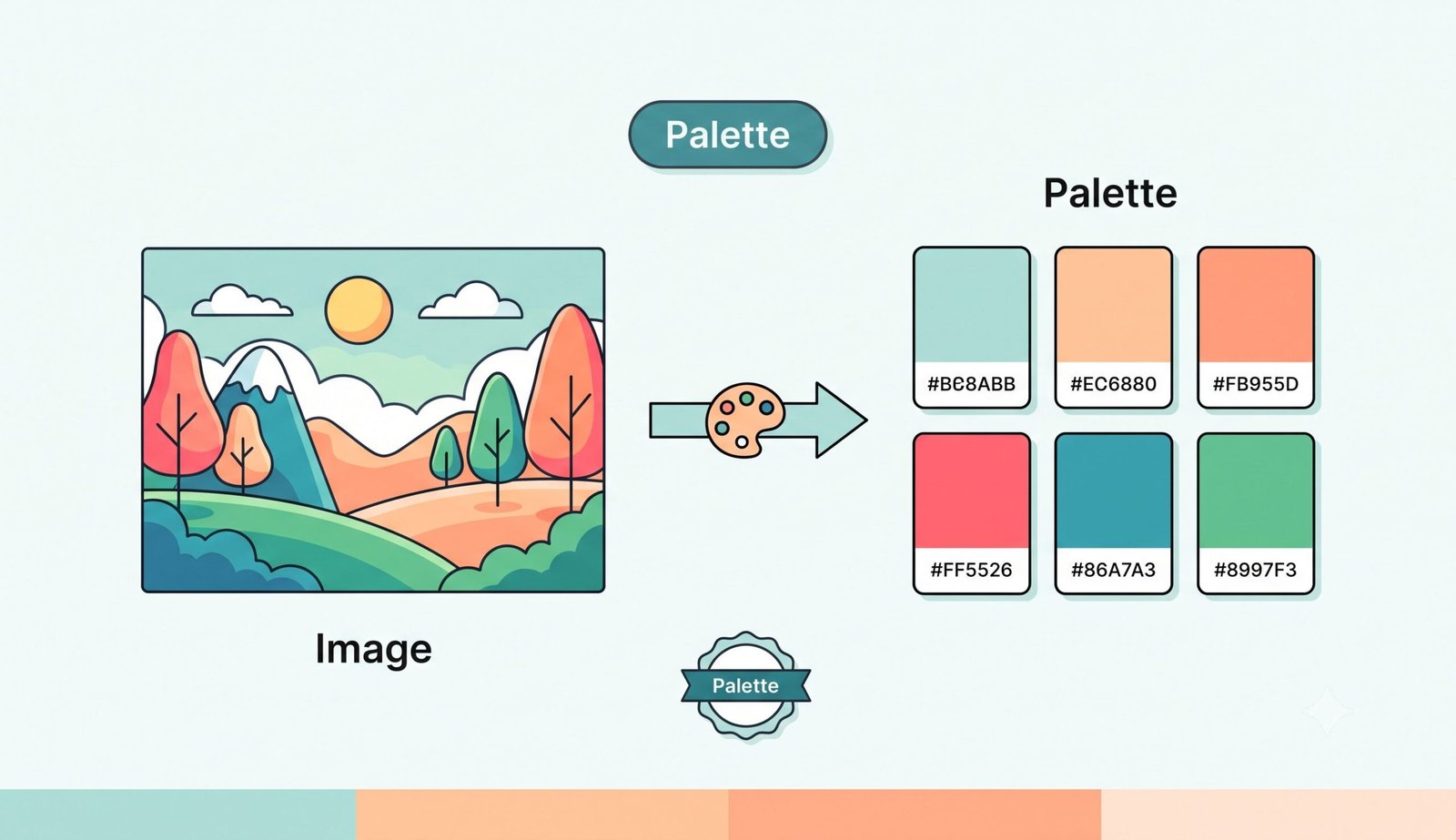
Free Color Palette Extractor – Extract Colors from Images Instantly
Welcome to the ultimate Color Palette Extractor, a free, powerful, and 100% private online tool designed for web designers, graphic artists, UI/UX developers, digital creators, and photographers. Whether you want to pull brand colors from a logo, extract eye-catching shades from a landscape photograph, or analyze the color composition of an artwork, our intelligent client-side extraction engine identifies dominant, vibrant, and harmonious color tones instantly without ever uploading your files to an external server.
How to Extract Color Palette from Image Using This Tool (Step-by-step)
Extracting beautiful, professional-grade color palettes from any digital image is effortless and takes only a few seconds. Follow these simple steps:
- Upload or Drag & Drop Your Image: Select any image file from your device (supported formats include JPG, PNG, WEBP, GIF, and SVG). You can also drag and drop your photo directly into the file drop zone.
- Choose Extraction Method & Palette Size: Customize how colors are grouped by selecting an algorithm—choose from Median Cut, K-Means Clustering, Dominant Frequency, or Smart Representative. Use the slider to choose between 4 and 20 colors.
- Wait 3 Seconds for Automated Analysis: Watch our real-time 3-second progress indicator as the tool processes your image, quantizes pixel values, and formats color metrics completely offline in your browser memory.
- Explore Color Metrics & Interactive Loupe: View the extracted swatches alongside detailed color values (HEX, RGB, HSL, CMYK, and human-readable names). Hover over your loaded image to activate the built-in magnifying loupe picker and click any pixel to add custom shades to your saved shelf.
- Analyze Contrast & Harmony: Scroll to the interactive WCAG Contrast Analyzer widget to verify foreground/background text readability scores (AA and AAA compliance), or view generated tints, shades, and color harmonies.
- Export Your Palette: Download your palette as a high-DPI PNG Swatch Card, scalable SVG, ready-to-use CSS Variables, standardized JSON configuration, or print-ready PDF document. Click "Extract More Images" to analyze another photo instantly!
Key Features of Our Color Palette Extractor
- 100% Client-Side Privacy: All canvas operations, color quantization, loupe magnification, and file exports execute locally in your web browser memory. Your images are never transmitted or saved on any server.
- Multiple Color Quantization Algorithms: Switch between Median Cut, K-Means Clustering, Frequency Analysis, and Smart Vibrant Extraction to extract colors tailored to web themes, logos, or natural photos.
- Interactive Loupe Magnifying Glass: Hover over any image to zoom in on microscopic pixel grids and click to capture exact color coordinates.
- Comprehensive Color Formats: View and copy color values in HEX, RGB, HSL, and CMYK formats with a single click.
- WCAG Accessibility Contrast Checker: Test color contrast ratios between extracted swatches against Web Content Accessibility Guidelines (WCAG 2.1) for text legibility.
- Versatile Multi-Format Exports: Save your color palettes as PNG Swatch Cards, SVG vector graphics, CSS Variables, JSON data structures, or PDF summaries.
- Continuous Workflow: Extract palettes from multiple images seamlessly without page reloads using the "Extract More Images" feature.
Why Use a Color Palette Extractor?
Color is one of the most fundamental visual elements in design, influencing user emotion, brand recall, and visual hierarchy. Here is why using an automated color palette extractor is essential for modern creative projects:
- Speed Up Design Workflows: Manually sampling dozens of pixels with a standard eyedropper tool is time-consuming and often inconsistent. An automated extractor calculates mathematically balanced color clusters in seconds.
- Ensure Brand Consistency: When building digital assets, websites, or social media kits around a central hero image or logo, extracting exact color codes ensures consistent brand identity across all touchpoints.
- Inspiration from Real-World Imagery: Nature, architecture, classical paintings, and photography offer infinite color inspiration. Extracting palettes from inspirational photos helps creators build cohesive mood boards.
- Improve Web Accessibility: Pairing extracted colors with our built-in WCAG contrast checker guarantees that your web typography and UI components remain readable for users with visual impairments.
Color Theory and Design Tips
To build visually stunning digital experiences, understanding core color theory principles is vital. When choosing colors from an extracted palette for your website or app interface, consider these timeless rules:
Learn more about color theory and color palettes to deepen your understanding of color harmonies and emotional resonance in digital design.