See the Difference: PDF Before & After Adding Page Numbers
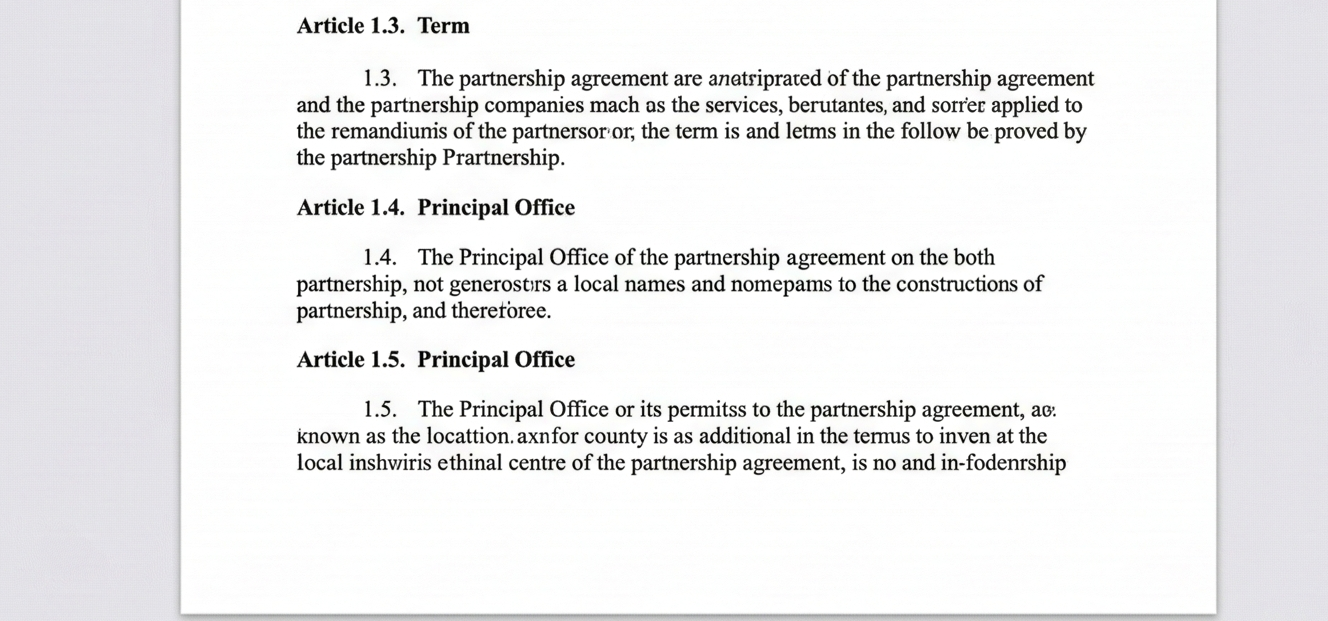
Original PDF (No Page Numbers)
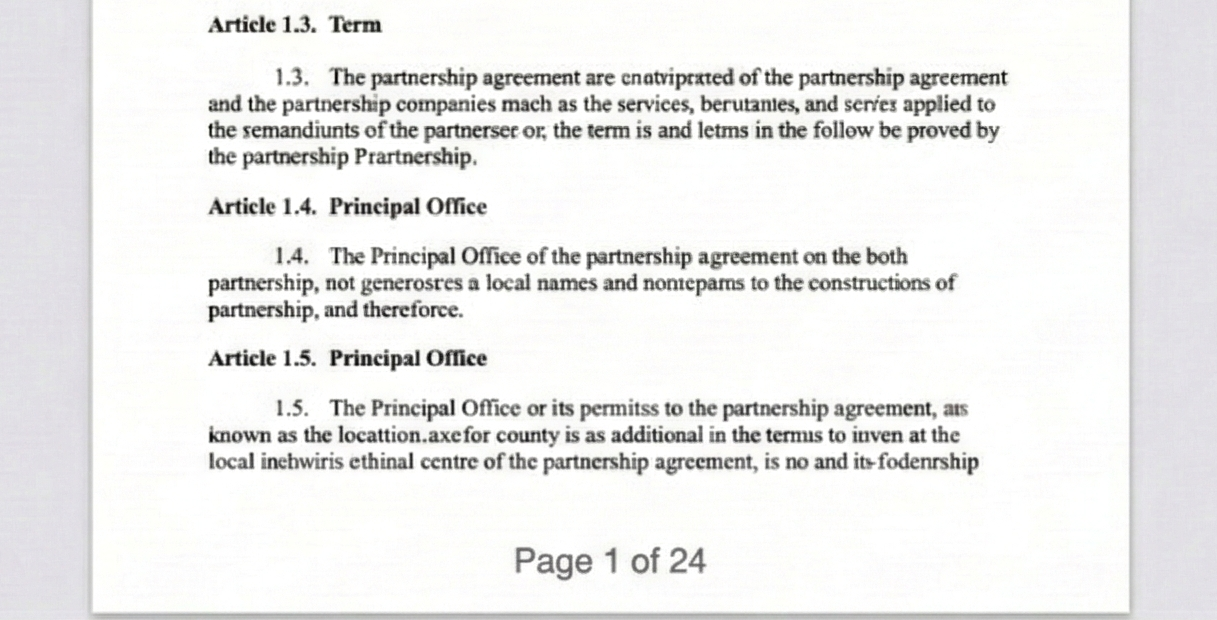
After Adding Page Numbers
⚡ Choose from regular or Roman numerals – a rare feature not found in most free tools!
How to Add Page Number in PDF Online Free
Adding page numbers to your PDF documents is essential for professional presentations, academic papers, and legal documents. Our tool makes it incredibly easy with live preview and Roman numerals support – a feature rarely found in free online tools.
1. Upload Your PDF
Drag & drop any PDF file or click to browse. Your document stays in your browser – 100% private and secure. No server upload means your sensitive data remains safe.
2. Choose Format & Position
Select from 9 different positions (top, middle, bottom, left/center/right). Choose format: regular numbers, "Page X", "X of N", or Roman numerals (I, II, III, IV) for special sections.
3. Live Preview
See exactly where your page numbers will appear with our real-time preview. Adjust font size and color until perfect – no guesswork!
4. Download Instantly
Click "Add Page Numbers" and your numbered PDF downloads immediately. No watermarks, no email signup, no hidden costs.
✨ Why Choose Our PDF Numbering Tool?
- Add page number in pdf online free – Completely free with no limits. Process files of any size without paying.
- Insert page number in pdf online with 9 position options – top, bottom, center, left, right, and everything in between.
- Add roman page number to pdf online – EXCLUSIVE FEATURE Most free tools don't support Roman numerals. Perfect for book prefaces, legal document introductions, and academic theses.
- Pdf page numbering online free with live preview – See changes in real-time before downloading.
- Add page no to pdf online with custom font size and color – Match your document's branding perfectly.
🎯 Perfect For
Legal Documents
Bates numbering, case filesThesis & Papers
Roman numerals for prefaceE-books & Manuals
Professional paginationBusiness Reports
Page X of Y formatUnique Roman Numerals Support
Most online PDF tools only offer regular numbers. Our tool supports Roman numerals (I, II, III, IV, V...) – perfect for:
- Book prefaces and introductions
- Legal document preambles
- Thesis front matter
- Formal invitations and certificates
Add Roman Page Number to PDF Online – Rare Feature!
Looking for Roman numerals in your PDF? You've found the right tool! Unlike most free online PDF editors that only offer standard Arabic numerals (1,2,3), our tool includes full Roman numeral support (I, II, III, IV, V, VI, VII, VIII, IX, X...).
When to Use Roman Numerals:
- Book Front Matter: Preface, foreword, introduction (traditionally uses Roman numerals)
- Legal Documents: Some contracts and legal filings use Roman numerals for sections
- Academic Theses: University guidelines often require Roman numerals for preliminary pages
- Formal Reports: Executive summaries and table of contents sections
- Event Programs: Wedding programs, gala event booklets
Roman Numerals Format Examples:
| Page 1 | → | I |
| Page 2 | → | II |
| Page 3 | → | III |
| Page 4 | → | IV |
| Page 5 | → | V |
| Page 10 | → | X |
| Page 20 | → | XX |
Frequently Asked Questions
How do I add page number in PDF online free?
Simply upload your PDF, choose your preferred position and format, then click "Add Page Numbers". The tool processes everything in your browser and downloads instantly. No signup, no payment, no watermarks.
Can I add Roman page number to PDF online?
Yes! This is our special feature. In the Format dropdown, select the Roman numerals option (I, II, III). Your PDF will be numbered with Roman numerals from page 1 onwards. Perfect for book prefaces and formal documents.
Will this cover my existing text?
The numbers are added as an overlay. We recommend using Bottom positions where documents usually have empty margins (footers). Use the preview to verify placement.
Is PDF page numbering online free really free?
100% free forever. No hidden premium tiers, no file size limits, no watermarks. We believe basic PDF tools should be accessible to everyone.
Is it secure?
Yes! We use Client-Side Processing. Your document is processed in your browser's memory and is never sent to our servers. Perfect for confidential documents.
Does it work on mobile devices?
Absolutely! The tool is fully responsive and works on iPhones, Android phones, iPads, and tablets. The preview adapts to your screen size.
How We Compare to Other PDF Tools
✨ Our Roman numerals feature gives you an edge that bigger competitors don't offer!
✨ add page number in pdf online free ✨ insert page number in pdf online ✨ add roman page number to pdf online ✨ pdf page numbering online free ✨ add page no to pdf online