convert avif to jpg
Drop AVIF images
or click to select (max 20 files)
See the Difference: Before & After AVIF to JPG Conversion
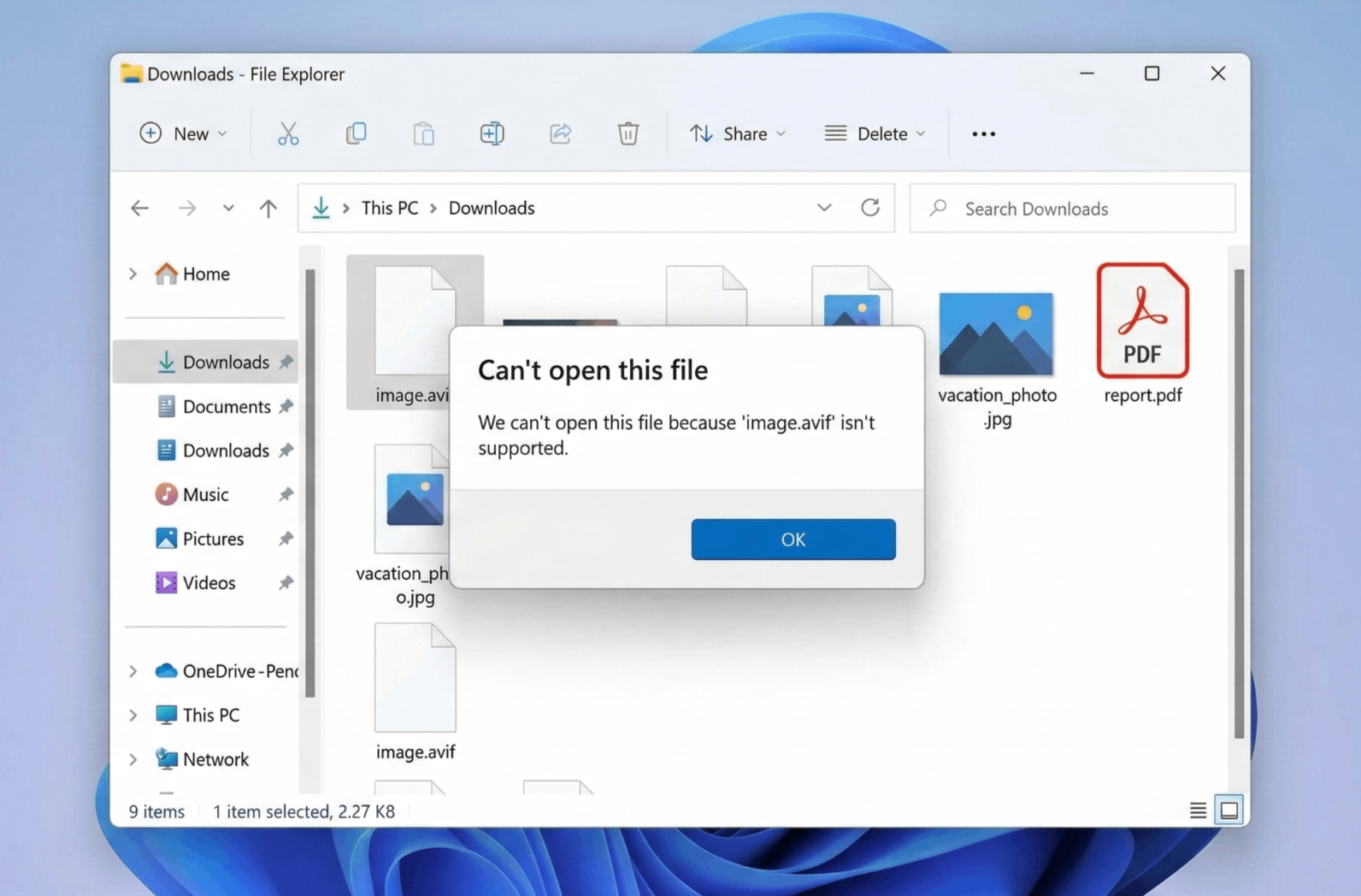
AVIF Files (Can't Open on Windows)
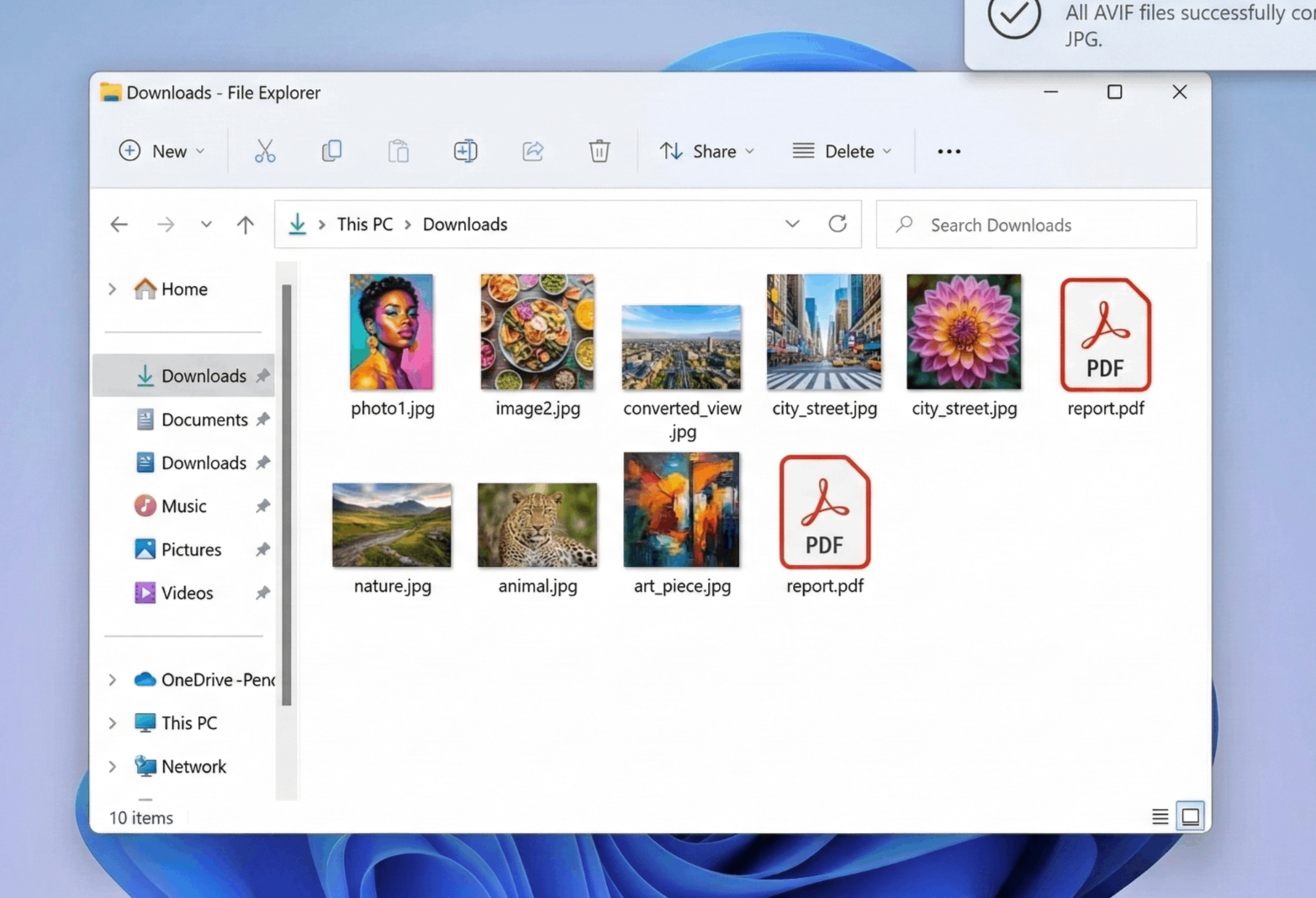
Converted JPG Files (Compatible Everywhere)
⚡ Convert up to 20 files at once with smart white background fill – no more black backgrounds!
How to Batch Convert AVIF to JPG Online Free
AVIF is a modern image format with excellent compression, but many operating systems (especially Windows) and older software can't open these files. Our tool makes it easy to batch convert AVIF to JPG with just a few clicks:
1. Upload AVIF Files
Drag & drop up to 20 AVIF files or click to browse. Your images stay in your browser – 100% private, no server upload.
2. Automatic Conversion
Each file is processed with our smart white background fill – fixing transparency issues that cause black backgrounds in other converters.
3. Choose Download Method
Download all files as a ZIP, or use "Download Separately" if your browser/antivirus blocks ZIP files. Both options are free.
4. Done!
Your high-quality JPG files are ready to use anywhere – Windows, Mac, Photoshop, web, email, and more. No watermarks, no limits.
Why Choose Our AVIF to JPG Converter?
- Batch avif to jpg converter online free – Convert up to 20 files at once. Save time by processing entire folders in one go.
- Convert avif to jpg free unlimited – No daily limits, no file count restrictions. Use as many times as you need, completely free forever.
- Convert avif to jpg high quality – We use maximum quality settings (92% JPEG quality) to ensure your images look perfect. No artifacts, no quality loss.
- Smart white background fill – AVIF supports transparency; JPG doesn't. Our tool fills transparent areas with clean white, avoiding the ugly black backgrounds other converters produce.
- Avif to jpg converter online free with dual download options – ZIP for convenience, Separate Download for security. Works even in strict corporate environments.
🎯 Perfect For
Windows Users
Fix "Can't open AVIF" errorPhotographers
Batch convert AVIF to JPGWeb Developers
Compatibility for all browsersEmail Sharing
JPG works everywhereSmart White Background Fill
Most converters turn transparent AVIF areas into black JPG backgrounds. Our tool automatically fills with clean white – perfect for product photos, logos, and graphics.
"Download Separately" – The Security Bypass
Windows Defender and corporate firewalls often block ZIP files from browsers. Our separate download mode saves each file individually – guaranteed to work everywhere.
The Transparency Problem – Solved!
AVIF images often contain transparent areas. JPG format doesn't support transparency. Here's how we handle it better:
They leave black backgrounds – ugly and unusable
Smart white fill – clean, professional, ready to use
✨ This is why professionals choose our avif to jpg converter!
Frequently Asked Questions
How do I batch convert AVIF to JPG online free?
Simply upload multiple AVIF files (up to 20 at once) using drag & drop. Our tool automatically converts each file to JPG with smart white background fill. Then download as ZIP or separately – completely free, no limits.
Why choose "Download Separately" option?
Some security software (like Windows SmartScreen or corporate firewalls) flags ZIP files generated by websites as "Uncommon" and blocks them. Downloading files separately bypasses this warning and ensures you always get your converted images.
Does this tool fix the black background issue?
Yes! AVIF files often contain transparency. When converted to JPG (which doesn't support transparency), most converters leave a black background. Our tool uses Smart White Background Fill to give you clean, professional-looking JPGs with white backgrounds.
Is there a limit on file size or number?
You can convert up to 20 files at once for batch processing. There's no daily limit – you can use the tool as many times as you want. File size is limited by your browser's memory, typically handling files up to 50MB each.
Can I convert AVIF to PNG online free?
This tool converts AVIF to JPG specifically. For AVIF to PNG conversion, check our dedicated PNG converter tools. However, if you need transparency preserved, we recommend using PNG format instead of JPG.
Is the conversion high quality?
Yes! We use 92% JPEG quality setting, which provides excellent image quality while keeping file sizes reasonable. Your converted JPGs will look virtually identical to the originals.
How We Compare to Other AVIF Converters
| Feature | InstantConvert | Other Free Tools |
|---|---|---|
| Batch Conversion | ✅ Up to 20 files | ❌ One by one only |
| Transparency Handling | ✅ Smart White Fill | ❌ Black Background |
| Download Options | ✅ ZIP + Separate | ⚠️ ZIP only (often blocked) |
| Unlimited Usage | ✅ Yes, free forever | ⚠️ Daily limits / paid |
| Quality Setting | ✅ High (92%) | ⚠️ Variable / low |
✨ Our smart white background fill and separate download option make us the most reliable AVIF to JPG converter online!