See the Magic: Base64 String → Decoded Image
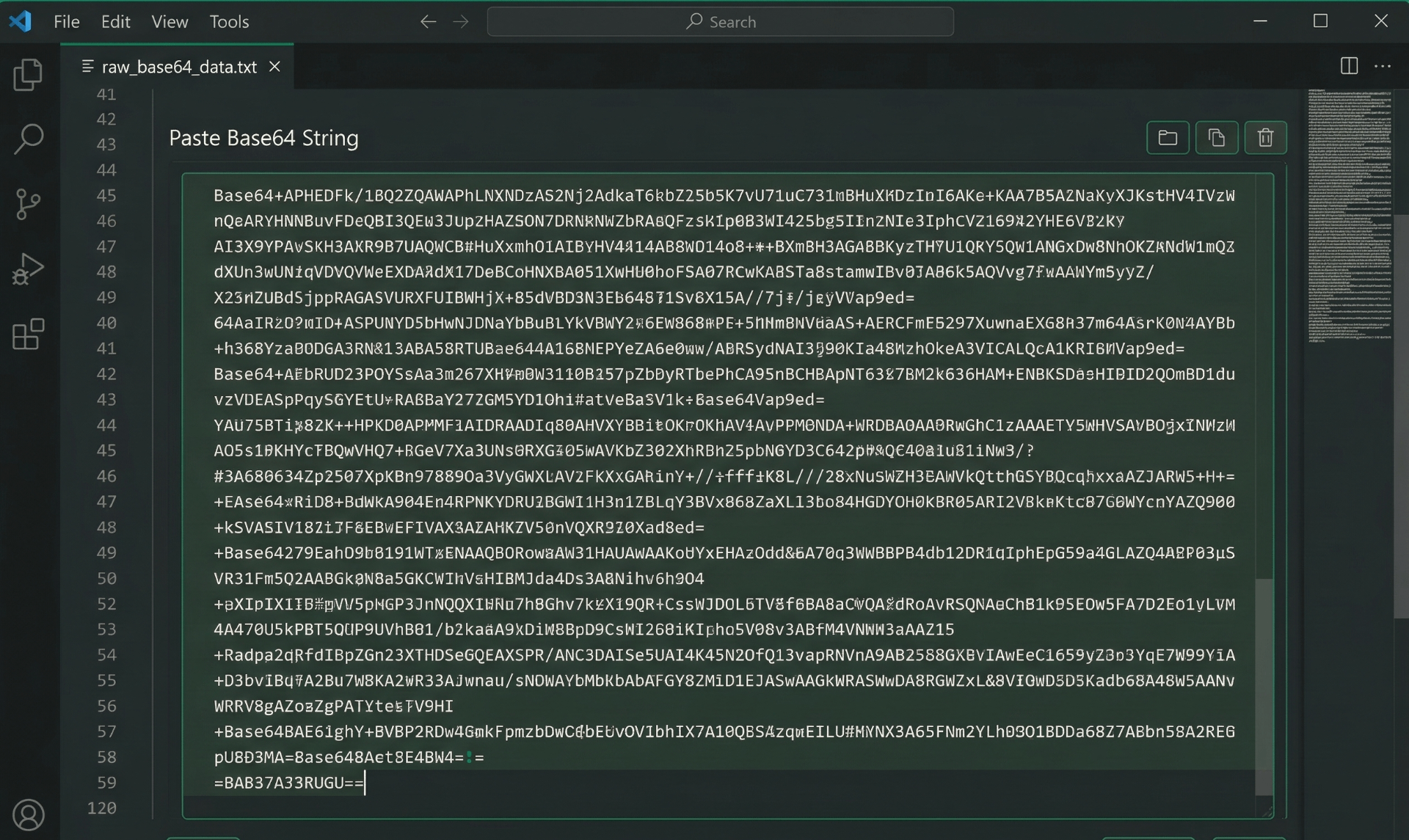
Raw Base64 String (Unreadable)
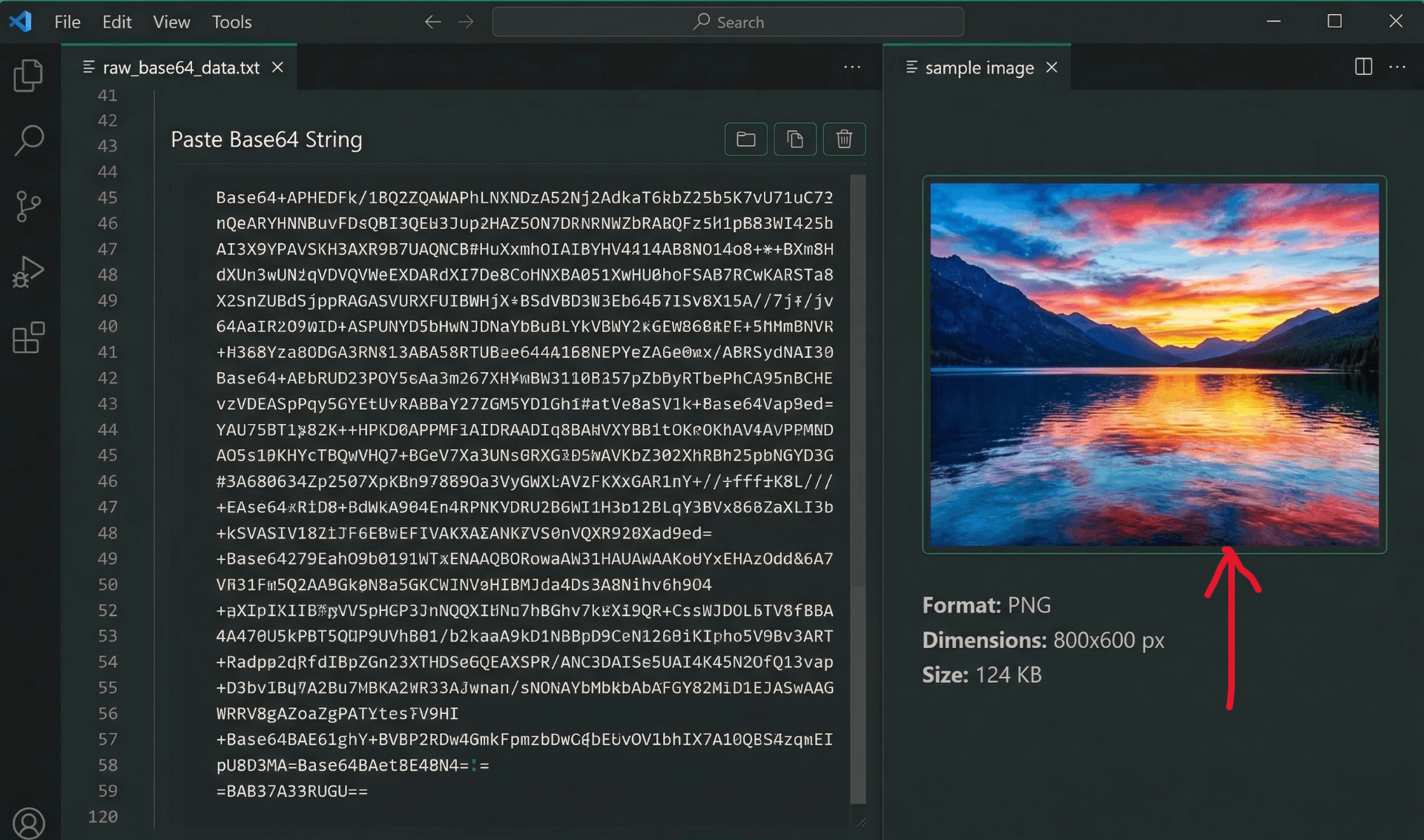
Decoded Image (Ready to Use)
⚡ Smart auto-repair fixes missing headers and whitespace automatically – no more broken images!
How to Convert Base64 to Image Online (Base64 Decoder)
Base64 encoding is commonly used to embed images in HTML, CSS, JSON, or databases. But when you need to view or save those images, you need a reliable base64 to image decoder. Here's how our tool works:
1. Copy Base64 String
Copy your Base64 string from any source – database, API response, JSON file, or terminal output.
2. Paste in Textarea
Use the Paste button or Ctrl+V to paste the string. Our smart auto-repair immediately cleans and fixes it.
3. Instant Preview
The decoded image appears instantly on the right. Check format, dimensions, and file size.
4. Download Image
Click Download to save the image as JPEG, PNG, or its original format – ready to use anywhere.
Why Choose Our Base64 Decoder?
-
Base64 to image decoder – Convert any Base64 string back into viewable images. Perfect for developers working with encoded assets.
-
Base64 to jpeg support – Decode to JPEG format with full color accuracy. Also supports PNG, GIF, WebP, and BMP.
-
Smart Auto-Repair ✨ – Fixes missing "data:image" headers, removes whitespace and newlines, corrects common formatting errors that break other decoders.
-
Base64 to png conversion – Preserve transparency when decoding PNG images. Our tool handles alpha channels perfectly.
-
100% Client-Side – Your data never leaves your browser. Perfect for sensitive images, API keys, or confidential content.
🎯 Perfect For
Database Admins
Extract stored images
Web Developers
Debug API responses
App Developers
Decode embedded assets
Security Researchers
Analyze encoded content
Smart Auto-Repair Technology
Other decoders fail when Base64 strings have missing headers, extra spaces, or line breaks. Our tool automatically detects and fixes these issues – you get the image instantly, every time.
✅ Supported Formats:
JPEG
PNG
GIF
WebP
BMP
The Auto-Repair Difference
Base64 strings are fragile. Here's how our smart decoder handles what others can't:
❌ Other Decoders Fail When:
- String has line breaks or spaces
- Missing "data:image/" header
- Extra whitespace at start/end
- Incorrect padding characters
✅ InstantConvert Auto-Repair:
- Automatically removes all whitespace
- Adds missing headers automatically
- Fixes padding issues
- Detects format from content
✨ Just paste any Base64 string – even messy ones – and watch it work!
Frequently Asked Questions
How do I convert Base64 to image online?
Simply paste your Base64 string into the textarea. Our tool automatically detects the format, fixes any issues, and displays the image preview instantly. Click Download to save the image as JPEG, PNG, or original format.
What is Base64 to JPEG conversion?
Base64 to JPEG conversion means decoding a Base64-encoded string back into a viewable JPEG image. This is commonly used when images are stored as text in databases, APIs, JSON files, or HTML/CSS embedded assets.
Does your tool fix broken Base64 strings?
Yes! Our smart auto-repair feature automatically removes whitespace, fixes missing 'data:image' headers, corrects padding issues, and handles common formatting errors that cause other decoders to show broken images.
Is this Base64 decoder safe for sensitive images?
100% safe. All decoding happens in your browser using JavaScript. No data is sent to our servers – your images and Base64 strings remain completely private on your device. Perfect for confidential or proprietary content.
Can I convert Base64 to PNG as well?
Yes! Our decoder supports all major image formats: JPEG, PNG, GIF, WebP, and BMP. The tool automatically detects the format from the Base64 header and lets you download in the original format. PNG transparency is preserved.
What if my string doesn't have the data:image header?
No problem! Our auto-repair detects raw Base64 strings and automatically prepends the correct header based on the content. You don't need to worry about headers – just paste and go.
How We Compare to Other Base64 Decoders
| Feature |
InstantConvert |
Other Online Decoders |
| Auto-Repair Broken Strings |
✅ Yes (Smart Fix) |
❌ Fail on errors |
| Missing Header Detection |
✅ Auto-adds |
❌ Requires manual fix |
| Format Detection |
✅ Automatic (JPEG/PNG/GIF) |
⚠️ Manual selection needed |
| Client-Side Privacy |
✅ 100% Browser |
❌ Server upload |
| Image Info Display |
✅ Format, Dimensions, Size |
⚠️ Limited or none |
✨ Our smart auto-repair makes us the most forgiving and reliable Base64 decoder online!
🚀 Common Use Cases for Base64 to Image Decoder
Database Image Recovery
Extract and view images stored as Base64 in MySQL, PostgreSQL, or MongoDB databases.
API Response Debugging
Decode Base64 images from REST API responses to verify correct data transmission.
HTML/CSS Embedded Images
Extract images from data URIs in HTML, CSS, or email templates for editing.
Mobile App Assets
Decode Base64 images from mobile app logs or local storage for testing.
✨ base64 to image decoder
✨ base64 to jpeg
✨ base64 to png
✨ convert base64 to image
✨ base64 decoder online