Combine Images Side by Side
Merge two photos in one frame, side‑by‑side or stacked. Same background, no watermark.
Perfect for Instagram comparisons, before‑after, or collages.
Select Photos (2 or more)
JPG, PNG, WEBP – Unlimited
How to Combine Two Photos in One Frame Online
Creating a side‑by‑side comparison or a stacked collage is simple:
- Upload two or more photos (JPEG, PNG, WebP).
- Use the quick buttons "Side by Side" or "Stacked" to instantly arrange two photos.
- Adjust the border, roundness, and background color to make them match perfectly (same background for both).
- Download your merged image in 4K quality, ready for Instagram or any social platform.
If you need more than two photos, choose a layout preset from the grid below.
Combine Images Side by Side with Same Background
Our tool automatically applies the same background color (choose any color) to both images, creating a seamless frame. Whether you want a white border, a colored mat, or a transparent effect, just pick your color and adjust the spacing.
Perfect for before/after photos, product comparisons, or creating Instagram puzzle grids.
Frequently Asked Questions
How many photos can I merge?
You can upload up to 5 photos at once. For more, create multiple collages or use our layout presets for 5 images (mosaic).
Can I make the background the same for both images?
Yes! Use the background color picker. It applies to the whole canvas, so both images share the same background.
Is there a side‑by‑side option for two photos?
Absolutely. After uploading two photos, click the "Side by Side" quick button or choose the "Side by Side" preset from the layout grid.
See the Difference: Separate Photos vs. Combined in One Frame
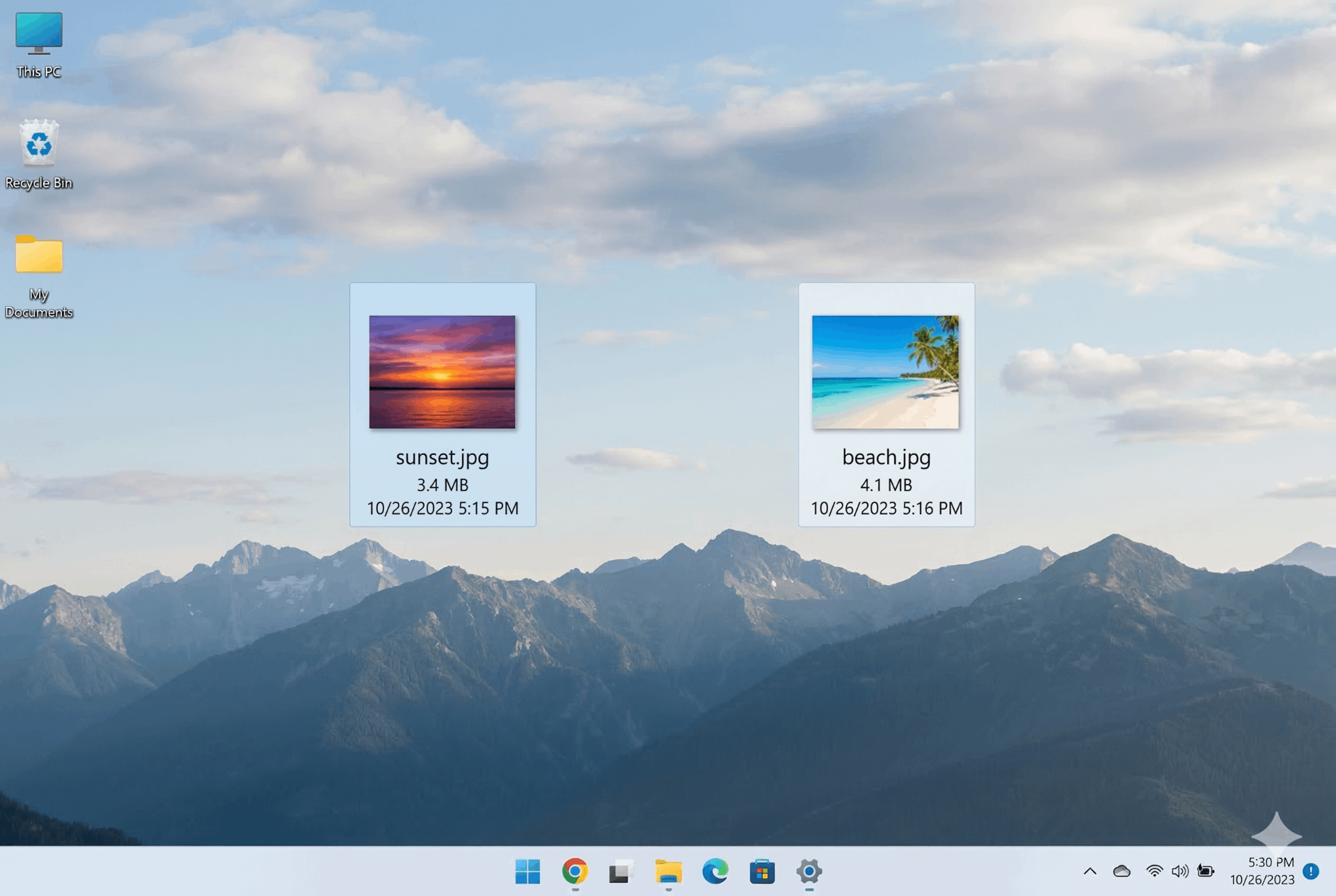
Separate Photos (Before)
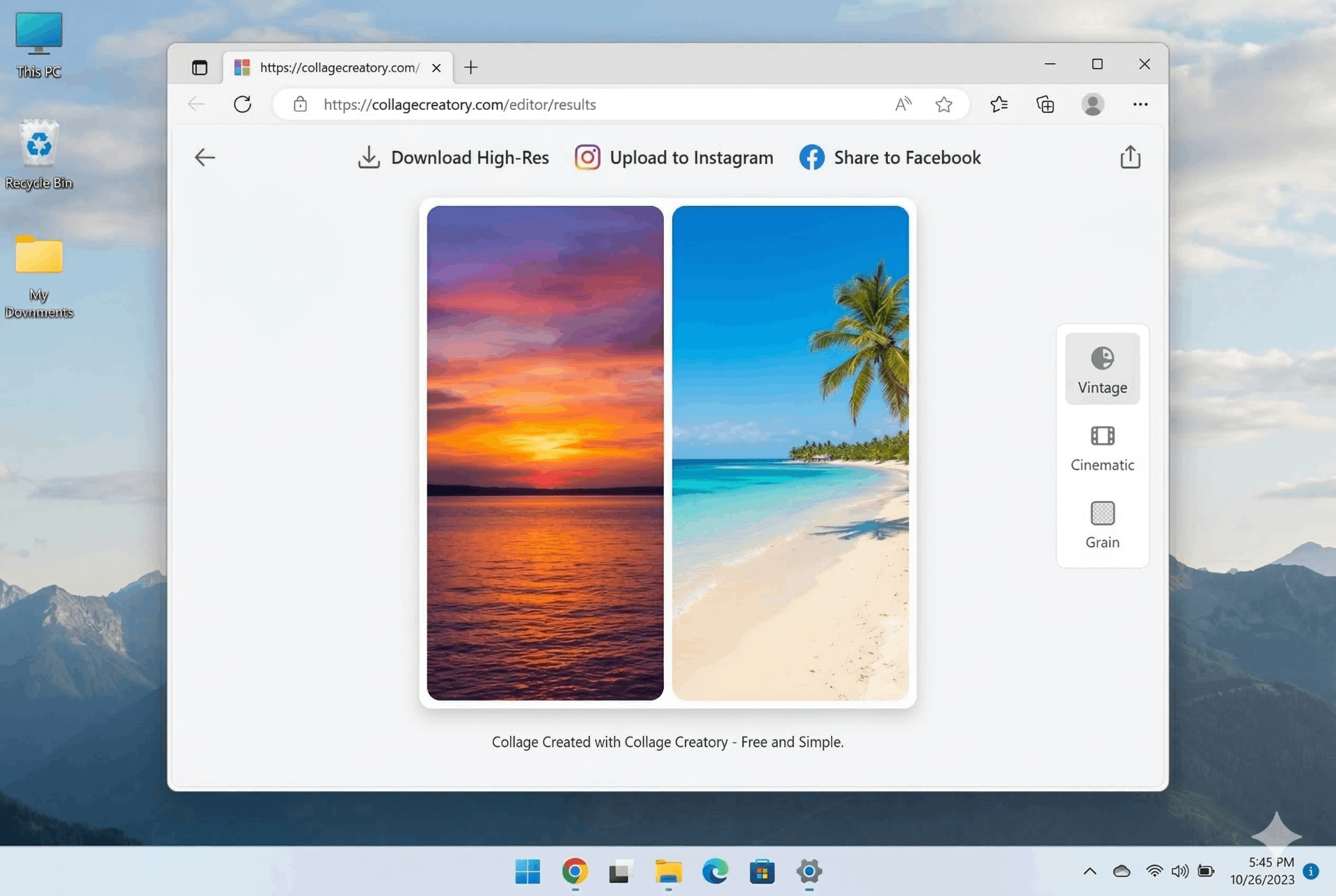
Combined in One Frame (After)
⚡ Combine two photos side by side, vertically, or in creative grids – all free.
How to Combine Two Photos in One Frame Online Free
Creating a stunning collage has never been easier. Follow these simple steps to merge photos in one frame with our tool.
1. Upload Photos
Drag & drop your images or click 'Browse Files'. You can add 2 to 5 photos at once.
2. Choose Layout
Select a preset – side by side, vertical, grid, or mosaic. Instantly see the preview.
3. Adjust Images
Switch to 'Adjust Image' mode to pan each photo and highlight the best part.
4. Customize
Adjust border width, corner roundness, and background color. Create a cohesive look.
5. Download
Click 'Download Collage' to save your creation in 4K PNG. No watermarks, no signup.
✨ Why Choose Our Collage Maker?
- Combine two photos in one frame online – Perfect for before/after comparisons, side-by-side memories, or creative compositions.
- Combine photos in one frame online free – No hidden costs, unlimited usage.
- Merge photos in one frame online free – Use our drag-and-drop interface to arrange your images exactly how you want.
- Combine two photos in one frame online with same background – Pick a solid background color that matches both images for a professional look.
- Combine Images Side by Side – Our 'Split H' layout puts photos next to each other, ideal for before/after or product comparisons.
🎯 Perfect For
Instagram Posts
Create square or portrait collagesProduct Comparisons
Show two products side by sidePhotography
Merge related shots into one frameMemory Collages
Combine vacation photosSame Background Feature
Pick a background color that matches your photos. Perfect for product shots or creating a cohesive gallery look.
Frequently Asked Questions
How do I combine two photos in one frame online free?
Just upload two photos, choose the side-by-side layout, adjust borders if needed, and download. It's 100% free with no signup.
Can I combine photos with the same background?
Yes! Use the background color picker to set a solid color. To match exactly, sample a color from one of your photos using an eyedropper tool, then enter the hex code.
What if I need to combine more than two photos?
Our tool supports up to 5 photos. For 3–5 images, we have presets like grid or mosaic layouts.
Will the final image have a watermark?
No watermark, ever. Your collage is generated in your browser and downloaded directly.