Convert PDF to JPG High Resolution under 500KB
High quality PDF to JPG conversion. No sign up, no size limit. Optional smart compression keeps each image under 500KB.
Drag & Drop PDF
or click to browse
Processing...
Conversion Ready!
Choose your download method:
See the Quality: PDF to High Resolution JPG
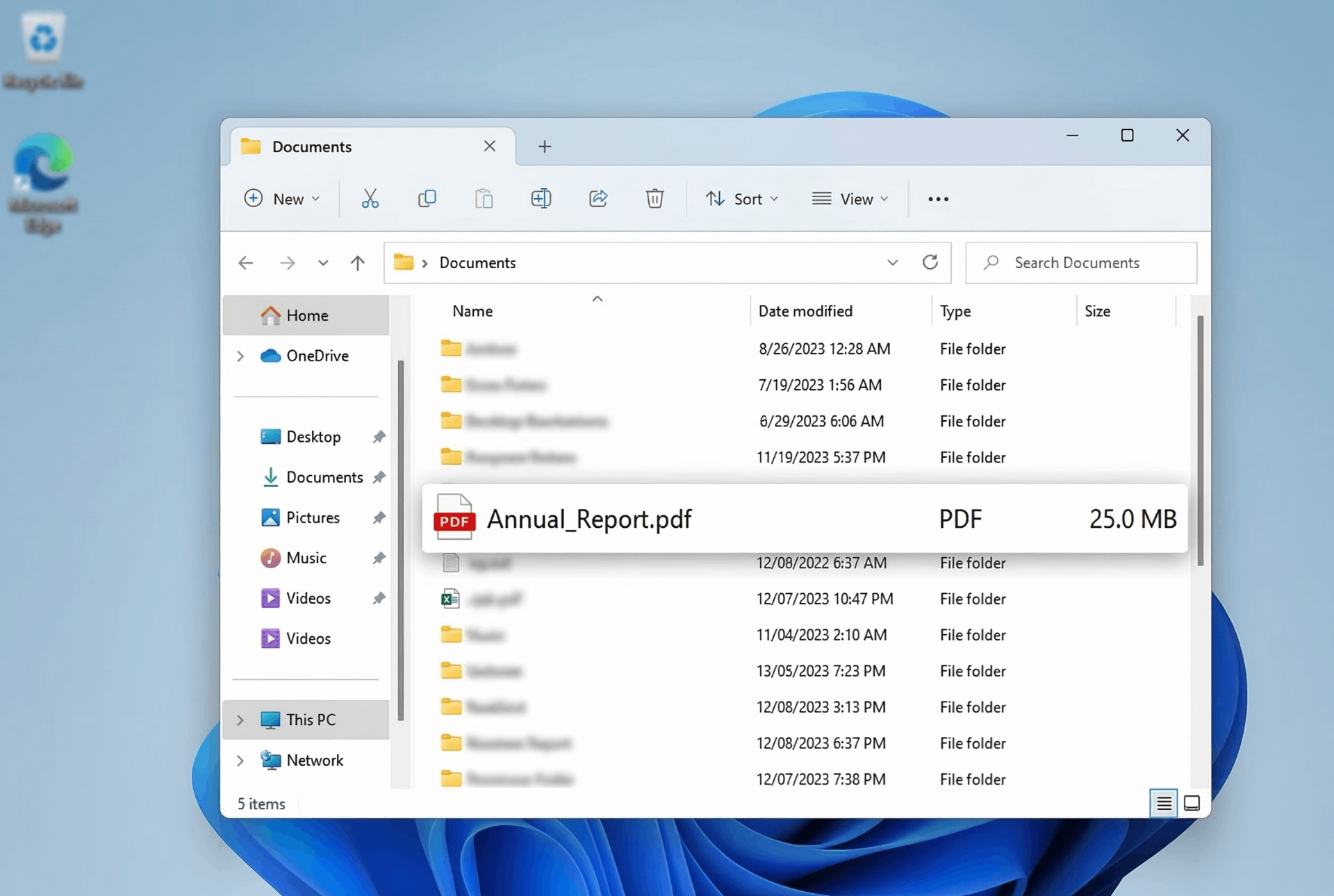
Original PDF (15 pages)
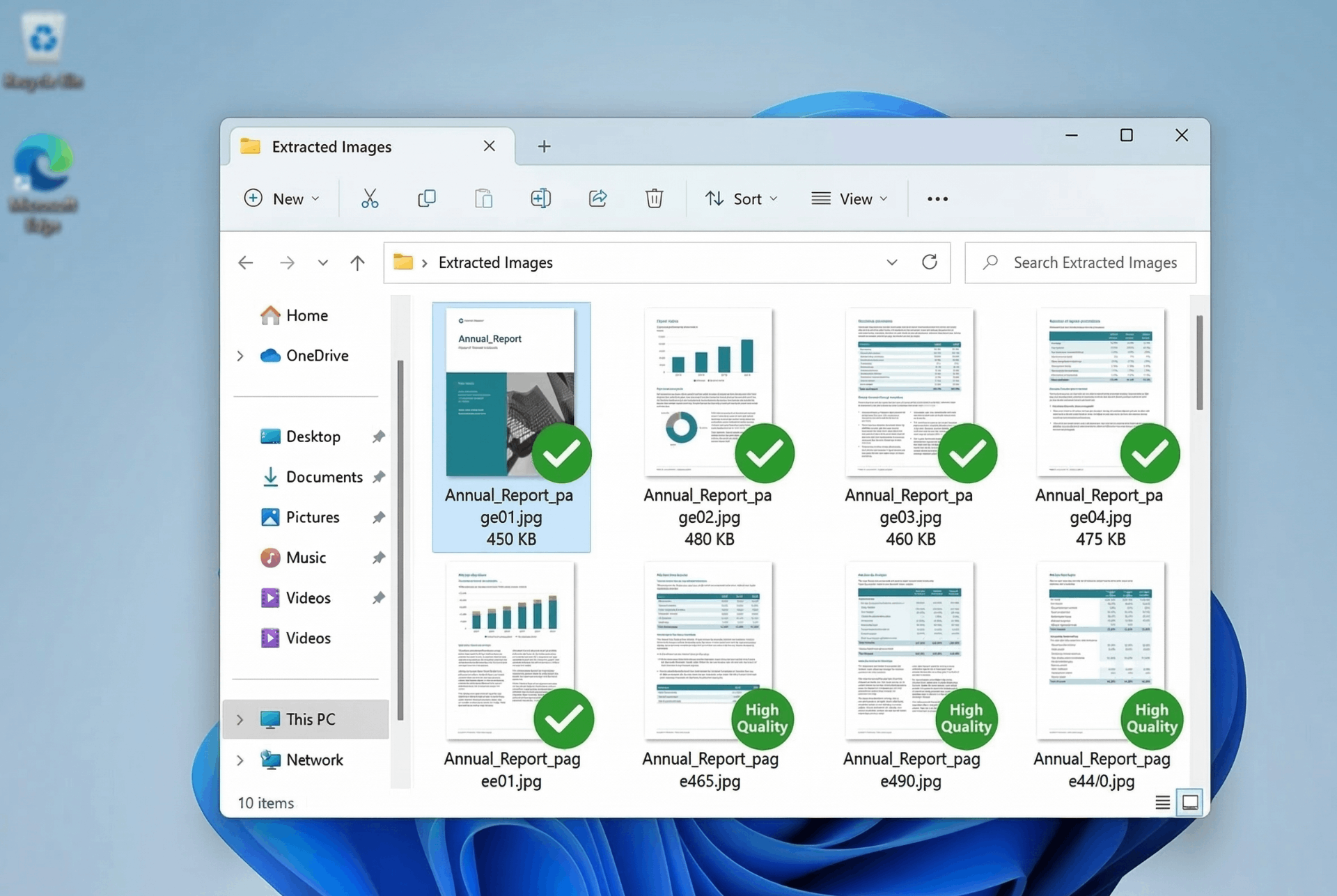
High Resolution JPGs (300 DPI)
⚡ Each page converted to crisp, high-quality JPG – perfect for presentations, social media, and archiving.
How to Convert PDF to High Resolution JPG Online Free
Need to extract images from a PDF or share documents as pictures? Our tool delivers high-quality JPGs at 300 DPI without any signup. Follow these simple steps:
1. Upload PDF
Drag & drop any PDF or click to browse. No file size limits – convert large documents up to 500MB.
2. Preview Pages
Thumbnails of every page load instantly. Verify your document before conversion.
3. Convert
Click 'Convert & Review Options' – all pages are processed at high resolution (300 DPI) in your browser.
4. Download
Choose 'Download All Images' (direct, no ZIP errors) or 'Download as ZIP' for batch archive.
✨ Why Choose Our PDF to JPG Converter?
- Convert PDF to high resolution JPG online free – 300 DPI output ensures crisp, clear images perfect for printing or sharing.
- Convert PDF to JPG without sign up – No registration, no email, no tracking. Just upload and go.
- Convert PDF to JPG high resolution under 500KB – Our optimized JPGs balance quality and file size. Most pages come out under 500KB.
- Convert PDF to JPG high quality online free – No watermarks, no compression artifacts. You get the best quality possible.
- Convert PDF to JPG no size limit – Upload PDFs of any size – 100MB, 200MB, 500MB – all processed locally in your browser.
🎯 Perfect For
Presentations
Insert PDF pages as imagesSocial Media
Share PDF content as postsPrinting
High-res JPGs for print shopsArchiving
Save documents as imagesNo Sign Up, No Limits
Unlike other tools, we never ask for your email. Convert PDF to JPG instantly – 100% free, 100% private.
Fix: Windows "ZIP File Invalid" Error
Getting a "ZIP file is invalid" error when downloading from other tools? It's caused by Windows security blocking browser-generated ZIPs.
❌ The Problem
Windows adds a "Mark of the Web" to downloaded files. When a ZIP contains files generated in-browser, Windows may flag it as unsafe and refuse to open it.
✅ Our Solution
Click "Download All Images (Direct)" – this saves each JPG individually, bypassing ZIP errors completely. Works on all Windows versions.
📌 Pro tip: Always use the direct download option if you face ZIP issues. Learn more on Microsoft Support.
Frequently Asked Questions
How to convert PDF to high resolution JPG online free?
Upload your PDF, click 'Convert & Review Options', and download individual pages or all as ZIP. Our tool renders at 300 DPI for crisp, high-quality images – completely free.
Can I convert PDF to JPG without sign up?
Yes! No registration, no email required. Just upload and convert instantly. Your privacy is 100% protected.
How to convert PDF to JPG under 500KB?
Our high-quality JPGs are optimized for file size. For pages with text/graphics, most outputs are under 500KB. For image-heavy pages, you can reduce size by selecting lower DPI in advanced settings.
Is there a file size limit for PDF to JPG conversion?
No limit! Convert large PDFs up to 500MB or more – our client-side tool handles any file size your browser can process. No uploads, no server limits.
Why do I get ZIP errors on Windows?
Windows security features sometimes block ZIP files generated in browsers. Use our "Download All Images (Direct)" button to save files individually – it bypasses this issue completely.
How We Compare to Other PDF to JPG Tools
| Feature | InstantConvert | iLovePDF | Smallpdf |
|---|---|---|---|
| Convert PDF to JPG without sign up | ✅ Yes | ❌ Requires signup | ❌ Requires signup |
| No file size limit | ✅ Unlimited | ⚠️ 200MB limit | ⚠️ 100MB limit |
| Windows ZIP error fix | ✅ Direct download option | ❌ ZIP only | ❌ ZIP only |
| High resolution (300 DPI) | ✅ Yes | ⚠️ Standard only | ⚠️ Standard only |
| Client-side processing | ✅ 100% | ❌ Server upload | ❌ Server upload |
✨ Only InstantConvert gives you true high resolution + no signup + no size limits – all 100% free.