From Blank Tab to Branded Icon
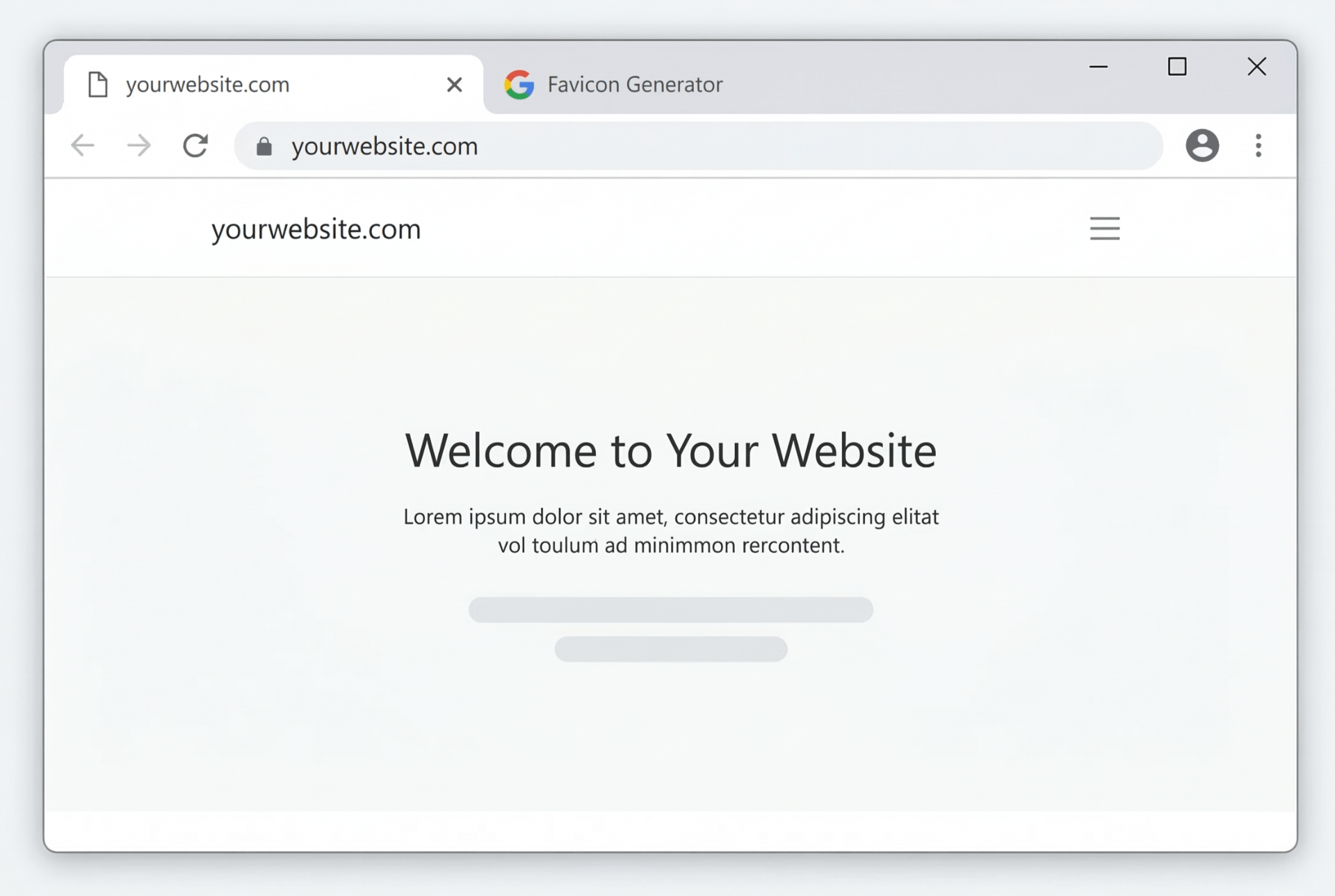
Missing Favicon
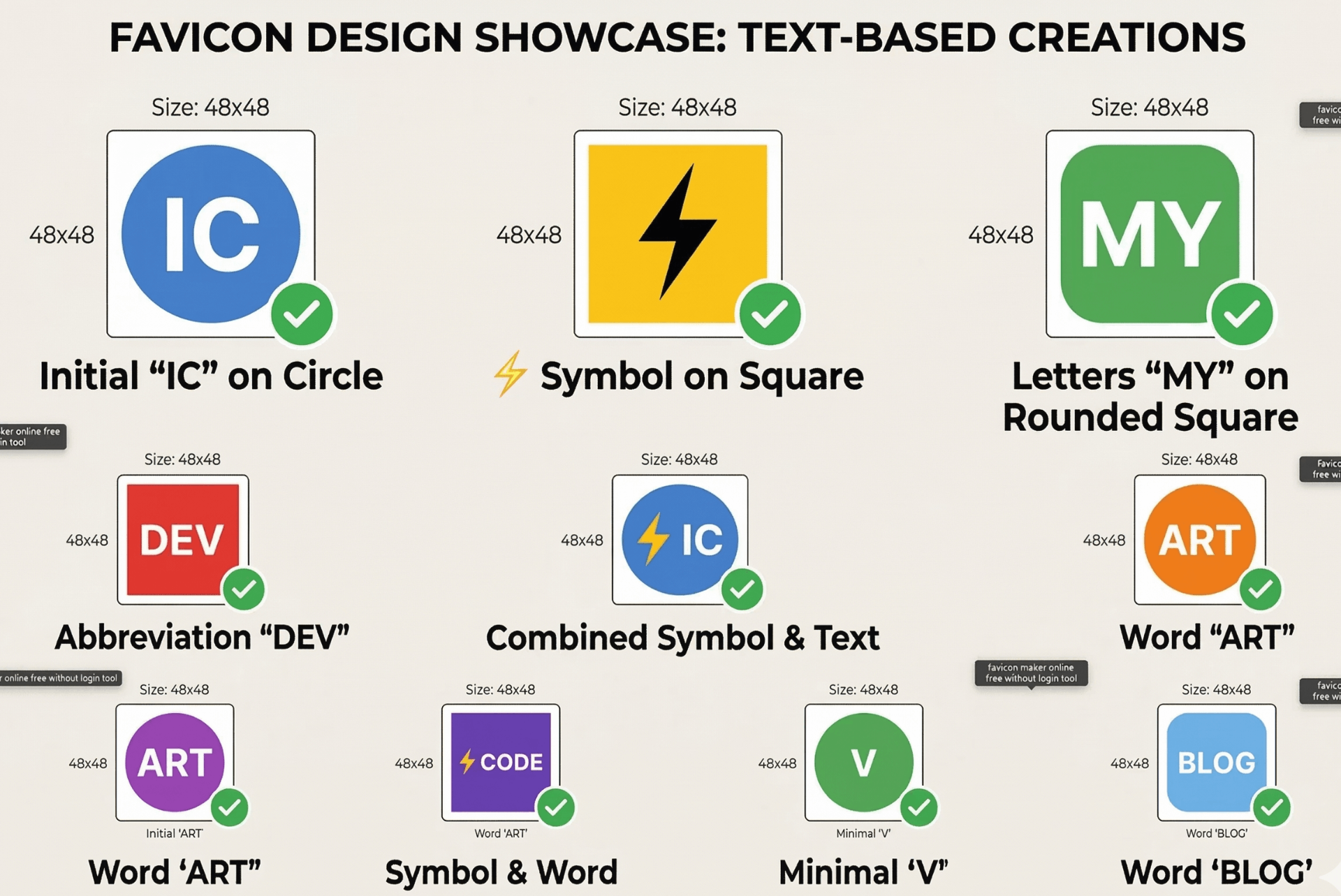
Custom Favicon Designs
⚡ Create a unique favicon from text or emoji in seconds – no login, no cost.
How to Make a Favicon from Text (Free & Easy)
A favicon (favorite icon) is the small image that appears in your browser tab. With our favicon generator from text, you can create a professional icon in under a minute.
1. Enter Text or Emoji
Type 1‑2 characters (e.g., your brand initials) or click an emoji from the quick‑select grid.
2. Customize Style
Choose from popular fonts like Google Fonts, pick background/text colors, and select shape (circle, rounded, square). Live preview updates instantly.
3. Adjust Size
The download is a high‑quality 512x512 PNG. You can later resize to 48x48 (standard favicon size) using any image editing software.
4. Download
Click "Download Favicon" to save your PNG. No login, no watermarks, completely free.
✨ Why Use Our Favicon Generator?
- Favicon generator from text – Turn any text or emoji into a unique brand icon.
- Favicon generator with transparent background – While our tool creates solid backgrounds, you can later edit the PNG in any image editor (like GIMP or Photoshop) to add transparency. Perfect for overlaying on colored site headers.
- Favicon generator 48x48 – Download a large 512x512 PNG and then resize it to the exact 48x48 standard favicon size using any image editing tool. According to MDN Web Docs, 48x48 is the recommended size for modern browsers.
- Favicon maker online free without login – No registration, no email, no hidden fees. Just design and download.
- Text to favicon generator – Supports all modern fonts and even handwritten styles. Your brand, your look.
🎯 Perfect For
Website Owners
Add a custom tab iconBloggers
Brand your blog tabsE‑commerce
Professional store iconPortfolios
Make your site memorable
No Login, No Limits
Unlike other favicon makers, we don't ask for your email or limit downloads. Create as many icons as you want – instantly, privately, and free.
📐 Size & Transparency Tips
48x48 Standard
The recommended favicon size for most browsers is 48x48 pixels. Download our 512x512 PNG and resize it using any image editing software. You can also learn more about favicon specifications from the W3C.
Transparent Background
Our tool creates a solid background to make text pop. If you need a transparent background, you can open the PNG in any image editor (like GIMP or Photoshop) and remove the background yourself. For color inspiration, check out Adobe Color.
Frequently Asked Questions
How do I make a favicon from text?
Simply type your text (1-2 characters) or pick an emoji, customize colors, font, and shape, then download the PNG. No signup needed.
Can I get a favicon with transparent background?
Currently, our generator creates a solid background to ensure your text stands out. If you need a transparent background, you can use an image editor like GIMP or Photoshop to remove the background.
Is the favicon 48x48 pixels?
The download is a high‑quality 512x512 PNG. You can easily resize it to 48x48 (or any size) using any image editing software. 48x48 is the standard favicon size for most browsers, as recommended by MDN Web Docs.
Do I need to log in to use this favicon maker?
No login or registration required. It's completely free and works directly in your browser.
Can I use emojis in my favicon?
Absolutely! Click any emoji from the quick‑select grid or type any emoji directly into the text field. Emojis are supported across all modern browsers.
How We Compare to Other Favicon Generators
| Feature | InstantConvert | Other Free Tools |
|---|
| Login Required | ✅ No | ❌ Often yes |
| Download Size | ✅ 512x512 PNG | ⚠️ Small/limited |
| Font Choices | ✅ 6+ fonts | ⚠️ Limited |
| Client‑Side Privacy | ✅ 100% | ❌ Server upload |
| Emoji Support | ✅ Yes | ⚠️ Rare |
✨ Only InstantConvert gives you full design freedom, privacy, and no login – completely free.
✨ favicon generator from text
✨ favicon generator with transparent background
✨ favicon generator 48x48
✨ favicon maker online free without login
✨ text to favicon generator