Free BMP To JPG Converter
Convert uncompressed BMP bitmaps to optimized, high-fidelity JPG photos directly in your browser with zero server uploads.
or drop BMP files here to convert into high-res JPGs (Batch up to 20 files)
How to Convert BMP To JPG Online in 3 Simple Steps
A lightning-fast 3-step visual workflow designed for high-resolution bitmap page extraction and compression.
Upload or Drop BMP Files
Adjust Quality & Scale
Download JPGs or ZIP
How Our BMP To JPG Converter Engine Works
Learn the step-by-step mechanism behind our private, high-fidelity bitmap rasterization and DCT compression pipeline.
Load & Decode Bitmap Headers
Upload multi-file bitmap batches. Our JavaScript binary engine reads the BITMAPINFOHEADER struct, extracting color depth (1-bit to 32-bit alpha) and dimensions directly inside memory.
Pixel Rasterization & Transparency Blending
Hardware-accelerated HTML5 Canvas contexts blend bottom-up scanlines, map 32-bit alpha masks against crisp solid white backgrounds, and eliminate black border halo defects.
Discrete Cosine Transform (DCT) Quantization
Our encoder converts raw RGB rasters into YCbCr chroma coordinates. DCT quantization compresses high-frequency visual noise, slashing file size by up to 95% without visible blur.
Instant Clipboard Copy & ZIP Export
Download individual converted JPEG images, copy directly to your system clipboard for instant document pasting, or bundle all files into a single client-side ZIP archive.
Powerful Performance Features
Engineered for razor-sharp visual fidelity, instant multi-file extraction, and airtight local privacy.
100% Client-Side Privacy
Your files stay strictly on your device. Zero remote uploads to any cloud server or database.
Up to 95% Space Savings
Transform bulky 15 MB uncompressed BMPs into ultra-compact, web-ready JPG images in seconds.
Batch Convert 20 BMPs
Convert dozens of bitmap pictures simultaneously with multi-threaded HTML5 Canvas processing.
Alpha Transparency Blending
Seamlessly flattens 32-bit BMP transparent layers over solid backgrounds without black box artifacts.
Instant ZIP Packaging
Package all converted JPEG pictures into an organized, compressed ZIP file with a single click.
100% Offline Capable
Works without an active internet connection once loaded in your mobile or desktop browser.
Complete Technical Guide: BMP To JPG Conversion
An in-depth technical analysis explaining how raw uncompressed bitmap arrays compare to the universal JPEG standard, and how our client-side engine optimizes scanned files and graphics effortlessly.
Uncompressed BMP Matrix vs. Universal JPEG Compression
Originally designed by Microsoft for the Windows OS graphics subsystem, the BMP file format specifications [1] store uncompressed, raw pixel color maps. While this preserves byte-level pixel authenticity, it results in massive file weights—frequently exceeding 15 MB for a single document or screenshot.
By using our BMP To JPG converter, bitmap pixel arrays undergo Discrete Cosine Transform (DCT) lossy compression based on international ISO/IEC JPEG compression standards [1] and W3C digital imaging protocols. This removes imperceptible high-frequency visual data, reducing file weight by 85% to 95% while keeping typography, line art, and photographic tones remarkably sharp.
- Eliminate storage waste and speed up website page load performance.
- Make legacy scanner and CAD bitmap outputs easy to share via email and chat.
- Convert 1-bit, 4-bit, 8-bit, and 24-bit/32-bit bitmaps into standard 24-bit TrueColor JPEG.
Optimizing Medical Scans, Laboratory Bitmaps & Archival Documents
Many legacy flatbed scanners, ultrasound diagnostic systems, and engineering CAD suites output uncompressed BMP graphics. These files often appear washed out or blurry when uploaded to cloud web apps.
Our BMP To JPG engine incorporates dynamic range stretching and automatic contrast equalization. You can rescale 300/600 DPI scanner bitmaps down to web-friendly dimensions with crisp sub-pixel text anti-aliasing and true sRGB color reproduction.
- Enhance faded scanned invoices, signatures, and fine print documentation.
- Real-time byte comparison counter showing exact space savings before saving.
- One-click clipboard copy feature for instant pasting into Microsoft 365 and Google Docs.
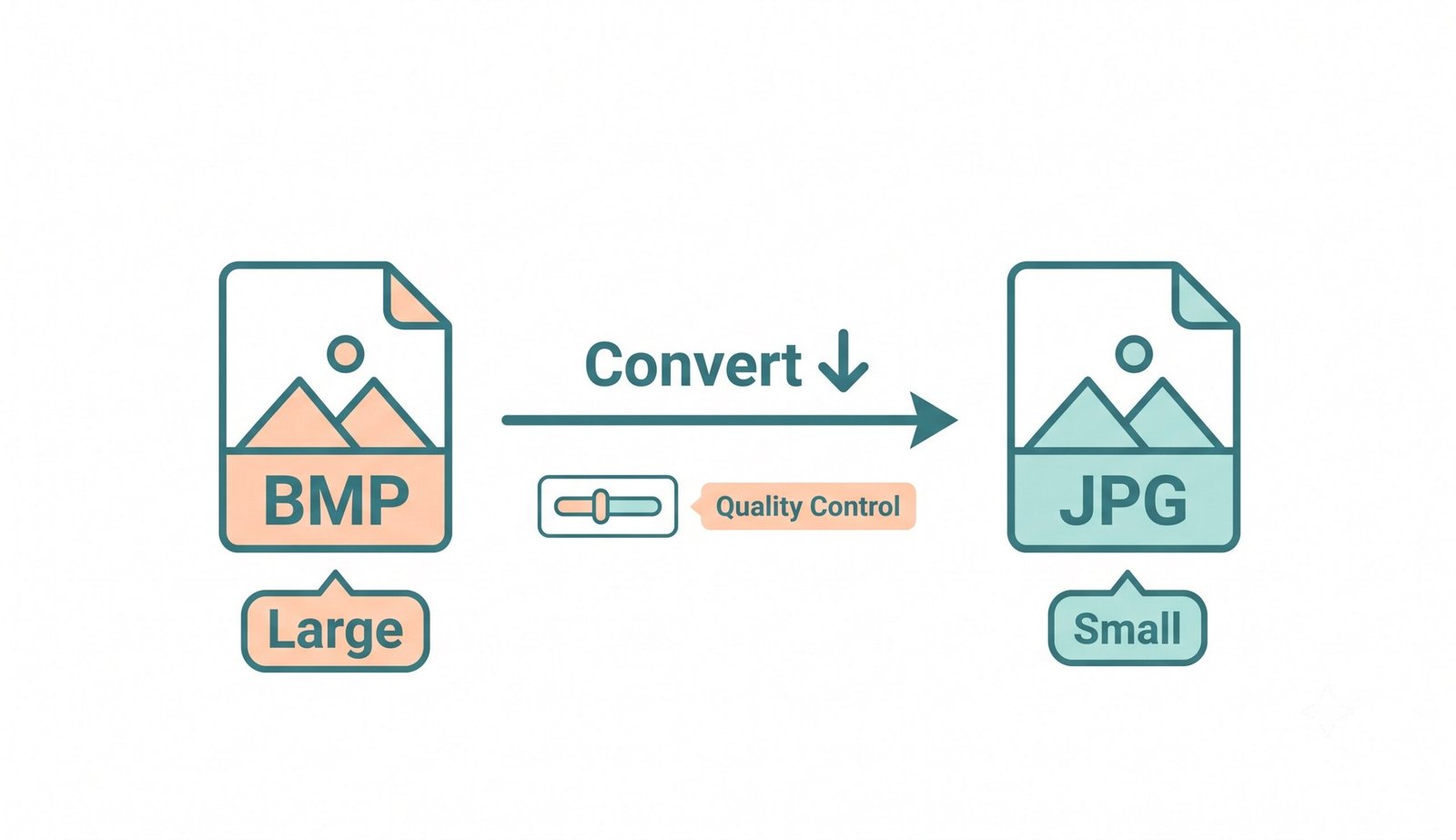
Figure 1: Client-Side BMP To JPG Conversion & Compression Pipeline
Client-Side Memory Sandbox: Zero Server Transmissions
Conventional cloud converters transmit sensitive graphics over public networks where they can be cached or intercepted. Our BMP To JPG converter processes everything entirely inside your web browser's isolated local RAM memory.
- No remote servers, no temporary cloud storage, no behavioral tracking telemetry.
- Completely functional in offline mode after initial browser cache loading.
- Safe for confidential medical records, legal contracts, and corporate intellectual property.
How to Convert BMP File to JPG Across All Operating Systems
Select your operating system below to view specialized guidance for converting raw bitmap images.
Batch Convert BMP to JPG on Windows 11 / 10 Without Bloatware
While Microsoft Paint allows saving individual BMPs as JPEGs, it lacks batch processing, quality controls, and ZIP bundling:
- Open Chrome, Edge, or Firefox and drag your
.bmpfiles into our BMP To JPG converter. - Select your preferred compression quality (85% recommended) and resolution scaling.
- Click "Convert Images Now" to download individual JPGs or a single organized ZIP package.
Convert Bitmap to JPG on Apple macOS
macOS Preview requires manual file-by-file export. With our in-browser converter, you can streamline the entire batch:
- Drag all your bitmap files into the upload area above in Safari or Chrome.
- Select your output format (JPG, PNG, or WEBP) and contrast boost settings.
- Click "Download All as ZIP" to save all converted photos directly into your Mac Downloads folder.
Convert BMP Images on iPhone, iPad & Android Phones
Mobile messaging apps and photo galleries often fail to render uncompressed BMP attachments natively:
- Open Safari or Chrome on your mobile device and select BMP files from your Files app or cloud storage.
- Let the browser convert your files locally in under 3 seconds with zero data usage.
- Tap Download or use Copy to paste pictures directly into Instagram, WhatsApp, or Slack.
Frequently Asked Questions
Everything you need to know about our private, client-side BMP To JPG conversion engine.
To convert BMP to JPG, drag and drop your .bmp files into our free BMP To JPG converter, choose your desired quality percentage (default 85%), and click "Convert Images Now". Your lightweight JPG photos will be generated locally in seconds.
BMP files store uncompressed pixel maps, making them exceptionally large (often 10 MB to 30 MB per image). Using our bmp to jpg converter reduces file weight by up to 95% while maintaining crisp visual quality, making images easier to email, store, and upload.
A raw bitmap to JPG conversion transforms uncompressed byte matrices into frequency-based DCT compressed blocks. This eliminates redundant high-frequency visual data while keeping fine text, lines, and true colors visually lossless.
Yes, 100%! All conversion logic runs locally inside your web browser using client-side JavaScript and HTML5 Canvas. Your files never leave your computer or phone and are never transmitted to any cloud servers.
Yes! 32-bit BMPs with alpha transparency channels are automatically blended onto your choice of solid background color (default clean solid white) before JPEG rendering, preventing black border artifacts.
Yes! Every converted card in our workspace features a dedicated "Copy" button that writes the image directly to your system clipboard for instant 1-click pasting into documents and messages.