AVIF to JPG Converter Online Free
Batch convert high-efficiency AVIF images to universal JPG format with custom quality controls. 100% private and client-side.
🎉 Converted JPG Images
0 Files ReadyFree AVIF to JPG Converter Online – Convert AVIF Images Instantly
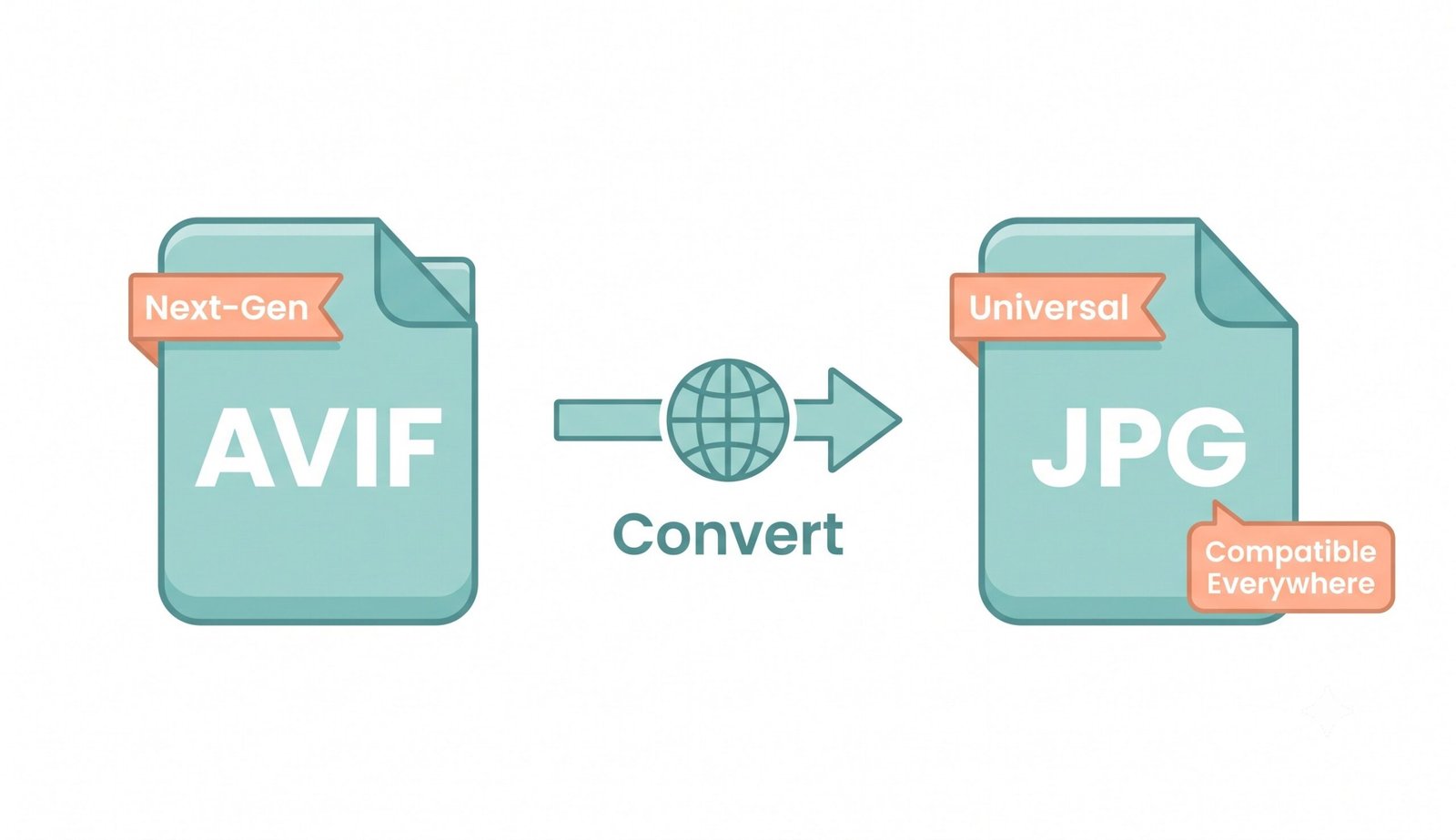
AVIF (AV1 Image File Format) represents a milestone in web graphics technology, providing advanced compression and smaller file sizes. However, despite its efficiency, AVIF files often encounter compatibility barriers across legacy operating systems, social media apps, and photo editing software. Our free online AVIF to JPG converter bridges this gap by decoding next-generation AVIF images directly inside your browser and outputting universally compatible JPG graphics in seconds.
How to Convert AVIF to JPG Using This Tool (Step-by-step)
Converting your AVIF files to JPG with custom compression settings takes just a few clicks:
- Upload AVIF Images: Drag and drop your files into the designated upload area or click to select them from your device.
- Add More Batch Files: Click the "Add More Files" button anytime to append additional AVIFs to your conversion list.
- Adjust Quality Settings: Fine-tune image quality using presets (High, Max, Medium, Low) or move the custom slider (10–100%).
- Run Fast 5-Second Processing: Click "Convert Selected Files" to initiate native browser canvas processing.
- Download Converted JPEGs: Save images individually or package them into a single compiled ZIP file.
Key Features of Our AVIF to JPG Converter
Engineered for maximum speed, security, and quality control, our converter offers several built-in optimizations:
- 100% Client-Side Privacy: All conversions are executed in local browser memory using HTML5 canvas rendering. Your files are never uploaded to remote servers.
- Batch File & Append Support: Select multiple files and add more files seamlessly to your queue.
- Custom Quality Presets: Tailor output quality to balance file size against visual fidelity.
- Continuous Workflow: Add more files to ongoing sessions seamlessly without resetting page state.
Why Convert AVIF to JPG? (Benefits & Use Cases)
While AVIF images can be 50–70% smaller than JPEG or PNG at similar visual quality, JPG remains the undisputed universal standard for online graphics. Key reasons to convert include:
- Universal Display: JPG files open seamlessly across all desktop software, mobile phones, and web browsers.
- Social Media & Email Readiness: Platforms like Facebook, Instagram, and older email clients regularly reject raw AVIF uploads. JPG ensures instant sharing.
- CMS Compatibility: Many web design systems and CMS tools restrict AVIF image uploads without specialized plugins.
Learn more about AVIF and JPG image formats to understand codec compression differences.
AVIF vs JPG – Which Format Should You Use?
| Feature | AVIF Format | JPG (JPEG) Format |
|---|---|---|
| File Compression | Ultra High (50-70% smaller) | Standard Compression |
| Compatibility | Modern Browsers Only | 100% Universal |
| Transparency | Supported (Alpha channel) | Not Supported |
| HDR / Color Depth | 8 / 10 / 12-bit | 8-bit Standard |