Free & Private Tool to Convert PDF to PowerPoint
Transform static PDF documents into editable PowerPoint (.pptx) & Google Slides presentations in seconds. 100% private, client-side processing.
or drop PDF files here to convert PDF to PowerPoint
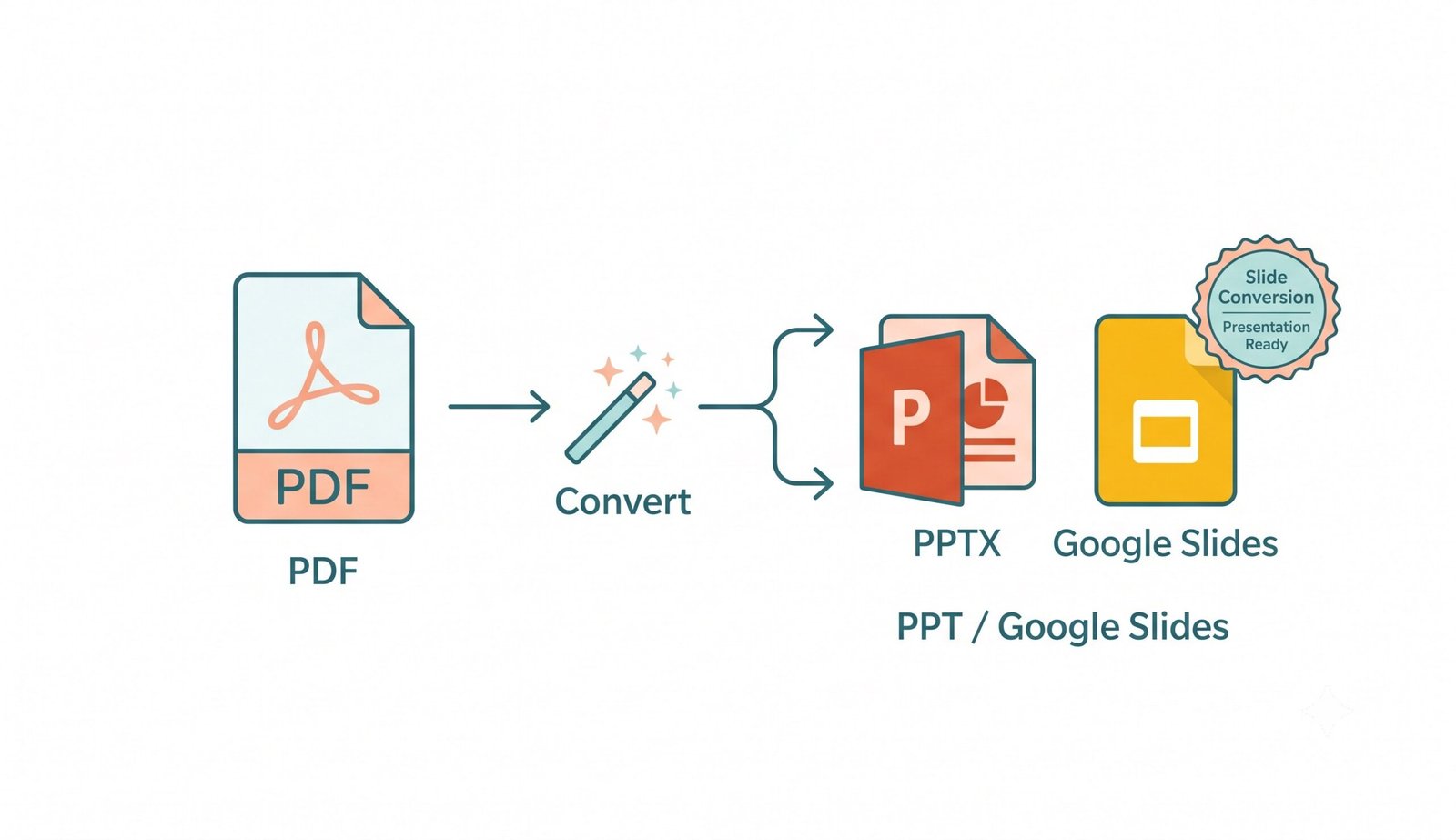
How to Convert PDF to PowerPoint in 3 Fast Steps
A lightning-fast visual workflow designed for high-resolution slide deck generation.
Upload your PDF document
Extract vectors & 300 DPI slides
Download editable PPTX / Slides
How Our PDF to PowerPoint Engine Works
Learn the step-by-step mechanism behind our high-fidelity, client-side vector extraction pipeline.
Select & Ingest PDF Pages
Upload single or multi-page documents. The file is parsed inside browser memory with client-side WebAssembly, supporting encrypted PDFs, multi-column reports, and vector blueprints.
Smart Vector & Text Extraction
Unlike primitive tools that only paste flat images, our engine extracts native text strings, coordinates, and typography, converting them into editable PowerPoint text boxes and shapes.
Pro-Portrait & DSLR Media Preserver
Executive headshots, portraits, and photography are preserved at 300 DPI DSLR clarity. Color grading and facial identity are strictly maintained without downsampling or posterization.
Native PPTX & Google Slides Compilation
The slides are packaged into standard OpenXML (.pptx) structures ready for Microsoft PowerPoint, Google Slides, Keynote, and LibreOffice with 16:9 widescreen or 4:3 ratios.
Powerful Performance Features
Engineered for editable text boxes, high-fidelity DSLR graphics, and zero cloud data exposure.
Smart Vector & Text Engine
Extracts typography into real editable PowerPoint text boxes, allowing instant updates and formatting adjustments.
Pro-Portrait & DSLR Preserver
Ensures corporate team portraits and executive photos look sharp with expert-level color grading at 300 DPI.
100% Client-Side Privacy
Your confidential pitch decks, balance sheets, and reports never leave your device. Zero remote server uploads.
5-Second Fast Engine
Optimized WebAssembly rendering engine compiles multi-page presentation decks smoothly in seconds.
PowerPoint & Google Slides
Outputs standard PPTX files directly compatible with Microsoft PowerPoint, Google Slides, Keynote, and Office 365.
Batch Multi-PDF Support
Upload and convert multiple documents simultaneously, then download them individually or as a unified ZIP archive.
High-Fidelity PDF to PowerPoint Presentation Conversion
Transform your documents into editable slides instantly. Our secure platform allows you to convert PDF to PowerPoint directly within your browser. If you need a reliable online PDF to PowerPoint converter, this client-side tool provides 300 DPI clarity, vector text editing, and complete data privacy.
How to Convert PDF to PPT Free (Step-by-Step)
- Open the free online PDF to PowerPoint converter on your browser.
- Drag and drop your PDF document into the secure upload area.
- Wait a few seconds as our offline engine processes the text and layout.
- Click the download button to save your fully editable PPTX file.
- Open the presentation and edit your slides instantly.
Smart Vector & Text Extraction: Editable Slides vs. Flat Image Pasting
Over 90% of basic free converters simply take a snapshot of each PDF page and paste it as an uneditable flat image onto a slide. When you need to free convert PDF to PPT for client presentations, this leaves you unable to modify bullet points, fix typos, or reformat numbers.
Our online PDF to PowerPoint converter parses PostScript text streams, vector paths, and slide geometries into native OpenXML shape objects and editable text boxes. You get full control over font size, colors, alignments, and bullet hierarchies in Microsoft PowerPoint and Google Slides.
- Editable text layers allow instant editing, spell-checking, and translating.
- Preserves vector charts, shapes, and custom graphic layouts smoothly.
- Directly compatible with Google Slides presentation collaboration.
Pro-Portrait & DSLR Media Preserver (300 DPI Visual Clarity)
Corporate slide decks often showcase executive headshots, keynote speaker portraits, product photographs, and intricate data charts. Cheap conversion utilities downscale images to 72 DPI, leaving portraits blurry and pixelated.
When you perform a pdf to ppt free conversion with our engine, facial features and high-resolution textures are strictly maintained as if captured on a professional DSLR camera with expert color grading. 300 DPI sharpness ensures flawless presentations on 4K projectors and boardroom monitors.
- Preserves sharp facial identity and natural skin tones on team portrait slides.
- Sub-pixel anti-aliasing renders financial graphs and complex tables clearly.
- Flawless 16:9 widescreen and 4:3 standard aspect ratio adaptation.
Client-Side WebAssembly Sandbox: Zero Cloud Exposure
Uploading confidential contracts, financial earnings, or proprietary business presentations to remote cloud servers exposes sensitive IP to security breaches and data retention risks.
Our online PDF to PowerPoint converter executes completely inside an isolated WebAssembly memory sandbox on your device's CPU. Your confidential documents are parsed locally and never sent over the internet.
- Zero server logging, zero third-party telemetry, zero cloud data storage.
- Fully functional offline after initial page cache load in browser.
- Guaranteed security for enterprise pitch decks, legal briefs, and accounting reports.
Frequently Asked Questions
Everything you need to know about our private, client-side PDF to PowerPoint conversion engine.
Simply drag and drop your PDF file into our upload area, choose your presentation settings (such as 16:9 widescreen or 4:3 standard aspect ratio), and click "Convert PDF to Presentation". Your editable PPTX file will be processed and ready for download in just 5 seconds.
Yes! Our platform is engineered to free convert PDF to PPT by intelligently extracting text strings, vector geometries, and layout bounding boxes into real, editable PowerPoint text boxes, rather than static flat images.
Our online PDF to PowerPoint converter processes confidential corporate files, financial reports, and legal documents 100% locally inside your browser using client-side JavaScript and WebAssembly. Your documents are never uploaded to any remote server.
Absolutely. When you use our platform for a PDF to PPT free conversion, our Pro-Portrait & DSLR Media Preserver renders embedded images at crisp 300 DPI clarity, preserving exact facial features, fine typography, and natural color grading.
Yes! Download the converted .pptx file, upload it to your Google Drive, right-click the uploaded presentation, and select "Open with → Google Slides" for real-time team collaboration.
Yes. Our converter automatically extracts high-resolution slide frames from scanned documents, positioning them cleanly into widescreen presentation slides with optimal contrast.
Yes, our tool is fully mobile-responsive and functions seamlessly across smartphones, tablets, Chromebooks, MacBooks, and Windows PCs without requiring app downloads.
This tool is 100% free with no subscriptions, watermarks, daily conversion caps, or page limits. You can convert unlimited PDF documents individually or in bulk batches.