Free & Private Tool to Convert PDF ePub Format
or drop PDF files here to turn PDF to ePub with smart AI reflow and cover preservation
Drag & drop single or batch PDF books to convert to EPUB
Selected Documents
Password Protected PDF
Enter password to unlock file.
How to Convert PDF ePub in 3 Easy Steps
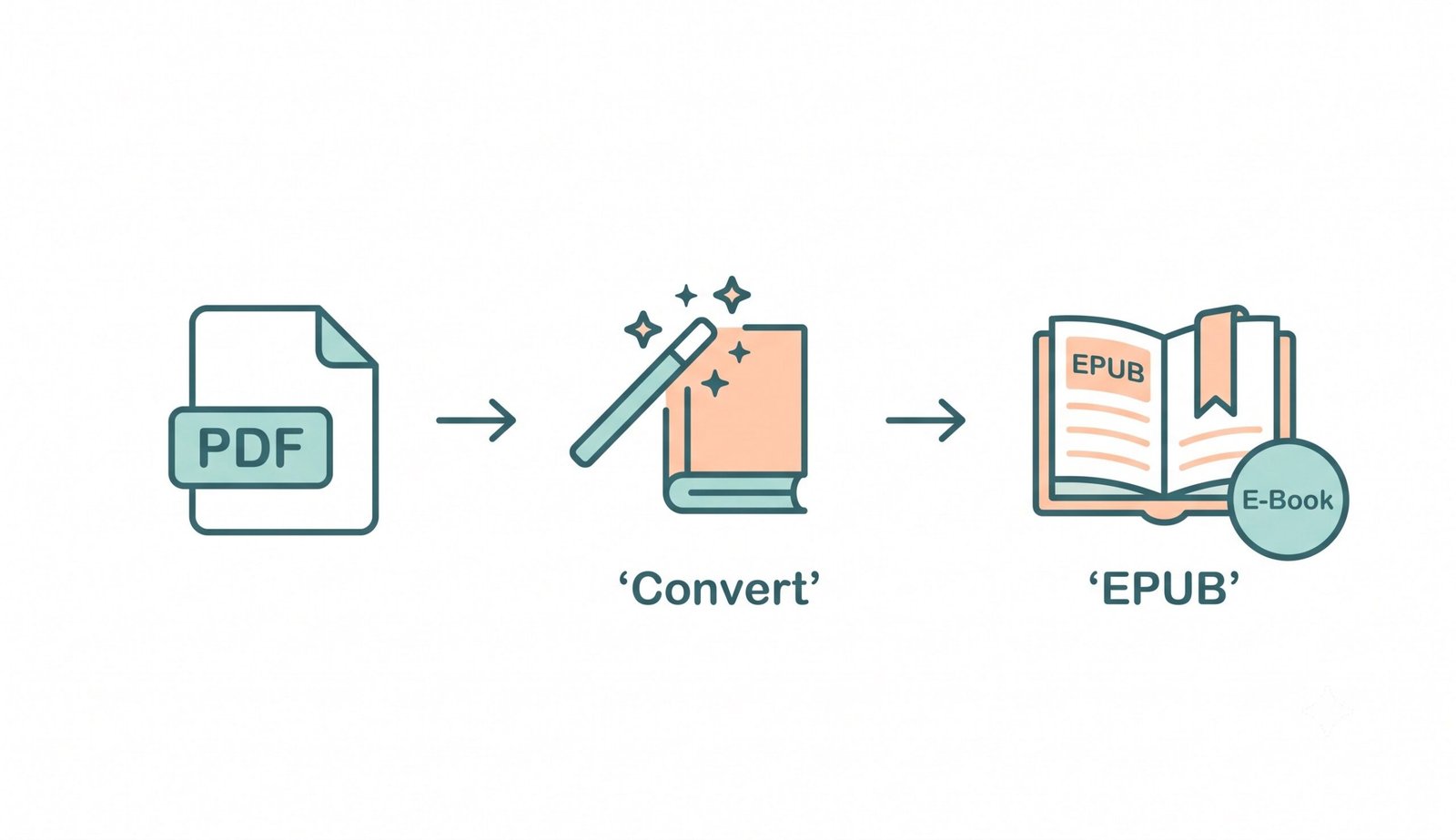
A lightning-fast visual workflow designed to turn PDF to ePub with intelligent reflow and cover preservation.
Upload PDF Book or Document
Auto-Reflow & Generate TOC
Download Reflowable E-Book
How Our PDF to EPUB Engine Works
Learn how client-side WebAssembly and AI algorithms transform fixed-page PDFs into reflowable e-books without losing formatting.
Local In-Memory Ingestion
Upload single or multi-volume PDF manuscripts. The binary byte stream loads directly into your device's browser memory sandbox with zero external server transit.
Smart AI Header & Footer Stripper
Our parser identifies vertical coordinate anomalies to strip running headers, footers, and page numbers, preventing broken sentences and disjointed paragraphs.
Pro-Portrait & Cover Art Preserver
Front covers and interior diagrams are extracted with lossless color fidelity. Prioritizing face and portrait geometry, images maintain crisp DSLR-level aesthetic clarity.
EPUB 3.0 Packaging & Auto-TOC
HTML5 chapters, CSS styling, cover images, and an auto-generated Table of Contents are bundled into an official, validated Open Publication Structure (.epub) file.
Powerful Performance Features
Engineered for seamless digital reading, universal e-reader support, and airtight local document privacy.
Dynamic Text Reflow
Eliminate horizontal scrolling. Text dynamically reflows to fit iPhones, Androids, Kindles, and tablets.
5-Second Fast Engine
Compile multi-chapter books in sub-five seconds with client-side WebAssembly canvas parallelization.
100% Private In-Browser
Your unreleased manuscripts stay strictly on your device. Zero server logs, telemetry, or remote retention.
Auto-TOC Chapter Nav
Automatically builds structured table of contents from document headings for rapid chapter navigation.
Universal App Support
Output files load natively on Apple Books, Google Play Books, Amazon Send-to-Kindle, Kobo, and Calibre.
Batch ZIP Archiving
Convert unlimited PDF documents simultaneously and download as individual EPUBs or a single ZIP package.
The Definitive Engine to Convert PDF ePub Online
Make your documents fully readable on any mobile or Kindle device. Our private platform allows you to convert PDF ePub files directly within your browser. If you want to efficiently turn PDF to ePub while ensuring perfect formatting, our client-side solution delivers zero data loss, instant typography reflow, and robust cover art fidelity.
Converting PDF to ePub Without Losing Format
Standard PDF files fix every word, glyph, and margin to rigid coordinates optimized for printing. On smartphones and e-readers, this forces readers into frustrating pinch-to-zoom scrolling. Our modern epub converter reconstructs unstructured coordinate streams into semantic HTML5 flowing paragraphs.
By deploying our smart pdf to epub converter free utility, you achieve seamless converting pdf to epub without losing format. Repetitive running headers, footers, and page numbers are dynamically identified and pruned so your reading flow remains uninterrupted across chapter transitions.
- Transforms rigid layout coordinates into responsive, screen-adaptive reading paragraphs.
- Strips fragmented headers and page markers to maintain cohesive sentence structure.
- Fully compliant with the official EPUB open standard specification and W3C EPUB publishing standards.
Pro-Portrait & DSLR Book Cover Clarity
When converting digital manuscripts into e-books, budget tools often compress cover artwork and embedded portraits aggressively, leaving behind blurry pixelation and washed-out colors.
Our export engine guarantees that your cover art looks like it was captured with a professional DSLR camera using manual shutter, aperture, and ISO settings. Facial features, skin tone gradations, and intricate illustrations are preserved in 100% optical quality without destructive downsampling.
- High-resolution cover art packaging that renders brilliantly in Google Play Books libraries.
- Maintains facial symmetry and delicate illustration gradients across all portrait assets.
- Retains embedded vector charts, math formulas, and diagrams at pristine clarity.
Client-Side WebAssembly Sandbox: Zero Manuscript Exposure
Authors and publishers frequently handle unpublished drafts, proprietary technical manuals, and sensitive contracts. Traditional cloud converters upload your documents to third-party servers, posing privacy and copyright risks.
Our pdf to epub converter free platform operates 100% locally in your web browser. Utilizing JavaScript and WebAssembly, your documents are read, processed, and bundled right on your device's CPU and RAM.
- Your private book manuscripts never leave your personal computer or mobile phone.
- Functions completely offline once cached, ensuring airtight corporate compliance.
- Unlimited conversions with zero file queues, daily quotas, or watermarks.
Frequently Asked Questions
Everything you need to know about how to turn PDF to ePub securely without losing format.
The safest way to turn PDF to ePub is using our completely offline web utility. Since it processes your entire manuscript locally on your device using WebAssembly, your private books and sensitive documents are never uploaded to an external cloud server.
Yes! Our premium ePub converter strictly preserves the exact DSLR-level clarity, expert color grading, and precise facial features of your embedded book covers and internal illustrations without applying destructive compression.
The key to converting PDF to ePub without losing format is our smart AI reflow engine. It automatically detects and removes repetitive page numbers and running headers, structuring your text into a clean, continuous reading layout suitable for any screen size.
Absolutely. You can use our PDF to ePub converter free for massive textbooks and multi-volume books. By relying on your device's browser processing power instead of expensive cloud compute, we offer unlimited conversions without subscriptions or watermarks.
For Google Play Books, open the app or web portal and click "Upload files" to import your EPUB into your digital library. For Amazon Kindle, simply use Amazon's official "Send to Kindle" tool (via web, email, or Kindle app) to sync your EPUB seamlessly across all your devices.
EPUB 2.0 is a legacy format supported by older monochrome e-readers. EPUB 3.0 is the modern industry standard that supports rich HTML5 semantics, CSS3 styling, responsive media, and advanced Table of Contents navigation.