Live Voice Typing: Convert Speech to Text Online
How Live Voice Typing & Speech to Text Works
A lightning-fast 3-step workflow engineered for high-precision live voice dictation and real-time transcription.
Click Mic & Start Speaking
Live Speech Diarization
Export Word & Subtitles
How Our Live Voice Typing Engine Works
Learn the multi-phase mechanism behind our private, client-side acoustic speech recognition and voice dictation pipeline.
Real-Time Acoustic Voice Capture
Stream voice speech directly from your device microphone. Your audio streams safely into browser memory with zero third-party cloud data transmission or server logging.
Acoustic Modeling & Hindi Voice Typing
Our contextual speech engine decodes phonetic phonemes into accurate written vocabulary. It intelligently processes Hindi voice typing online alongside Hinglish mixtures without manual language switching.
Smart Live Speaker Diarization
The live diarization system separates speech segments between Speaker 1, Speaker 2, and additional participants, tagging each conversation turn with precise millisecond timestamps.
Word Document & SRT Subtitle Export
Export your finalized transcript as an editable Microsoft Word (.docx) document, download time-coded SubRip (.srt) subtitle files for YouTube video captions, or copy clean text directly.
Powerful Live Voice Typing Features
Engineered for razor-sharp transcription accuracy, smart speaker separation, and complete browser data privacy.
Real-Time Voice Dictation
Speak naturally into your microphone and watch your words transcribed into clean text in real-time.
Hindi & Hinglish Engine
High-precision Hindi voice typing online supporting blended Hinglish phrases without transcription errors.
Word & SRT Subtitle Export
Functions as a native speech to word document converter with timestamped SRT subtitle generation.
100% Private Client Execution
Your voice dictations remain strictly on your device in browser memory with zero server storage.
Smart Speaker Diarization
Easily partition your spoken transcripts into distinct dialogue turns for interviews and meetings.
Continuous Local Auto-Save
Every spoken word is saved in browser storage in real-time so your drafts are never lost on refresh.
Live Voice Typing & Speech to Text with Advanced Speech AI
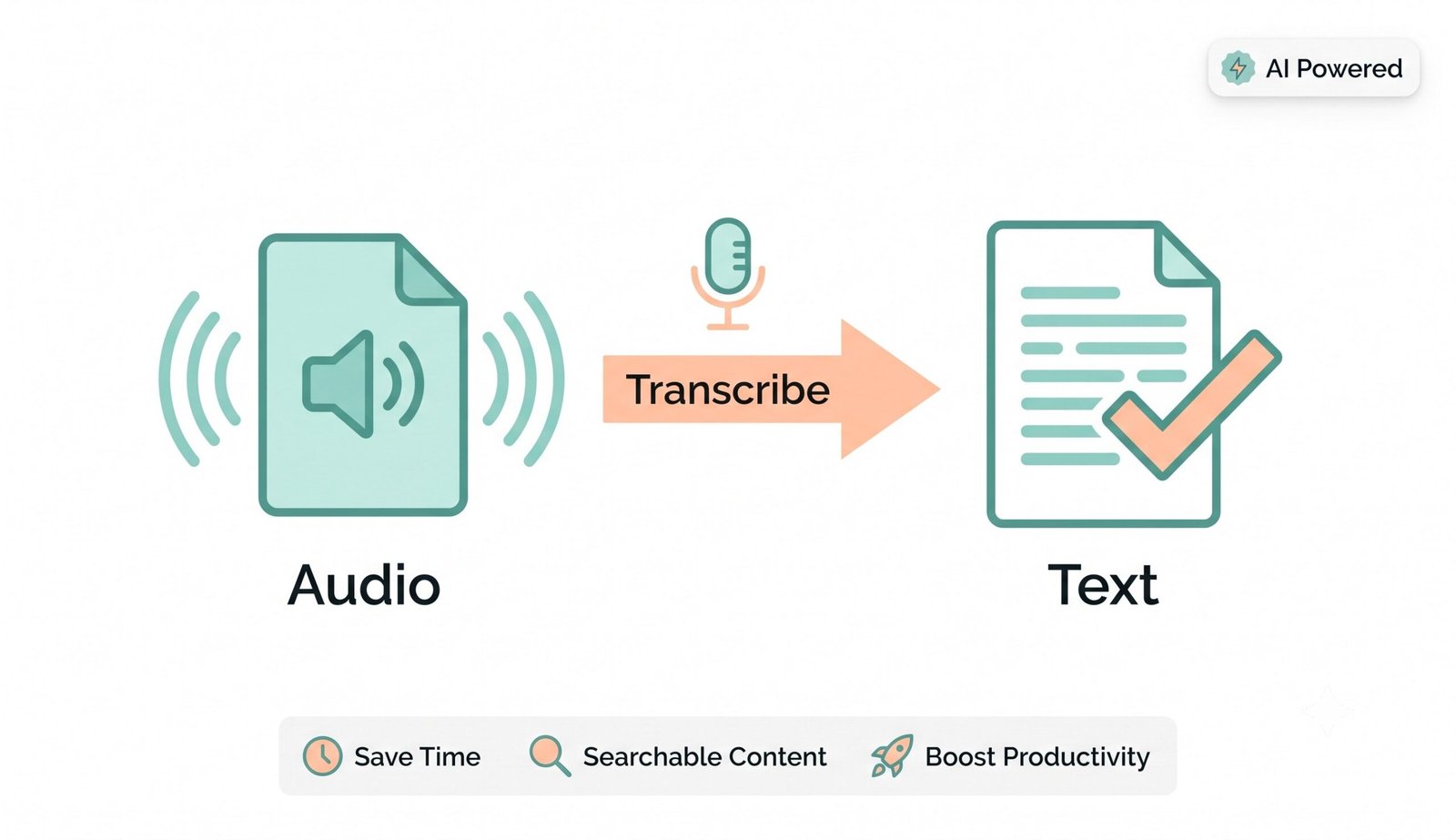
Stop typing manually and instantly convert speech to text online with our advanced AI tool. Whether you need a reliable audio to text converter for your podcasts or precise Hindi voice typing online, our platform helps you seamlessly transcribe audio to text free without compromising on accuracy. Functioning as a high-precision voice to word document converter, you can export timestamps and speaker-labeled transcripts directly into formatted Word, SRT, or TXT documents.
Live Audio to Text Converter with Smart Speaker Diarization
Most standard transcription utilities output single monolithic blocks of unformatted text, forcing users to manually review hours of notes to distinguish who was speaking. Our audio to text converter incorporates smart speaker diarization to separate conversation turns between Speaker 1, Speaker 2, and guests automatically.
By combining acoustic frequency analysis with speech recognition algorithms, our tool identifies vocal transitions and pairs each statement with precise millisecond timestamps for effortless review.
- Automated dialogue breakdown for podcast episodes, boardroom meetings, and legal interviews.
- Interactive playback and editing synchronization that lets you review any dialogue turn instantly.
- Zero audio degradation with continuous streaming and instantaneous local word rendering.
Precise Hindi Voice Typing Online & Multi-Language Support
Communicating naturally often involves mixing regional idioms with English terminology. Traditional converters stumble when encountering bilingual speech patterns. Our specialized Hindi voice typing online model is trained to recognize natural Hinglish flow without requiring manual language toggling.
Whether you are recording in Hindi (हिन्दी), Spanish, French, German, Japanese, Arabic, or Indian English, the engine maintains linguistic context, placing punctuation marks and technical spellings accurately.
- Accurate phonetic interpretation for regional Indian accents and global dialects.
- Seamless real-time speech dictation with zero audio buffering or word truncation.
- Effortlessly transcribe audio to text free for content creators, vloggers, and educators.
Secure Voice to Word Document Converter & Subtitle Engine
When working with confidential audio—such as patient consultations, legal depositions, or proprietary business meetings—uploading files to remote cloud servers creates severe compliance vulnerabilities. Our tool processes all speech recognition entirely inside your browser sandbox.
Once dictation is complete, our built-in speech to word document converter lets you package your dialogue into professionally styled DOCX documents or export synchronized SubRip (.srt) subtitle files with a single click.
- Zero server telemetry, audio caching, or transcription database logging.
- Instant export to Microsoft Word (.docx) with speaker tags and clean paragraph styles.
- YouTube and Premiere-ready SRT subtitle generation with precise timecode synchronization.
Frequently Asked Questions
Everything you need to know about live voice typing, speech recognition accuracy, and Hindi voice typing online.
The most accurate way is using our AI-powered live speech recognition engine. You can seamlessly convert your live speech into text in real-time, ensuring that every word from your dictation, lecture, or meeting is captured with precision and zero cloud data exposure.
Absolutely! Our tool features an advanced regional language engine, making it the perfect choice for Hindi voice typing online, even if you speak naturally using blended Hinglish vocabulary.
During your session, the tool organizes spoken sentences into clear dialogue turns with timestamps. You can click on any speaker badge to alternate between Speaker 1 and Speaker 2 or insert speaker breaks dynamically.
You can speak your script into the microphone and instantly export the timestamped text as an SRT subtitle file, ready to be uploaded directly to YouTube, Premiere Pro, DaVinci Resolve, or CapCut.
Yes, once you dictate your text, our tool lets you download the full transcribed record with speaker names and timestamps directly into a formatted Microsoft Word (.docx) file.
Yes! Built-in continuous auto-save stores your transcribed text and speaker blocks in your browser's local storage in real-time. When you return or refresh the page, your transcription is restored automatically.