Free Online Tool to Extract PDF Images Securely
or drop single or multiple PDF documents here to extract PDF images
The uploaded PDF documents do not contain embedded pictures, vector graphics, or photo streams.
Image_1.jpg
1920 × 1080 • 240 KB • JPEG
How to Extract PDF Images Online
A simple 3-step workflow designed to pull raw embedded photos, diagrams, and vector graphics.
Upload PDF Documents
Configure & Extract Raw Streams
Download 1-Click ZIP Archive
How Our PDF Image Extractor Works
Learn the technology behind our dual-engine uncompressed extraction and smart image classifier.
Stream Ingestion & Object Mapping
Upload multi-page or bulk PDF files into local device memory. The parser maps the PDF cross-reference table to locate all indirect XObject image dictionaries.
Raw Binary Stream Extraction
Our parser pulls DCTDecode (JPEG) and JPXDecode streams directly from the PDF byte container, maintaining 100% DSLR portrait color grading and uncompressed clarity.
Smart Filter & Variance Analysis
An automated pixel classifier evaluates standard deviation and byte density to filter out empty background panels, drop shadows, and border frames.
1-Click Bulk ZIP Generation
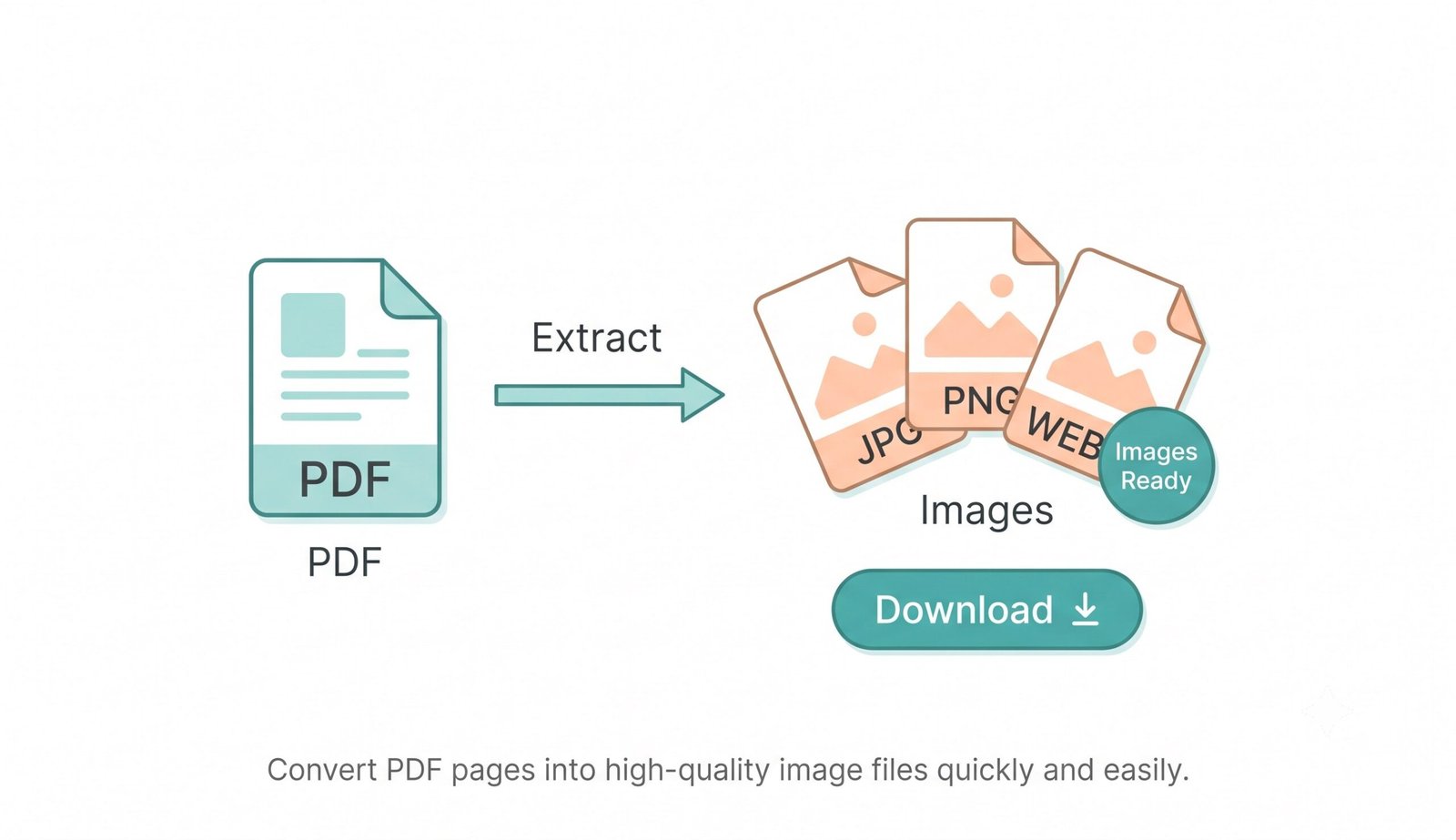
Selected pictures are archived locally into a single compressed ZIP file or downloaded individually in PNG, JPG, or WEBP with full dimensions intact.
Key Performance Features
Engineered for lossless visual extraction, instant multi-file batch processing, and airtight local privacy.
Raw Binary Extraction
Extracts pure uncompressed image bytes directly from PDF containers without canvas downsampling.
Bulk PDF Processing
Upload multiple documents simultaneously and extract hundreds of embedded pictures in seconds.
100% In-Browser Privacy
Your sensitive files never upload to any cloud server. Everything processes offline in your browser.
Smart Noise Filtering
Automatically separates high-res photography from decorative icons, blank blocks, and divider bars.
Flexible Export Formats
Save images in their native format or export cleanly into PNG, JPG, or modern WEBP with custom quality.
1-Click ZIP Archive
Package all extracted images into a single neatly organized ZIP archive for rapid desktop downloading.
Lossless Binary Extraction to Extract PDF Images
Stop taking low-quality screenshots of your documents. Our private, client-side tool allows you to instantly extract PDF images in their original high resolution, preserving natural color grading, sharpness, and metadata without cloud data exposure.
Direct DCT/JPX Stream Extraction vs. Standard Screen Grabs
Conventional web tools extract images by rasterizing the full PDF page onto an HTML Canvas element. This approach severely degrades portrait details, introduces heavy lossy compression, and clips fine facial highlights.
Our PDF image extractor accesses the PDF binary stream directly to pull raw DCTDecode (JPEG) and JPXDecode (JPEG 2000) objects. This preserves native camera shutter parameters, aperture sharpness, and Kelvin white balance exactly as original authors embedded them.
- Safely extract PDF images with zero pixel resampling or generational blur.
- Maintains 100% color gamut fidelity across sRGB, Adobe RGB, and CMYK color spaces.
- Easily learn more about extracting images from PDF documents according to official ISO 32000 specifications [1].
Smart Content Filter: Isolating Real Photos from Decorative Noise
When documents are generated by desktop publishing suites, thousands of micro-assets—including empty background color boxes, spacer lines, drop shadows, and 16×16 UI icons—are stored as individual image objects.
Our automated content classifier measures standard deviation across internal pixel clusters and byte-density curves. This allows users to effortlessly extract images from PDF online without sorting through hundreds of useless decorative layout elements.
- Automatically hides solid background panels and empty layout blocks.
- Easily switch tabs between Photos & Graphics and Frames & Layouts.
- Custom minimum dimension slider ignores tiny bullets, social icons, and dividers.
Client-Side Memory Sandbox: Save Image from PDF Safely
Commercial cloud converters force users to upload legal agreements, medical reports, and private invoices to third-party data centers where files may linger in temporary cache systems.
When you save image from PDF files with our engine, every single byte is decoded locally on your device's physical CPU and GPU. You can disconnect your internet connection entirely after loading this page and process confidential documents in total privacy.
- Airtight protection for corporate IP, financial tables, and personal portraits.
- Fast 1-click batch ZIP archiving without waiting for slow cloud uploads.
- Universal compatibility with Windows, macOS, iPhone, iPad, Android, and Linux.
Frequently Asked Questions
Find answers about our private raw stream extraction engine, formats, and batch features.
The fastest method is using our dedicated PDF image extractor. It runs directly on your local device, allowing you to instantly extract images from PDF without waiting for long server uploads or cloud queue delays.
Absolutely not! When you extract images from PDF online using our platform, we pull the raw binary visual data. This guarantees that expert color grading, exact facial features, and DSLR-level clarity are perfectly preserved.
Simply drop your file into our secure tool. You can preview the graphics and directly save image from PDF to your device in high-quality JPG, PNG, or WEBP formats while keeping your document 100% private.
Yes! Our PDF image extractor is completely free and has no file size limitations because all the extraction work is processed offline right inside your web browser using client-side JavaScript memory management.
Yes! You can upload multiple PDF files at once, customize your extraction settings, and extract embedded pictures from all documents simultaneously into a single 1-click ZIP archive.
Our smart content classifier automatically analyzes image byte density and center pixel variance to separate actual content photos from empty background panels, drop-shadow borders, and vector frames.