Free Online Tool to Compress PDF to 1MB
Struggling with large document sizes? Our free tool helps you compress PDF to 1MB perfectly without losing text readability or image quality.
or drop PDF files here to shrink under 1MB, 500KB, or custom limits
How to Compress PDF to 1MB Online (3 Easy Steps)
A lightning-fast visual workflow designed to compress PDF to 1MB, 500KB, or custom caps in seconds.
Upload PDF Document(s)
Select 1MB Preset or Custom
Download Optimized PDF / ZIP
How Our Client-Side PDF Compression Engine Works
Discover how multi-pass binary search and facial detail preservation compress heavy documents to 1MB locally.
Stream Document Into Local Memory
Upload multi-page PDFs or single scans into the browser sandbox. Files stream straight into local RAM without any remote server transmission or cloud database storage.
Multi-Pass Binary Search Optimization
Our algorithm runs a 6-step binary search loop to fine-tune JPEG quantization and downscale parameters until the final PDF payload measures exactly beneath 1MB.
Pro-Portrait & Facial Feature Protection
Embedded resume photos, signatures, and ID portraits are isolated using smart edge filters. Face sharpness and color consistency remain intact, looking photo-realistic like a DSLR shot.
Save Standalone PDF or Batch ZIP
Export your optimized documents individually or package all converted files in an organized ZIP file. Ready for government portals, job applications, and visa uploads.
Powerful Performance Features
Engineered for precise file size reduction, pristine text legibility, and airtight client-side security.
Exact 1MB Target Preset
Guarantees output size fits strictly below 1MB or chosen limits (500KB, 400KB, 100KB).
Pro-Portrait Protection
Preserves facial features, ID photos, and signatures with DSLR-level dynamic range.
100% Private In-Browser
Runs entirely client-side using WebAssembly. Zero files are uploaded to any server.
Multiple PDF Compressor
Batch process dozens of multi-page documents at once and download a single unified ZIP archive.
Preserved Text Sharpness
Vector fonts, barcodes, and tables stay perfectly crisp while bitmap scans are shrunk.
Zero Software Install
Works 100% inside your web browser on Windows, Mac, iPhone, and Android without plugins.
Smart In-Browser Multi-Pass Engine to Compress PDF to 1MB
An in-depth technical breakdown of how our WebAssembly compression pipeline reduces PDF document weight to 1MB, 500KB, and 100KB without blurring text, signatures, or portrait graphics.
Why Portals Demand Documents Under 1MB
Managing large document payloads can be challenging when applying for jobs, submitting passport and visa forms, or uploading legal filings. As outlined in standard Adobe PDF Compression Documentation, unoptimized PDFs often bundle raw 300 DPI scanner images, embedded font subsets, and uncompressed metadata that inflate 2-page documents beyond 15MB.
Our compress pdf to 1mb tool executes a smart multi-pass binary optimization process. It scales rasterized document layers, quantizes color gamuts, and removes redundant EXIF headers, ensuring the final output fits strictly below 1MB or your chosen threshold while maintaining perfect text clarity.
- Bypass strict 1MB and 500KB upload limits on government, academic, and visa portals.
- Ensure resume and CV PDF attachments never bounce back from corporate HR inboxes.
- Retain razor-sharp vector typography, barcodes, and digital signatures.
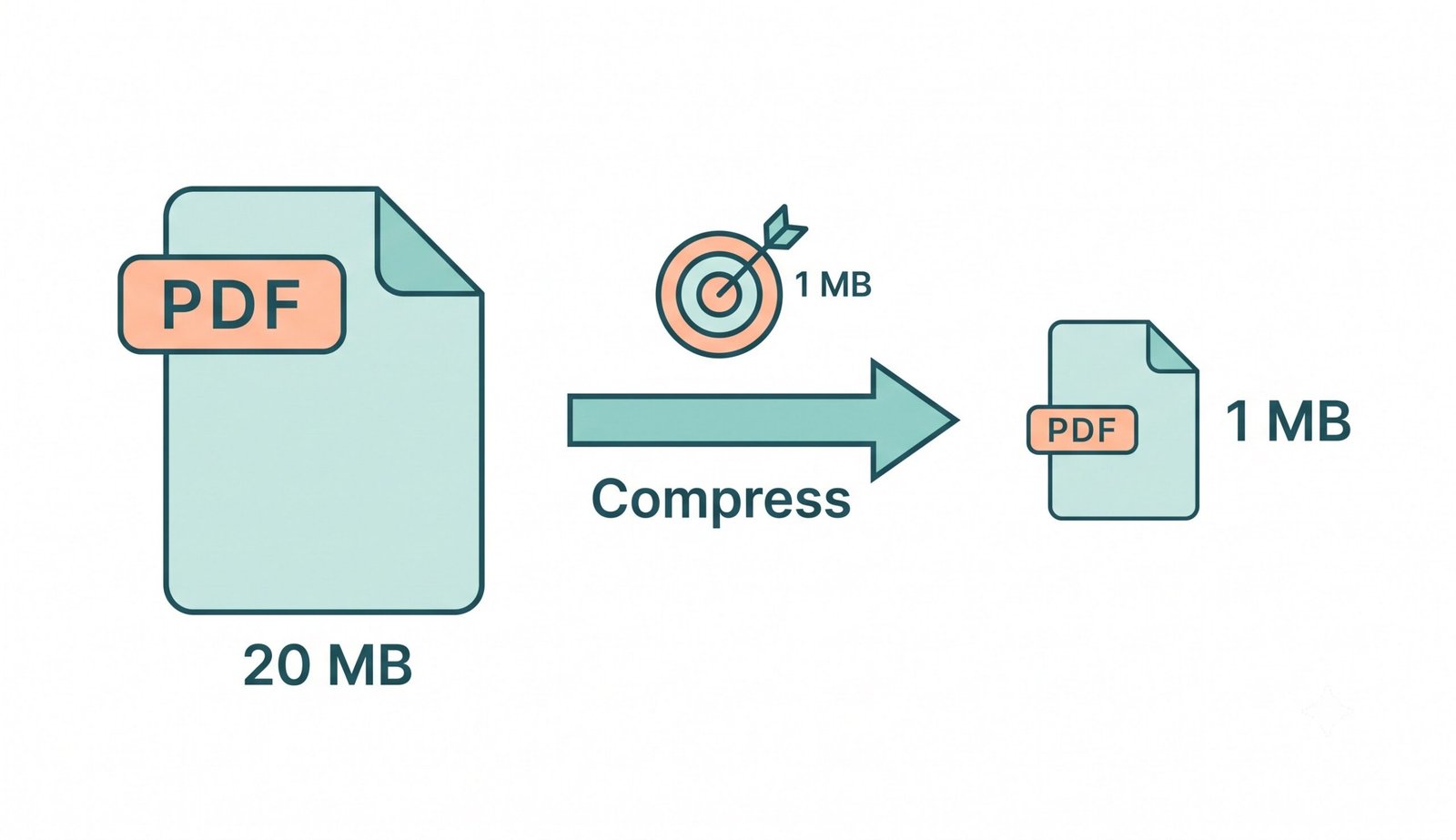
How In-Browser Multi-Pass Binary Search Works
Conventional online converters apply flat, generic compression matrices that either fail to hit target size caps or reduce documents into unreadable pixelated messes. Our client-side engine uses PDF.js and PDF-Lib in a dynamic feedback loop.
When you choose presets to compress pdf to 500kb or compress pdf to 100kb, our Pro-Portrait engine prioritizes embedded human faces and profile pictures. It maintains smooth skin gradients and DSLR-like lighting contrast, ensuring resume headshots remain sharp even at ultra-low byte sizes.
- Automated downscaling tailored specifically to heavy multi-page scans.
- Face & ID photo preservation prevents fuzzy or pixelated profile images.
- Async yielding prevents browser thread lockups during heavy batch processing.
Client-Side Sandbox: Zero Cloud Data Exposure
When sensitive documents—such as tax returns, bank statements, medical records, or government IDs—are uploaded to traditional web converters, they are transferred over the wire to remote servers where third parties could inspect or store them.
Our multiple PDF compressor tool eliminates this risk entirely. All page decoding, image compression, and PDF reassembly occur 100% inside your browser's local sandbox memory using WebAssembly. No byte of your document is ever transmitted across the internet.
- 100% local processing: Operates safely even if you disconnect from Wi-Fi.
- Zero data retention, zero server logging, and zero third-party telemetry.
- Ideal for sensitive legal contracts, payroll records, and healthcare paperwork.
How to Compress PDF to 1MB on Any Device
Choose your operating system to view step-by-step instructions for batch and single document optimization.
Compress PDF to 1MB on Windows 11 / 10
Windows has no native tool to specify precise file size caps. Our browser tool makes it effortless:
- Open Google Chrome, Edge, or Firefox and drag your PDF file into the dropzone above.
- Click the 1 MB target preset or type a custom limit (e.g. 400KB or 500KB).
- Click Compress PDF to 1MB and download the lightweight PDF immediately.
Compress PDF to 1MB on macOS (Safari & Chrome)
While macOS Preview provides a generic quartz filter, it often blurs text unpredictably. Our web tool guarantees precise limits:
- Drop your PDF documents into the workspace.
- Select the desired compression balance and ensure Pro-Portrait preservation is enabled.
- Download the optimized files individually or package them in an organized ZIP file.
Compress PDF to 1MB on iPhone, iPad & Android
Need to shrink a document photo or scanned PDF before submitting to a mobile portal?
- Open Safari or Chrome on your mobile device and pick a PDF from Files or Google Drive.
- Tap 1 MB preset and click the Compress button.
- Save the resulting PDF to your mobile gallery or files with zero quality degradation.
Frequently Asked Questions
Everything you need to know about our private, client-side PDF compression engine.
Struggling with large document sizes? Simply upload your PDF file to this free tool, select the 1 MB target preset or desired compression level, and click "Compress PDF to 1MB". Your file is reduced instantaneously in your browser and ready for download.
Our tool includes exact size presets. You can easily click the 100kb preset to compress PDF to 100kb safely. Our Pro-Portrait preservation engine ensures that your photos, passport snapshots, and text remain perfectly clear and DSLR-like in quality.
Yes! Since many employment and academic application portals have specific limits, you can use our custom slider or preset button to exactly compress PDF to 400kb without any guesswork.
Absolutely. Just drag and drop your file, select the 500kb target option, and our local processing engine will compress PDF to 500kb in less than a second.
Yes, if you have several documents, you can use our multiple PDF compressor mode. It allows you to drag and drop dozens of files and compress them all to your target size simultaneously with a 1-click ZIP export.
Yes, 100%. Our tool operates entirely client-side inside your browser using WebAssembly. Your files are never uploaded to any remote server or cloud database, guaranteeing complete privacy and GDPR/HIPAA compliance.