Secure Tool to Extract Pages From PDF
Free online tool to extract specific pages, page ranges, or visual thumbnails from PDF documents instantly with zero upload limits.
or drop PDF files here to extract pages from PDF instantly
How to Extract Pages From PDF Documents
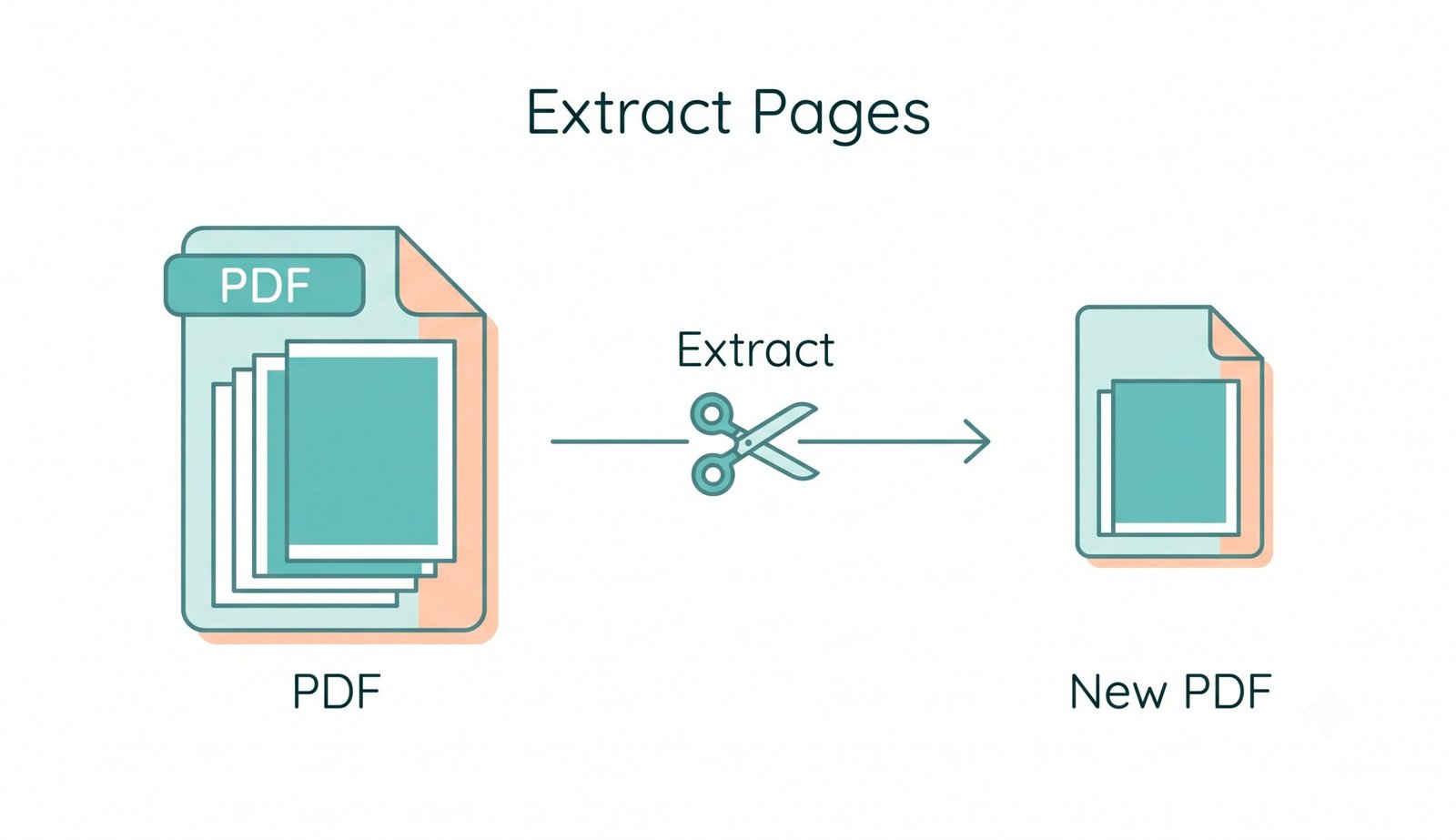
A lightning-fast 3-step visual workflow designed to extract PDF pages online with precision.
Upload your PDF document
Select pages or enter range
Download extracted PDF or ZIP
How Our Free PDF Extractor Engine Works
Learn the step-by-step mechanism behind our lossless, crash-proof PDF page extraction pipeline.
Local Stream Ingestion
Upload multi-page PDFs or heavy documents by dropping them into the workspace. The file streams directly into your device's physical memory with zero remote server exposure.
Visual Thumbnail Synchronization
Our WebAssembly renderer constructs visual previews for every sheet. Clicking thumbnails dynamically synchronizes with the smart range parser for error-free page selection.
Lossless Object Stream Separation
The extraction engine copies raw PostScript vector paths, TrueType font dictionaries, bookmarks, and high-res bitmap assets without degrading quality or recompressing streams.
Instant Packaging & Download
Package your extracted pages into a single merged PDF, independent PDF files bundled in a ZIP, or high-definition 300 DPI JPG images with custom naming prefixes.
Powerful Performance Features
Engineered to extract pages from PDF files with razor-sharp fidelity, instant local processing, and airtight confidentiality.
100% Client-Side Privacy
Your confidential contracts, tax returns, and legal records stay strictly on your device with zero cloud uploads.
Split Large PDF Files
Easily handle heavy 500+ page archives and large PDF files without browser freezes, timeouts, or file size caps.
Visual Thumbnail Grid
Inspect real-time rendered thumbnails to pinpoint and select required sheets with 1-click precision.
Smart Range & Quick Filters
Type custom ranges like 1-4, 7, 10-12 or use 1-click filters for Odd, Even, First, and Last pages.
Multi-Format Extraction
Export selected pages as a single combined PDF, separate individual PDFs in a ZIP, or 300 DPI JPG image files.
Zero Installation Needed
Our free pdf page extractor runs 100% in your browser. No plugins, desktop software, or account registration required.
Master Document Workflows: Extract Pages From PDF Online
Sometimes you don't need the whole document. Our tool allows you to easily extract pages from PDF files directly in your browser. Whether you need a single invoice sheet, an academic chapter, or multiple ranges, our client-side engine delivers instant, lossless extraction without cloud exposure.
Lossless Object Stream Separation vs. Lossy Page Splitting
The Portable Document Format encapsulates typography, vector curves, interactive form fields, and color spaces. Conventional converters often rasterize pages into images during separation, causing degraded text sharpness and damaged font kerning.
When you use our tool to extract pages from PDF, the internal binary object streams are cloned directly at the byte level in accordance with the official ISO 32000-2 Open PDF Standard. This guarantees that embedded TrueType fonts, high-definition vector graphics, and digital signatures remain 100% identical to the source document.
- Preserves original vector paths, geometric blueprints, and fine typography.
- Retains interactive hyperlinks, form annotations, and embedded color profiles.
- Fast in-memory separation generating compact, compliant PDF files in seconds.
Handling Scanned Documents, OCR Text & Splitting Large PDF Archives
Scanned invoices, contracts, and legal briefs produced by photocopiers often contain invisible OCR text bounding boxes layered over 300+ DPI scans. If you need to extract PDF pages online or split large PDF files, standard cloud tools crash due to file upload timeouts.
Our free pdf page extractor leverages local browser memory to process massive 500+ page archives seamlessly. OCR searchable metadata, invisible text layers, and high-resolution stamps remain completely intact without any compression artifacts.
- Maintains full OCR searchability across extracted sheets and receipts.
- Crash-proof performance for splitting massive, high-resolution scanned archives.
- Flexible export: Combine into one PDF or generate individual JPGs in a ZIP.
Client-Side Memory Sandbox: Zero Cloud Exposure & GDPR Compliance
Conventional web converters transmit confidential documents across third-party cloud servers, risking unauthorized access, permanent data retention, and compliance violations.
Our free pdf extractor operates completely inside an isolated client-side memory sandbox using JavaScript and WebAssembly. Because zero bytes leave your computer, it is safe for healthcare records, confidential corporate contracts, banking spreadsheets, and sensitive personal files.
- No remote servers, no temporary cloud storage, and zero data logging.
- Functions seamlessly offline once the tool is loaded in your browser.
- Fully compliant with enterprise data governance, GDPR, and HIPAA standards.
Frequently Asked Questions
Everything you need to know about our fast, private tool to extract pages from PDF documents.
Our tool lets you securely extract PDF pages online while keeping the exact original formatting, fonts, vector paths, and 100% resolution. All processing is executed locally in your browser using direct object stream extraction with zero lossy recompression.
Yes! Unlike other platforms that ask for premium subscriptions after one use, ours is a completely free PDF extractor with zero hidden costs, no watermarks, and unlimited file usage across desktop and mobile devices.
Absolutely. This free PDF page extractor works 100% locally in your browser. Your sensitive documents, financial statements, and contracts are never uploaded to any cloud server, ensuring absolute privacy and GDPR/HIPAA compliance.
Because our tool doesn't rely on remote server uploads, it is incredibly fast and efficient if you need to split large PDF documents. You can process heavy 500+ page archives instantly in device RAM without experiencing server timeouts or file size limitations.
Yes! Under the Extraction Mode settings, select "Separate PDFs (ZIP)" or "High-Res JPGs (ZIP)". Every selected page will be generated as an independent file and neatly packaged together in a single ZIP archive for instant one-click download.
Simply upload your PDF document and click the "Odd Pages Only" or "Even Pages Only" quick filter button in the toolbar. The visual thumbnails and page range box will instantly synchronize automatically.