Free Online Favicon AI Generator
Create pixel-perfect favicon icons from text, emojis, portraits & SVGs
Quick Brand Presets
Text & Typography
Geometry & Scaling
Background & Transparency
How to Create Favicons with Favicon AI Generator
A lightning-fast 3-step visual workflow designed for high-resolution micro-icon creation.
Select Mode or Asset
Tune Shape & AI Clarity
Download Favicon ZIP
How Our Favicon AI Engine Operates
Learn the step-by-step mechanism behind our sub-pixel rasterization, neural downscaling, and in-RAM ZIP packaging pipeline.
Select Mode, Vector or Portrait Photo
Choose between Typography Initials, Emoji glyphs, raw SVG vectors, or high-resolution founder portraits. Assets stream directly into an isolated HTML5 canvas sandbox without remote cloud transmission.
Sub-Pixel Anti-Aliasing & Neural Downscaling
Our Pro-Portrait AI Downscaler applies multi-stage convolution passes to preserve facial geometry, contrast edges, and typography curves, preventing 16x16 icons from becoming blurry pixel smudges.
sRGB True Chroma & Alpha Transparency
Color matrices are mapped into standard sRGB color coordinates with custom transparent alpha channel quantization, ensuring favicons blend seamlessly against both light and dark browser tab themes.
In-RAM Compilation of ICO, PNG & Manifest
The engine generates 16×16, 32×32, 48×48, 180×180 Apple Touch, and 512×512 Android PNGs, compiles a multi-directory favicon.ico binary, and packages site.webmanifest JSON inside an instant ZIP archive.
Powerful Performance Features
Engineered for razor-sharp micro-icon clarity, instant text/emoji branding, and airtight local privacy.
Pro-Portrait AI Downscaler
Preserves facial identity and sharp contours when shrinking founder photos into 16×16 micro-sizes.
1-Click Text & Emoji Studio
Create brand favicons in seconds by typing initials or picking trendy emojis with custom Google Fonts.
100% In-Browser Privacy
Your personal portraits and brand assets never touch cloud servers. Everything compiles locally in RAM.
Superellipse Squircles
Mathematical Lamé curves ensure smooth, modern icon boundaries matching Apple iOS and macOS UI systems.
Complete PWA Deployment
Outputs multi-resolution PNGs, standard ICO, and a valid site.webmanifest JSON file for installable web apps.
Live Tab & SERP Simulator
Preview exactly how your custom favicon appears inside simulated browser tabs and Google search snippets.
The Modern Favicon AI Generator: Next-Gen Web Identity
Give your website a professional look instantly. Our advanced favicon AI generator allows you to create pixel-perfect icons from images, text, or emojis directly in your browser without compression degradation or remote data exposure.
Vector Glyphs vs. Universal Micro-Raster Formats
Web browsers and mobile operating systems require multiple icon resolutions to render bookmarks, search snippets, and tab bars cleanly. While SVG vectors provide infinite scalability on modern browsers, legacy platforms and search engine crawlers still demand standard favicon.ico and multi-resolution PNG containers.
According to the Google Search Central Favicon Guidelines [1], search bots crawl website headers to fetch clear, high-contrast site icons. Using our favicon ai generator guarantees your icon adheres strictly to Google's indexing guidelines and W3C HTML Specifications.
- Crisp 16×16 and 32×32 pixel rendering across Chrome, Safari, Firefox, and Edge tab bars.
- Instant SVG favicon generator and transparent favicon generator support with alpha preservation.
- Full compatibility with Apple Touch Icons (180×180) and Android Chrome Web Manifests (512×512).
Pro-Portrait AI Downscaler & Lamé Superellipse Squircles
Many founders, influencers, and creative designers use their personal portrait as a website favicon. However, shrinking a photo down to 16×16 pixels usually produces a muddy, unrecognizable blob.
Our Pro-Portrait AI Downscaler algorithm performs intelligent high-frequency edge isolation and unsharp contrast enhancement before downsampling. Facial features, eye reflections, and hair boundaries remain instantly identifiable at micro dimensions.
| Feature Mode | Favicon Generator Text | Emoji to Favicon Generator | Pro-Portrait AI Downscaler |
|---|---|---|---|
| Best For | SaaS, Agencies, Corporate | Creators, Blogs, Web3 | Personal Brands, Portfolios |
| Clarity @ 16px | Sub-pixel Crisp Vector | Instant Universal Recognition | Facial Contour Preserved |
| Customization | Google Fonts + Offsets | Full Unicode Library | DSLR Sharpness Slider |
- Parametric 360-vector squircle curve calculations eliminate jagged corner artifacts.
- Consistent with modern Apple iOS, macOS, and Android adaptive icon specifications.
All-in-One PWA Package, Security & Instant HTML Header Code
Instead of generating a single standalone ICO file, our favicon ai generator packages a complete deployment suite containing all required PNG sizes, favicon.ico, and a configured site.webmanifest JSON manifest for Progressive Web Apps (PWA).
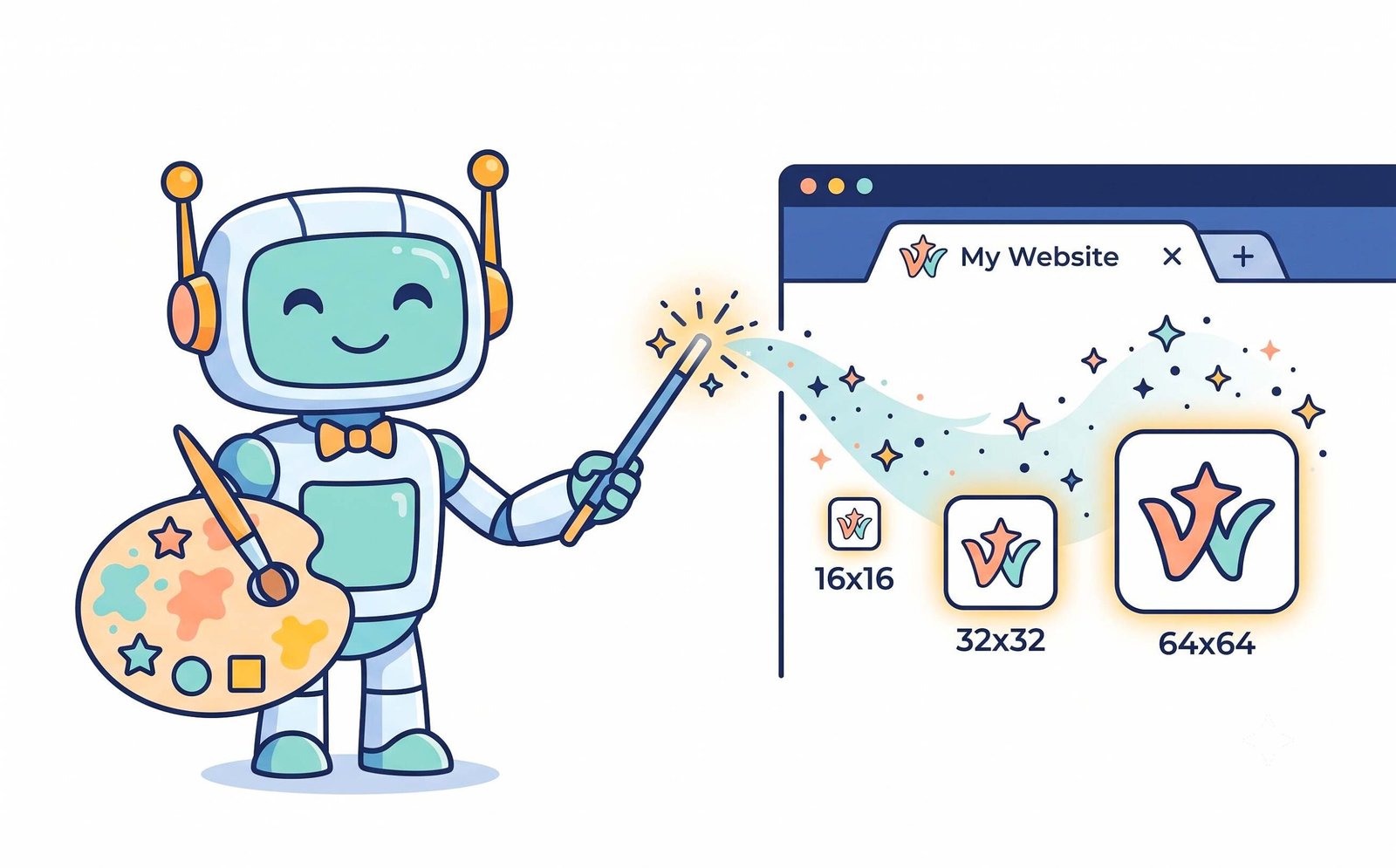
Extract the downloaded ZIP package to your website root directory and copy-paste the code snippet below into your <head>:
- Zero cloud uploads: Client-side RAM memory buffers guarantee total enterprise security.
- Compatible with WordPress, Shopify, React, Next.js, Webflow, and custom HTML5 builds.
Frequently Asked Questions
Everything you need to know about our favicon AI generator, transparent exports, and web identity optimization.
A favicon AI generator is an advanced browser-based tool that creates standardized website icons (.ICO and .PNG files) from text, initials, emojis, vector graphics, and portrait photos. It automatically scales and optimizes icons for web browser tabs, bookmarks, Google SERP snippets, and smartphone home screen shortcuts.
Yes! Our SVG favicon generator mode allows you to upload or render scalable vector paths directly into multi-resolution .ico binaries and transparent PNG matrices without losing mathematical sharpness or edge contrast.
Absolutely. If you don't have a logo yet, our favicon generator text option lets you type your brand initials, choose from clean typography fonts (like Outfit, Poppins, or Montserrat), select background gradients, and instantly create an ultra-modern favicon.
Our tool automatically functions as a transparent favicon generator. Select "Transparent Background" in the fill mode dropdown, and the engine will export your text, emoji, or vector icon with a 100% alpha-clear channel that seamlessly blends into both light and dark browser tab headers.
Yes, modern web creators love our emoji to favicon generator mode. Simply pick your favorite emoji from the quick picker grid (or paste any Unicode glyph), customize background colors and squircle boundaries, and download a ready-to-deploy favicon package.
When normal photos are shrunk to 16×16 pixels, facial features turn into blurry smudges. Our Pro-Portrait AI Downscaler enhances micro-contrast and preserves edge boundaries so your face remains crisp and recognizable even at tiny tab-bar sizes.
No. All canvas rasterization, downscaling algorithms, and ZIP package compilation happen 100% locally in your web browser's RAM buffer. Zero files, photos, or tracking data are ever transmitted to remote cloud servers.
Compiling Favicon Package...
Rasterizing 512×512 master vector canvas...