Free Tool to Make Image Black and White
or drop photos here to convert image to pure black and white online instantly
How to Make Image Black and White Online
A lightning-fast 3-step visual workflow designed for high-resolution monochrome and pure 1-bit conversions.
Upload your color photos
Tune Channels & Splash
Save single image or ZIP
How Our Black and White Engine Works
Understand the colorimetric algorithms, dynamic range calibration, and skin-tone dodging that power our studio.
Smart Colorimetric Parsing
Your image pixels stream directly into local browser RAM. Our engine parses the Red, Green, and Blue sub-pixel arrays at native resolution with zero lossy compression or server uploads.
Pro-Portrait Facial Protection
Unlike naive desaturation that flattens facial contours, our Pro-Portrait engine calculates panchromatic skin reflectance curves with highlight dodging so faces look natural, dimensional, and realistic.
Multi-Color Splash & Pure 1-Bit
Add multiple target colors for Selective Color Splash, or toggle 1-bit pure black-and-white thresholding for stencil art, thermal printing, and laser engraving with live 60fps split slider feedback.
Lossless Export & Batch ZIP
Export your transformed photos as lossless PNG, high-res JPEG, or lightweight WebP. Queue dozens of photos, synchronize custom tonal mixer settings, and download a single ZIP file.
Powerful Performance Features
Engineered to make image black and white with studio-grade tonal control, selective color splash, and absolute offline confidentiality.
Pro-Portrait Monotone
Preserves facial identity, delicate eye catchlights, and natural cheekbone shading without dark mudding.
Pure 1-Bit vs Grayscale
Easily switch between 256-shade smooth grayscale or 1-bit high-contrast black-and-white for printing stencils.
3-Channel RGB Mixer
Manually balance Red, Green, and Blue color contributions to darken skies or highlight foliage like lens filters.
Multi-Color Splash
Target multiple colors simultaneously (e.g. red lipstick + yellow flowers) against high-contrast monochrome.
100% Private Local Sandbox
Your sensitive photos stay on your device. Zero remote uploads, cloud telemetry, or third-party servers.
Batch Queue & ZIP Export
Process full albums simultaneously. Sync custom tonal settings across all files and export as an organized ZIP.
Master the Science to Make Image Black and White Online
An in-depth technical analysis of digital luminance color models, optical colorimetric weighting, selective color isolation, and high-contrast 1-bit thresholding.
Colorimetric Math: ITU-R BT.709 vs. BT.601 Standards
When photographers choose to make image black and white, modern software does not simply eliminate saturation. Human vision perceives spectral frequencies with uneven sensitivity; the retina contains millions more green-sensitive cones than red or blue receptors.
To replicate natural eye perception, international broadcast standards define luminance ($Y$) as a weighted sum. The modern sRGB standard, ITU-R BT.709, computes $Y = 0.2126R + 0.7152G + 0.0722B$. In contrast, legacy ITU-R BT.601 applies $Y = 0.299R + 0.587G + 0.114B$, producing punchier red contrast similar to orthochromatic black-and-white photography film.
- BT.709 provides realistic tonal balance for landscape and architectural photography.
- BT.601 delivers higher red-channel brightness for dramatic vintage black-and-white portraits.
- Custom RGB Channel Mixer lets you simulate physical optical colored lens filters.
Pro-Portrait Monotone Dynamics & Multi-Color Splash
When users turn picture to grayscale online with basic utilities, portraits often suffer from "muddy face syndrome" where lips, blush, and eyes lose distinction. Our Pro-Portrait Monotone Engine uses intelligent luminance compensation that dodges midtone skin hues while preserving deep contrast in pupils, eyelashes, and hair.
With Multi-Color Splash, you can keep multiple distinct vibrant subjects (like a red dress, yellow jewelry, and green bouquet) while the surrounding environment smoothly transforms to black and white. For stencil art, screen printing, and OCR text scanning, our 1-bit threshold slider converts midtones into 100% pure black and white binary pixels ($Y \ge \text{Threshold} \to 255\text{ else } 0$).
- Facial identity preservation with natural skin tone dodging and burning.
- Multi-color splash isolating multiple focal subjects with pixel-level tolerance sliders.
- 1-bit Pure Black & White thresholding for printer ink saving and laser stencils.
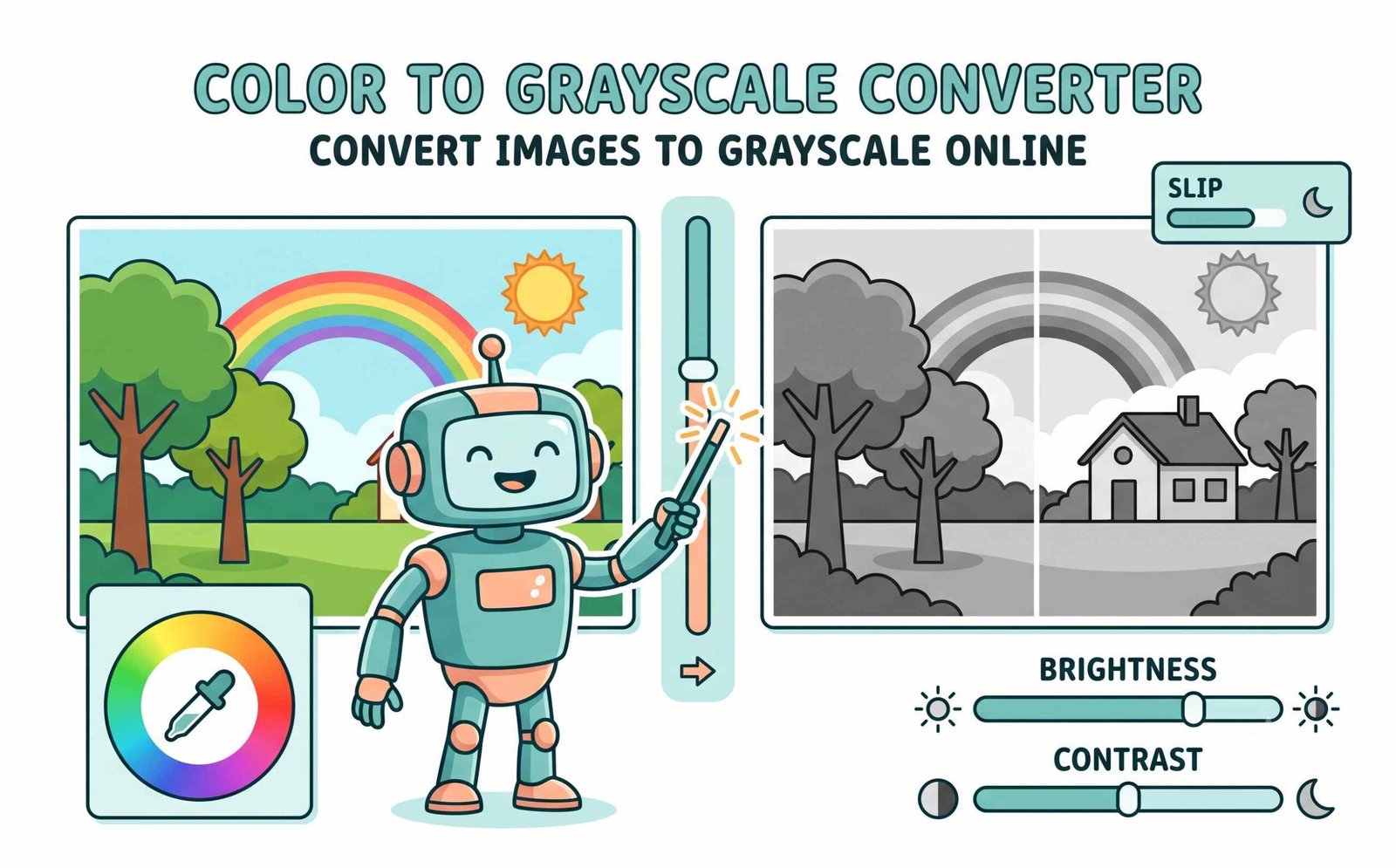
Client-Side WebAssembly Sandbox: Zero Cloud Exposure
Conventional web-based converters upload your sensitive personal photos, scanned passports, and corporate contracts to external servers where they can be cached, logged, or indexed.
When you use our tool to convert image to pure black and white online, all calculations execute strictly inside your local device CPU/GPU through the HTML5 Canvas and WebAssembly sandbox. No raw image bytes ever travel over the public internet, ensuring total confidentiality and offline capability.
- Zero server uploads, temporary cloud caching, or behavioral tracking.
- 100% operational offline after the webpage is loaded in your browser cache.
- Preserves original camera megapixels without compression artifacts or watermarks.
Frequently Asked Questions
Find fast answers to common questions about our black and white photo editor online.
Yes! Our platform is a dedicated black and white photo editor online that gives you professional, DSLR-like results. It preserves all facial details and lighting perfectly while removing colors, thanks to our Pro-Portrait Tone Engine.
Yes! Our advanced Selective Color Splash engine allows you to add multiple target colors simultaneously (e.g. keeping both red flowers and yellow accessories vibrant) while converting the rest of the image to black and white.
Absolutely. If you need a high-contrast stencil, laser engraving, or want to save printer ink, you can use our 1-bit threshold toggle to convert image to pure black and white online, leaving only 100% black and 100% white pixels.
Our tool allows you to make image black and white instantly because it runs entirely inside your browser memory. There is no server upload required, ensuring both top speed and total privacy.
Yes, our rendering engine ensures that when you turn picture to grayscale online, the original resolution, megapixels, and sharpness of your photo remain 100% intact with lossless PNG or high-bitrate JPEG export options.
Yes, 100%. All image transformations take place locally inside your browser memory using HTML5 Canvas API and WebAssembly. No files or image data are ever transmitted to any external server.