Combine Two Photos AI
or drop photos here to combine two photos ai with DSLR tone match & zero cropping
Select 2 or more pictures to merge image online in one frame
Feathers border lines so 2 images in one blend together naturally without hard cuts.
How to Combine Two Photos AI Online Free
A lightning-fast 3-step visual workflow designed to merge image online with DSLR tone balance.
Upload 2 Photos or Sample
AI Tone Match & Edge Fade
Download in 4K Quality
How Our Photo Merge Engine Operates
Learn how client-side WebGL and HTML5 Canvas operations combine two photos AI with perfect color temperature alignment.
Stream Photos to Browser RAM
Upload multiple image files or tap the sample generator. Your photos decode directly into isolated browser memory with zero network uplink transmissions.
AI Tone & Portrait Calibration
Our algorithm balances luminance histograms, Kelvin color temperatures, and gamma contrasts between both images so facial tones look shot on one single DSLR camera.
Gradient Feathering & Smart Grid
Choose side-by-side or stacked orientation, configure non-destructive Fit/Contain modes, and adjust the edge feathering slider for smooth seamless blends.
Multi-Scale Ultra 4K Master Export
Render your merged composition up to 4x Ultra 4K or 8K resolution in clean JPG, transparent PNG, or optimized WebP with zero compression artifacts.
Powerful Performance Features
Built for seamless image compositing, crystal-clear 4K output, and uncompromised local privacy.
AI Portrait Tone Match
Synchronizes lighting, tint, and color temperatures so two different portraits look photographed in the same shoot.
Seamless Edge Fade
Applies smooth gradient feathering between two photos so you can put 2 images in one without hard seam lines.
100% Client-Side Privacy
Your private photos are processed entirely inside your browser memory. Zero server uploads or cloud logging.
Zero Image Cropping
Fit / Contain mode preserves 100% of your original photo dimensions without cutting off faces or backgrounds.
Social Media Presets
One-click aspect ratio templates for Instagram 1:1, Story 9:16, Reel/TikTok, and YouTube 16:9 thumbnails.
Ultra HD 4K Quality
Export pristine, high-resolution compositions ready for commercial printing, social sharing, and high-DPI displays.
High-Resolution AI Photo Blending to Combine Two Photos AI in One Frame
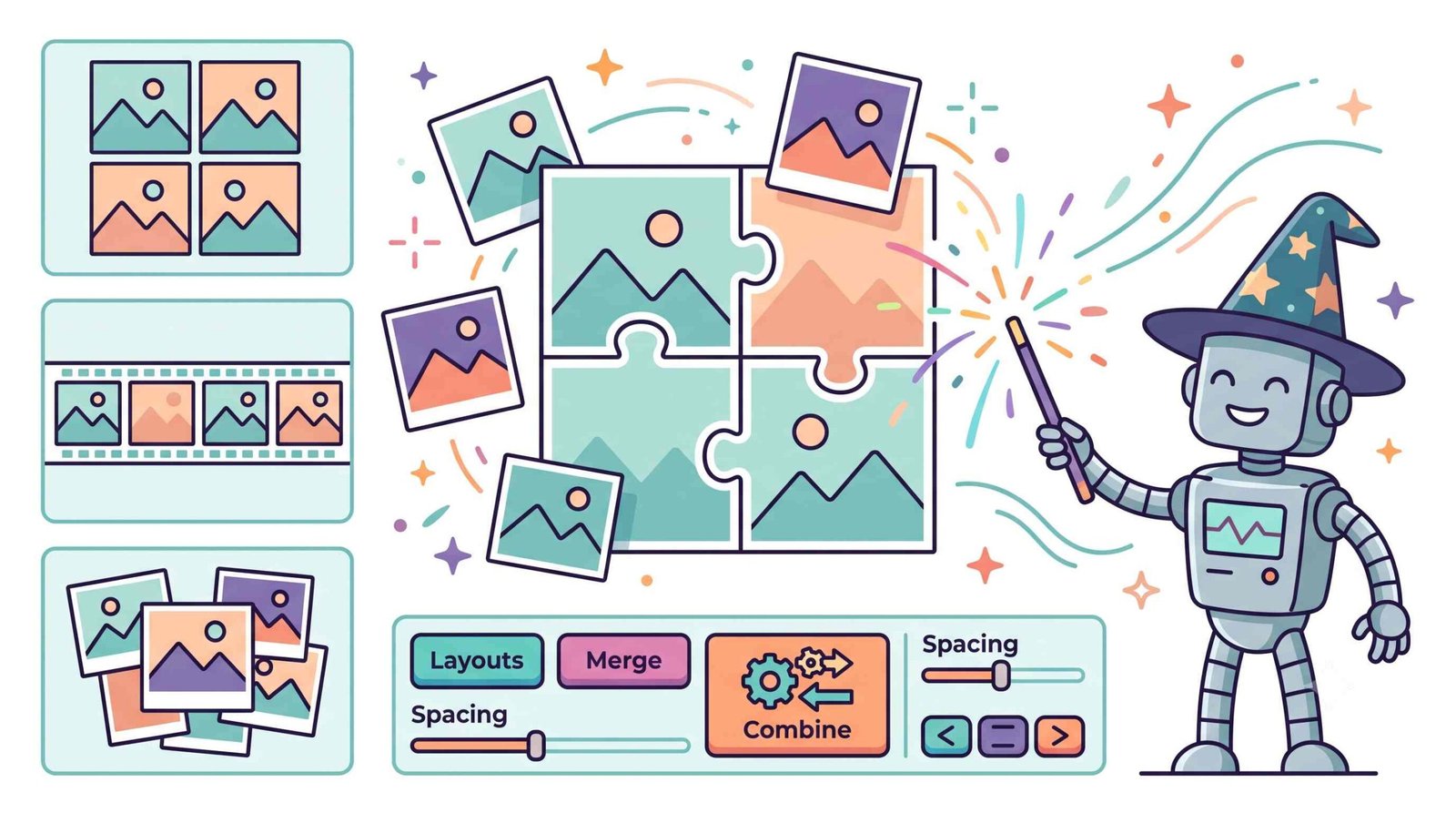
Welcome to the smartest way to merge your pictures. Our tool allows you to combine two photos AI locally in your browser. Whether you want to put 2 images in one frame, blend portraits with DSLR color balance, or merge image online for social media, our canvas engine delivers studio-grade results in seconds.
DSLR-Grade Color Matching to Combine Two Photos AI
When users combine two different portrait photos into a single frame, the most noticeable imperfection is the difference in ambient lighting, exposure, and color temperature. A warm indoor photo placed beside a cool daylight portrait often looks disjointed.
Our combine two photos ai engine performs real-time histogram harmonization and tone-curve matching. The algorithm aligns gamma levels, skin-tone saturation, and luminance across both subjects, making the final output look as though both people were photographed in the same studio with a single professional DSLR camera.
- Maintains facial features, sharpness, and natural eye-lighting across both pictures.
- Balances exposure and white balance differences automatically with one click.
- Seamlessly works on side-by-side couples portraits, before-and-after transformations, and duo headshots.
Merge Image Online with Zero Crop & Feathered Gradient Blending
Standard image stitchers frequently enforce rigid, fixed-size crops that slice off faces, scenery, or critical product borders. When you need to combine two photos in one frame online ai, having exact control over margins and image fitting is vital.
Following established principles of digital image compositing methodologies [1], our tool allows you to toggle between Fit / Contain (keeping full photo ratios) and Cover / Crop, while our dynamic Seamless Edge Fade slider creates smooth, aesthetic gradient bleeds between pictures.
- Create side-by-side comparison graphics with synchronized vertical heights.
- Eliminate harsh boundary lines with adjustable alpha gradient feathering.
- One-click export for Instagram 1:1, TikTok 9:16, and YouTube 16:9 layouts.
100% Secure Photo Merge Online with Zero Server Cloud Uploads
Many free photo joiners upload your sensitive personal pictures, family moments, or medical scans to remote web servers where they can be retained or analyzed.
Our photo merge online application executes 100% locally inside your browser sandbox via hardware-accelerated HTML5 Canvas operations. Once the page is loaded, you can combine two photos AI completely offline with total confidentiality.
- Zero server telemetry, no external cloud storage, no temporary databases.
- Works offline on desktop and mobile browsers with zero software installation.
- Full support to put 2 images in one frame without watermark restrictions.
Frequently Asked Questions
Everything you need to know about combining photos, AI portrait blending, privacy, and 4K exports.
Our tool provides a 100% secure way to merge image online. Since all processing happens directly in your browser memory via hardware-accelerated HTML5 Canvas, your private photos are never sent to external servers or cloud databases.
Yes! Our smart algorithms allow you to combine two photos in one frame online ai. The tool automatically harmonizes color grading, exposure, and Kelvin temperature, ensuring your portraits maintain facial consistency with DSLR studio quality.
Absolutely. We offer a completely free photo merge online experience. You can blend, stitch, or overlay your pictures without any watermarks, forced account registrations, or hidden subscriptions.
The most effective way to put 2 images in one is by using our side-by-side layout and Seamless Edge Fade slider. You can adjust margins, select Instagram 1:1 or Story 9:16 ratios, and feather the joining edge so both pictures merge naturally.
Select the "Fit / Contain (No Crop)" option in the "Image Fit & Crop Mode" dropdown. This scales your full pictures proportionally inside their designated slots without slicing off borders, heads, or important background context.
You can export your combined photo in High-Quality JPG, lossless PNG with transparency, or lightweight WebP format at 1x HD, 2x Crystal Clear, 3x Ultra 4K, or 4x Super 8K master resolution.