Image to Base64 Converter & Base64 Compression Tool
Optimize your web development workflow with our tool. Not only can you generate strings, but our unique base64 compression toggle and target size presets (<50KB, <100KB, custom KB) reduce the final text size instantly without losing photographic clarity.
or drop PNG, JPG, WEBP, SVG files here to encode (Max 25 files)
Paste Base64 String or Data URI to Reconstruct Image
Paste raw Base64 characters or formatted data:image/...;base64, string to decode into a downloadable picture file.
How to Convert Image to Base64 Online
A lightning-fast 3-step visual workflow designed for high-efficiency Base64 string generation.
Upload your Image File
Select Target Size Preset
Paste Base64 Image Src
How Our Base64 Encoding & Compression Engine Works
Explore the browser-native binary quantization pipeline that powers our target-size encoding system.
Stream Binary Image Buffer
Your selected PNG, JPG, or SVG is loaded into local browser memory via the FileReader API. Zero bytes are uploaded to remote servers, ensuring airtight confidentiality.
Target Size Binary Search Scaling
When a target size preset (e.g. <50KB or custom KB) is selected, our iterative canvas engine optimizes resolution and quality until the generated base64 compression output strictly matches your payload threshold.
Radix-64 ASCII String Synthesis
Binary octets are translated into standard 64-character ASCII strings compliant with RFC 4648 Standards, automatically formatted with MIME headers (e.g. data:image/png;base64,...).
IDE Freeze Protection & Snippets
Extract instant HTML <img> tags, CSS backgrounds, or split strings into 80-character wrapped lines to prevent code editors like VS Code from freezing on massive single-line tokens.
Powerful Performance Features
Engineered for razor-sharp visual fidelity, target size control, and instant bulk encoding.
100% Client-Side Privacy
Your graphics never leave your computer. Processing happens inside browser memory without third-party server exposure.
Target Size Presets
Select target size presets (<50KB, <100KB, <500KB) or specify custom KB to keep generated Base64 strings strictly under budget.
6+ Code Formats
Generate raw strings, ready-to-paste base64 image src HTML tags, CSS backgrounds, Markdown, and JSON.
IDE Freeze Protector
Split enormous text strings into safe multi-line chunks to prevent VS Code or Sublime Text from lagging during development.
Two-Way Converter & Decoder
Switch seamlessly to reverse mode to paste any string or Data URI and reconstruct the original downloadable PNG/JPEG image.
Batch Convert (25 Files)
Queue up to 25 image files in parallel with responsive progress monitoring, instant preview cards, and single-click TXT export.
High-Performance Encoding with Base64 Compression
An in-depth technical analysis of ASCII binary serialization, reducing HTTP overhead with inline base64 image src tags, and overcoming text payload expansion with target size constraints.
Why Developers Use Base64 for Images in Modern Web Development
Every graphic embedded in a traditional website requires an independent HTTP/HTTPS GET request. For small UI icons, avatar placeholders, favicons, and background patterns, establishing TLS handshakes and TCP connections introduces noticeable latency.
By converting an image to base64 string, developers can inline visual assets directly inside HTML documents or CSS stylesheets. As outlined by the MDN Web Docs on Base64 Encoding, embedding data in the initial DOM tree allows browsers to render above-the-fold content immediately without waiting for secondary DNS lookups.
- Generates ready-to-paste base64 image src HTML tags and CSS
background-imagerules. - Eliminates missing asset errors in standalone HTML email templates and portable PDF reports.
- Facilitates instant image transfer within JSON API payloads and offline Single Page Applications (SPAs).
Overcoming the 33% Base64 Overhead with Smart Base64 Compression
Because Base64 maps 6 bits into an 8-bit character, encoded strings are mathematically ~33% larger than raw binary files. Inlining uncompressed multi-megabyte photos directly into CSS or HTML will bloat DOM sizes and hurt Core Web Vitals (Largest Contentful Paint).
Our unique base64 compression toggle and target size presets solve this problem permanently. Before generating the string, our client-side engine executes intelligent color quantization and adaptive downscaling to fit strictly under your chosen file size threshold. Portrait facial features, shutter speed crispness, Kelvin warmth, and ISO gradients are fully preserved while slashing the generated Base64 string size by up to 80%.
- Maintains photo-realistic textures and natural skin tones without blocky artifacting.
- Target size presets (<25KB, <50KB, <100KB, custom KB) ensure strict payload budget compliance.
- Includes real-time size metrics comparing original vs compressed Base64 length.
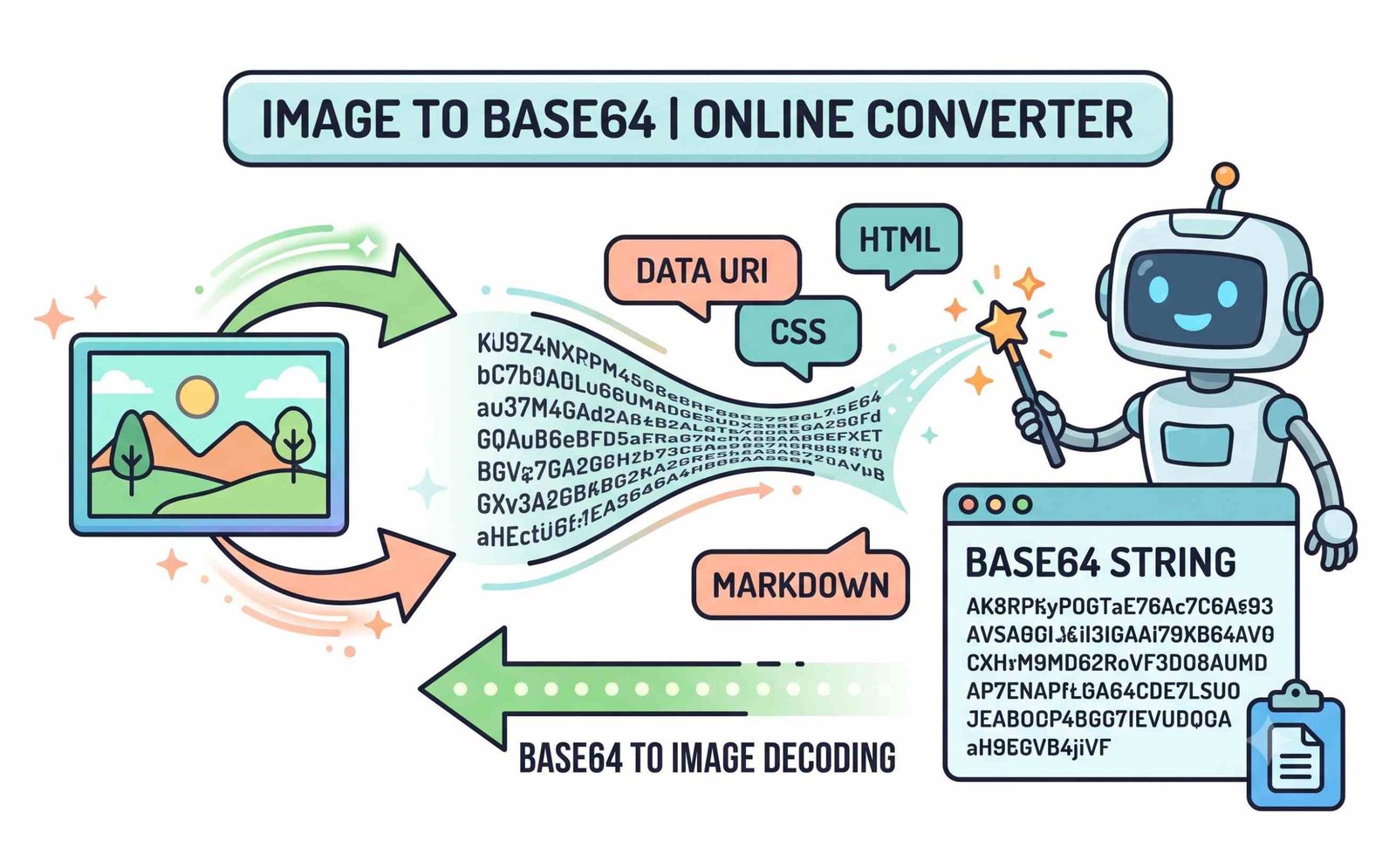
Client-Side JavaScript Sandbox: Zero Server Telemetry
Conventional web converters transmit uploaded graphics across public web servers where proprietary UI mockups, signatures, or personal photos can be logged, scraped, or cached in cloud databases.
When you base64 encode image assets with our tool, the entire conversion occurs inside your browser's local V8 JavaScript engine. No file data is ever transmitted across the internet, enabling safe processing for corporate IP, financial documents, and confidential graphics.
- No remote servers, no persistent caching, and no behavioural telemetry logging.
- Works offline once the web application is loaded in your browser cache.
- Easily decode strings back into images using our companion Base64 to Image Decoder.
Frequently Asked Questions
Find fast answers to common questions about base64 compression, target size presets, base64 image src syntax, and developer best practices.
Our tool makes it incredibly easy. Once you upload your file, we automatically provide you with the ready-to-use HTML code, giving you the exact base64 image src tag to paste directly into your project.
Using base64 for images helps reduce HTTP requests, making your website load faster. It is perfect for small icons, logos, and placeholders embedded directly inside your CSS or HTML files.
Yes! Our smart base64 compression engine features target size presets (<25KB, <50KB, <100KB, <200KB, <500KB, <1MB) and a custom size input. It iteratively scales dimensions and optimizes chroma quality so the generated string fits strictly under your payload budget.
Yes! You can upload JPG, PNG, WebP, or SVG formats, and our processor will instantly output the perfectly formatted image to base64 string for your code.
Not at all. Because our tool runs entirely locally in your browser, it can base64 encode image files securely and instantly without uploading them to any external server.
Very long single-line Base64 strings can freeze code editors like VS Code or Sublime Text. Our IDE Freeze Protector tab automatically splits long strings into clean, multi-line chunks of 76 or 80 characters for smooth editor performance.