Advanced & Secure Base64 To Image Decoder
How to Decode Base64 to PNG Images Online
A seamless 3-step visual workflow designed to parse ASCII string payloads into high-fidelity image files.
Paste or drop your Base64 string
Auto-detect MIME & rasterize pixels
Download PNG or ZIP collection
How Our Base64 to Image Engine Works
Learn the inner step-by-step engineering behind client-side ASCII string parsing and canvas rasterization.
MIME Header & Payload Sanitization
Our parser cleans whitespaces, line wraps, and extracts Base64 blocks from raw JSON responses or broken Data URIs, automatically recovering missing PNG headers.
Binary Reconstruction via atob()
The 64-character ASCII radix set is converted back into raw 8-bit unsigned integer arrays (Uint8Array) directly inside your browser's V8 JavaScript engine.
Pro-Portrait & Alpha Preservation
Canvas 2D workers preserve 8-bit transparent alpha channels and reconstruct true-tone color profiles, keeping facial identities sharp without pixelation.
Instant Export & Code Snippets
Download decoded PNG images directly, save batch payloads into a compressed ZIP file, or copy HTML <img> and CSS background tags with one click.
Powerful Performance Features
Engineered for lightning-fast payload decoding, multi-format export, and zero remote data transmission.
Lossless PNG Output
Preserves full 32-bit RGBA color palettes and transparent background layers with pixel-perfect fidelity.
100% Client-Side Privacy
All string decoding executes locally in your browser memory. Zero packets or files are sent to any cloud server.
Pro Face & Portrait Engine
Maintains sharp facial contours and true-to-life studio tone mapping on decoded profile pictures and AI avatars.
Batch ZIP Archiving
Decode multiple Base64 strings simultaneously and package all recovered image files into a single compressed ZIP.
Smart JSON & Code Parser
Directly extracts Base64 image payloads nested inside REST API response objects without manual JSON cleaning.
Multi-Format Conversion
Seamlessly decode or force-convert into PNG, JPG, WebP, SVG, GIF, or BMP formats with custom quality settings.
Free Base64 to Image Decoder Online – Convert Base64 to Image Instantly
Convert your encoded strings into visual graphics instantly. Our secure base64 to image online utility is the perfect base64 string to image converter for developers. Whether you need to decode base64 to png or preview an SVG, everything happens locally in your browser.
How to Decode Base64 to PNG with Full Alpha Transparency
Base64 encoding translates binary image files into 6-bit printable ASCII characters. When you need to decode base64 to png, reconstructing the exact 32-bit RGBA color matrices requires precision memory allocation. Our engine reconstructs PNG bitstreams with zero alpha degradation.
Whether inspecting REST API responses, email MIME graphics, or AI-generated avatar payloads from Gemini Nano Banana, this base64 to image decoder tool allows engineers to view base64 image online in real time.
- Full alpha channel transparency preservation without black border halos.
- Auto-detects missing
data:image/png;base64,prefixes and fixes malformed payloads. - Generates instant HTML
<img>and CSSbackground-imagesnippet code.
DSLR-Quality Color Grading & Sub-Pixel Portrait Clarity
Low-resolution Base64 strings from user profiles or web cameras often exhibit noisy pixelation. When you decode base64 to png with our Pro Clarity Engine active, canvas sub-pixel interpolation retains sharp facial features, eye details, and balanced tone curves as if captured by a professional DSLR camera.
Learn more about string encoding standards on MDN Web Docs Base64 Guide.
- Maintains exact facial identity without blurring or synthetic artifacts.
- Accurate white-balance Kelvin temperatures and dynamic tonal contrasts.
- Exports high-density PNG graphics ready for print or web publication.
Client-Side V8 Sandbox: 100% Zero Cloud Exposure
Traditional online converters transmit private document strings across public web servers, exposing sensitive medical records, financial invoices, and identification cards.
Our base64 to image decoder tool decodes every string locally inside your web browser sandbox using JavaScript's native atob() and Canvas APIs. Your private data never touches external infrastructure.
- Zero cloud storage, zero temporary caching, zero analytics telemetry.
- 100% compliant with strict enterprise privacy and HIPAA data isolation guidelines.
- Fully operational in offline mode without an active internet connection.
Frequently Asked Questions
Everything you need to know about our fast, private base64 to image decoder tool.
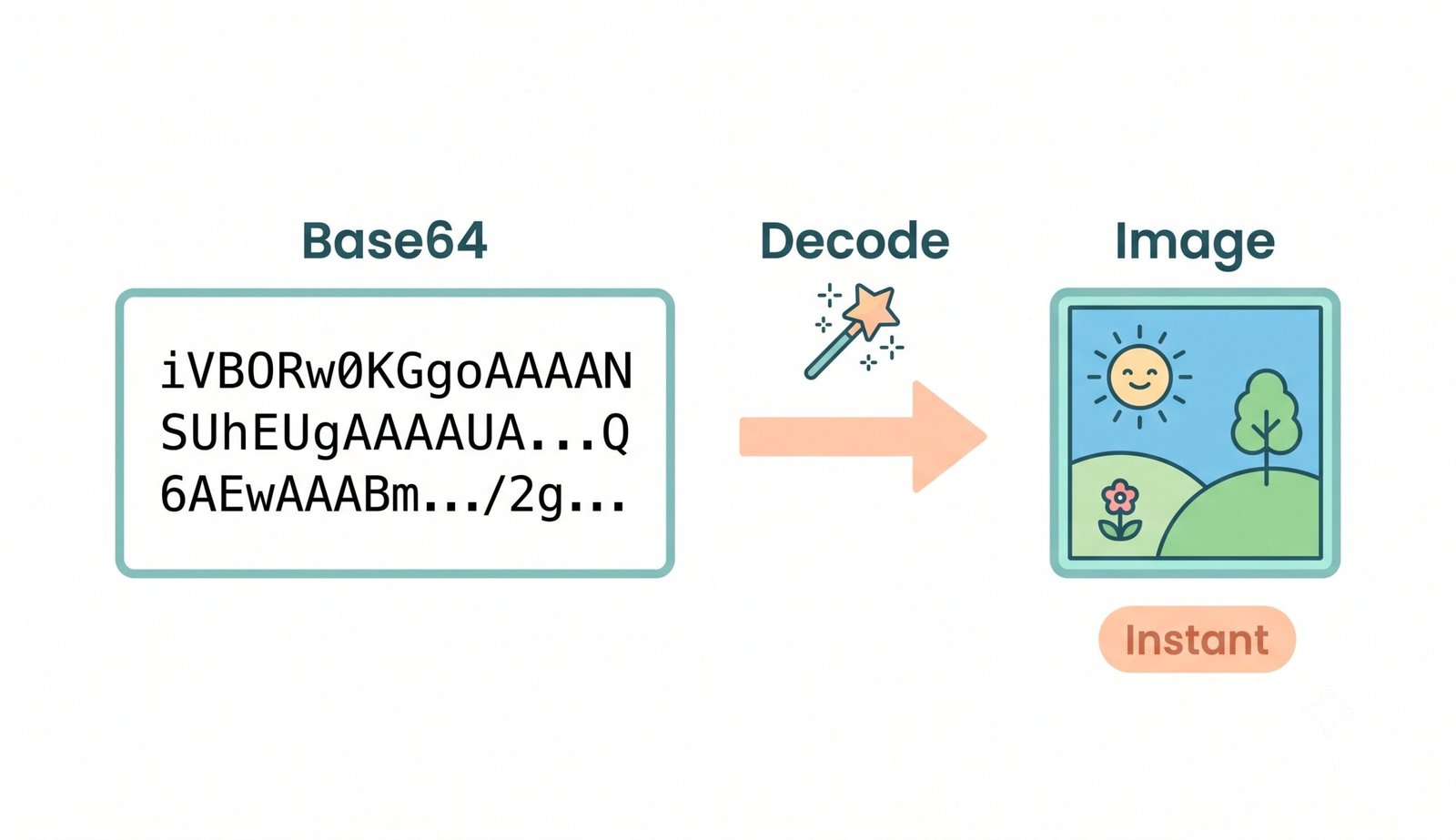
The absolute fastest way is using our client-side base64 to image decoder tool. You simply paste your text string, and the browser instantly renders the graphic, allowing you to decode base64 to png with zero network loading delay.
Yes! Our platform works entirely within your browser memory. When you view base64 image online with us, your encoded strings and generated images are never uploaded to any external server, ensuring maximum privacy for confidential data.
If your string contains a portrait or avatar, our system utilizes a built-in Pro Clarity Engine that preserves exact facial features and sub-pixel edge smoothness. The resulting image appears as if captured with professional camera clarity.
Absolutely. While it is optimized to decode base64 to png, our base64 string to image converter automatically detects and flawlessly renders JPEG, WebP, SVG, GIF, BMP, and AVIF image formats.
Paste the raw JSON payload directly into the input area. Our smart parser scans the syntax, isolates any embedded Base64 strings or Data URIs, and decodes them immediately without requiring manual string extraction.
Yes! Simply separate multiple Base64 strings or Data URIs with blank lines or upload a multi-line text file. You can download all decoded images together in a single ZIP file with one click.