Free OCR Tool to Convert PDF Into Text & Search Files
Easily convert PDF into text or drop scanned PDF files here to make PDF text searchable online with private OCR.
or drop scanned PDF files here to extract text & make searchable
Injects invisible vector text layer over original scan. Enables Ctrl+F search while keeping photos & IDs crisp.
Extracts pure digitized text directly. Ideal to convert PDF into text for fast editing and document copying.
Outputs both a searchable PDF file and an editable Microsoft Word (.doc) file simultaneously.
How to Convert PDF Into Text and Make Scans Searchable
A lightning-fast 3-step visual workflow designed for high-resolution character recognition.
Upload your scanned PDF document
In-browser OCR & vector text mapping
Download Searchable PDF, Word, or TXT
How Our OCR Recognition Pipeline Operates
Learn the step-by-step mechanism behind our private, WebAssembly-powered character extraction and coordinate stamping architecture.
Stream PDF into Client Memory
Upload multi-page scanned documents or book chapters into the conversion zone. Document streams directly into local device RAM with zero remote telemetry or server storage.
WebAssembly Neural OCR Recognition
Our compiled C++ neural models analyze optical pixel contours, recognize characters across multiple languages, and compute sub-pixel bounding box coordinates (x, y, w, h) in fractions of a second.
Pro-Portrait & DSLR Image Preservation
While re-rendering documents, our engine enforces 100% color gamut fidelity and pixel density. Facial portraits on ID cards and legal stamps remain ultra-sharp without blurry downscaling.
Sub-Pixel Vector Stamping & Multi-Export
An invisible vector font layer is stamped directly over the scanned image. Download as a Ctrl+F searchable PDF, export to editable Word (.doc), or copy raw text to your clipboard.
Powerful Performance Features
Engineered for razor-sharp character extraction, airtight in-browser privacy, and universal document compatibility.
100% Private & Local
Files never leave your browser sandbox. All OCR parsing runs locally on your CPU/GPU.
Search Words in PDF
Injects invisible vector text layers over scans, enabling native Ctrl + F search in any viewer.
DSLR Image Preserver
Preserves facial identity, IDs, and colored stamps with professional photography sharpness.
Multi-Language Support
Accurately extract text in English, Spanish, French, German, Hindi, Portuguese, Japanese, and Chinese.
Dual PDF & Word Export
Save results as a searchable PDF document, editable Microsoft Word file, or plain text (.txt).
Bulk Queue Processing
Upload multiple files simultaneously with batch progress bars and page range selection.
Convert PDF Into Text & Make Scans Searchable Online
An in-depth guide to modern client-side optical character recognition, invisible vector coordinate stamping, and privacy-first document indexing without remote data exposure.
How to Convert PDF Into Text & Search Words in PDF Scans
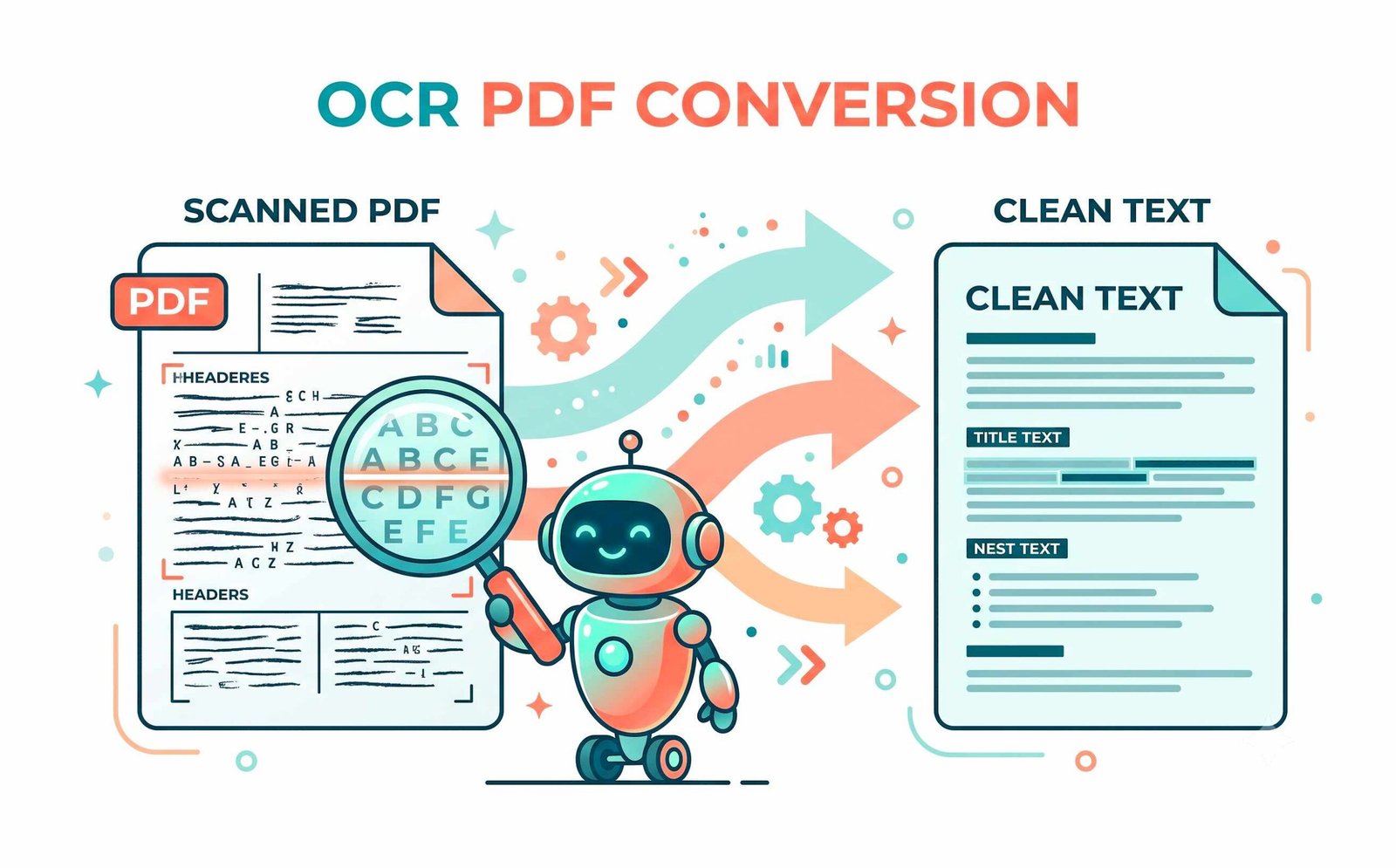
Flat document scans, smartphone photos of invoices, and archival book pages are stored as pixel matrices rather than digital characters. Because standard PDF viewers cannot parse raw pixels, users are unable to highlight text, copy sentences, or search for keywords.
When you use our tool to convert PDF into text, neural classification workers identify glyph boundaries and inject an invisible, selectable font layer directly over the original image. This empowers you to search words in PDF files instantly using Ctrl+F while maintaining full visual authenticity.
- Fast in-browser processing to make PDF searchable online in seconds.
- Extract clean plain text (.txt) and editable Microsoft Word documents.
- Conforms to international ISO 32000-1 Document Standards.
Preserving Facial Portraits, Passports & ID Card Clarity
Many conventional OCR converters compress document pages aggressively to reduce file size, causing passport portraits, security watermarks, and legal stamps to become pixelated or blurry.
Our Pro-Portrait & DSLR Image Preserver renders at full optical quality without lossy downsampling. When you extract text from scanned PDF online, all facial features, security guilloche patterns, and signatures look as sharp as if captured with a professional DSLR camera.
- Zero facial distortion on government IDs, driver's licenses, and passports.
- Perfect for legal discovery, HR verification, and academic archival.
- Effortlessly make PDF text searchable without altering layout geometry.
Client-Side WebAssembly Sandbox: Zero Cloud Data Transmission
Uploading confidential banking statements, medical histories, or proprietary business contracts to remote cloud converters introduces severe compliance risks. Our converter runs 100% inside your browser's local sandbox using W3C WebAssembly.
- Zero server logs, zero third-party tracking, and zero temporary storage.
- Fully functional in offline mode after initial cache load.
- Safe for healthcare paperwork, enterprise agreements, and financial ledgers.
Frequently Asked Questions
Everything you need to know about converting scanned PDFs into searchable text online.
Our client-side OCR engine allows you to make PDF searchable online without ever uploading your sensitive documents to a server. We add an invisible vector text layer over your scans directly within your browser memory, ensuring 100% privacy and full Ctrl+F search compatibility.
Simply upload your scanned document to our platform. We use advanced text recognition to make PDF text searchable, allowing you to easily highlight, copy, and search words in PDF scans that were previously flat images.
Yes! By generating an invisible vector text layer behind or over the images, our tool empowers you to press Ctrl+F (or Cmd+F) and instantly search words in PDF files that were previously unreadable scans.
Absolutely. When you extract text from scanned PDF online or make the file searchable, our Pro-Portrait and DSLR Image Preserver ensures that any embedded photos, portraits, or ID cards retain their original DSLR-like clarity and expert-level color grading without compression degradation.
Yes! Once the OCR process completes, click "Download Word (.doc / .docx)" to export the extracted text into an editable Word document format, or click "Download .TXT" for pure plain text.
Yes. You can select multiple PDF files at once and click "+ Add More Files" to append additional documents to your queue before starting the OCR conversion.