Free Tool to Convert Video to Image Sequence
Looking to extract frames from a video? Use our secure tool to convert video to image sequence instantly.
or drop MP4, WebM, MOV video files here to extract high-res JPG sequence
How to Convert Video to Image Sequence in 3 Simple Steps
A lightning-fast visual workflow designed for high-resolution video frame extraction.
Upload or Drop MP4 Video
Configure Frame Rate & Trim Range
Download Image Sequence ZIP
How Our Video to Image Sequence Engine Works
Learn the step-by-step mechanism behind our private, hardware-accelerated frame extraction pipeline.
Hardware-Accelerated Video Parsing
Your MP4 or WebM video container is streamed directly into an isolated HTML5 Video decoder sandbox in local RAM, eliminating network upload latencies.
Sub-Millisecond Timestamp Seeking
Our asynchronous promise engine scrubs through keyframes and delta frames with microsecond timestamp precision, matching your custom FPS rate or interval.
24-Bit sRGB Canvas Rasterization
Hardware GPU 2D contexts rasterize video frames directly to high-density JPEG bitmaps, preserving natural luminance and contrast ratios without color banding.
Padded Sequential ZIP Packaging
All rendered JPG frames are packed into a single organized ZIP archive with standardized sequential digit padding (e.g. frame_001.jpg, frame_002.jpg).
Powerful Performance Features
Engineered for razor-sharp visual fidelity, precise timestamp trimming, and airtight local privacy.
100% In-Browser Privacy
Your private video recordings never leave your device. All decoding and extraction run directly in local system RAM.
Smart Sampling Modes
Extract frames by exact FPS rate, custom second intervals, or split your video into an exact number of evenly distributed shots.
Precision Time Trimming
Set custom start and end timestamps so you only convert specific scenes instead of rendering unnecessary video sections.
1-Click Still Snapshots
Scrub through the interactive preview video player to take instant, high-definition snapshots of any frame with one click.
1-Click ZIP Packaging
Export your entire sequence into a structured, sequential ZIP archive with configurable file prefixes and digit padding.
Zero Software Installation
Compatible with Windows, Mac, Linux, iOS, and Android web browsers with zero desktop software or FFmpeg setups required.
High-Resolution Video to Image Sequence Extraction
An advanced client-side framework to convert video to image sequence streams, extracting frame-accurate JPEG series for VFX rotoscoping, 3D photogrammetry, animation reference, and storyboard generation.
Intra-Frame Precision vs. Compressed Video Containers
Modern video containers like MP4 employ temporal inter-frame compression (P-frames and B-frames) where only motion vectors are recorded between full keyframes (I-frames). When visual effects artists, rotoscopers, and game animators require discrete frames, compressed video files introduce seeking inaccuracies.
When you convert video to image sequence formats using our tool, every single timestamp is decoded into a standalone 24-bit sRGB bitmap image. This empowers animators to manipulate individual frames in Photoshop, After Effects, or Blender with zero motion artifacting or dropped frames.
- Extracts standalone native sensor resolution images without temporal motion blur.
- Order-preserving sequential naming (
frame_001.jpg) for automated VFX pipelines. - Converts high frame rate 60 FPS and 120 FPS footage into clean sequence arrays.
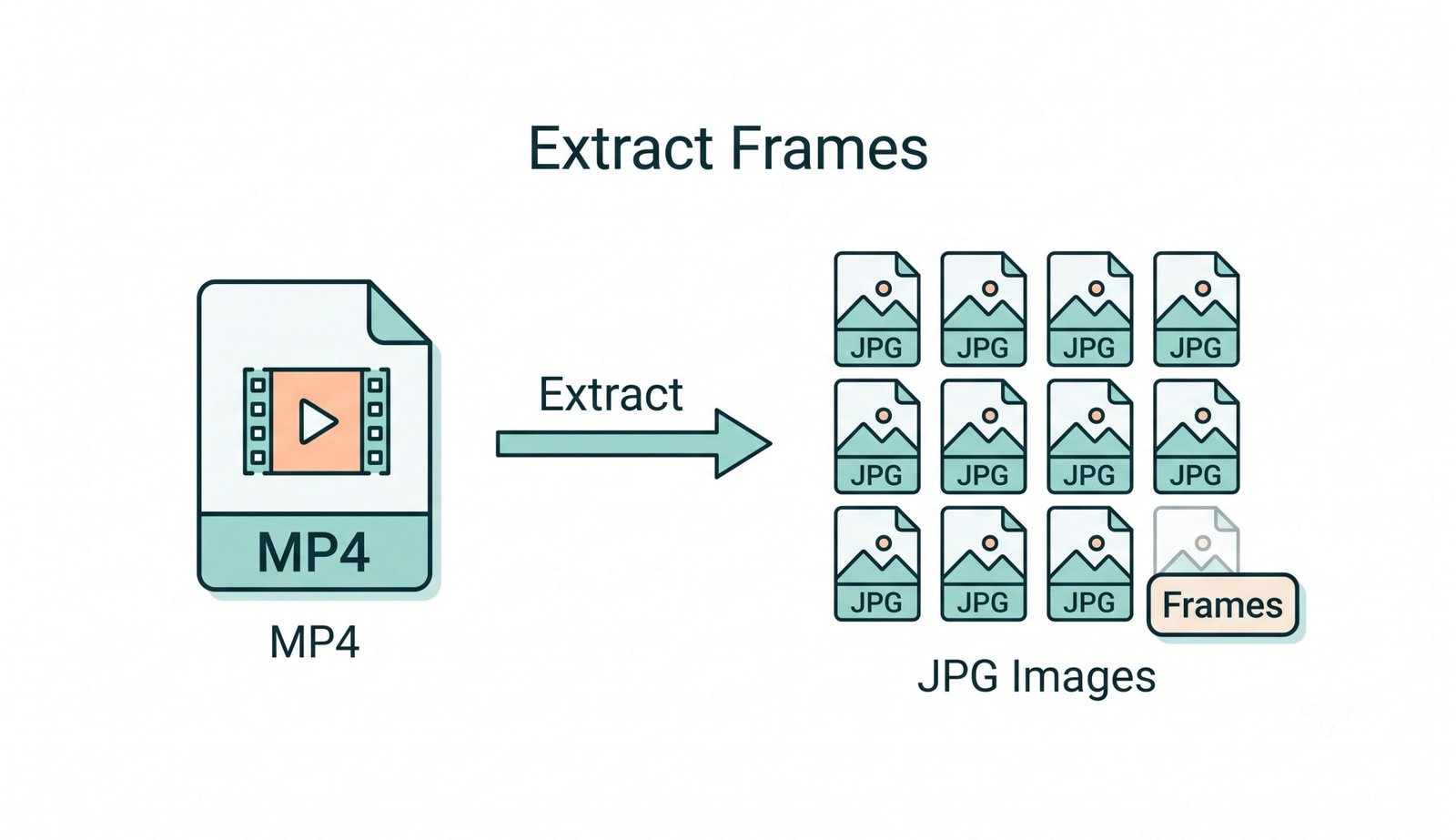
Smart Sampling: FPS, Time Intervals & Exact Counts
Extracting every single frame from a 4K 60 FPS recording can produce tens of thousands of redundant images that deplete memory. Our client-side mp4 to jpg sequence online extraction engine provides three precision sampling options:
- FPS Rate Selector: Choose 1, 2, 5, or 10 frames per second for smooth motion studies and timelapses.
- Time Interval Sampling: Extract a frame every N seconds—ideal for lecture slides and security recordings.
- Interactive Time Trimming: Specify start and end timestamps so you only convert necessary video scenes.
Client-Side WebAssembly Sandbox: Zero Cloud Exposure
When utilizing a conventional online video converter, gigabytes of proprietary footage are transferred across remote servers where they may be cached. In contrast, our video to jpg converter online technology executes entirely within your browser using the W3C WebCodecs API and HTML5 Canvas.
Because all decoding occurs directly on your physical hardware, your confidential clips never leave your device, ensuring full enterprise compliance for corporate, medical, and personal media.
- No upload wait times: Conversions begin instantaneously in memory.
- Completely functional in offline mode after initial browser page load.
- Zero server telemetry or storage logging guarantees total data sovereignty.
Frequently Asked Questions
Everything you need to know about extracting high-resolution image sequences from video files.
You can easily create an mp4 to jpg sequence online using our tool. Simply drop your MP4 video into the converter, select your preferred extraction mode (FPS rate, time interval, or target frame count), adjust resolution scaling, and click "Extract JPG Sequence". You can preview each frame and download the complete series as a single ZIP file.
Yes! Our video to jpg converter online is 100% free with no subscriptions, fees, or watermarks. Unlike cloud services, we have zero file size limitations because all processing runs directly inside your browser's local memory.
Absolutely. When you execute a video to jpg convert with our application, your footage is never transmitted to external servers. All video decoding, frame extraction, and ZIP compilation happen 100% locally on your computer or mobile device.
Yes. Our tool features an exact Time Range trimmer that allows you to specify start and end timestamps so you only extract frames from the specific scene or clip you need.
You can customize the sequential prefix with standardized digit padding (e.g. frame_001.jpg, shot_0001.jpg) ensuring your image sequence preserves its exact chronological order in software like Adobe Premiere, After Effects, DaVinci Resolve, or Blender.
Yes. Once loaded in your browser window, the converter executes 100% client-side without requiring continuous internet access or remote API calls.