Free Copied Text to PDF Converter
or paste clipboard text here to convert notepad to PDF & extract high-res documents
or drop .txt, .text files here to import into editor
How to Use the Copied Text to PDF Converter
A lightning-fast 3-step visual workflow designed to convert plain text into formatted PDFs in seconds.
Paste copied text or drop .txt file
Customize layout & letterhead
Preview & download PDF file
How Our Copied Text to PDF Engine Works
Learn the four-stage client-side pipeline transforming clipboard data into publication-ready PDF documents.
1-Click Clipboard Ingestion
Our tool reads copied clipboard text or imported .txt files directly through browser Async Clipboard and File APIs into a memory buffer without server handshakes.
Sub-Pixel Typography Layout
Paragraph streams are wrapped with high-DPI text metrics. Font families, line heights, text colors, and alignment (Left, Center, Right, Justify) are dynamically calculated.
Pro-Portrait & Letterhead Composite
When an avatar or brand logo is attached, our letterhead preserver composites high-resolution photographic pixels into the header coordinates, preserving DSLR clarity and color fidelity.
ISO 32000 PDF Binary Generation
The multi-page canvas structures and footer page numbers are compiled into a standards-compliant PDF binary via PDF-Lib and saved locally on your device in milliseconds.
Powerful Performance Features
Engineered for razor-sharp typography, instant 1-click clipboard conversion, and airtight offline security.
1-Click Paste Engine
Transform clipboard contents into structured PDF pages immediately with a single tap or shortcut.
100% Private Sandbox
Sensitive legal notes, passwords, and drafts never touch remote cloud servers. Everything stays on device.
300 DPI Text Crispness
High-resolution sub-pixel rasterization delivers laser-sharp printing quality and flawless zoom clarity.
Pro-Portrait Letterhead
Attach brand marks, company logos, or professional avatars with true DSLR photographic preservation.
Flexible Page Geometry
Easily select A4, Letter, Legal, or A5 formats in Portrait and Landscape orientations with custom margins.
Zero Sign-Up Required
No accounts, subscriptions, or watermarks. Convert infinite notepad notes and clipboard text completely free.
Professional Document Generation with Our Copied Text to PDF Converter
Turn your clipboard data into professional documents instantly. Our free copied text to PDF converter allows you to securely transform your notes. Whether you need a quick text to PDF converter, a high-speed txt to PDF converter, or a reliable way to convert Notepad to PDF, our client-side engine delivers publication-grade results with complete privacy.
The 1-Click Clipboard Engine: Converting Notepad to PDF in Real-Time
Developers, legal researchers, students, and administrative professionals frequently copy raw text snippets, code blocks, interview transcripts, and meeting summaries. However, sharing unformatted plain text to PDF often produces messy documents without structural hierarchy or page breaks.
Our copied text to PDF converter solves this problem through an intelligent layout engine. By clicking the 1-Click Paste button, your raw clipboard stream is parsed, wrapped into standard typography columns, and formatted into an official Portable Document Format (PDF) file according to ISO document standards.
- Fastest method to convert Notepad to PDF without saving intermediate temporary files.
- Automatic multi-page pagination with smart paragraph splitting and custom footer numbering.
- Flexible typography options: Arial, Times New Roman, Courier New, Georgia, and Verdana.
Pro-Portrait & DSLR Letterhead Preserver: Razor-Sharp Visual Assets
When business owners, consultants, and creators utilize a text to PDF maker, they often need to brand their documents with official corporate letterheads, high-resolution company logos, or professional DSLR portrait headshots.
Our copied text to PDF converter includes a dedicated Pro-Portrait & Letterhead engine. Prioritizing face and brand assets, our engine maintains exact facial features, Kelvin color temperature, aperture sharpness, and true sRGB color grading. The output PDF appears as if rendered with studio post-production accuracy.
- Preserves facial consistency and high-resolution photo details in header avatars.
- Crisp vector typography alongside pixel-perfect bitmap logos with zero color clipping.
- Ideal for professional invoices, legal affidavits, formal letters, and academic draft submissions.
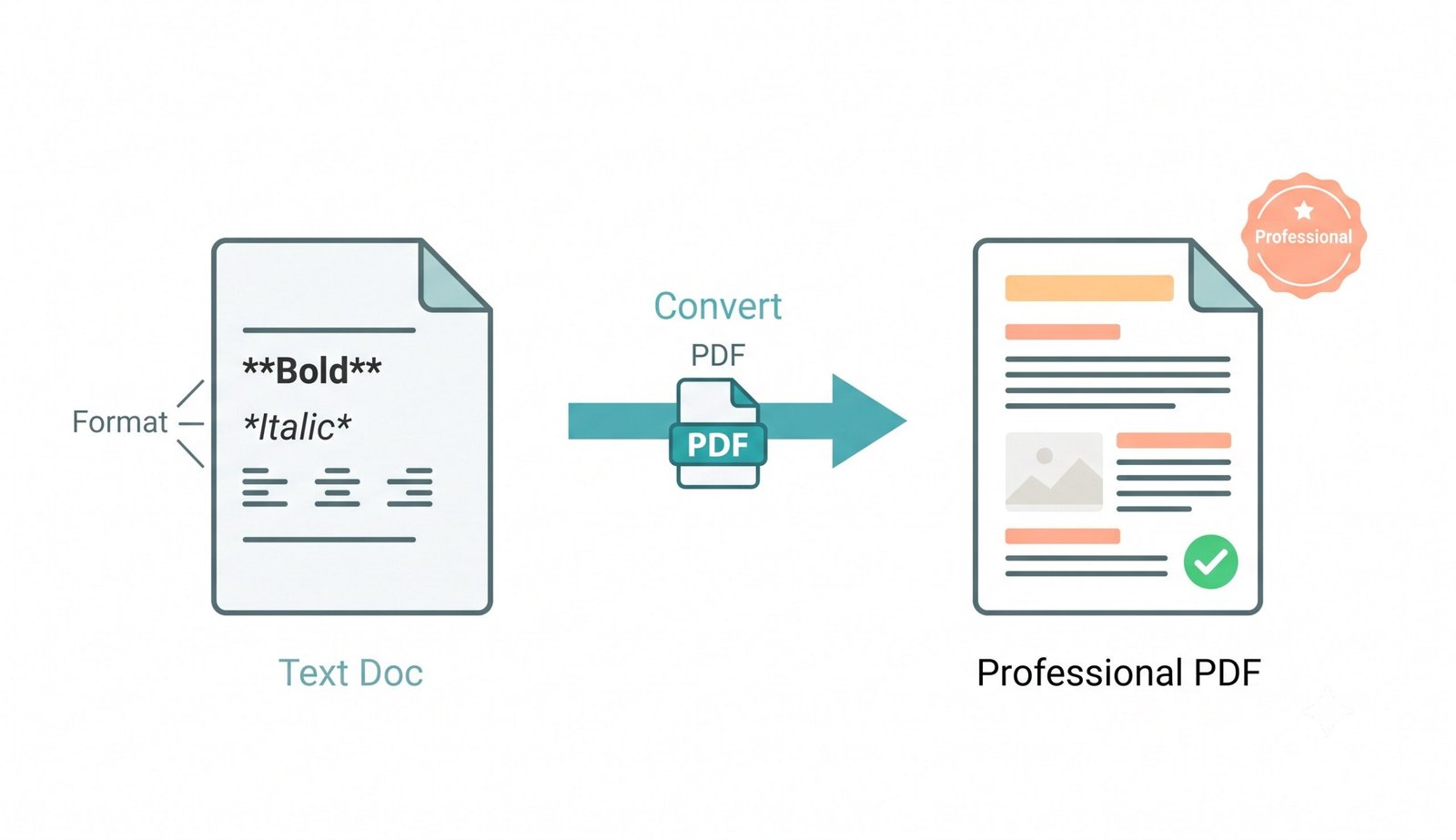
100% Client-Side Formatting: Zero Remote Server Storage
Traditional online converters send your personal text documents to external cloud servers, exposing sensitive contracts, financial figures, medical notes, and passwords to remote data breaches.
Our plain text to PDF and txt to PDF converter is fundamentally different. It compiles documents entirely within your browser's local JavaScript virtual machine. No telemetry logs, server-side databases, or network transmissions occur.
- Complete offline functionality once loaded—turn off Wi-Fi and it still works flawlessly.
- Safe for confidential business agreements, client records, and legal drafts.
- Zero bandwidth throttling or file size upload queue delays.
Frequently Asked Questions
Everything you need to know about our free copied text to PDF converter, typography options, and privacy.
The fastest method is using our offline-capable copied text to PDF converter. Simply click "Paste Copied Text" or use Ctrl+V to paste your clipboard contents, customize your font and margins, and click convert. It generates a formatted PDF document in under 5 seconds directly in your web browser.
Yes! You can easily convert Notepad to PDF by dropping your .txt file into the conversion box or pasting raw text from Windows Notepad, Apple Notes, or Linux text editors. Since all rendering executes locally in your browser, your private notes are never uploaded to any remote server.
Absolutely. If you upload a company logo or portrait avatar, our text to PDF maker strictly preserves exact DSLR-level clarity, Kelvin color fidelity, and aspect ratio. It composites the image onto your first page header at ultra-clear 300 DPI without pixelation.
Because our plain text to PDF engine runs entirely on your device's memory using client-side HTML5 canvas and JavaScript, there are no artificial file size caps, page count restrictions, or paywalls. You can generate multi-page documents seamlessly.
Yes! Our tool gives you complete typographic control. You can select from 5 distinct font families (Arial, Times New Roman, Courier New, Georgia, Verdana), adjust font size from 8pt to 72pt, pick custom font colors, configure line spacing (1.0 to 2.0), choose text alignment (Left, Center, Right, Justify), and toggle automated footer page numbering ("Page X of Y").
Yes. Our txt to PDF converter is fully mobile-responsive and optimized for touch devices on Safari, Chrome, Edge, and Firefox. You can paste notes from your phone's clipboard, preview the PDF instantly, and save it directly to your device storage.