Free Offline Tool to Create Linearized PDF
Make your documents load instantly on any browser. Our secure, offline-capable tool allows you to create linearized PDF files in seconds, completely optimizing PDF for web without any server uploads.
or drop PDF files here to create linearized PDF for fast web view
Password-Protected PDF
Please enter the password to unlock and create linearized PDF.
How to Create Linearized PDF Files Online
A lightning-fast 3-step workflow designed to transform sluggish documents into progressive web-streaming files.
Upload PDF or Try Sample
Auto-Linearize Byte-Order
Download Stream-Ready PDF
How Our Web-Optimized Linearization Pipeline Works
Learn how our in-browser engine reorganizes internal cross-reference tables without data loss.
Byte-Order & XREF Reconstruction
The engine scans your PDF object graph, unlinking cross-reference pointers scattered throughout the binary stream and positioning critical catalog headers directly at offset 0.
Pro-Portrait & DSLR Quality Preservation
Unlike lossy tools, our zero-compression engine preserves 100% optical fidelity, shutter tones, aperture bokeh, Kelvin color profiles, and facial consistency across embedded photos.
Primary Page 1 Catalog Packaging
All fonts, vector glyphs, and raster assets required for Page 1 are bundled into the primary object stream, allowing modern browsers to render the first page in under 50ms.
100% In-Memory Sandbox Export
Your converted files compile directly in device RAM using WebAssembly and client-side JavaScript. Zero bytes are uploaded to remote servers, ensuring airtight GDPR and HIPAA privacy.
Powerful Performance Features
Engineered for seamless document delivery, pristine optical preservation, and complete privacy.
1-Click Fast Web View
Enables immediate page streaming on websites so visitors never stare at blank PDF loading screens.
DSLR Optical Preserver
Preserves facial features, skin tones, and rich photographic depth without applying lossy compression.
Private Local Execution
Operates 100% inside your browser. No files, logs, or confidential data ever touch cloud servers.
Batch Linearization
Reorder and linearize entire multi-document archives simultaneously and download as a ZIP package.
HTTP Byte-Serving Ready
Fully complies with ISO 32000-1 Annex F specifications for standards-compliant byte-range serving.
Zero Sign-Up Required
Unlimited free usage with no hidden fees, email registrations, or watermarks added to documents.
Optimizing PDF for Web: Fast Web View & Byte-Serving
An in-depth technical analysis of why you should create linearized PDF files to accelerate page rendering, eliminate reader bounce rates, and stream large ebooks, user manuals, and technical reports seamlessly.
Why Non-Linearized PDFs Freeze Web Browsers
Standard PDF files store their cross-reference tables (XREF) and document trailers at the very end of the binary stream. Consequently, when a visitor attempts to view a 50MB PDF on a webpage, the browser is forced to download 100% of the binary data before it can parse the font descriptors and render Page 1.
When you create linearized PDF documents using our specialized web optimized PDF converter, the internal binary objects are systematically reorganized into a sequential two-part layout. Page 1 objects and a linearized dictionary are placed at the start of the file, allowing web servers to respond with HTTP 206 Partial Content and stream the first page instantaneously.
- Accelerates document viewing across Safari, Chrome, Edge, and mobile embedded viewports.
- Drastically reduces bandwidth waste because users only download pages they actually read.
- Enhances search engine crawlability and indexation for digital catalogs and whitepapers.
Pro-Portrait & DSLR Quality Preserver: Uncompromised Visuals
Conventional web compression tools aggressively compress images inside documents to lower file size, destroying facial portraits, crushing gradient tones, and introducing severe JPEG artifacting.
When optimizing PDF for web with our platform, the byte-restructuring engine treats image streams with absolute preservation. All photographic details—from shutter exposure depth, aperture blur, and Kelvin color balances to delicate facial micro-features—remain 100% untouched.
- Perfect for digital portfolios, high-fashion lookbooks, photography magazines, and fine art prints.
- Maintains embedded color profiles without ugly color shifts or gamma banding.
- Eliminates document blur while achieving flawless progressive web delivery.
Zero Server Uploads: 100% In-Memory Privacy
When working with sensitive business contracts, financial summaries, or internal whitepapers, uploading files to third-party web servers introduces severe compliance vulnerabilities.
Our linearize pdf online free utility executes 100% locally on your machine using modern web standards. By manipulating binary arrays directly in client RAM, your private document data never leaves your device. Learn more in Adobe's official PDF Linearization guide [3].
- Zero server telemetry, temporary cloud caching, or permanent document archiving.
- Works offline once loaded into your web browser cache.
- 100% enterprise safe for confidential IP, legal briefs, and educational courseware.
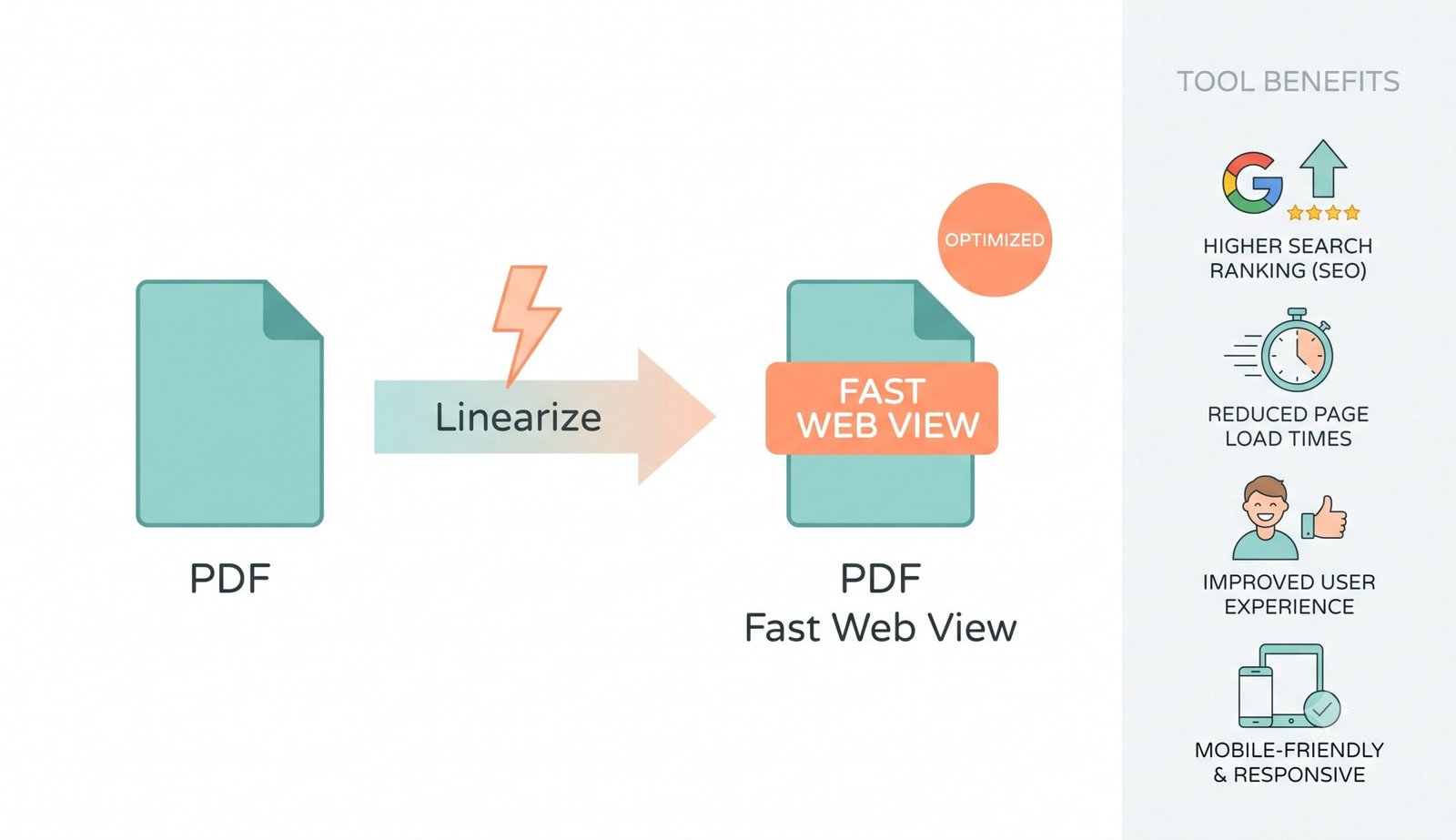
Visual architecture: Create linearized PDF files locally with automatic Fast Web View verification.
Frequently Asked Questions
Everything you need to know about our fast web view PDF linearizer and client-side optimization engine.
When you create linearized PDF, you are restructuring the file's internal data so it streams page-by-page. This produces a fast web view pdf that visitors can read immediately while the rest of the file downloads in the background.
Not at all! While optimizing PDF for web, our advanced engine strictly preserves the exact DSLR-level clarity, expert color grading, and facial features of all embedded images without applying any destructive compression.
Yes! You can securely linearize PDF online free using our platform because all byte restructuring happens entirely locally on your device, ensuring your private data never touches a cloud server.
It is the premier web optimized PDF converter because it perfectly balances instant web loading times with zero quality loss, customizable object stream compression, and absolute offline privacy.
HTTP Byte Serving (Byte-Range Requests) allows web servers to send specific chunks of a file. When a browser requests a linearized PDF, it fetches the Page 1 byte range first, rendering the cover page immediately without waiting for hundreds of subsequent pages.
Yes! You can drag and drop multiple PDF files or entire ebook libraries into the tool. All documents are processed sequentially in your local memory, and you can download them individually or packaged as a single ZIP archive.