Extract Color Palette from Image
or drop image files here to extract color palette from image with instant HEX, RGB & CMYK codes
or drop PNG, JPG, WEBP, GIF, SVG here to extract colors
Hover over image for 3x magnifying loupe. Click any pixel to save custom shade to shelf!
How to Extract Color Palette from Image Using This Tool
Follow this lightning-fast 3-step visual workflow to extract color palette from image and export harmonious swatches.
Upload or drag & drop image
Auto-extract & pick shades
Export PNG Card & CSS
Color Palette Extraction Engine: How It Works
Discover the client-side mathematics and pixel quantization pipeline behind our color palette generator from image.
Client-Side Canvas Pixel Scanning
Your image streams directly into an isolated HTML5 Canvas RAM buffer. Millions of RGB pixel values are read instantaneously with zero data transmitted over public internet networks.
4 Advanced Quantization Algorithms
Choose between Median Cut box splitting, geometric K-Means clustering, Dominant Frequency sorting, or Smart Vibrant scoring to extract colors perfectly tailored to your design style.
Interactive "Hover & Pick" Hex Finder
Hover over preview images to trigger a 3x magnified pixel loupe lens. Click any coordinate to copy exact HEX/RGB values and store custom shades directly on your saved shelf.
WCAG 2.1 Testing & Multi-Format Export
Validate text legibility contrast ratios (AA and AAA compliance) and export palettes as high-resolution PNG Palette Cards, vector SVGs, CSS variables, or JSON schemas.
Enterprise Features to Extract All Colors from Image
Engineered for razor-sharp color fidelity, sub-pixel precision sampling, and airtight local privacy.
100% Client-Side Privacy
Your photos never touch an external server or database. All quantization occurs locally in your browser.
4 Quantization Engines
Switch between Median Cut, K-Means Clustering, Frequency Analysis, and Smart Vibrant selection.
Precision Hex Code Finder
Hover with the interactive 3x magnifying loupe to inspect sub-pixel coordinates and copy codes instantly.
WCAG Contrast Checker
Check luminance contrast ratios between extracted colors to verify WCAG 2.1 AA and AAA readability.
DSLR Palette Card Exporter
Export presentation-ready aesthetic cards featuring your portrait photo and beautiful palette swatches.
Multi-Format Code Export
Export your color scheme from photo files directly into CSS custom properties, JSON, SVG, and PDF.
Advanced Color Science: Extract Color Palette from Image & Generate Themes
Discover the perfect colors for your next creative project instantly. Our secure, client-side tool allows you to extract color palette from image files directly in your web browser. Whether you need a reliable color palette generator from image or want to instantly grab a color scheme from photo files, our browser engine helps you extract all colors from image uploads while keeping your files 100% private.
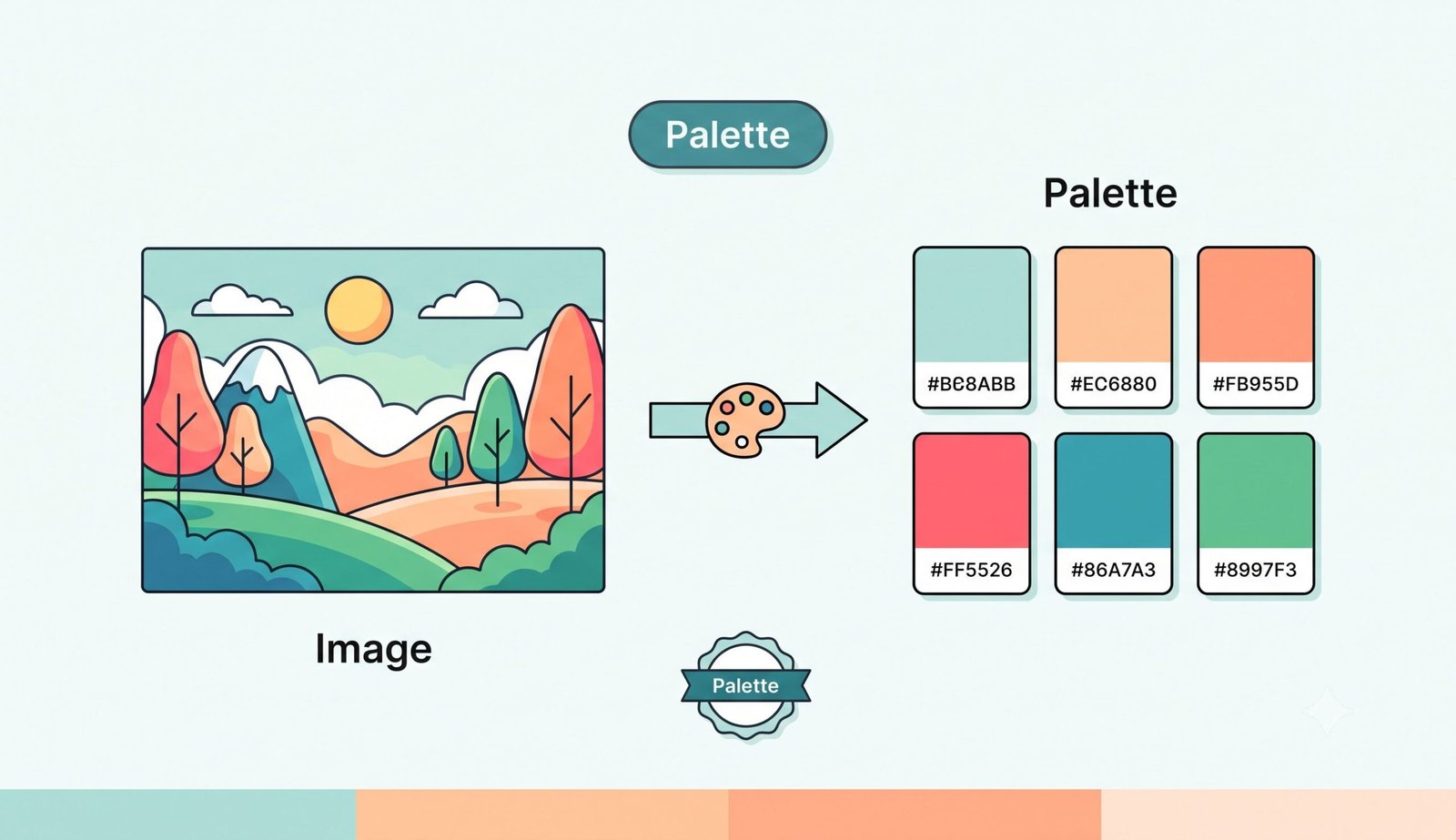
Mathematical Color Quantization: Median Cut vs. K-Means Clustering
Digital images contain millions of discrete pixel coordinates. To automatically extract color palette from image files, our engine utilizes advanced mathematical quantization techniques that partition three-dimensional RGB vector space into representative color clusters.
By using our color palette generator from image, you can toggle between Median Cut (which divides color boxes along the axis of greatest variance for balanced coverage) and K-Means Clustering (which iteratively recalculates centroid averages for extreme geometric accuracy).
- Fast vector quantization eliminates noisy background pixels while identifying true dominant tones.
- Smart representative algorithm scores saturation and lightness to pick vibrant accent highlights.
- Effortlessly extract all colors from image without loss of tonal subtlety or color bleeding.
Precision "Hover & Pick" Hex Code Finder from Image
Automatic clustering finds dominant shades, but creative designers often need specific tones from subtle shadows, skin highlights, or botanical details. Our integrated hex code finder from image activates a live 3x magnifying loupe lens directly over your loaded preview.
As your cursor glides across the image canvas, the magnifying loupe dynamically renders magnified pixel grids and displays real-time HEX coordinates. Simply click any pixel to save it to your custom palette shelf for instant export.
- Sub-pixel accuracy allows pinpointing fine text colors, borders, and microscopic gradients.
- Custom shelf preserves up to 10 manually picked shades alongside dominant extracted swatches.
- Build an authentic, bespoke color scheme from photo files tailored to UI/UX requirements.
WCAG Accessibility Contrast Checking & DSLR Palette Card Exports
Extracting eye-catching colors is only the first step—ensuring digital readability is paramount. Our built-in WCAG 2.1 Contrast Standards checker calculates relative luminance ratios between foreground text and background swatches in real time.
When you are ready to present your work, our high-resolution DSLR Palette Card Exporter generates an aesthetic swatch card pairing your original photo with color chips, hex codes, and color names—preserving the exact crispness, facial features, and expert color grading of your portraits.
- Automated WCAG AA (4.5:1) and AAA (7.0:1) pass/fail indicators ensure accessible web typography.
- Export ready-to-paste CSS custom properties (
:root { --color-1: #... }) and JSON data. - Download scalable SVG vectors and print-ready PDF summaries for client brand books.
Frequently Asked Questions
Everything you need to know about how to extract color palette from image files securely on your device.
Yes! You can securely extract all colors from image files because our platform processes your photos entirely locally on your device using HTML5 Canvas. No image data is ever uploaded to any cloud server or third-party database, guaranteeing 100% privacy and GDPR/HIPAA compliance.
Absolutely. Our color palette generator from image not only clusters dominant and vibrant tones using Median Cut and K-Means algorithms, but also allows you to export ready-to-paste CSS custom properties, JSON data, scalable SVGs, or high-resolution PNG Palette Cards for your mood boards.
Simply drag and drop your photo into our drop zone or select a file from your device. Our smart extraction engine automatically calculates the pixel distribution to generate a perfectly balanced color scheme from photo files, categorizing shades into primary, secondary, and accent tones.
Not at all! When you use our interactive hex code finder from image and export a visual Palette Card, our canvas renderer strictly preserves the exact DSLR-level clarity, post-production color grading, and facial features of your original portraits without downsampling.
The built-in Contrast Analyzer calculates relative luminance according to W3C Web Content Accessibility Guidelines (WCAG 2.1). You can pick any two extracted palette colors as foreground and background to test whether your text passes AA (4.5:1) or AAA (7.0:1) readability ratings.
Yes! Once you have finished exporting your palette, simply click the "Extract More Images" button. The tool will smoothly auto-scroll back to the upload dropzone and reset the file input so you can process another image without refreshing the page.
Our tool supports all popular digital image formats including PNG, JPG, JPEG, WEBP, GIF, and SVG vector images. Any resolution from small social media icons up to ultra-high-definition 4K photos is fully supported.