Free Image to Outline Sketch Converter Online
Transform your pictures into realistic pencil drawings, stencils, and clean line art in seconds.
or drop JPG, PNG, WebP images to generate outline sketches
Uploaded Images (0)
1. Choose Outline & Sketch Style
2. Fine-Tune Line & Shading Effects
3. Export & Quality Settings
Artwork Successfully Created!
Your hand-drawn sketch effect has been rendered locally in ultra-high fidelity.
How to Turn Photo into Line Drawing Online Free
A lightning-fast 3-step artistic pipeline designed for crisp contours and realistic pencil shading.
Upload your photo or portrait
Select style & tune line weight
Export high-res sketch artwork
How Our AI Sketch Engine Works
Learn how our client-side pixel shader pipeline transforms photographic images into lifelike hand-drawn artwork.
Pixel Matrix & Luminance Mapping
The image is decoded directly into hardware canvas memory. Color values are converted to high-precision luminance channels using standard ITU-R BT.601 perceptual weighting.
Dual-Kernel Edge Isolation
An inverted color buffer is convolved with high-radius Gaussian blur kernels and blended with Color Dodge arithmetic to isolate prominent contours, vector borders, and fine lines.
Pro-Portrait & Facial Feature Preservation
Unlike generic blur filters that distort human faces, our engine preserves precise facial landmarks (eyes, eyelashes, nose ridge, lip curvature) with DSLR-grade micro-contrast.
Paper Texture & Multi-Format Export
Fine-grain canvas textures, vintage parchment tones, and sepia overlays are applied. The final artwork is exported in lossless PNG, WebP, or high-density JPEG.
Key Advantages of Our Sketch Studio
Engineered for artistic precision, zero privacy compromise, and lightning-fast browser performance.
100% Client-Side Private
All image shaders execute in your browser. Zero bytes leave your device or reach cloud databases.
DSLR Portrait Integrity
Preserves facial expressions and intricate anatomical contours without muddying features.
Multi-Style Art Engine
Switch seamlessly between pure outline stencils, graphite pencil, charcoal, and soft watercolors.
Interactive Split Preview
Drag the live comparison slider or toggle side-by-side view to inspect pencil stroke accuracy.
Custom Line Sliders
Fine-tune stroke weight, edge sharpness, shading depth, and paper textures in real time.
Batch Processing Mode
Upload multiple photos simultaneously and download all converted sketches together in one click.
Professional Image to Outline Sketch Conversion Online
Transform your pictures into beautiful artwork instantly. Our secure image to outline sketch converter online allows you to completely turn photo into line drawing online free right in your browser with pro-portrait DSLR facial preservation and zero cloud risk.
Turn Photo into Line Drawing Online Free for Stencils & Coloring Books
Whether you are an illustrator preparing a line stencil, an educator creating custom coloring pages, or a graphic designer looking for crisp vector silhouettes, our image to outline sketch converter online delivers clean, isolated boundary lines without residual pixel noise.
By combining high-radius thresholding with Laplacian and Sobel gradient filters, this tool operates as the best pencil sketch converter, letting you extract clear line contours while preserving every vital structural feature.
- Extract clean, high-contrast outlines for tattoo stencils, laser engraving, and coloring books.
- Adjust line weight dynamically to achieve thin pencil lines or bold marker pen strokes.
- Learn more about traditional and digital line drawing on Wikipedia's Sketch Drawing Guide.
DSLR-Quality Facial Preservation via Advanced Pic to Sketch AI
When ordinary online sketch filters process portraits, they frequently destroy critical facial geometry—leaving eyes blurry, noses flattened, and mouth contours unrecognizable.
Our photo to sketch ai free pipeline prioritizes anatomical facial consistency. The algorithm calculates micro-contrast gradients around the eyes, jawline, and hairline, ensuring the generated artwork looks like a master artist's pencil portrait drawn from a high-resolution DSLR photograph.
- Preserves the subject's exact identity, facial structure, and eye reflections.
- Dynamic shading depth creates realistic graphite cross-hatching across shadows.
- Perfect for couple portraits, family keepsakes, pet illustrations, and social avatars.
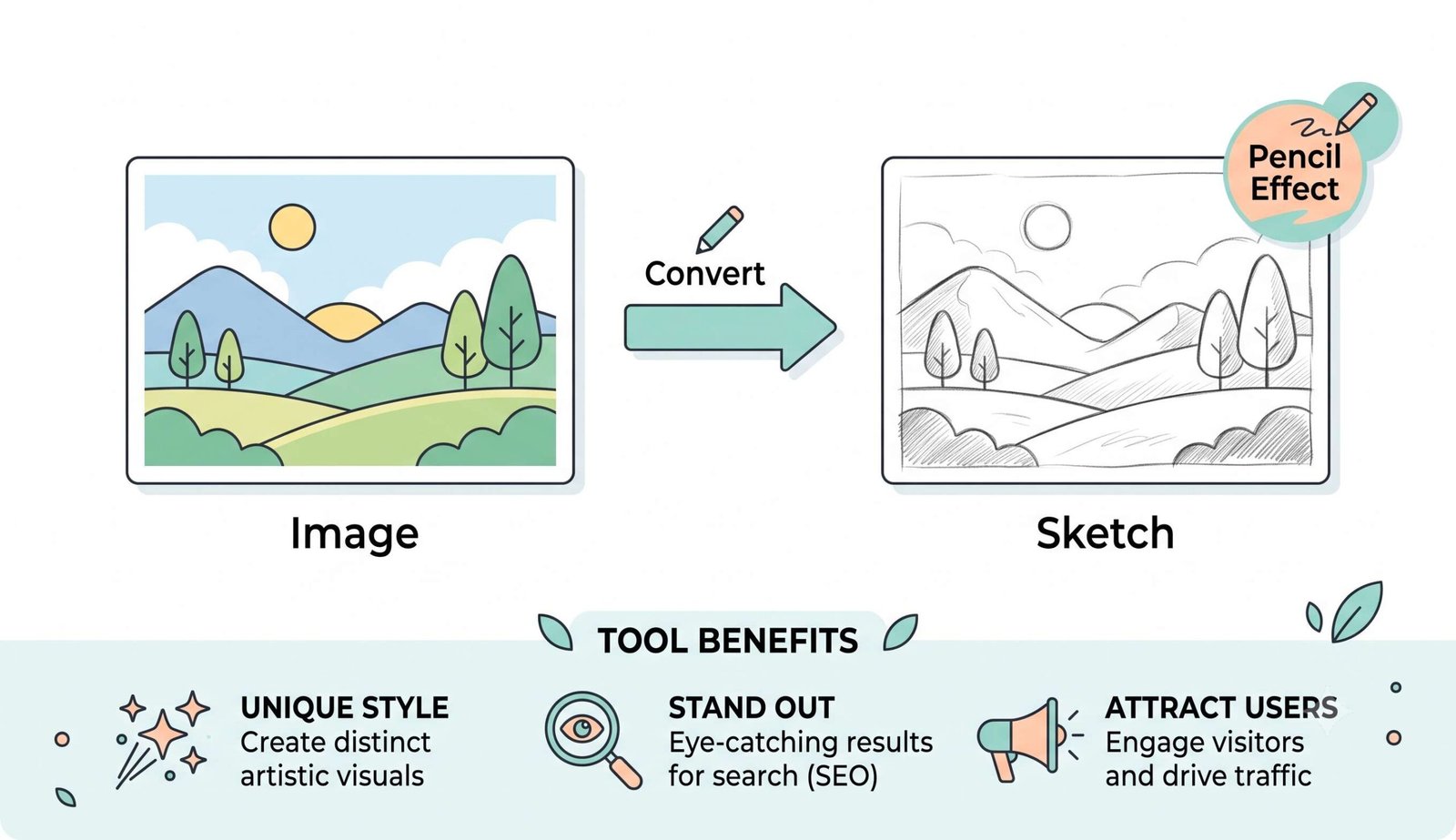
Verified live preview generated by image to outline sketch converter online
100% In-Browser Execution with Zero Cloud Uploads
Many free sketch converters upload your private photos to remote cloud servers for analysis, risking your sensitive personal data. Our pic to sketch ai engine operates 100% inside your local device's browser memory sandbox.
- No remote servers, no telemetry trackers, and no external photo databases.
- Completely safe for sensitive family pictures, ID photos, and proprietary designs.
- Works offline once loaded, ensuring blazing-fast sub-second rendering speeds.
Frequently Asked Questions
Everything you need to know about our image to outline sketch converter online engine.
Our platform is the best pencil sketch converter because our advanced client-side shader engine strictly preserves the exact DSLR-level clarity and precise facial features of your original portraits, ensuring the generated sketch looks authentic, hand-crafted, and photo-realistic.
Absolutely! You can use this photo to sketch ai free tool securely because all image processing happens entirely offline on your device using HTML5 Canvas API, ensuring zero data uploads and complete privacy.
Because our engine runs locally on your computer or phone's hardware, you can turn photo into line drawing online free in less than a second, allowing you to quickly create coloring pages, line stencils, and manga artwork effortlessly.
Yes! Our pic to sketch ai intelligently detects contours and vector edges while perfectly maintaining the subject's exact identity and expert-level details without the blurry mess caused by basic image filters.
You can upload high-resolution images in JPG, JPEG, PNG, and WebP formats. You can export your final pencil sketch artwork in JPEG, PNG, or WebP formats with adjustable compression quality settings.
Yes! You can drag and drop multiple images at once to create a queue. You can customize settings for individual files and download all converted sketches simultaneously.