Free Online PDF to HTML Converter
Convert PDF to HTML for email campaigns or turn any PDF to web page with responsive HTML5.
or drop PDF files here to change PDF to HTML instantly
How to Convert PDF to HTML in 3 Quick Steps
A lightning-fast visual workflow designed to change PDF to HTML with total precision and responsive code.
Upload your PDF document
Select layout & parse locally
Live preview & download code
How Our PDF to HTML Converter Engine Works
Learn the technical mechanism behind our private, client-side vector-to-DOM parsing pipeline.
Stream Document into In-Memory Sandbox
Upload multi-page PDFs or single documents by dropping them into the conversion zone. The document streams into local device memory with zero cloud uploads or external server calls.
Vector-to-DOM Semantic Reconstruction
Our WebAssembly parser analyzes font metrics, line breaks, table coordinates, and hyperlink annotations, transforming raw PostScript streams into clean semantic HTML5 elements.
Inline CSS & Email Optimization
When you convert PDF to HTML for email, external stylesheets are flattened automatically into inline CSS style tags and responsive table containers compatible with Gmail and Outlook.
Split View Preview & ZIP Export
Inspect your generated web pages in interactive live preview, examine formatted HTML source code, copy snippets to clipboard, or download individual files and ZIP packages.
Powerful Performance Features
Engineered for clean semantic markup, email newsletter safety, instant multi-page extraction, and airtight local privacy.
100% In-Browser Privacy
All document parsing runs entirely inside your browser memory. Zero files or text strings are uploaded to remote servers.
Semantic HTML5 Markup
Generates clean W3C-compliant headings, paragraphs, lists, and tables ready for WordPress, Webflow, or custom web CMS.
Email-Safe Inline CSS
Easily convert PDF to HTML for email newsletters with bulletproof inline styles and table structures for Gmail and Outlook.
Base64 Single File Output
Bundle graphics directly into the HTML document as Base64 data URLs without needing separate image folders or assets.
Mobile Responsive Design
No more tedious pinch-to-zoom. Your extracted web pages adapt dynamically across mobile phones, tablets, and desktop displays.
Batch Queue & ZIP Bundling
Process multiple PDF documents simultaneously in one continuous workflow and package all results into a single organized ZIP file.
Advanced Document Modernization: PDF to Web Page Conversion
Transform your documents effortlessly with our PDF to HTML converter. Whether you need to publish content online, embed responsive documentation, or convert PDF to HTML for email, our tool works instantly inside your browser with 100% client-side data privacy.
PostScript Vector Encapsulation vs. Semantic HTML5 Web Standards
The Portable Document Format (PDF) encapsulates typography, vector curves, and raster layers into rigid physical dimensions. However, publishing static PDF documents on modern websites creates severe user experience barriers. Mobile readers are forced to constantly pinch, zoom, and pan across inflexible pages, while search engine crawlers struggle to extract contextual keyword signals locked inside binary attachments.
By utilizing our client-side pdf to html converter, you can transform complex vector records into lightweight, responsive HTML5 code. Learn more about semantic web architecture from the official W3C HTML & CSS Standards [1].
- Full WCAG accessibility compliance across modern screen readers and assistive tech.
- Seamless integration into WordPress, Webflow, Ghost, Shopify, and custom web applications.
- Instant conversion from static PDF to web page format with reflowable typography.
DSLR-Grade Image Quality & Single-File HTML Packaging
Standard web conversion tools frequently downscale document graphics into blurry 72 DPI artifacts, destroying facial consistency in portraits and pixelating detailed graphs.
Our free pdf to html engine preserves razor-sharp optical pixel fidelity. When converting visual documents or portrait resumes, extracted images retain natural skin tones, crisp facial contours, and DSLR-like contrast. With our single-file Base64 mode, all graphic elements are encoded directly into the HTML markup, eliminating loose image dependencies and messy multi-file folders.
- Standalone single-file HTML code with embedded high-resolution graphics.
- Preserves TrueType font metrics and precise CSS coordinate positioning.
- Effortlessly change PDF to HTML with zero quality degradation or missing assets.
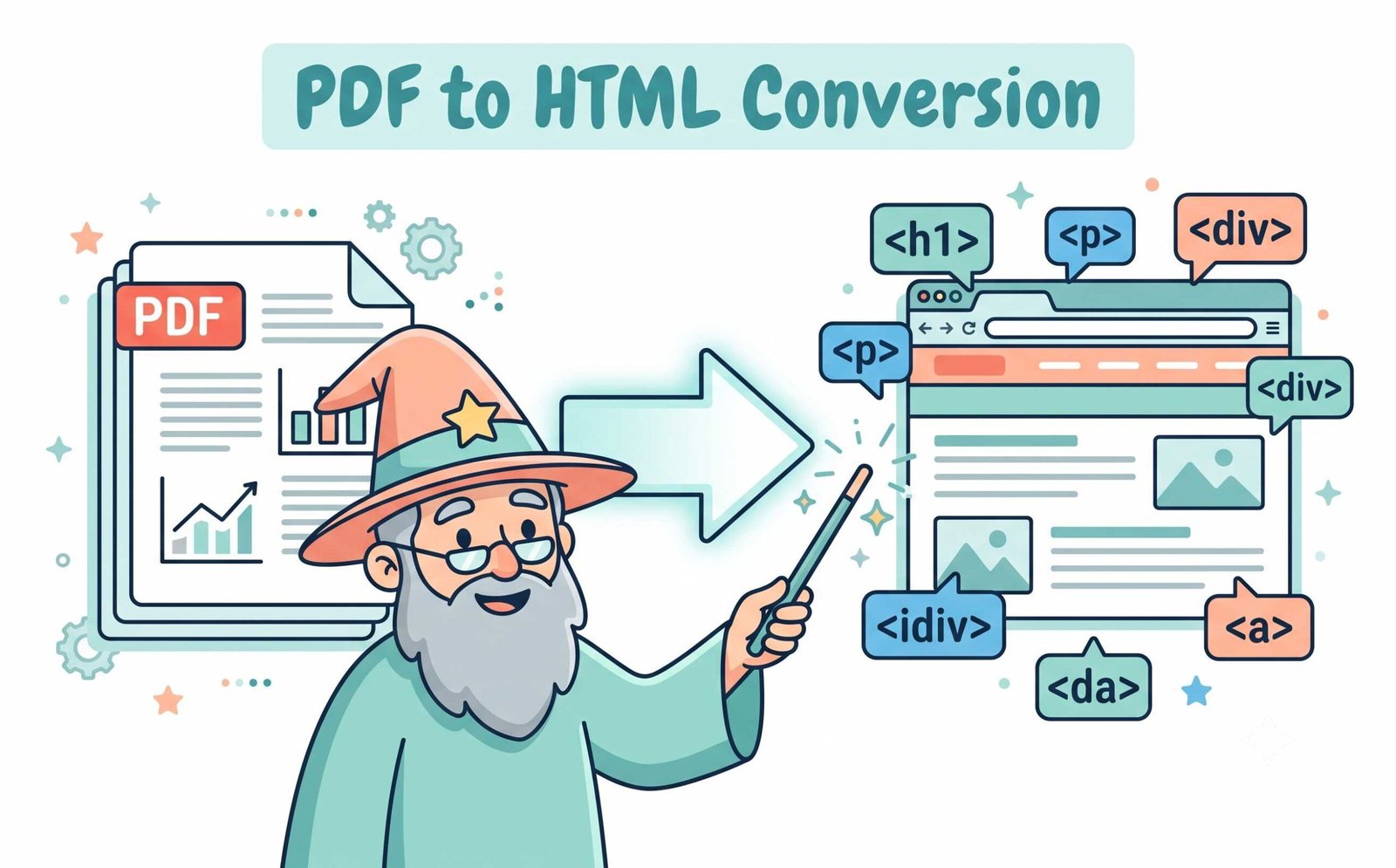
Convert PDF to HTML for Email Newsletters with Zero Cloud Exposure
Standard web pages generated by online converters fail completely when imported into email platforms like Gmail, Mailchimp, or Microsoft Outlook because email clients strip external stylesheets and CSS grid classes.
Our unique convert pdf to html for email mode automatically compiles document styles into bulletproof inline CSS attributes and nested table wrappers. Furthermore, because all conversion occurs in your browser's local WebAssembly memory sandbox, your confidential newsletters, sales proposals, and financial contracts never touch remote cloud servers.
- Email client tested for Gmail, Outlook, Apple Mail, Yahoo, and Thunderbird.
- Zero cloud servers, zero temporary caches, and zero behavioral data tracking.
- Fully functional offline after initial page load for maximum security.
Convert PDF to HTML on Any Operating System
Select your platform to view step-by-step instructions for exporting PDF pages to web code.
Convert PDF to HTML on Windows 11 & 10 Without Third-Party Software
Windows PCs do not provide a native utility to export PDF text into clean HTML5 markup. Our browser utility solves this instantly:
- Open Google Chrome, Microsoft Edge, or Firefox and drag your
.pdffiles into the upload box. - Select your desired output structure (Clean Semantic HTML5, Email-Safe Inline CSS, or CSS Styled).
- Click convert to immediately preview the live rendered page or download the HTML file to open in VS Code, Notepad++, or your web browser.
Convert PDF to HTML5 on Apple macOS (MacBook & iMac)
While macOS Preview can open and view PDF files, it lacks native export to clean semantic HTML. Use this converter directly in Safari:
- Drop one or multiple PDF documents into the upload box.
- Enable formatting options to preserve clickable hyperlinks and responsive table structures.
- Download the converted HTML code or package your batch conversions into a single ZIP archive.
Convert PDF to HTML on Mobile Devices (iPhone, iPad & Android)
Need to publish PDF documentation on the go from your tablet or smartphone?
- Open your mobile browser (Safari or Chrome) and tap "CHOOSE PDF FILE" to pick documents from device storage or iCloud/Google Drive.
- The tool converts your document locally in seconds with full mobile layout responsiveness.
- Copy the generated HTML code directly to your clipboard or download the files.
Frequently Asked Questions
Everything you need to know about our PDF to HTML converter tool and client-side data privacy.
Yes! Our platform has a specialized engine designed to convert pdf to html for email. It automatically generates clean, inline CSS and table structures that are fully compatible with major email clients like Gmail, Apple Mail, and Microsoft Outlook without rendering errors.
To safely change pdf to html, simply upload your document to our tool. Our advanced extraction engine perfectly preserves your text layout, typography scales, headings, tables, hyperlinks, and embeds high-quality images directly into the code.
Absolutely. We offer a 100% free pdf to html conversion experience with no hidden fees, watermarks, usage caps, or mandatory account registrations required.
The quickest method is using our client-side pdf to html converter. It translates your entire pdf to web page structure instantly inside your browser, ensuring complete data privacy and zero upload waiting times.
Yes, our smart parser detects clickable PDF link annotations and converts them to standard HTML <a> hyperlinks, while tabular text alignments are organized into clean, responsive HTML tables.
Yes, batch processing is fully supported. You can queue multiple PDF documents simultaneously and download all converted HTML web pages as a single organized ZIP archive.
All PDF parsing, text extraction, and HTML code compilation execute entirely in your local browser memory via WebAssembly. Zero bytes are uploaded to remote servers, ensuring strict GDPR and HIPAA compliance.