Free Online Tool to Rotate PDF Permanently
Fix your sideways or upside-down documents instantly. Our free tool allows you to rotate PDF permanently without losing text quality or image resolution.
or drop PDF files here to rotate one page in PDF or entire documents
How to Rotate PDF Permanently Online
A lightning-fast 3-step visual workflow designed to reorient crooked or upside-down pages.
Upload your PDF document
Rotate pages in visual grid
Save rotated PDF online
How Our Permanent PDF Rotation Engine Works
Learn the step-by-step mechanism behind our lossless client-side dictionary rewriting pipeline.
Stream PDF into Browser Memory
Your PDF document is loaded directly into browser RAM. Client-side WebAssembly inspects ISO 32000-1 page tree dictionaries without sending byte streams to external servers.
Interactive Visual Page Workbench
Every document sheet renders in a live thumbnail grid. You can rotate one page in PDF with 1-click controls, execute odd/even batch rotations, or specify custom page intervals.
DSLR & Vector Quality Preservation
Unlike lossy converters that re-compress pictures into blurry thumbnails, our engine guarantees embedded photos, portrait IDs, and vector text retain 100% original sharpness and color profiles.
Permanent Structural Dictionary Save
When you save rotated PDF online, our tool compiles native /Rotate tags directly into the document root. The rotation remains permanent across all mobile phones, printers, and desktop viewers.
Engineered for Permanent Fidelity
Fast, permanent, and private document orientation tools designed for professionals.
Rotate PDF Permanently
Rewrites internal structural dictionary metadata so pages never revert to crooked angles.
Rotate One Page in PDF
Easily target isolated landscape tables, blueprints, or scanned receipts without affecting other pages.
Private In-Memory RAM
Files never leave your device. Zero remote server uploads, tracking cookies, or data telemetry.
DSLR Photo Preservation
Embedded portrait photos, IDs, and graphics retain crisp studio color grading and sharp details.
Multi-File Batch Queue
Upload multiple documents simultaneously and download all corrected files in a unified ZIP archive.
Save Rotated PDF Online
Instantly download compliant ISO 32000-1 documents ready for emailing, printing, and archiving.
Permanent PDF Page Re-Orientation & Structural Metadata Standards
Fix crooked duplex scans, landscape attachments, and upside-down contracts with a high-fidelity client-side PDF dictionary transformation engine.
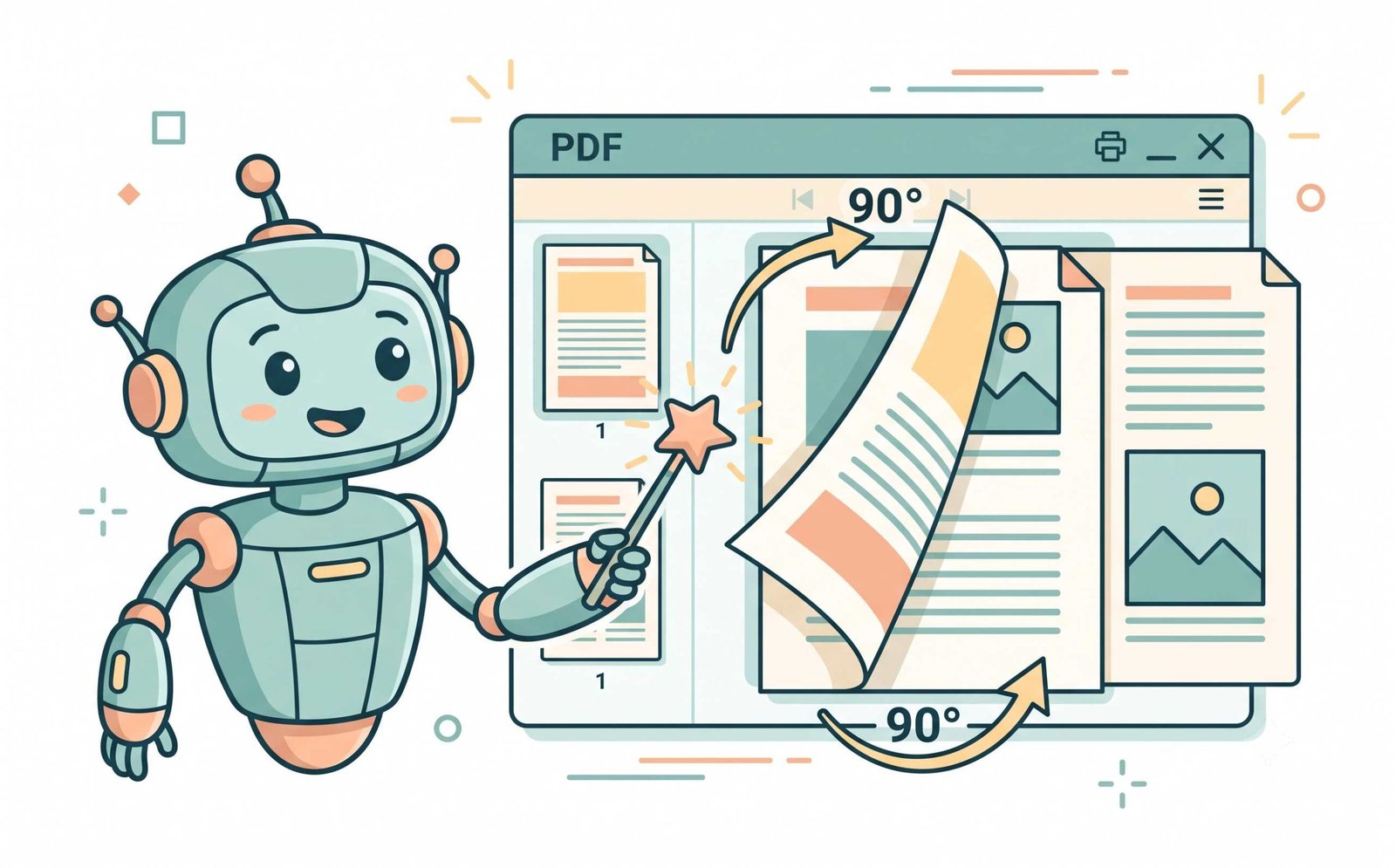
Why Desktop Viewers Revert & How to Rotate PDF Permanently
When you rotate a page inside a desktop application or browser viewer, the application usually alters only the temporary viewport angle. The underlying ISO 32000-1 document stream remains untouched. Once you email the file or send it to a network printer, pages revert to their original, crooked orientation.
Our tool directly rewrites the structural /Rotate dictionary tag inside the PDF page object. As specified by Adobe Acrobat PDF Specification Standards, setting this structural parameter ensures that whether you rotate one page in PDF or orient an entire book, your changes stay fixed permanently on every device.
- Permanent metadata modification that stays upright across all mobile, macOS, and Windows viewers.
- Allows you to seamlessly add header to PDF and add footer to PDF with properly oriented text margins.
- Preserves embedded bookmarks, interactive form fields, and digital signature metadata.
Preserving Facial Identity, Expert Color Grading & Vector Clarity
When client-side tools rotate and re-render document pages, low-grade libraries often downsample high-resolution photographs into blurry, pixelated graphics.
Our engine isolates structural coordinates without touching embedded image bitstreams. Whether your document contains biometric passport portraits, identification cards, architectural CAD blueprints, or corporate brochures, every portrait looks as crisp as if captured by a manual-setting DSLR camera with flawless color grading.
- Facial identity, subtle skin tones, and high-frequency textures stay 100% unaltered.
- TrueType and OpenType fonts retain sub-pixel vector clarity for crisp printing.
- Ideal companion step before passing documents to OCR PDF tools for flawless optical recognition.
Airtight In-Memory RAM Processing: Zero Cloud Exposure
Sensitive legal agreements, health records, and bank statements must remain confidential. Conventional converters upload entire PDF files to cloud servers where they may sit indefinitely on shared disks.
Our utility runs entirely inside your browser memory. After initial asset loading, you can disconnect your Wi-Fi and continue to save rotated PDF online with zero data transfer, satisfying enterprise-grade security protocols.
- Zero server telemetry, database caching, or third-party cloud uploads.
- Unlimited file size processing bound only by your local machine's RAM.
- Combine with tools to merge PDF online and organize workflows locally.
Frequently Asked Questions
Everything you need to know about our private, permanent PDF page rotator.
Upload your file to our tool, adjust individual or batch pages, and click "Save & Download PDF". We modify the internal /Rotate dictionary without re-compressing photos or rasterizing fonts, ensuring you rotate PDF permanently with pristine quality.
Yes! Our visual grid interface allows you to select and rotate one page in PDF or multiple specific pages while keeping the rest of the document completely untouched.
When you use our tool, we rebuild the file's internal PDF page tree structure. Once you click download, you save rotated PDF online, and it will open in the correct orientation on any device, operating system, or PDF viewer.
Absolutely. Unlike basic viewer tools that just change your temporary viewing angle, our processor modifies the core structural code of the document to rotate PDF permanently for anyone who receives the file.
No. Our advanced rendering engine ensures that any embedded photos, facial IDs, or portraits retain their exact DSLR-like quality, original facial features, and expert color grading, even after rotation.
Yes! Once you rotate PDF permanently, you can use our companion tools to add header to PDF and add footer to PDF with consistent page numbering and timestamps.