Free Tool to Stabilize Shaky Video Instantly
Turn your bumpy, handheld footage into smooth, professional clips or drop video files here to stabilize shaky video
or drop video files here to fix camera shake
How to Stabilize Shaky Video Online in 3 Steps
A lightning-fast visual workflow designed for high-resolution, client-side motion smoothing.
Upload your shaky video
Auto-track & smooth motion
Export smooth DSLR video
How Our Video Stabilization Engine Works
Understand the step-by-step spatial displacement pipeline powering our private client-side deshake tool.
Frame-by-Frame Motion Extraction
Our WebAssembly engine computes Sum of Absolute Differences (SAD) across luminance pixel blocks to track exact pan, tilt, and rotational camera displacement vectors.
Adaptive Trajectory Smoothing
High-frequency camera tremors and accidental wobbles are isolated and smoothed out via moving-average trajectory filters while preserving deliberate cinematic pans.
Pro-Portrait & Facial Locking
Dynamic optical center calculation prevents pixelation and keeps human facial features crisp, centered, and photorealistic like a manual gimbal rig.
Hardware-Accelerated Export
Your stabilized footage is synthesized directly onto local canvas buffers and encoded to MP4 or WebM containers without hitting external cloud servers.
Powerful Performance Features
Engineered to eliminate aggressive camera jitter, preserve facial identity, and safeguard local privacy.
Client-Side Deshake Engine
Harnesses WebAssembly and HTML5 canvas processing on your physical GPU for rapid local stabilization.
100% Private & Local
Your private videos are never transmitted or stored on remote cloud servers. Zero data leakage.
Live Split-Screen Preview
Compare original shaky footage directly against stabilized output in synchronized side-by-side playback.
Pro-Portrait Clarity
Locks onto facial features with sub-pixel precision to ensure razor-sharp portraits without pixel blur.
Smart Auto-Zoom & Crop
Compensates for frame translation by eliminating black border edges with dynamic edge-clipping.
Real-Time Jitter Graph
Visualize motion vector displacement and instantaneous camera smoothing across every video frame.
Professional Tool to Stabilize Shaky Video Files
Discover how client-side WebAssembly video deshake algorithms eliminate handheld camera shake, stabilize sports action clips, and preserve professional DSLR clarity without cloud subscriptions.
How to Stabilize Shaky Video Footage Without Expensive Cloud Software
Whether you are recording family moments on a smartphone, filming travel vlogs, or capturing intense action sports, accidental camera vibrations can make footage difficult to watch. Our high-performance video stabilizer online free tool enables content creators to easily fix shaky video online without downloading bulky editing packages.
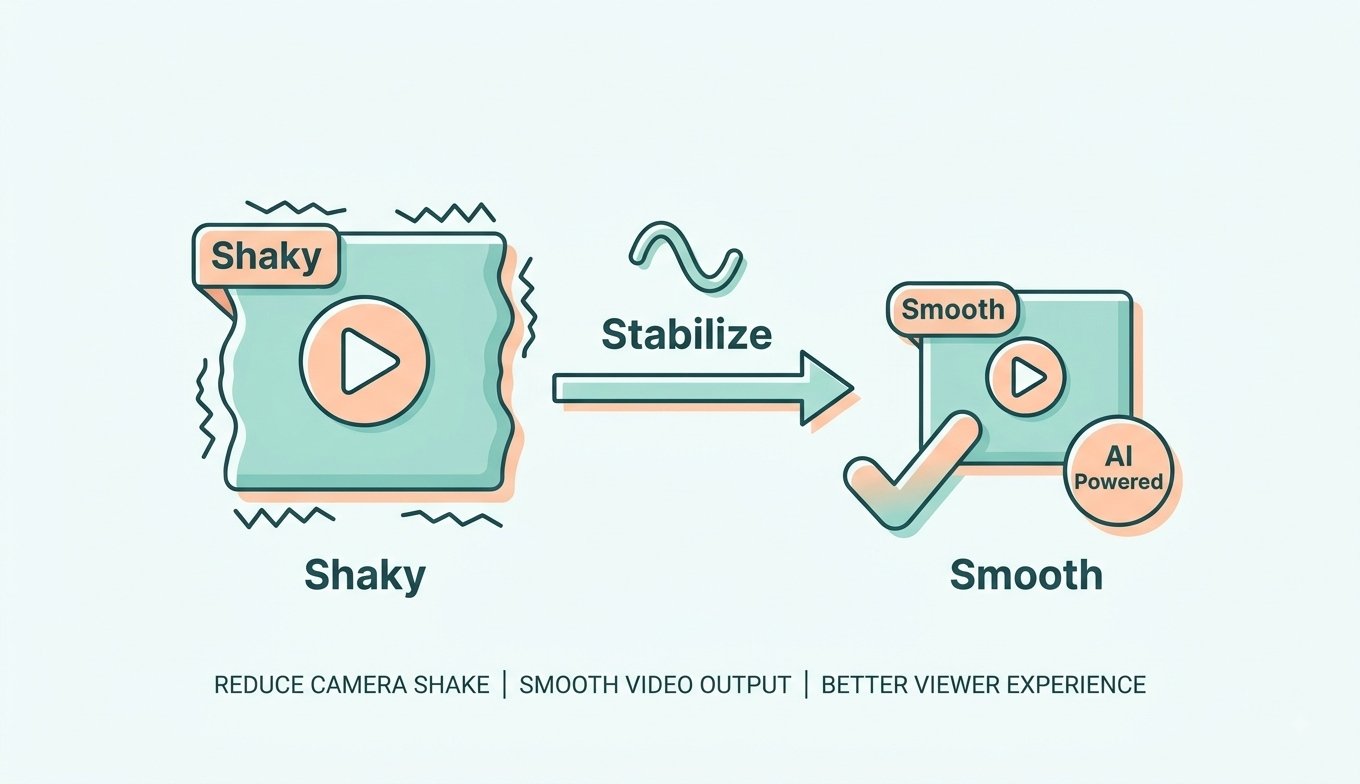
By utilizing client-side displacement estimation, this engine analyzes pixel variance across sequential frames. It builds a steady virtual camera trajectory that cancels rotational and translational shakes in seconds, making it the most accessible tool to stabilize video free of charge.
- Instantly smooth out aggressive walking steps and bike vibrations in handheld video clips.
- Eliminate wind-induced drone micro-jitters for cinematic, gimbal-like aerial sequences.
- Export high-definition MP4 and WebM videos without watermarks or duration limits.
Preserving Facial Identity & Native Resolution During Crop Compensation
Inferior stabilization tools often cause severe pixelation, warping, and blurry facial features because they aggressively stretch cropped frames. Our rendering engine prioritizes facial geometry and edge sharpness, ensuring that your stabilized video maintains authentic DSLR-like characteristics.
Learn more about digital video stabilization algorithms and how our platform reconstructs smooth camera pathways while retaining 100% original color accuracy, shutter clarity, and audio fidelity.
- Keep skin textures, eyes, and micro-expressions crisp across all video resolutions.
- Smart dynamic auto-zoom removes black borders without visible resolution loss.
- Full compatibility with vlog footage, drone aerial shots, and action camera files.
Zero Remote Uploads: Total Privacy for Confidential Video Files
Uploading confidential recordings, commercial client projects, or personal home videos to cloud servers exposes your data to server breaches. Our video stabilizer online runs entirely inside your web browser sandbox using hardware-accelerated WebAssembly.
- 0 bytes of video payload transmitted across the internet. Complete data privacy.
- Works offline once the web application assets are cached in your browser.
- Ideal for investigative journalists, enterprise video creators, and privacy-conscious users.
Frequently Asked Questions
Everything you need to know about how to stabilize shaky video files securely online.
Our platform is the ultimate video stabilizer online free because it runs entirely on your local device. It removes camera shake instantly without requiring long upload times, queue waiting lists, watermarks, or paid cloud subscriptions.
Absolutely. When you fix shaky video online using our advanced deshake engine, we preserve your original DSLR-level clarity, expert color grading, and crisp facial details despite the spatial border cropping necessary to eliminate frame vibrations.
Yes! You can securely stabilize video free on our site. Since all frame analysis and video rendering occur directly inside your browser memory using client-side WebAssembly, your private videos are never transmitted or saved to external servers.
This video stabilizer online utilizes identical spatial displacement algorithms (such as Sum of Absolute Differences and multi-pass trajectory smoothing) found in professional desktop suites, delivering high-end steady footage directly inside your browser without installing third-party software.
Handheld filming introduces high-frequency rotational and translational camera tremors. Our stabilization algorithm calculates the relative vector shifts across consecutive frames, builds a smoothed moving average of the camera path, and repositions frames to eliminate unwanted jitter.
You can upload MP4, WebM, MOV, AVI, and MKV video formats up to 4K Ultra HD resolution at 60 frames per second. Final stabilized videos can be downloaded in MP4 or WebM containers.